Android Studio pops up a warning Emulator: RNING: System.cpp:1143: Ignoring invalid parameter detected in function:
tags: Android Studio error report and solution java android android studio
Android Studio v4.0 has a warning:
Emulator: emulator: WARNING: System.cpp:1143: Ignoring invalid parameter detected in function: 0000000000000000 file: 0000000000000000, line: 0, expression: 0000000000000000

Emulator: emulator: WARNING: System.cpp:1143: Ignoring invalid parameter detected in function: 0000000000000000 file: 0000000000000000, line: 0, expression: 0000000000000000

Emulator: emulator: WARNING: System.cpp:1143: Ignoring invalid parameter detected in function: 0000000000000000 file: 0000000000000000, line: 0, expr

Emulator: ession: 0000000000000000

Emulator: emulator: WA

Emulator: RNING: System.cpp:1143: Ignoring invalid parameter detected in function: 0000000000000000 file: 0000000000000000, line: 0, expression: 0000000000000000
The app can run normally.
Solution
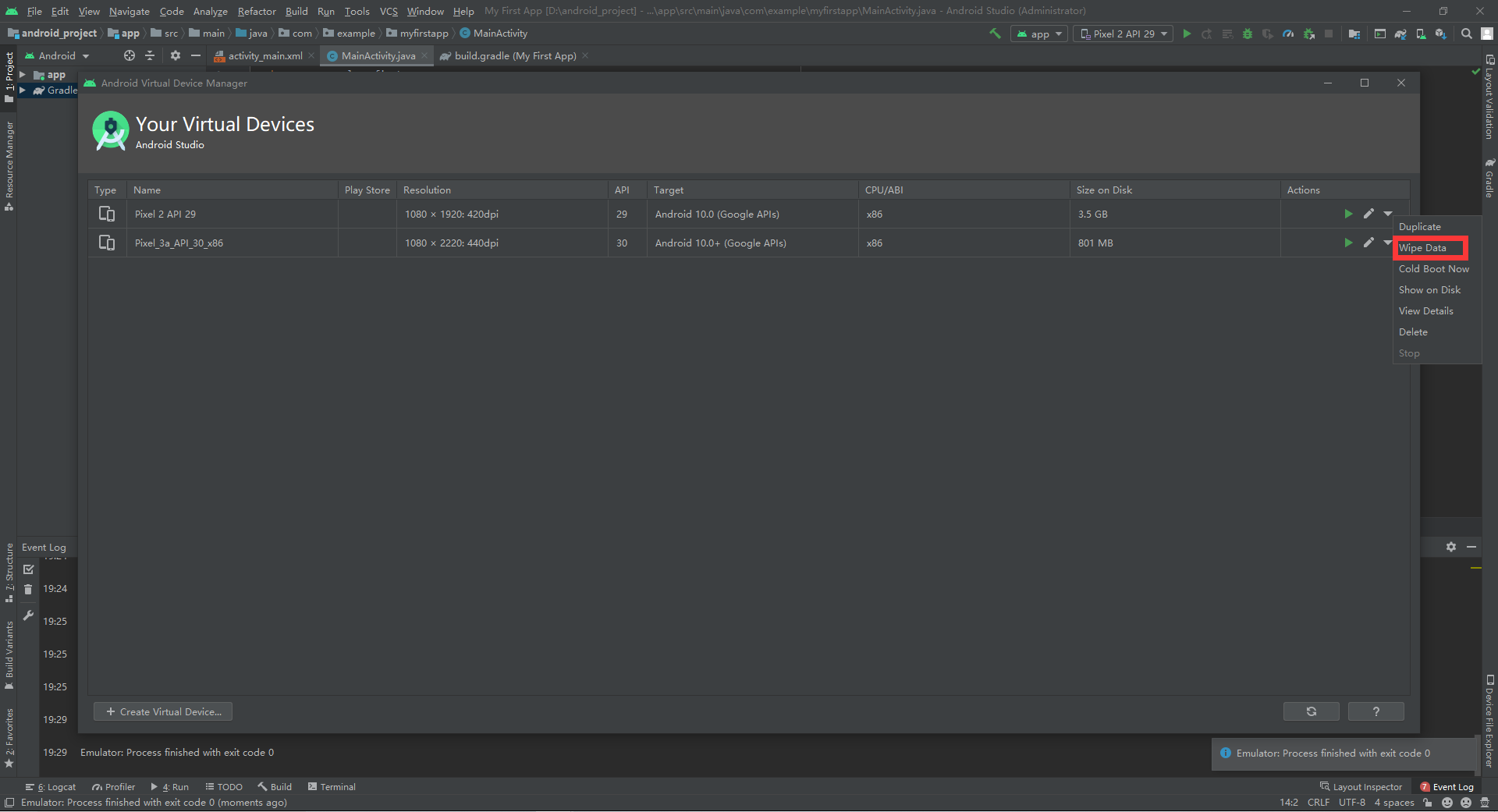
Open Tools-AVD Manager in the menu bar, select the device you want to run, find the inverted triangle symbol on the right of the device, and click Wipe Data.
Intelligent Recommendation
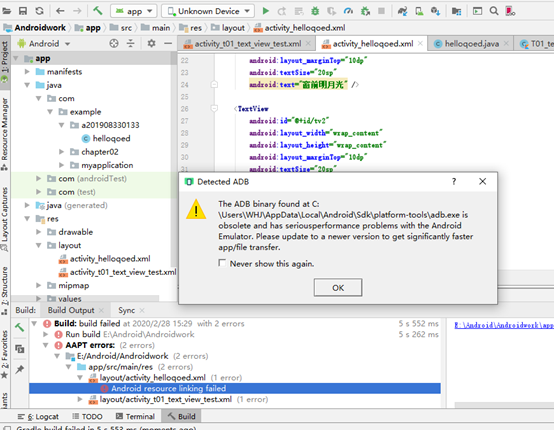
Android Studio project runtime error, the pop-up "Detected ADB Dialog"
Tips appears: The ADB binary found at XXX is obsolete and has serious performance problems with the Android Emulator. Please update to a newer version to get significantly faster app/file transfer. De...
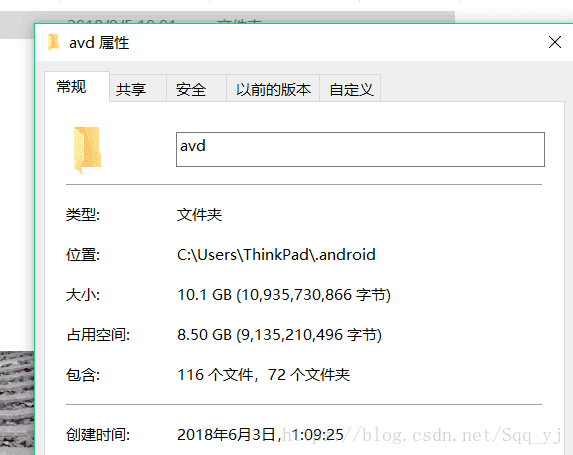
2018 Android Studio (clean up space) Modify the emulator storage path
After Android Studio is installed, the default image file that will create the emulator for us is placed: in C:\Users\Administrator.android. As shown below, the three simulators account for 10 G. . Yo...
Android Studio sets up Genymotion emulator, minimal installation
It is often necessary to use an emulator for testing in Android development. The emulator that comes with it is hard to say. When you press Run "app", the memory usage rises and the card bur...
PDF — — pdf Invalid PDF structure/Warning: Ignoring invalid character ...
Recently, I took over a legacy PDF error report task, using vue-pdf to get the server PDF report Warning: Ignoring invalid character “XX” in hex string error Troubleshooting process consol...
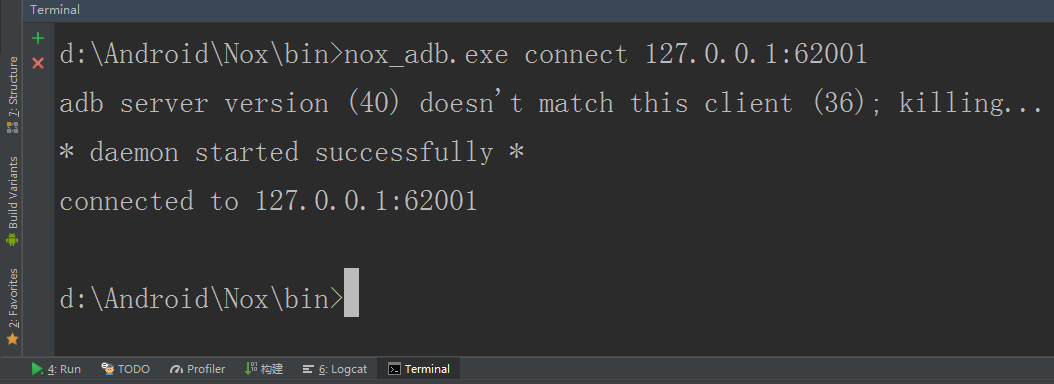
Android studio emulator
Simulator Debuts Night God Simulator Before configuring the simulator to use genymotion, according to the guide, after a long time, I can finally run the simulator. I am happy to open Android Studio a...
More Recommendation
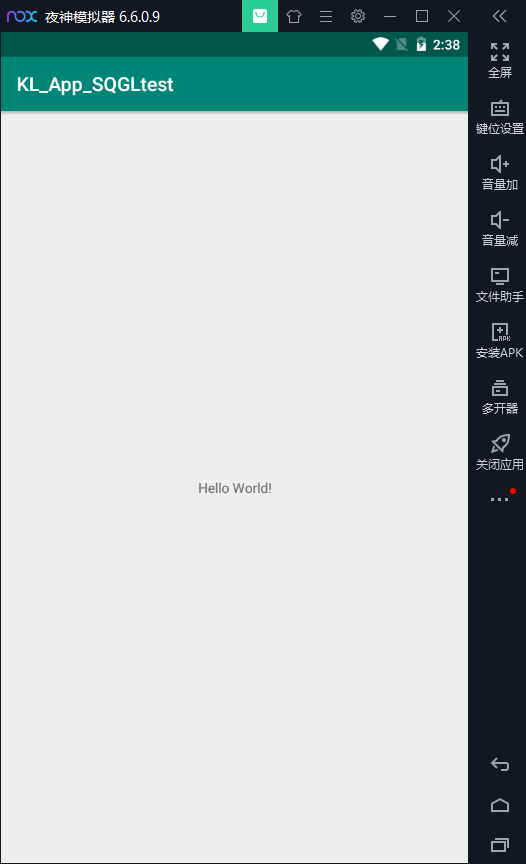
Emulator for Android Studio
Emulator for Android Studio Night God Simulator Download URL: https://www.yeshen.com/ Download and install (stupid installation) Installation is complete-enter the bin directory of your installation, ...

android-studio+Genymotion emulator
Reprinted note: http://blog.csdn.net/langyuewu/article/details/39196653 Recently changed the computer, reconfigured the Android development environment, and recorded: Early research on Android develop...
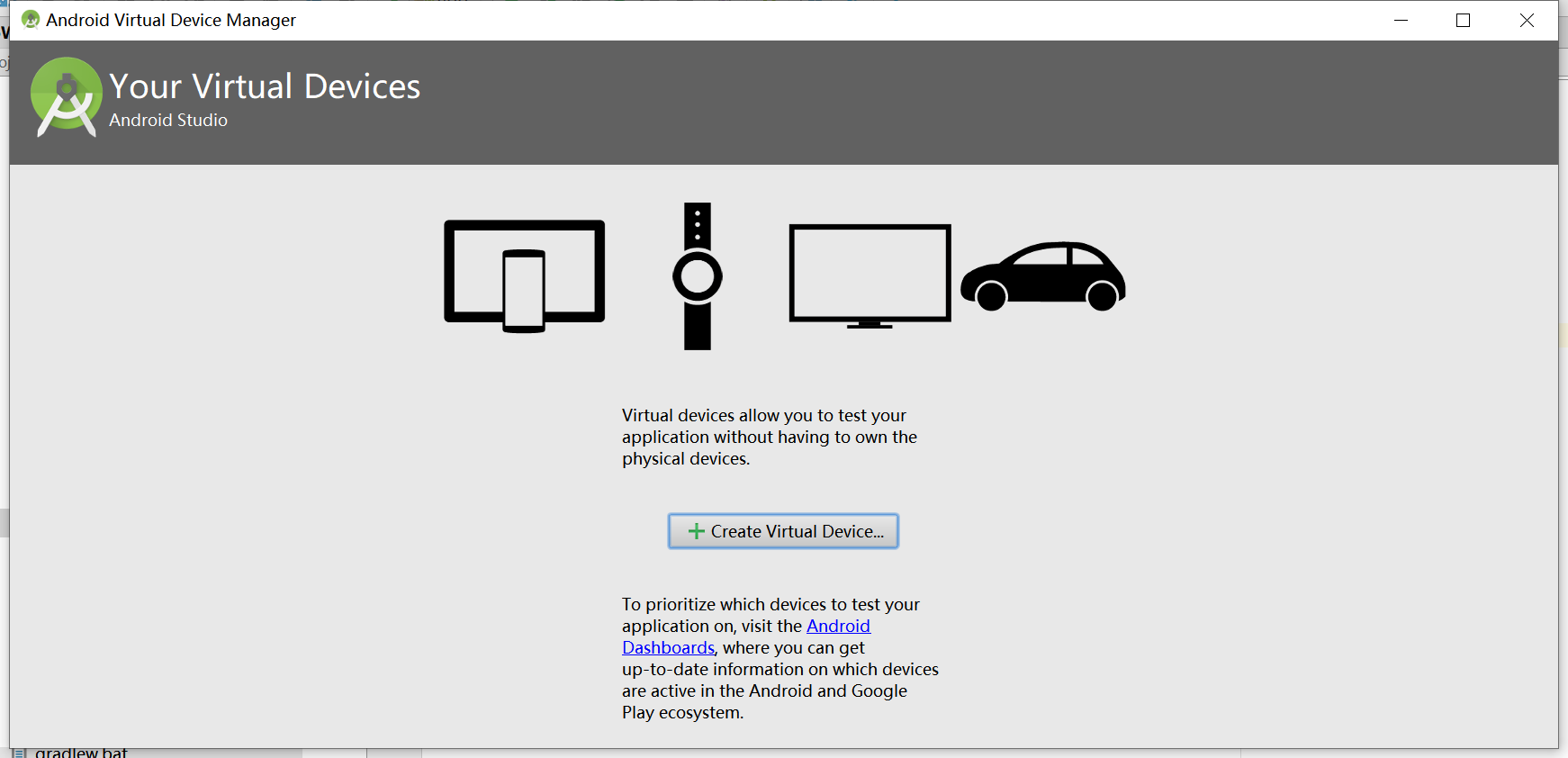
Android studio launches the emulator
Android studio launches the emulator Click on the AVDManager icon that resembles a mobile phone on the way Click the triangle run button in actions to start the simulator As follows: VT-x is disabled ...
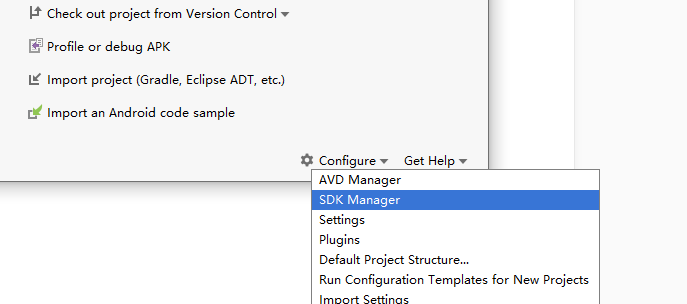
Android Studio creates an emulator
installation First official website download and installation package, all the way Next Here I choose not import settings Then prompt to connect to Google and select it directly Then the default setti...
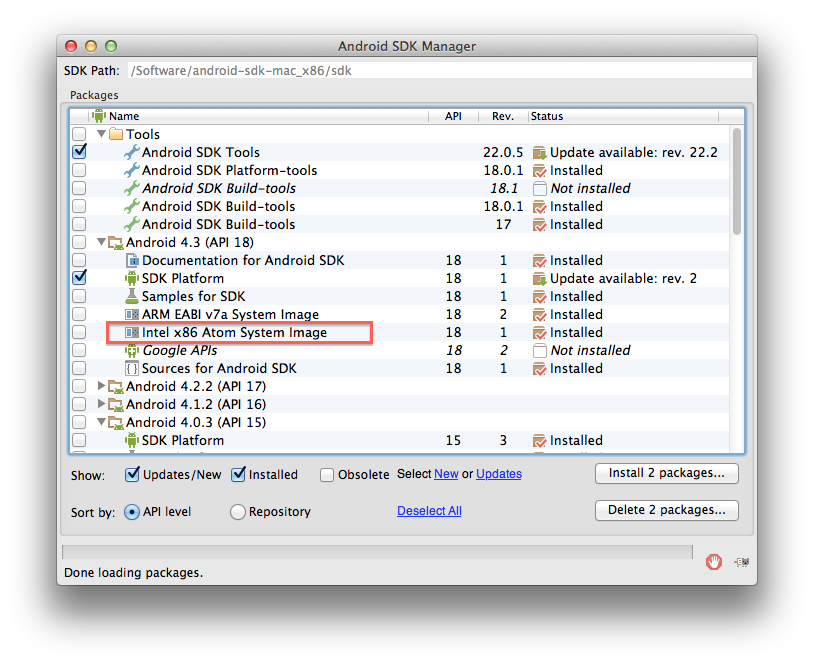
Speed up Android Emulator
Install ADT to do Android, the development tools run very fast, but the speed of the Android emulator is really compelling Let me talk about my equipment first: Macbook pro: 1、Intel Core i5 2. 16G 160...