Introduction and installation of python tensorflow deep learning algorithm
About Tenso Flow
Tenso Flow is an open source learning library for programming based on data flow, TensorFlow. It was originally developed by researchers and engineers from the Google Brain Group (part of Google’s Machine Intelligence Research Institute) for research on machine learning and deep neural networks, but the system’s The versatility can also be widely used in other computing fields.
The data flow diagram is as follows, from the TensorFlow Chinese community
TensorFlow installation preparation
The prerequisite for TensorFlow installation is that the system has Python 2.5 or higher. The examples in the tutorial are designed based on Python 3.7 (Anaconda 3 version). In order to install TensorFlow, first make sure you have installed Anaconda. You can download and install Anaconda for Windows/macOS or Linux from the website (https://www.continuum.io/downloads).
After the installation is complete, you can use the following command in the window to verify the installation:
import tensorflow
Points to note when installing Tensorflow:
MacOS, Linux, Windows systems all support Tensorflow
Determine your python version
If your GPU is NVIDIA, you can install the GPU version of Tensorflow; it doesn't matter if your GPU is not NVIDIA, just install the CPU version.
This section uses pip to install on each system:
# Linux and MacOS
This article will mention the first and easiest installation method, pip installation. When using pip to install, make sure that your pip already exists on your computer. If you haven’t installed pip yet. You can run this in the Terminal window, upgrade Necessary components:
# Ubuntu/Linux 64-bit system execution code:
$ sudo apt-get install python-pip python-dev
# Execution code of Mac OS X system:
$ sudo easy_install --upgrade pip
$ sudo easy_install --upgrade six
# CPU version
The exciting time has come. Tensorflow (after 0.12) has been updated to bypass the complicated installation steps. If you only need to install the CPU version of Tensorflow, just run the following:
# python 2+ users:
$ pip install tensorflow
# python 3+ users:
$ pip3 install tensorflow
Note: You need pip version 8.1 or higher to install successfully.
# GPU version
Tensorflow no longer supports the GPU version of mac. Here are the instructions for installing the GPU version of Linux. It is necessary to install NVIDIA CUDA first.
$ sudo apt-get install libcupti-dev
Then make sure that pip is available on your linux, and then we can install it directly via pip:
$ sudo apt-get install python-pip python-dev   # for Python 2.7
$ sudo apt-get install python3-pip python3-dev # for Python 3.n
Then choose the cpu or gpu version you want.
$ pip install tensorflow      # Python 2.7; CPU support (no GPU support)
$ pip3 install tensorflow     # Python 3.n; CPU support (no GPU support)
$ pip install tensorflow-gpu  # Python 2.7;  GPU support
$ pip3 install tensorflow-gpu # Python 3.n; GPU support
# Windows
The official installation instructions of tf in windows, in fact, the simple way is to install Anaconda, which saves you from installing this installation. I don’t know if there are any troubles that have not been installed. If you like to install with pip, just go through the west side. Up.
Check before installation:
Currently only supports Python 3.5/3.6 (64bit) version
You have numpy installed (if not, please see the numpy installation tutorial here)
Next is thrilling! Execute in the command window
# CPU version
C:\> pip3 install --upgrade tensorflow
# GPU version
C:\> pip3 install --upgrade tensorflow-gpu
Note
If you encounter this error when running Tensorflow on Windows:
Error importing tensorflow.  Unless you are using bazel,
you should not try to import tensorflow from its source directory;
please exit the tensorflow source tree, and relaunch your python interpreter
from there.
Don't panic, try to download and install Microsoft Visual C++ 2015 redistributable update 3 64 bit for Windows. This problem can be solved.
Or when the following error occurs when running on Windows, you need to install the Windows Visual C++ Redistributable for Visual Studio 2015 to successfully solve the problem.
ImportError: No module named '_pywrap_tensorflow_internal'
Intelligent Recommendation
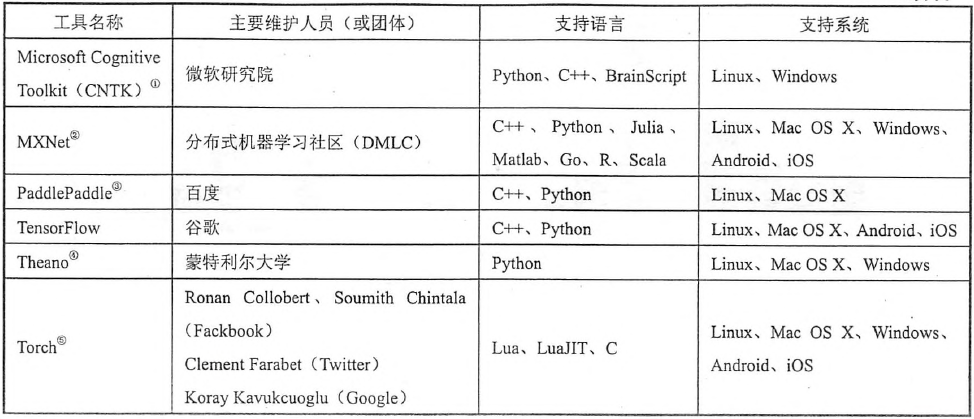
Introduction to Tensorflow of Deep Learning Framework
Recently, deep learning is very hot. Previously, we have been learning traditional machine learning algorithms, so now we plan to learn deep learning. Below, I refer to some materials and introduce Te...
Deep learning 001-tensorflow installation
Choose a type You must choose one of the following types of TensorFlow to install: TensorFlow only supports CPU support. This version must be installed if your system does not have an NVIDIA® GPU....
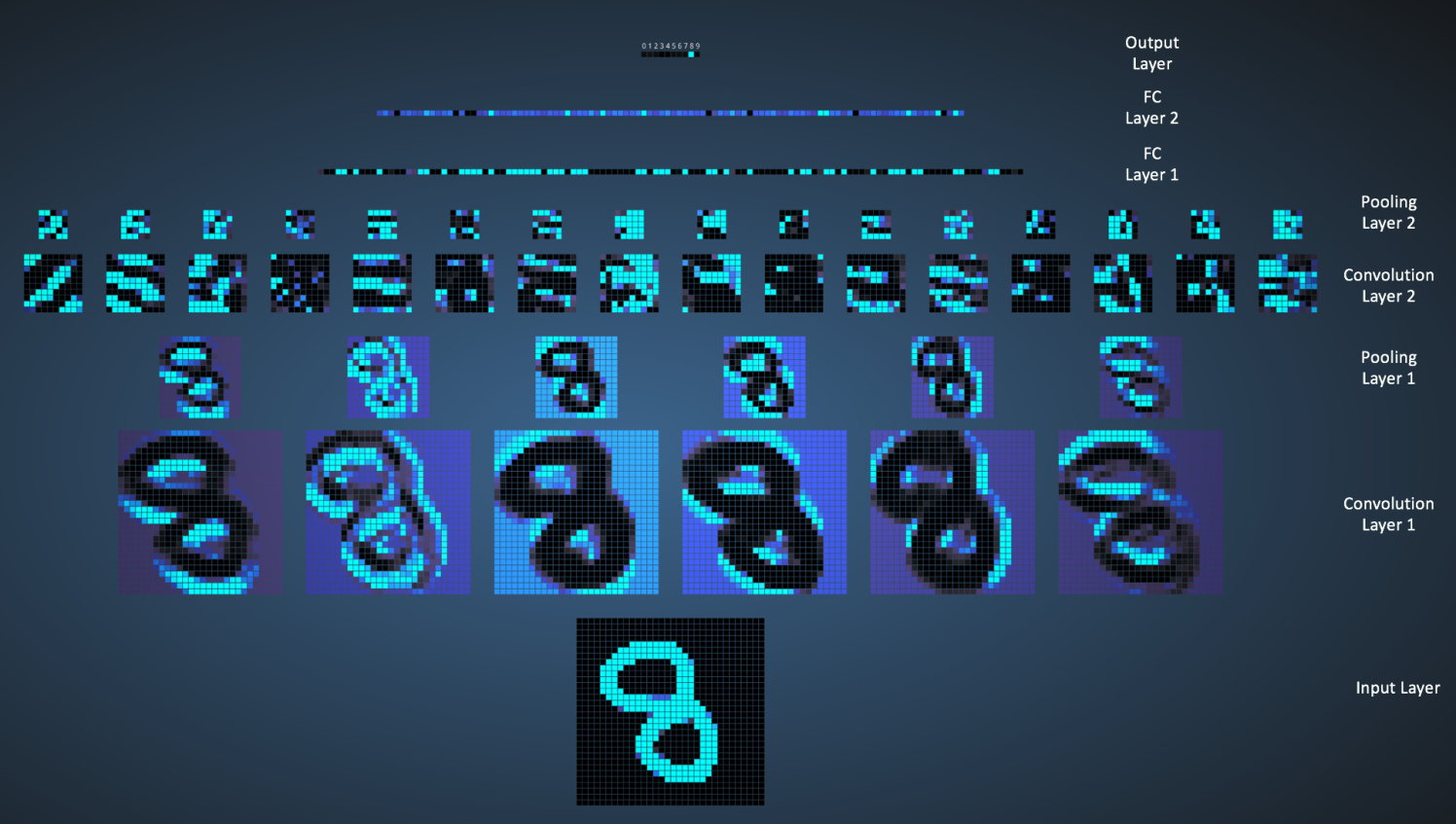
TensorFlow deep learning framework installation
TensorFlow deep learning framework installation To install the Python environment, TensorFlow supports Python 3.5.x and Python 3.6.x versions, which can be installed via Anaconda software. It is recom...
Deep learning-TensorFlow 1.4 installation
I recently read "TensorFlow for Deep Learning: Introduction, Principles and Advanced Practice", and I have a little summary experience in actual operation. installation TensorFlow used in th...
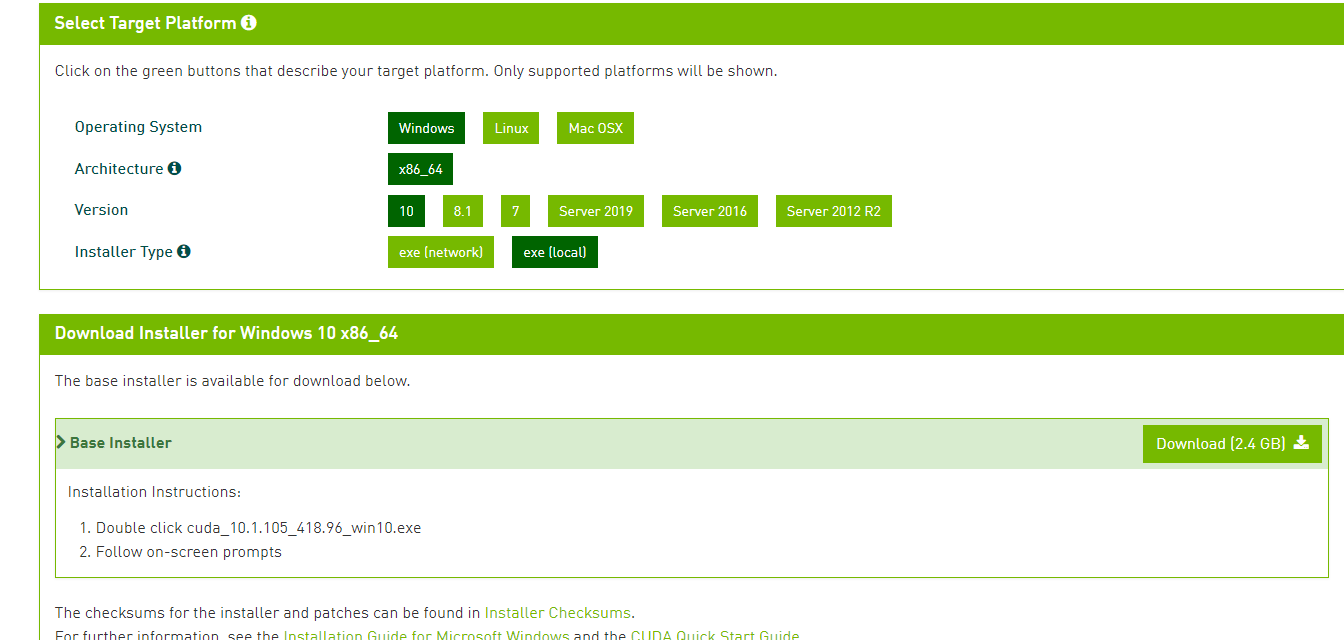
TensorFlow 2.2.0 installation in deep learning
Note: Deadline is May 16, 2020 At the beginning of deep learning, installing software is an unavoidable headache. Regarding this, it reminds me of my fear of installing eclipse in 2014. I also found m...
More Recommendation
Tools for deep learning: Tensorflow installation
Tools for deep learning:TensorFlowinstallation TensorFlowinstallation TensorFlowAs one of the best depth learning tools, although Keras has done a lot of packages in order to simplify,TensorFlowIt is ...

Introduction to Deep Learning-Use Python, TensorFlow and Keras p.1 for deep learning basics
Welcome everyone to join the latest deep learning in the Python and TensorFlow tutorial mini series. Since the first deep learning with the TensorFlow course two years ago, a lot has changed. Starting...
[1] Tensorflow installation, commonly used python mirror sources, Tensorflow deep learning to strengthen learning teaching
related articles: [1] Tensorflow installation, commonly used python mirror sources, Tensorflow deep learning to strengthen learning teaching [2] Tensorflow debugging error, Tensorf...
Python Deep Learning Thension Tensorflow
It took a few days of deep learning, so I opened the Tensorflow's learning trip. After configuring the Tensorflow environment, I found that Tensorflow's syntax and Python have a big gap. This chapter ...
Python deep learning tensorFlow basis
Foreword This article refers to the notes made by Andrew Ng Deplerning.ai, TensorFlow is version 2.x version Tensorflow basis Articles directory Foreword Tensorflow basis 1. Data pre -processing 1. Ge...