Node command error --nodemon: Unable to recognize "nodemon" item
tags: npm
Watching the video today, I want to practice using itnpmRealize cross-domain requests on this machine. First of all, take a look at nodemon.
nodemon
nodemon is used to monitor any changes in the node.js application and automatically restart the service, which is very suitable for use in a development environment.
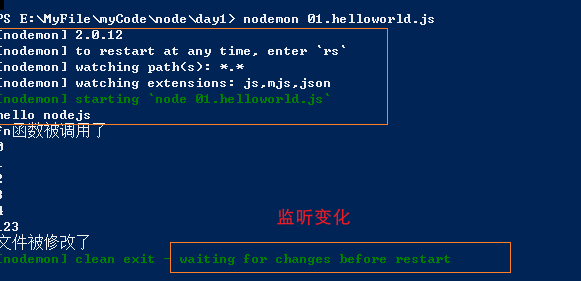
nodemon will monitor the files in the startup directory, and if any file changes, nodemon will automatically restart the node application.
Nodemon does not require any changes to the code or development methods. Nodemon simply wraps your node application and monitors any files that have changed. nodemon is just a replacement package for node, it just replaces node on the command line when running the script.
nodemon Git address:github.com/remy/nodemon#nodemon
Error summary
First:
nodemon: The "nodemon" item cannot be recognized as the name of a cmdlet, function, script file, or executable program. Please check the spelling of the name, if you include the path
, please make sure the path is correct and try again.
Location line: 1 character: 1
+ nodemon index.js
+ CategoryInfo : ObjectNotFound: (nodemon:String) [], CommandNotFoundException
+ FullyQualifiedErrorId : CommandNotFoundException
the second:
'nodemon' is not an internal or external command, nor an executable program
or batch file。
Using nodemon for the first time:
An error occurred:
nodemon: The "nodemon" item cannot be recognized as the name of a cmdlet, function, script file, or executable program. Please check the spelling of the name, if you include the path
 , Please make sure the path is correct and try again.
 Location Line: 1 Character: 1
+ nodemon index.js
    + CategoryInfo          : ObjectNotFound: (nodemon:String) [], CommandNotFoundException
    + FullyQualifiedErrorId : CommandNotFoundException
After checking the Internet, I found out that the nodemon component was not installed. Use the command line:
1. Global installation
npm install -g nodemon
2. Local installation
npm install --save-dev nodemon
After using the global installation, these lines will appear after the installation is complete:
npm WARN optional SKIPPING OPTIONAL DEPENDENCY: [email protected] (node_modules\nodemon\node_modules\fsevents):
npm WARN notsup SKIPPING OPTIONAL DEPENDENCY: Unsupported platform for [email protected]: wanted {"os":"darwin","arch":"any"} (current: {"os":"win32","arch":"x64"})

+ [email protected]
When testing the code, an error occurred:
nodemon: The "nodemon" item cannot be recognized as the name of a cmdlet, function, script file, or executable program. Please check the spelling of the name, and if you include the path, make sure the path is correct before you
 Try it once.
 Location Line: 1 Character: 1
+ nodemon index.js
+ ~~~~~~~
    + CategoryInfo          : ObjectNotFound: (nodemon:String) [], CommandNotFoundException
    + FullyQualifiedErrorId : CommandNotFoundException
After searching the information online, some netizens said that the results of nodemon and node are the same, but my test results:
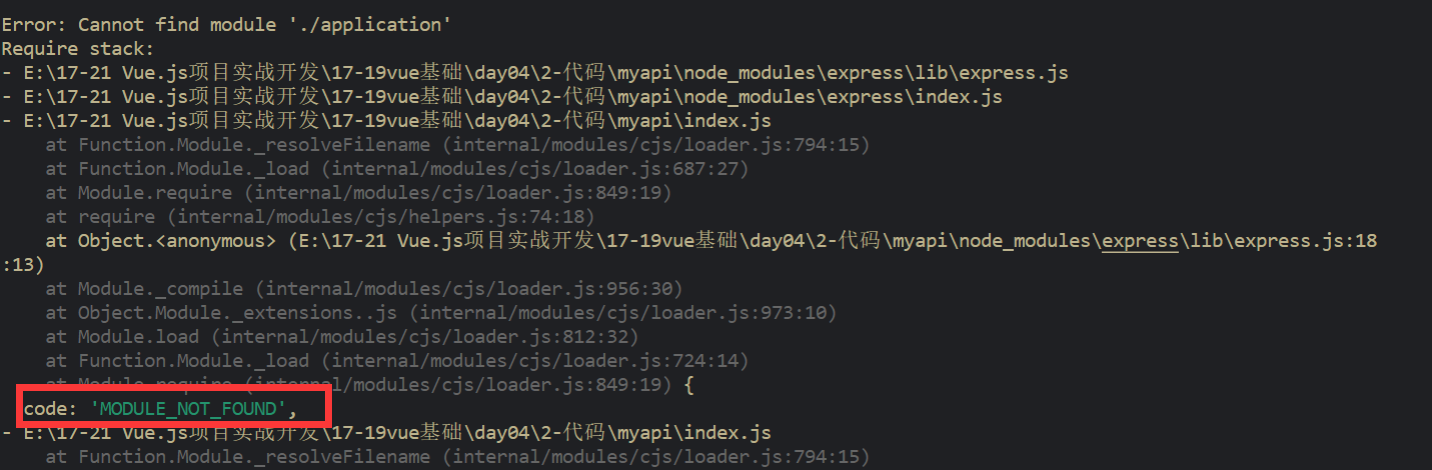
At this point, I know that I cannot rely on the solutions on the Internet. So take the way I often use:Overturn and start over
Solution
I chose to enter the project folder in the global cmd:
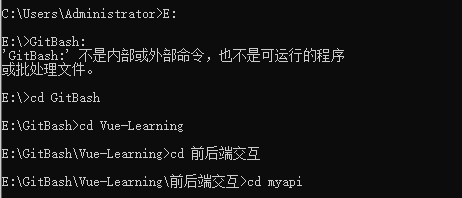
First install nodemon locally:
npm install --save-dev nodemonThe error that pops up is even more annoying:
'nodemon' is not an internal or external command, nor an executable program
 Or batch file.
Then I reinstalled npm in the project folder, and then reinstalled nodemon
npm installnpm install -g nodemonFinal test
node index.jsContents of index.js file:
const express = require('express')
const app = express()
const bodyParser = require('body-parser')
// handle static resources
app.use(express.static('public'))
 // Processing parameters
app.use(bodyParser.json());
app.use(bodyParser.urlencoded({ extended: false }));

 // Set to allow cross-domain access to the service
app.all('*', function (req, res, next) {
  res.header("Access-Control-Allow-Origin", "*");
  res.header('Access-Control-Allow-Methods', 'PUT, GET, POST, DELETE, OPTIONS');
  res.header("Access-Control-Allow-Headers", "X-Requested-With");
  res.header('Access-Control-Allow-Headers', 'Content-Type');
  res.header('Access-Control-Allow-Headers', 'mytoken');
  next();
});

 // routing
app.get('/data', (req, res) => {
  res.send('Hello World!')
})

 // start listening
app.listen(3000, () => {
  console.log('running...')
})
Create test.html for testing:
<!DOCTYPE html>
<html lang="en">

<head>
    <meta charset="UTF-8">
    <meta name="viewport" content="width=device-width, initial-scale=1.0">
    <meta http-equiv="X-UA-Compatible" content="ie=edge">
         <title>Asynchronous programming ajax</title>
</head>

<body>
    <script src="../js/jquery.min.js"></script>
    <script>
                 /*Traditional jQuery for ajax*/
        var ret = '---';
        $.ajax({
          url: 'http://localhost:3000/data',
          success: function(data) {
            console.log(data)
          }
        });
        console.log(ret)

    </script>
</body>

</html>
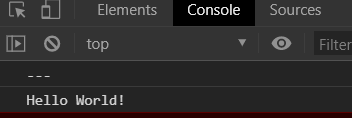
Successful output content:
Intelligent Recommendation
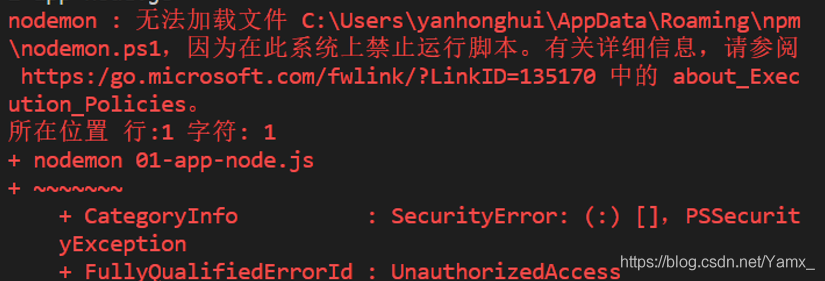
Solution for nodemon unable to start
After installing nodemon, the following happens when starting the server: solution: Open powershell as an administrator and enter set-executionpolicy remotesigned The following picture appears Choice ...
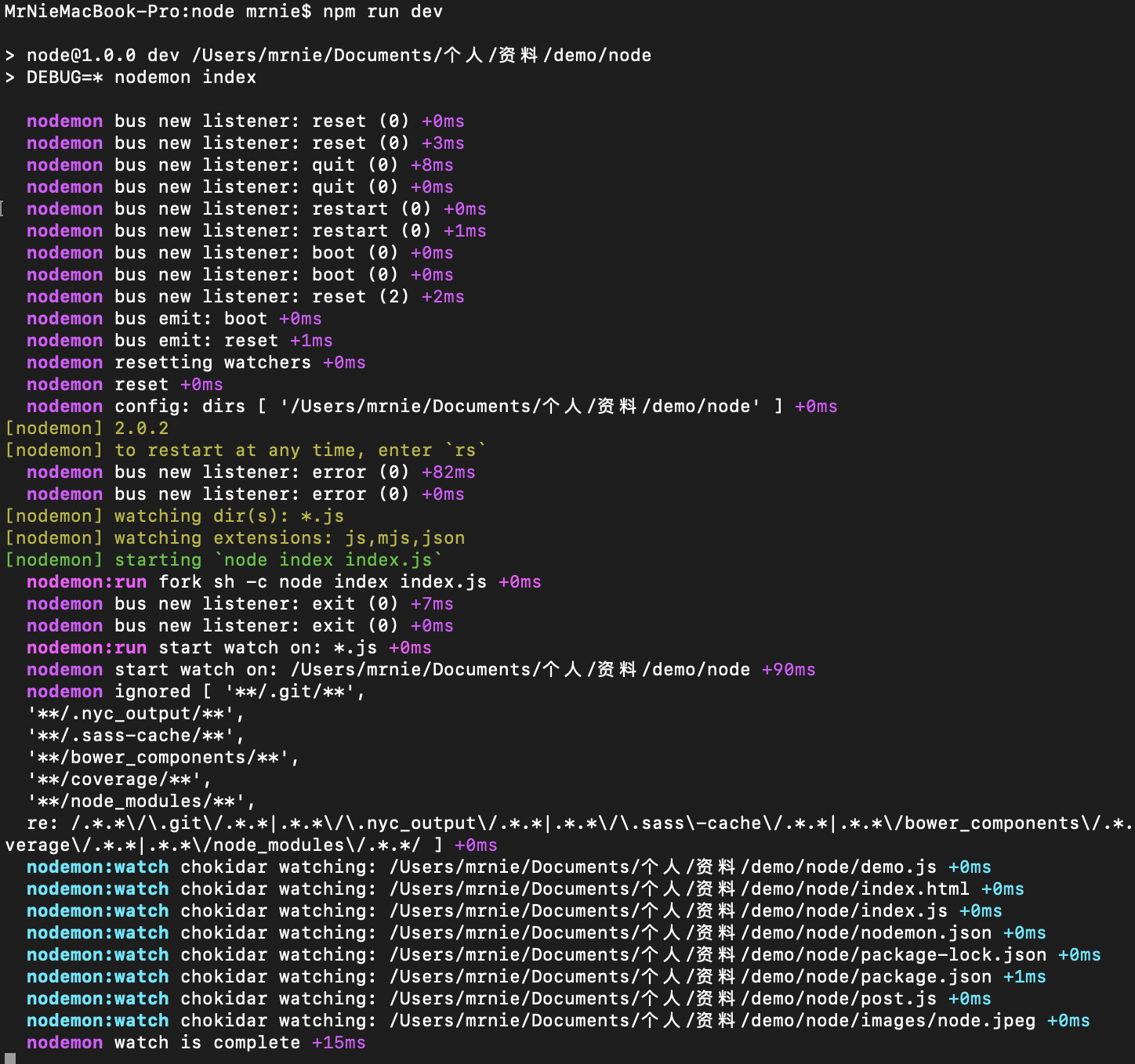
Node development tool-nodemon
Through the example in the previous article, we learned that every time we edit the code, we need to restart the service for the changed code to take effect. This is because when the service starts, t...
NODEmon node vrm
nodemon 1. Install nodemon npm install nodemon -D 2. Modify the command "start:node": "node src/app.js", "start": "nodemon src/app.js", rs: restart 3. Create no...
Node Tool Nodemon
nodemon NodeMon is a tool that automatically detects file changes in the directory to debug the Node.js-based application by restarting applications. Install use Delay rest...
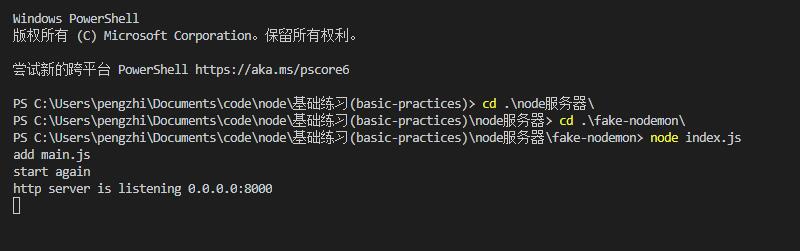
NodeMon of Node tool
NodeMon of Node tool Installation dependence Create a startup file Create a monitoring page Effect tips Original link:Learn the principle of implementation of nodemon Installation dependence Create a ...
More Recommendation
nodemon hot start node
Install nodemon Start nodemon Start problem solve: Win10: Select Windows PowerShell according to Win+X, enter the command below, select Y or A:...
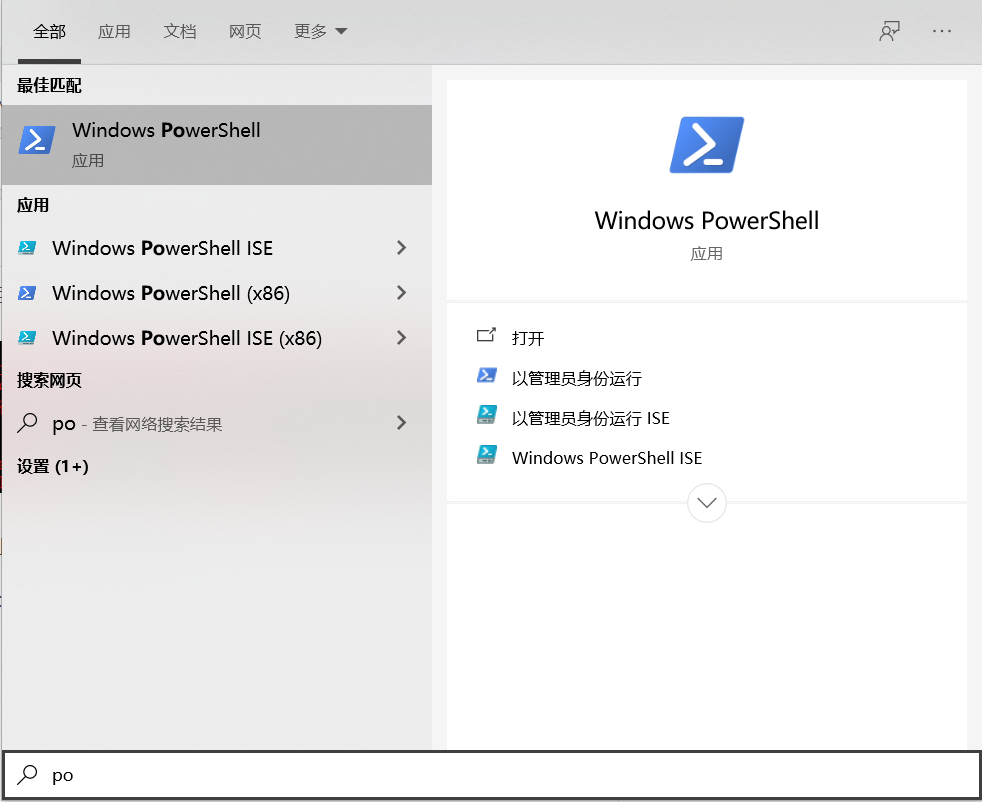
nodemon: Run prompt error: unable to load file xxxx
Today, I encountered a problem with installing nodemon in the project: the error is as follows Reason: Scripts are not allowed to run on this system Solution: Search for powerShell and choose to open ...
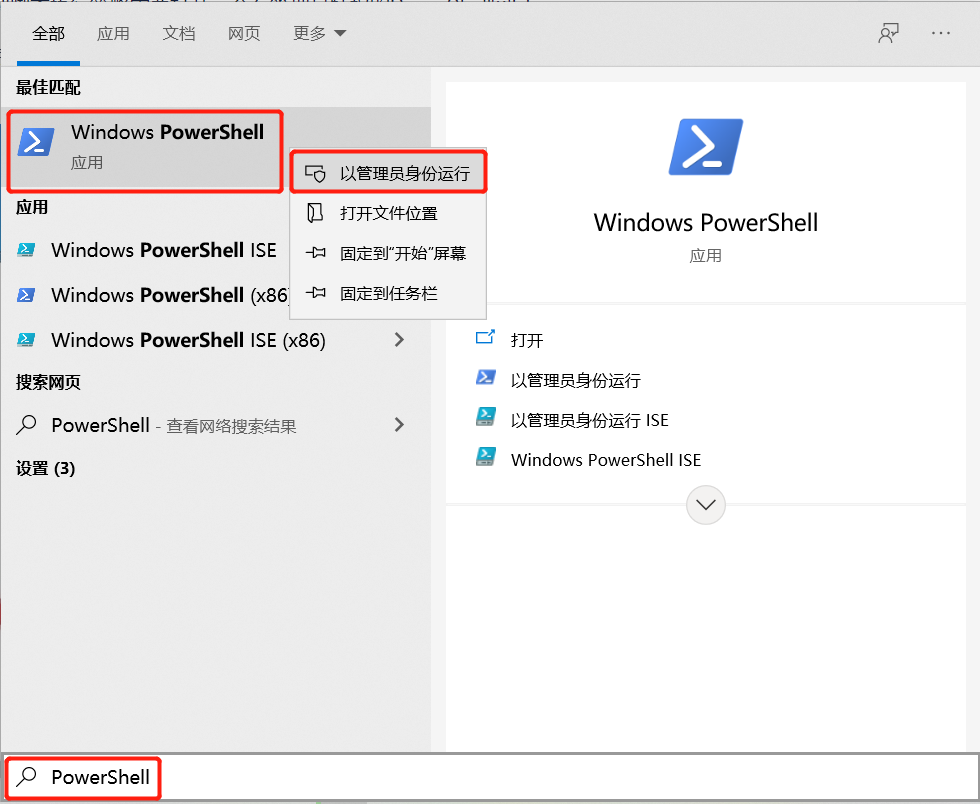
PowerShell's Nodemon running prompt error: Unable to load files
First, the problem reproduction 1.1 Introduction Operating system: Windows 10 Node.js:v14.16.1 nodemon:v2.0.9 1.2 question introduction Open Windows PowerShell, execute nodemon app.js named, error: Se...
Running nodemon in powerShell prompts an error: Unable to load file
Running nodemon in powerShell prompts an error: Unable to load file 1. Reproduction of the problem 1.1 Environment introduction Operating system: Windows 7 Node.js:v12.22.4 nodemon:v2.0.12 1.2 Introdu...

CMD/Linux/Vim/CNPM/Npm/yarn/node/nodemon command
CMD: ipconfig View ip configuration window+r quick open cmd is the abbreviation of command. Namely Command Prompt (CMD), "MS-DOS mode" under Win-based operating system. git base: Bash is a l...