Nginx Configuring boot automatic start in the Windows operating system
tags: Nginx service WinSW WinSW.NET Nginx self-start
Regarding how to configure nginx in a Windows operating system, the solution is as follows:
First, download the file service launch execution file Winsw.net4.exe
download link:https://github.com/winsw/winsw/releases
Download the latest stable version, I use 2.10.3:https://github.com/winsw/winsw/releases/tag/v2.10.3
After downloading the NGINX folder and renames service.exe, as shown below:
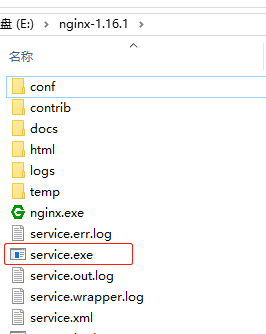
Second, create a new service.xml file under the Nginx folderThe content is as follows:
<!-- service.xml -->
<service>
<id>nginx</id>
<name>nginx</name>
<description>nginx</description>
<logpath>E:\nginx-1.16.1\</logpath>
<logmode>roll</logmode>
<depend></depend>
<executable>E:\nginx-1.16.1\nginx.exe</executable>
<stopexecutable>E:\nginx-1.16.1\nginx.exe -s stop</stopexecutable>
</service>
Note: There are three nginx root directory paths to change to their own machine.
Third, in the NGINX root directory, run the cmd command service.exe install as the system service as the administrator, then run the service.exe start service:
E:\nginx-1.16.1>service.exe install
2021-01-21 10:05:26,489 INFO  - Installing the service with id 'nginx'

E:\nginx-1.16.1>service.exe start
2021-01-21 10:06:07,489 INFO  - Starting the service with id 'nginx'

E:\nginx-1.16.1>
View service, installed as system services:
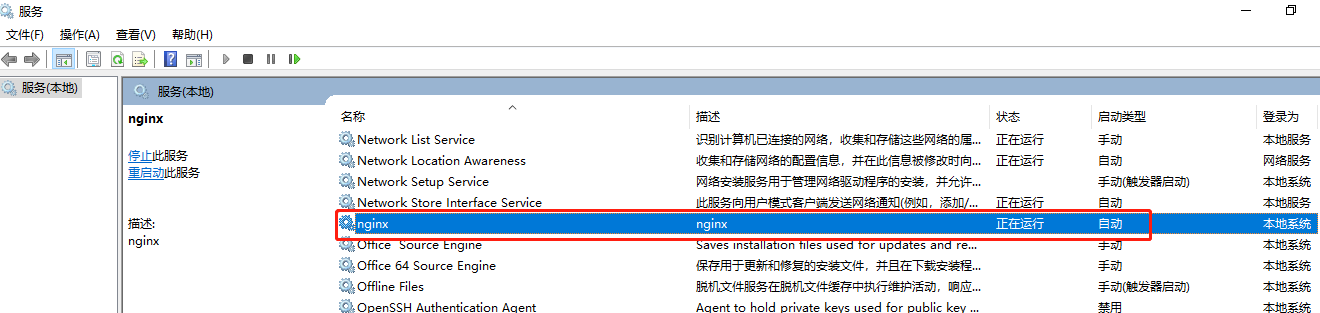
Fourth, the relevant command:
Registration System Service: Service.exe Install
Uninstall system service: Service.exe Uninstall
Stop System Services: Service.exe Stop
Start system service: Service.exe Start
Intelligent Recommendation
Nginx sets windows to start automatically at boot
Nginx installation reference here: The basic idea is to register Nginx as a windows service. 1. Download winswhttps://github.com/kohsuke/winsw/releases For example: WinSW.NET4.exe sample...
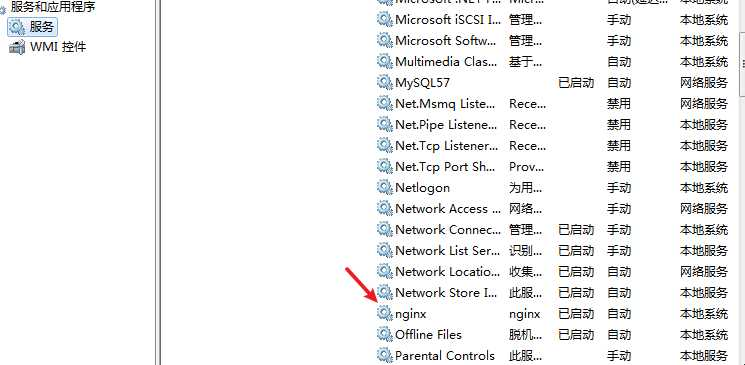
Lazy - Windows Set NGINX to boot from start
Download Winsw Configure Copy the downloaded winsw.net4.exe to the NGINX installation path and modify the name as nginx-service.exe (the name can be changed, but the suffix is .exe) Under the same d...
Under Windows to achieve nginx boot self-start
First, boot self-start 1. Right-click "New" -> Click "Text Document" -> Double click to open the "Text Document" copy and paste the content: Ctrl + S Save -> Rig...
Windows computer setting nginx boot self-start
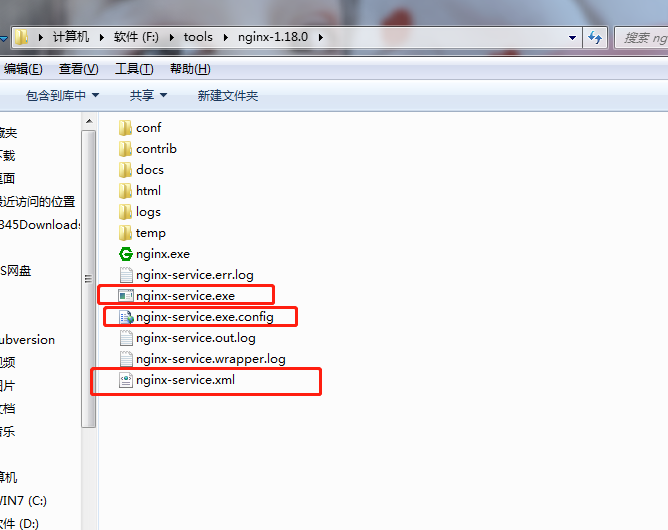
Since the startup must be manually started manually, it is more troublesome. Now there is a need for nginx to boot from the boot, inquiry information, and organize it. The new file name is: nginx-serv...

WINDOWS NGINX service boot self-start
If you do a server with a Windows system, Nginx 1. Download Winsw (Window Service Wraper) address:https://github.com/kohsuke/winsw/releases There are different versions, simultaneously divided into 32...
More Recommendation
Redhat operating system boot from the start oracle
Redhat operating system boot from the start oracle 1. Check $ORACLE_HOME first Configured in .profile if not configured Source .profile reload takes effect 2. Modify under the oracle user These two fi...
Linux operating system boot self-start
I recently bought a Nano PI as a server, used to execute the Java program, climb the unfinished job on the super star network and send details into the QQ mailbox, saving a tired operation of one by o...

How to start tomcat by booting on windows operating system
demand: I hope tomcat can be run when the windows system is turned on so that the website deployed in tomcat can be used. condition: Assuming that tomcat has been installed in windows, and double-clic...
Use Windows boot Ubuntu dual operating system
Waste guide guide BIOS cancel security boot security start fast start Report RST error Change the SATA CONFIG in Bois to AHCI without reporting, please As the code farmer, the general meeting needs to...

Open and close of nginx under windows operating system
Turn on: method 1: Double click directlynginx.exe, You can see the black window flashes by, then nginx starts successfully Method 2: Enter in the address bar under the nginx installation directorycmd,...