[✗] Android toolchain-develop for Android devices ✗ Unable to locate Android SDK. Mac terminal configuration error problem solved
tags: flutter
When running flutter doctor on the Mac terminal, it reported that the Android SDK address was not found, as follows
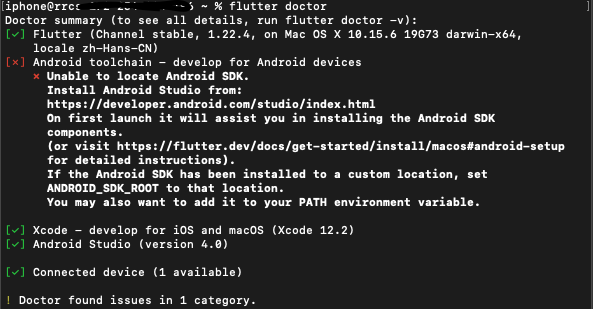
[✗] Android toolchain - develop for Android devices
✗ Unable to locate Android SDK.
Install Android Studio from:
https://developer.android.com/studio/index.html
On first launch it will assist you in installing the Android SDK
components.
(or visit https://flutter.dev/docs/get-started/install/macos#android-setup
for detailed instructions).
If the Android SDK has been installed to a custom location, set
ANDROID_SDK_ROOT to that location.
You may also want to add it to your PATH environment variable.
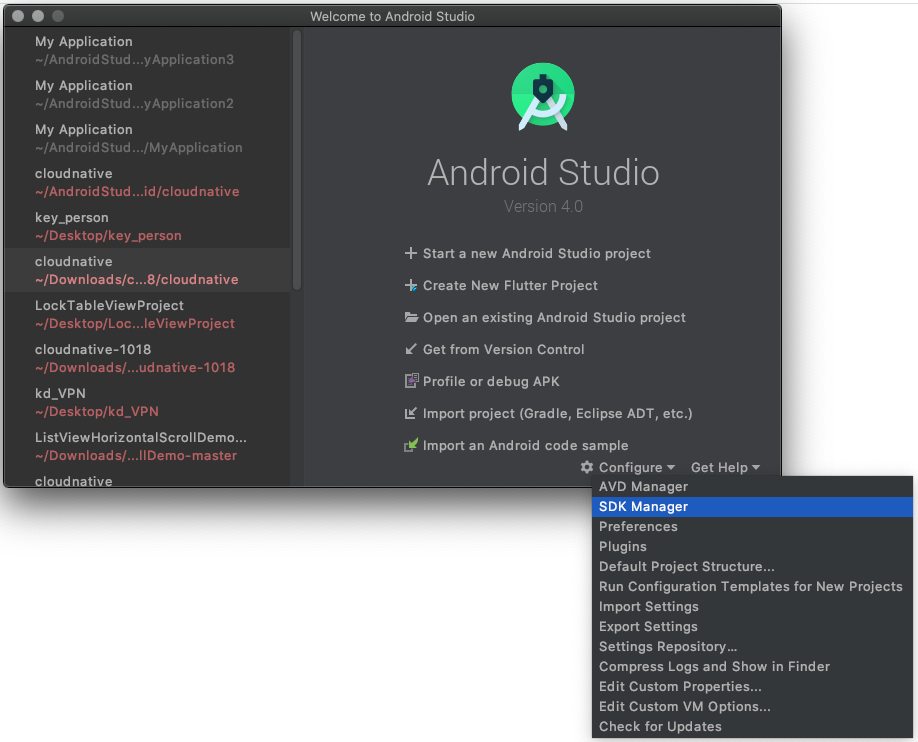
The solution is as follows, open Android Studio->click Configure->click SDK Manager in the lower right corner, as shown below
Then the corresponding SDK management interface will pop up, as shown below:
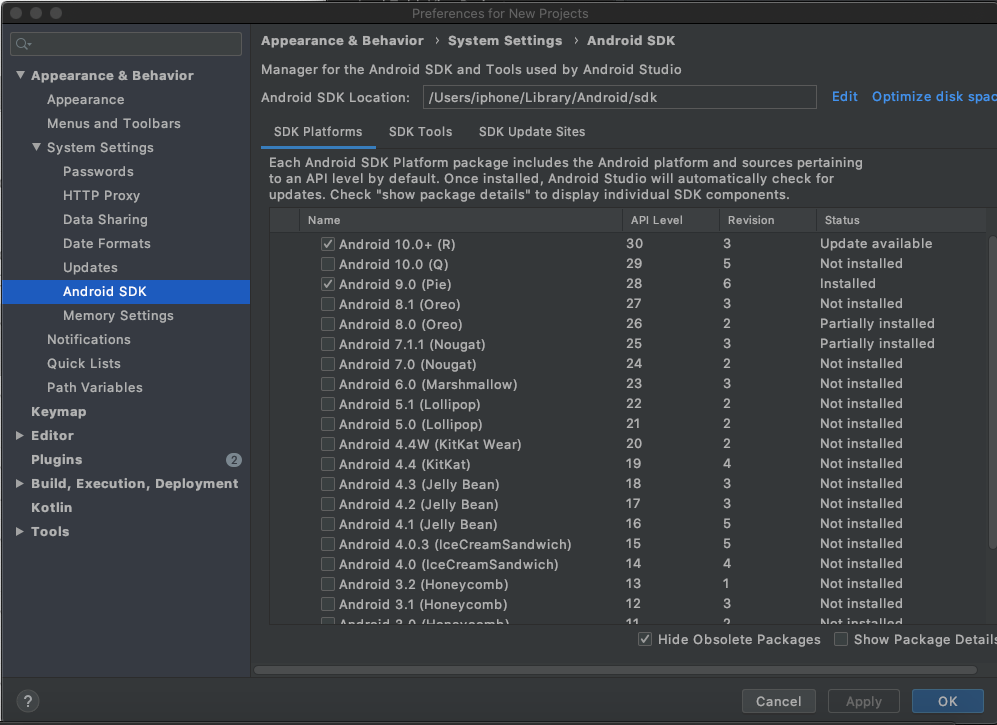
Find the Android SDK Location, copy the address path above, /Users/your username/Library/Android/sdk
Then enter the command in the terminal: flutter config --android-sdk /Users/your username/Library/Android/sdk
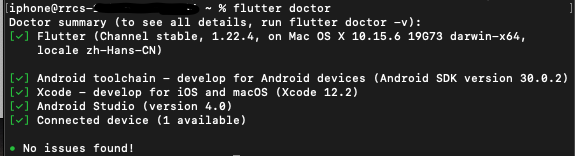
Execute again: flutter doctor, the problem is solved!
Intelligent Recommendation
[!] Android toolchain - develop for Android devices (Android SDK version 30.0.2) ! Some Android
[!] Android toolchain - develop for Android devices (Android SDK version 30.0.2) ! Some Android licenses not accepted. To resolve this, run: flutter doctor --android-licenses Enter on the console Then...
[!] Android toolchain - develop for Android devices (Android SDK version 30.0.2) ! Some Android
Error message: [!] Android Toolchain - Develop for Android Devices (Android SDK Version 30.0.2)! Some Android Licenses Not Accepted. To Resolve this, Run: Flutter Doctor --android-licenses...
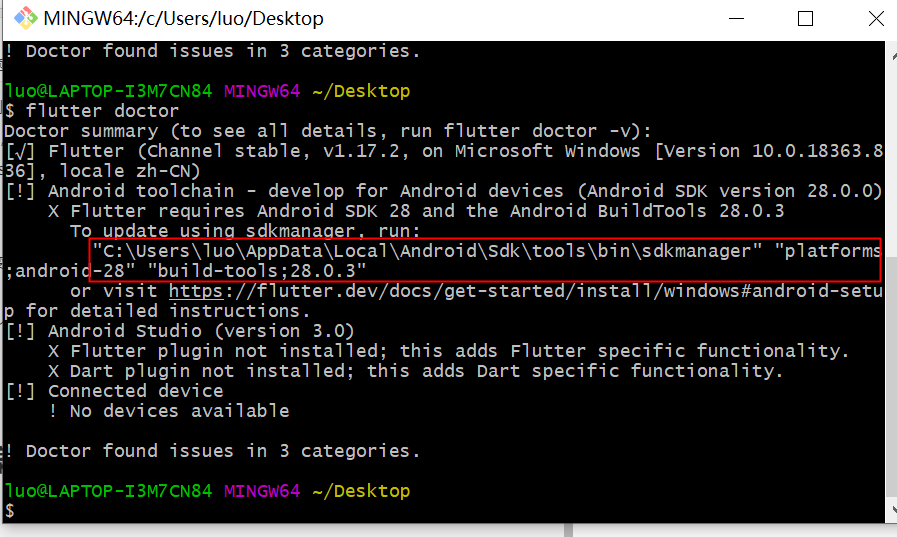
Android toolchain - develop for Android devices (Android SDK version 28.0.0) X Flutter requires
Encountered the following problems during the configuration of flutter Solution (1) Solution (two) Press flutter doctor, prompt cmd to run this sentence...
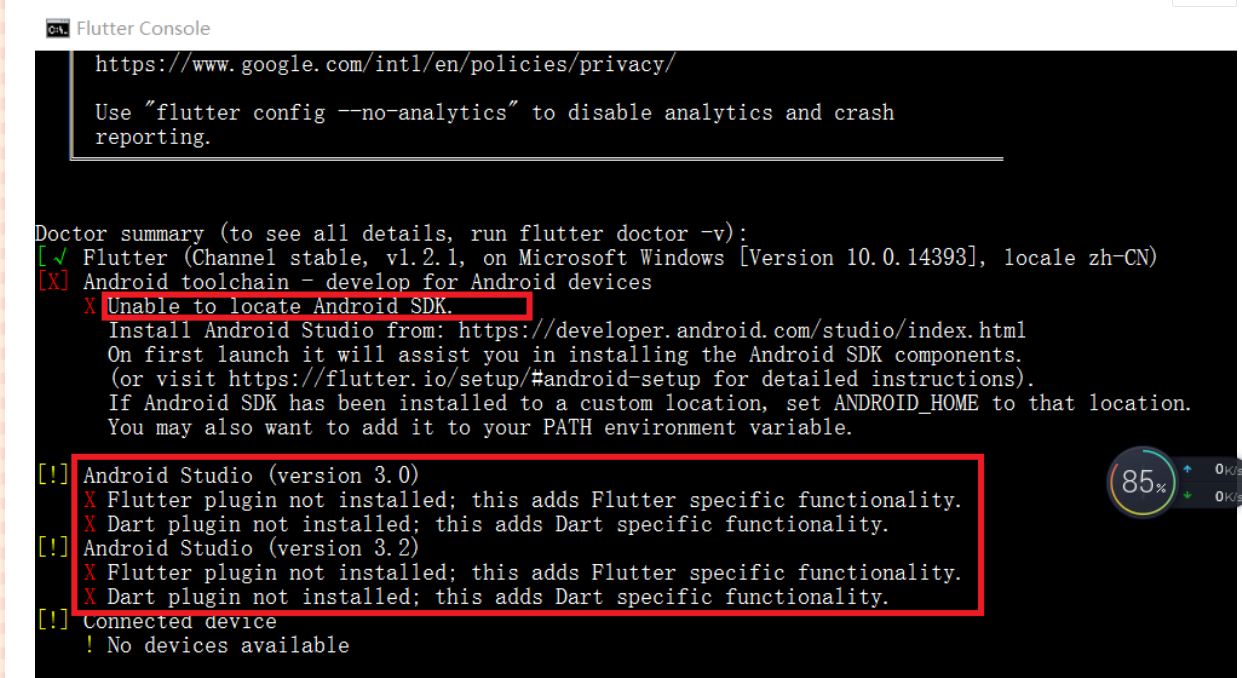
(Error) Flutter Unable to locate Android SDK.
Error message Flutter Unable to locate Android SDK solution: (1) The error message is obviously that the local Android SDK was not found, so we need to configure environment variables on the computer ...
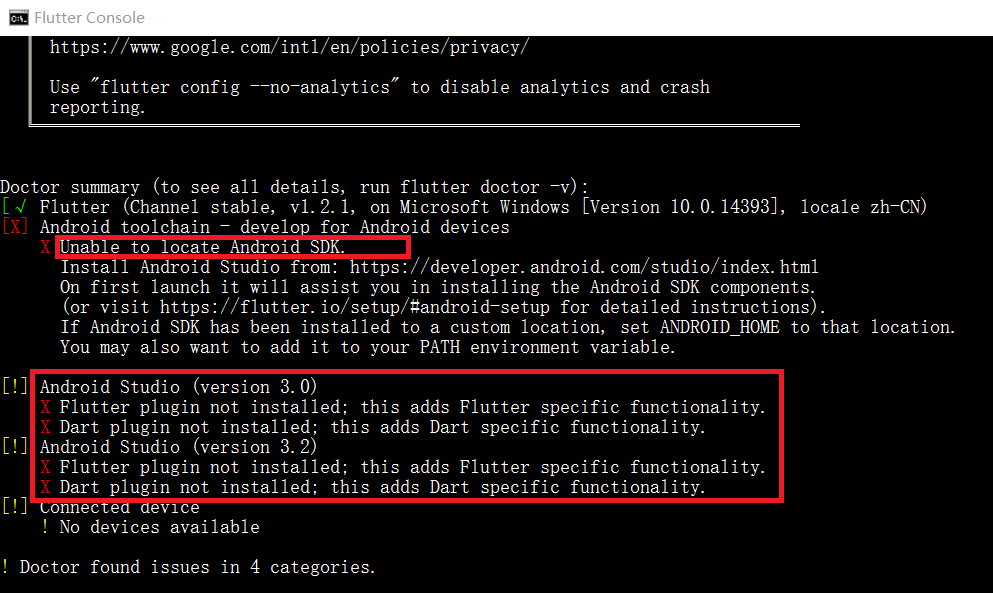
Flutter Unable to locate Android SDK.
Solution Prompt not foundAndroid SDK? Then say that if you install in a custom path, you must setANDROID_HOME, Ok then add Right-click on the desktop My Computer>Properties>Advanced System Setti...
More Recommendation
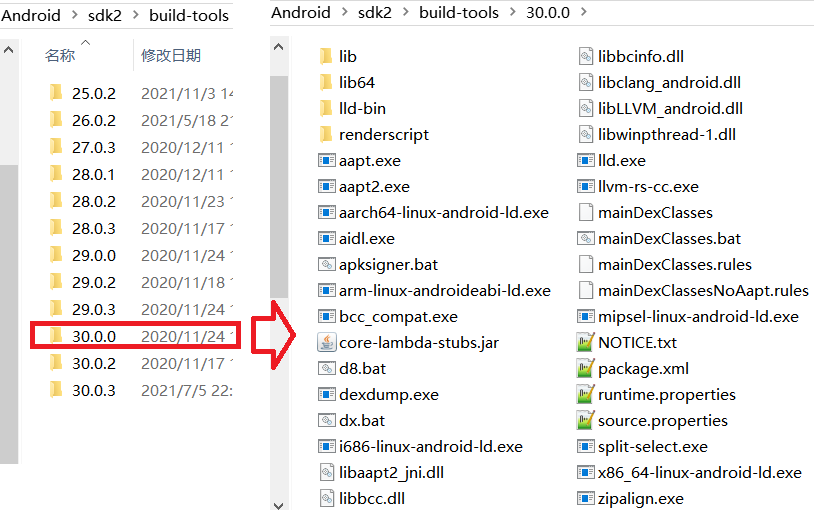
Android SDK Toolchain List
content Building tool aapt/aapt2 apksigner zipalign d8 aidl jetifier bundletool Command line tool apkanalyzer avdmanager lint sdkmanager Platform tool adb etc1tool fastboot logcat dmtracedump systrace...
Flutter error: Android toolchain "but Android SDK not found at this location"
Flutter error: Android toolchain "but Android SDK not found at this location" The current environment macOS 10.13.6 Android Studio 3.5 Android Studio 3.5 Flutter 1.9.1+hotfix.2 Dart 2.5.0 Er...

After Android studio updates itself or SDK, the error problem is solved
After updating itself or SDK through Androidstudio, some problems often occur, many of which are caused by the need to modify the configuration. 1. The gradle plug-in version is too old, the solution ...
[Android][as][error] The problem of unable to install apk using adb is solved
I was writing a simple lock screen program recently, but after a few days, I changed the root file name, but the Android studio couldn't install the apk. The following error was reported. I was puzzle...
MAC installation configuration Android SDK
1. Install SDK You can use the Brew package management tool to install the software on the MAC, so if you want to install SDK, you need to install the Brew package first. For details, please refer to ...