Vue use image viewer v-viewer
tags: v-viewer vue-viewer viewer viewerjs Picture Viewer
-
Plug-ins Introduction
Based viewer.js plug-in for Vue Image Viewer Component
Official website address:https://mirari.cc/v-viewer/
-
Download and install
By npm install:
npm install v-viewer
GitHub Download:https://github.com/mirari/v-viewer
-
UMD usage
Browser:
<link href="viewerjs/viewer.css" rel="stylesheet">
<script src="vue/vue.js"></script>
<script src="viewerjs/viewer.js"></script>
<script src="viewerjs/v-viewer.js"></script>
<! - the form of instructions ->
<div class="images" v-viewer>
  <img src="1.jpg">
  <img src="2.jpg">
</div>
 <! - component form ->
<viewer :images="images">
  <img v-for="src in images" :src="src" :key="src">
</viewer>
<script>
  Vue.use(VueViewer.default)
</script>
CommonJS:
var VueViewer = require('VueViewer');
AMD:
require(['VueViewer'], function (VueViewer) {});
-
Vue usage instruction form
Only need to add the v-viewer instructions to any element can, all the elements are in the img elements are automatically processed viewer.
CI may be passed options: v-viewer = "{inline: true}"
You can first use the selector to find the target element, and then to get the viewer instance with el. $ Viewer.
<template>
  <div id="app">
    <div class="images" v-viewer="{movable: false}">
      <img v-for="src in images" :src="src" :key="src">
    </div>
    <button type="button" @click="show">Show</button>
  </div>
</template>
<script>
  import 'viewerjs/dist/viewer.css'
  import Viewer from 'v-viewer'
  import Vue from 'vue'
  Vue.use(Viewer)
  export default {
    data() {
      images: ['1.jpg', '2.jpg']
    },
    methods: {
      show () {
        const viewer = this.$el.querySelector('.images').$viewer
        viewer.show()
      }
    }
  }
</script>
Instruction decorators: static
Adding decorator background, viewer created only once when the element binding instructions.
If you determine picture elements within will not change, we use it to avoid unnecessary reconstruction action.
<div class="images" v-viewer.static="{inline: true}">
  <img v-for="src in images" :src="src" :key="src">
</div>
-
Vue component in the form of usage
You can also introduce a separate full-screen components and parts Sign it.
UseScope slot Photo Gallery to customize your way.
Inited event monitor to get the viewer instance, or you can use this.refs.xxx. $ Viewer in this way.
<template>
  <div id="app">
    <viewer :options="options" :images="images"
            @inited="inited" class="viewer" ref="viewer">
      <template scope="scope">
        <img v-for="src in scope.images" :src="src" :key="src">
        {{scope.options}}
      </template>
    </viewer>
    <button type="button" @click="show">Show</button>
  </div>
</template>
<script>
  import 'viewerjs/dist/viewer.css'
  import Viewer from "v-viewer/src/component.vue"
  export default {
    components: {
      Viewer
    },
    data() {
      images: ['1.jpg', '2.jpg']
    },
    methods: {
      inited (viewer) {
        this.$viewer = viewer
      },
      show () {
        this.$viewer.show()
      }
    }
  }
</script>
-
Plug-in configuration items
Other items please refer to the detailed configuration viewer.js this article:Picture viewer Viewer.js
1、name:String, default is viewer
To avoid conflicts same name may be added configuration item name code is introduced as follows:
<template>
  <div id="app">
    <div class="images" v-vuer="{movable: false}">
      <img v-for="src in images" :src="src" :key="src">
    </div>
    <button type="button" @click="show">Show</button>
  </div>
</template>
<script>
  import 'viewerjs/dist/viewer.css'
  import Vuer from 'v-viewer'
  import Vue from 'vue'
  Vue.use(Vuer, {name: 'vuer'})
  export default {
    data() {
      images: ['1.jpg', '2.jpg']
    },
    methods: {
      show () {
        const vuer = this.$el.querySelector('.images').$vuer
        vuer.show()
      }
    }
  }
</script>
2、defaultOptions:Object, default value is undefined
Viewer.js need to modify the global default configuration entry when initialization code is introduced as follows:
import Viewer from 'v-viewer'
import Vue from 'vue'
Vue.use(Viewer, {
  defaultOptions: {
    zIndex: 9999
  }
})
Modify the global default configuration items at any time, as follows:
import Viewer from 'v-viewer'
import Vue from 'vue'
Vue.use(Viewer)
Viewer.setDefaults({
  zIndexInline: 2017
})
Intelligent Recommendation
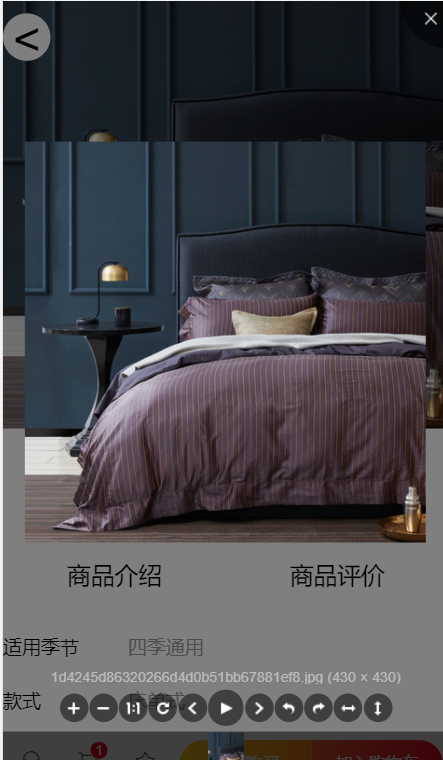
Vue uses v-viewer to realize image preview
1. Installation dependencies 2. Introduce in main.js 3. Reference in the component effect...
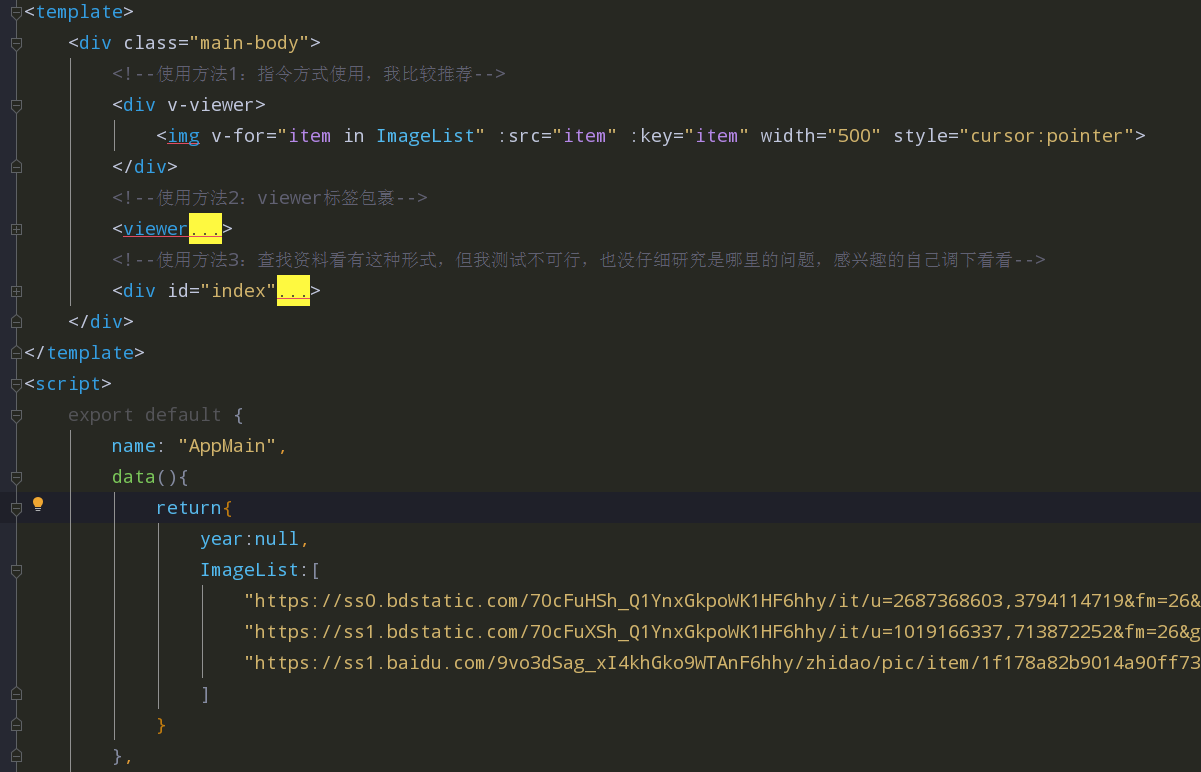
V-Viewer Image Components Used in Vue Project
V-Viewer can zoom in and narrowed with the picture, and there are also functions such as rotation, flip, is a good front-end picture display plugin Step 1: Installing dependence Step 2: Quote and conf...
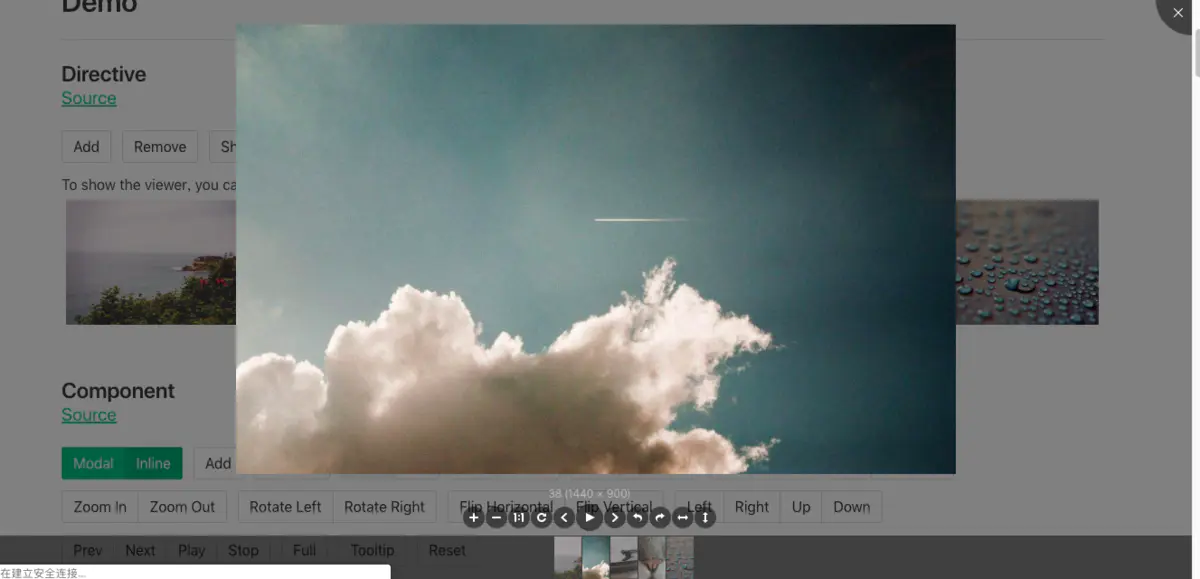
Vue Image Click to enlarge preview V-viewer
Image zoom preview function 1, installation dependence 2, global introduction (in main.js) 3, use 4, component API...
Vue Image View Controls V-Viewer
Install dependency package npm install v-viewer --save Component code imgshow.vue, implements only the features viewed...
VUE Plugin (V-Viewer) Image Click to enlarge
VUE Plugin (V-Viewer) Image Click to enlarge 1, first is installation 2, install the reference (also remember to reference its CSS style) 3, VUE registration call 4, attribute method name Defaults inl...
More Recommendation
Vue Image View Plugin V-Viewer Used
Instructions: 1. Install dependency: 2.1 Main.js Global Introduction Plugin and Style: 2.2 Reference plug-in machine in components 2.3 Direct local registration Viewer components, pass all controls di...
Vue uses V-Viewer to view image groups
1, install V-viewer dependence 2, introduced in main.js global 3, add components Create a directory showimgs in the Component Directory Module Components, create an index.vue component in the showimgs...
Vue Image Preview Zoom - V-Viewer
v-viewer:https://github.com/mirari/v-viewer In actual project applications, we have a picture of the original is very large, so it is not good to show in the page. Only the same scale reduction pictur...
Vue plug-in-V-Viewer
1. Install V-Viewer 2. Three ways to introduce Method 1: Quote in main.js Page use Method 2: Introduction of Options global Page use Method three:...
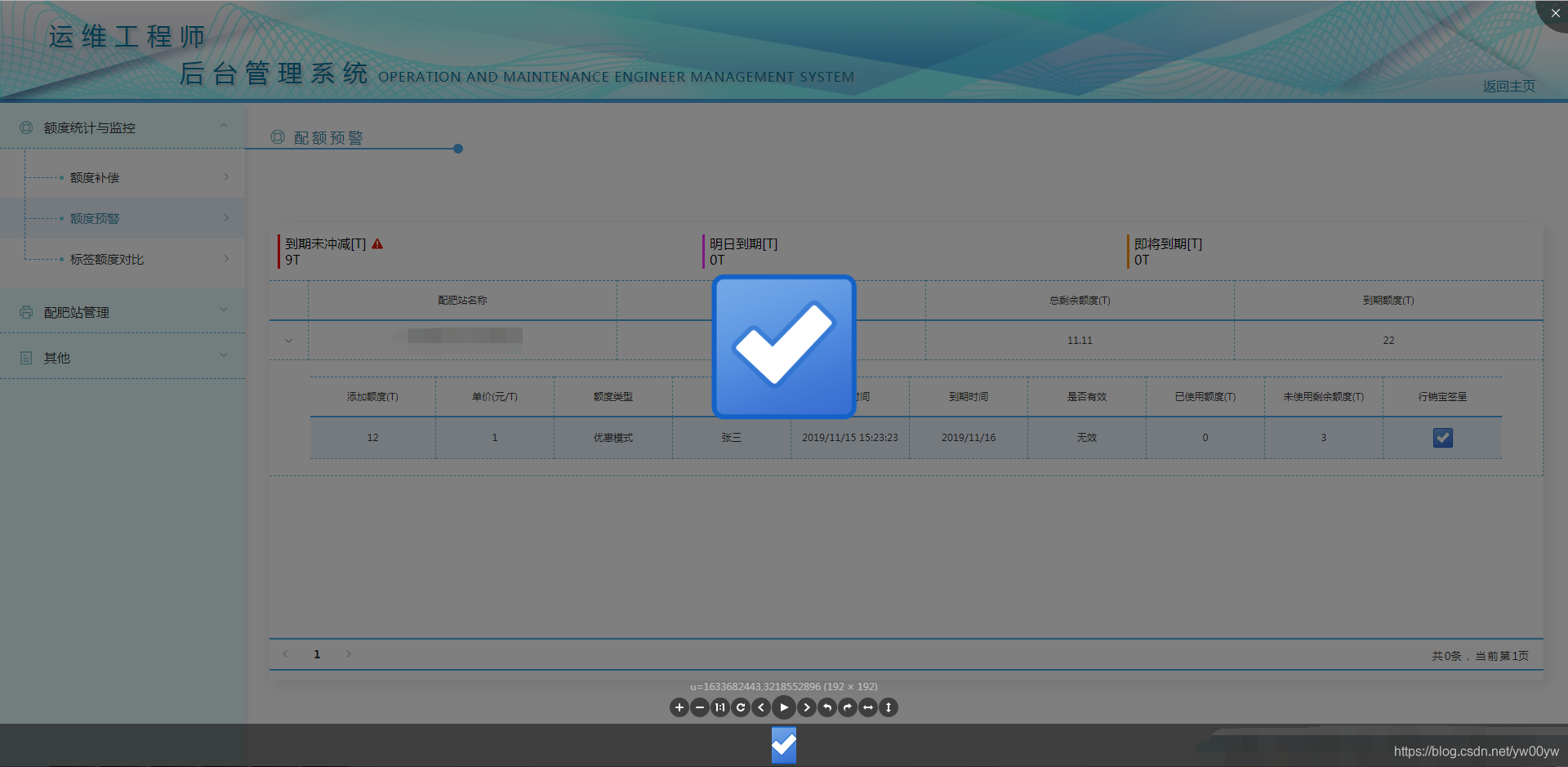
Use picture preview plugin v-viewer in vue
Install dependencies configuration in main.js Use in vue single file component Renderings...