How to configure clion to use googletest for testing on mac
tags: c++ clion googletest gtest
1. Download googletest and compile
wget https://github.com/google/googletest/archive/release-1.8.0.tar.gz && \
tar zxf release-1.8.0.tar.gz && \
rm -f release-1.8.0.tar.gz && \
cd googletest-release-1.8.0 && \
cmake configure . && \
make && \
make install
Or 1. If you want to have googletest directly in the project, copy the downloaded googletest to our project directory

2. Create a new project using cloin

3. Modify CMakeList.txt
cmake_minimum_required(VERSION 3.9)
project(tennis_status)

set(CMAKE_CXX_STANDARD 17)

add_executable(${PROJECT_NAME} main.cpp)
target_link_libraries(${PROJECT_NAME} gtest)
Or 3. When using googletest under your own project, modify CMakeLists.txt

cmake_minimum_required(VERSION 3.9)
project(tennis)

set(CMAKE_CXX_STANDARD 17)

add_subdirectory(./googletest)
set(LIBRARIES
        gtest
        pthread)

add_executable(tennis main.cpp)
target_link_libraries(tennis ${LIBRARIES})
4. Start trying to write your first unit test
#include <iostream>
#include <gtest/gtest.h>

int add(int a, int b) {
    return a + b;
}

TEST(test, c1) {
    EXPECT_EQ(3, add(1, 2));
}

GTEST_API_ int main(int argc, char ** argv) {
    testing::InitGoogleTest(&argc, argv);
    return RUN_ALL_TESTS();
}
After everything is configured, you should see an execute button in the cloin

5. Click the execute button to execute successfully

Reference link
Simple example of GTest test project based on CLion
Intelligent Recommendation
Unit testing framework GoogleTest
Unit testing framework GoogleTest Some time ago I learned and learned about Google's open source C ++ unit test framework Google Test, referred to as GTEST, very good. What we used to use was a set of...
On Windows CLion configure and use tutorial
1. Download and install CLion JB company official website to download to CLion https://www.jetbrains.com/clion/download/#section=windows The old version CLion address https://www.jetbrains.com/clion/d...
Cartographer_01: Use CLion to configure Cartographer_Superbuild
Use CLion to configure Cartographer_Superbuild I am a computer novice and tried to use CLion debug Cartographer, but encountered many difficulties, and finally used Cartographer_Superbuild written by ...
Configure c / c ++ environment on Mac (Example: CLion)
Must read before reading The methods on the Internet are mixed, and the solutions are half-understood. The author of this article found an optimal sequential method through a lot of search and practic...
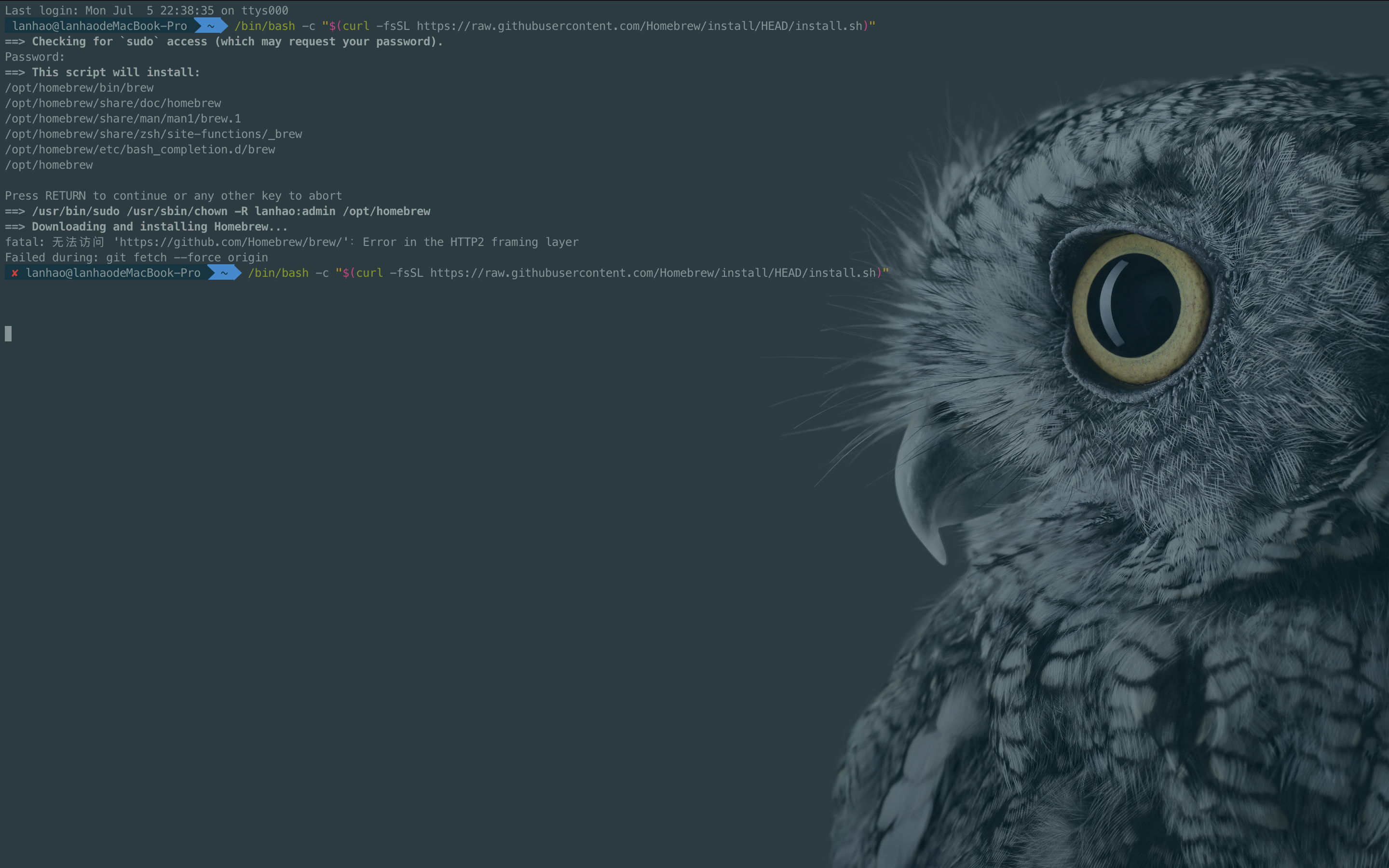
CLION for Mac (M1) Configure GCC Compiler
Condition: Computer has been downloaded Xcode 1. Download Homebrew Homebrew is a MacOS, packet management tools under Linux, we need to use him to download GCC Download method: Open the terminal (TERM...
More Recommendation
Mac M1 installation, configure Eigen, Clion Used
Results Eigen installed using HomeBrew After the installation is complete, the path should be If you are not sure or you can't find the following instructions, you can print out the path directly. The...
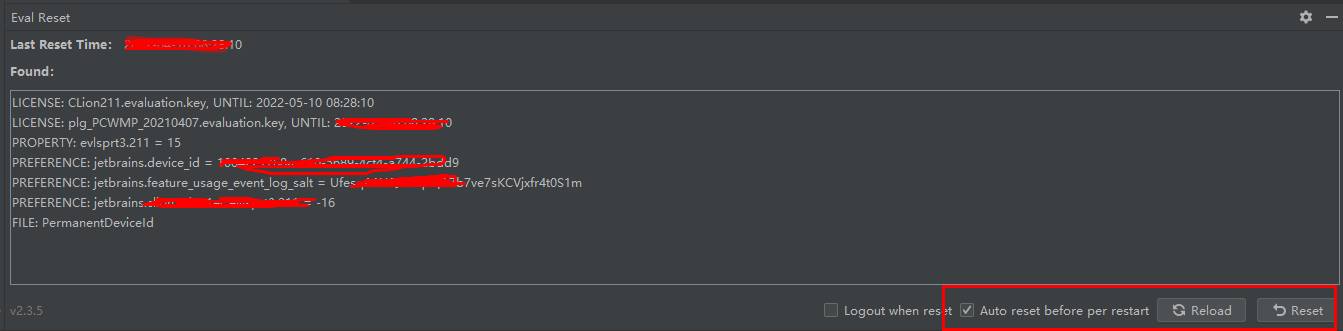
How to install and use Clion
##Installing Clion Cross-platform IDE for C/C++ developers, providing excellent coding assistance, saving you a lot of time 1) Go to the following path and download the required version. CLion-2021.1....
1.3 How to configure and use MAC system
title date comments categories tags permalink Common functions and usage of MAC system 2020/1/25 false Development environment Development software Configuration 1.3 1. Rename shortcut keys I'm used t...
Talk about how to install cygwin and configure it in CLion
Cygwin is a UNIX-like simulation environment that runs on the Windows platform. It provides a UNIX simulation DLL and a variety of software packages that can be found on Linux systems such as cmake. S...
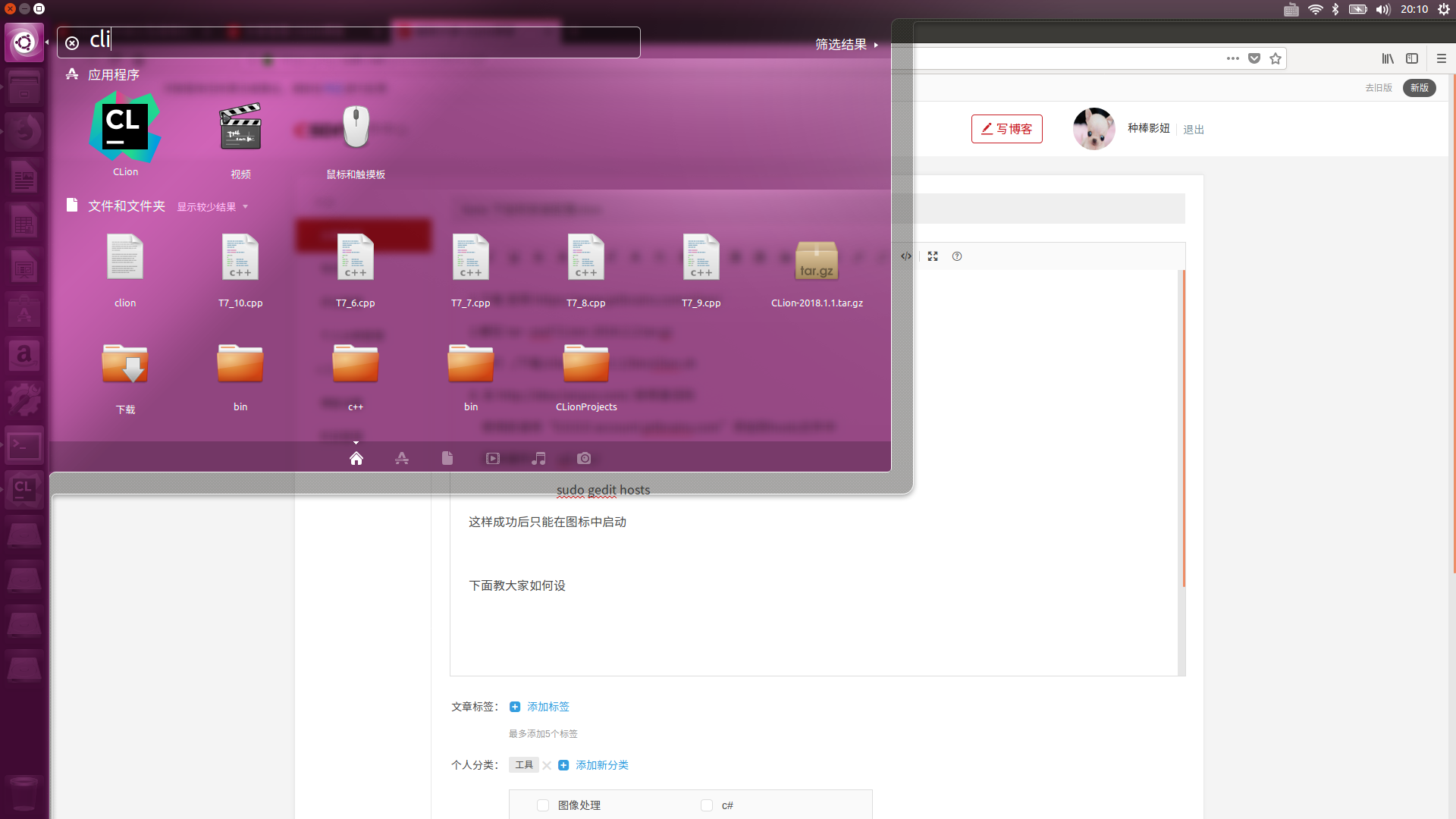
How to install and configure clion under liunx
1. Download the official website https://www.jetbrains.com/clion/ 2. Unzip tar -zxvf CLion-2016.2.2.tar.gz 3. Run ./download/clion-2018.1.1/bin/clion.sh 4. Go to http://idea.lanyus.com/ to get the act...