Log in to SQL Shell (psql) after Postgresql is installed, and report FATAL: password authentication failed for user "postgres"
tags: Programming postgresql
problem:
After installing the Postgresql database, log in to the SQL Shell (psql) and report FATAL: password authentication failed for user "postgres".
the reason:
It is mainly caused by the user password authentication method. After the Postgresql database is installed, the md5 password encryption authentication method is adopted by default.
Solution:
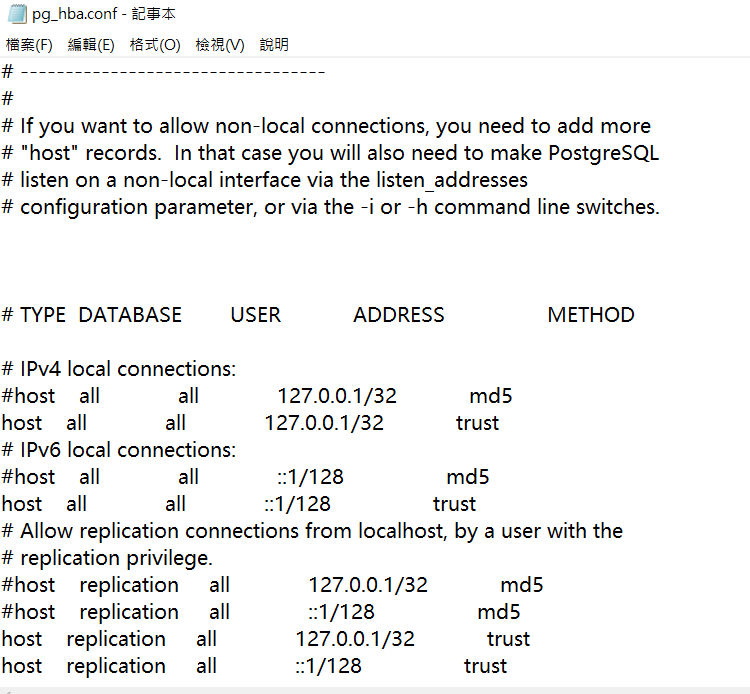
(1) Open the data folder under the Postgresql installation directory, find and open the pg_hba.conf file.
(2) As shown in the figure below, modify the authentication method, change all md5 to trust, and then save.
Intelligent Recommendation
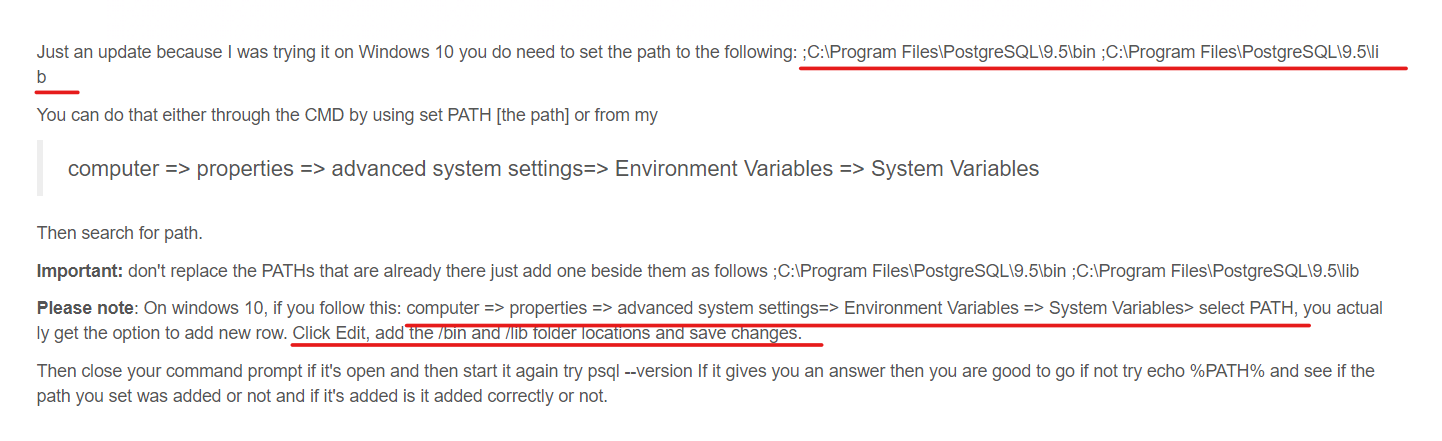
Problem with installing PostgreSql: unable to recognize "psql" item as the name of cmdlet, function, script file or executable program and error: Fatal error: User "x" Password authentication failed
** I encountered a problem installing PostgreSql today: psql: The "psql" item cannot be recognized as the name of a cmdlet, function, script file, or executable program. Please check the spe...
psql: error: FATAL: Peer authentication failed for user “xxxx“
psql: error: FATAL: Peer authentication failed for user "xxxx" psql: FATAL: Peer authentication failed for user “xxxx” do if you meet that error, the mean is "Peer" -&g...
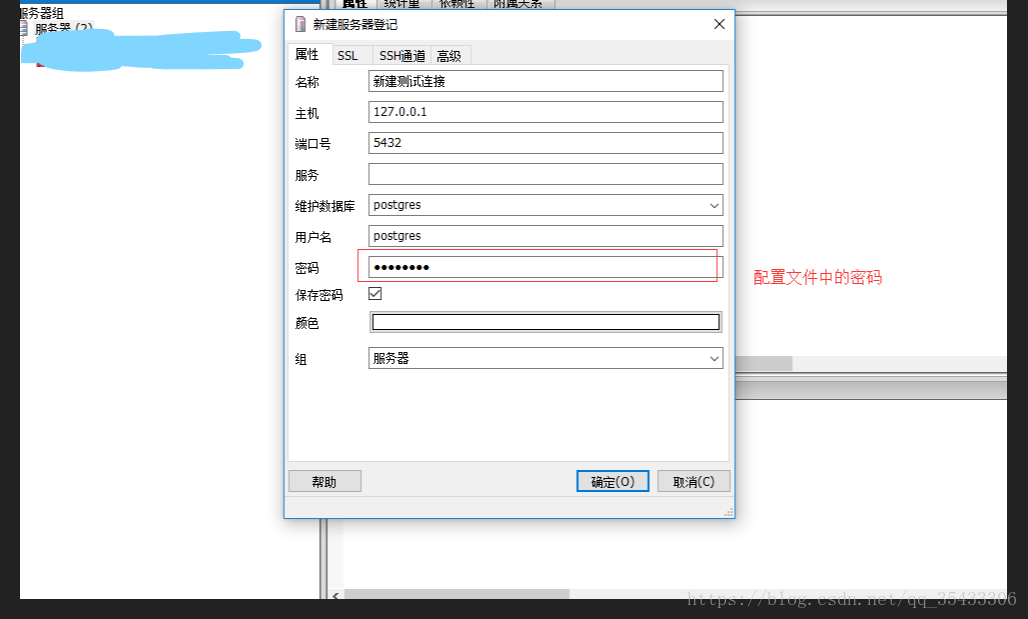
Solution to FATAL: password authentication failed for user "connection user name" when connecting to PostgreSQL
About the solution of FATAL: password authentication failed for user "connection user name" when connecting to PostgreSQL At this point, my heart is broken (this is the god devil!) I have lo...
FATAL: Peer authentication failed for user "postgres"
When the database mydb is created with the following command, an error is thrown: Mydb is the name of the database to be created, and root is the username. Since there is no role named root in the pos...
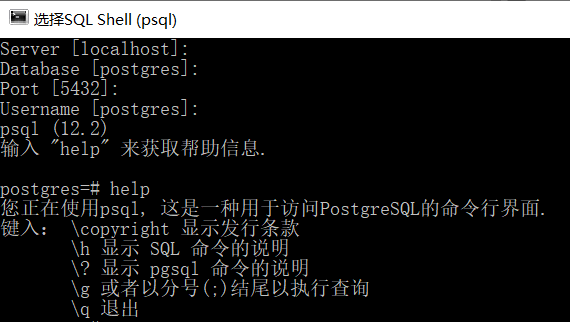
Pitfalls encountered in PostgreSQL installation: Problem running post-install step / password authentication failed for user postgres
first question: Prompt during installation: Problem running post-install step. Installation may not complete correctly. The database cluster initialisation failed. At that time, I was lucky to continu...
More Recommendation

git report fatal: Authentication failed for without popping up username and password
Record the solution to the git report fatal: Authentication failed for without popping up username and password. You can try it in three steps in turn 1. Run the git config --system --unset credential...
fatal: Authentication failed for and no user name and password pop up
Guys, if it pops up, it must be that your account and password are wrong, so don't read it anymore. image.png Switch command line: image.png Still reporting errors, Speaking of this question, I can ta...
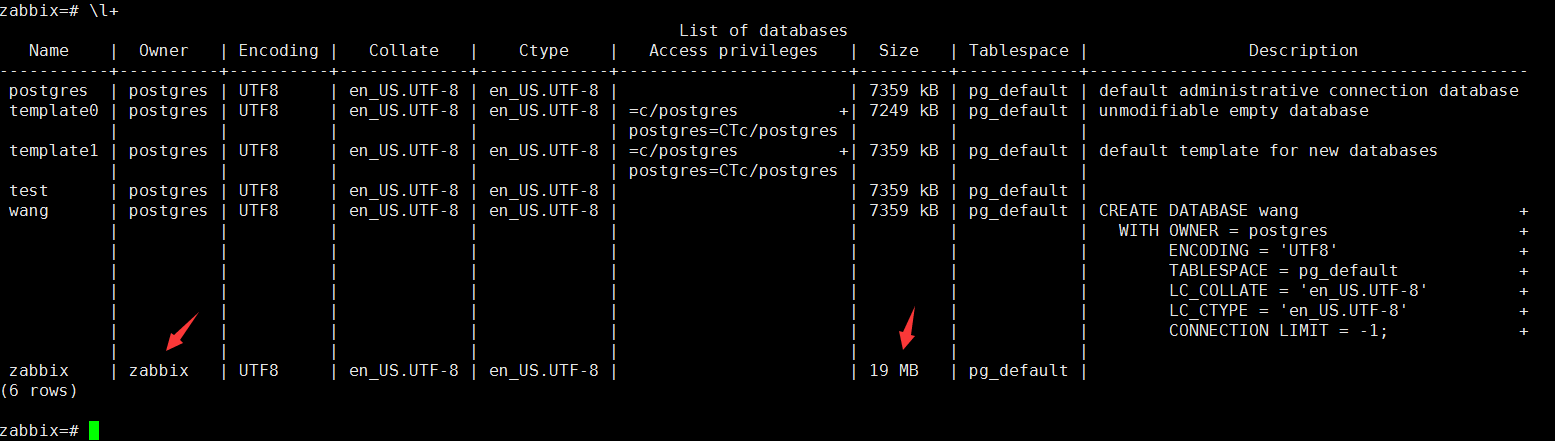
zabbix server reported an error: FATAL: password authentication failed for user "zabbix"
zabbix agent log [root@localhost zabbix]# cat zabbix_server.log Solution: View the owner of the zabbix database, Change owner Create a new user account in the application. And create a database with t...
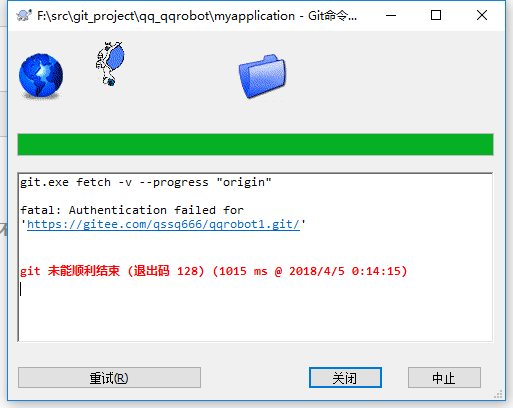
FATAL: Authentication Failed For without pop -up user names and password solutions
Ladies, if you can enter the account password box out of the bomb, you must be wrong with your account password, don't continue to watch. image.png Switch command line: image.png Still report an error...
After Git changes the password, the push code reports "fatal: Authentication failed for"
Internship of the company, change the domain name password for three months, resulting in git drop-down permission after the change. input the command Then push will prompt for the username and new pa...