Linux command line commonly used commands (1)
1. ls
      Prototype: list, meaning list
       Function: Use the list to display all the files in the current folder.
       Usage: ls current folder

       ls -a displays all files, including hidden files
       ls -l display in detailed information
       ls -l -a effect stacking (also ls -a -l, ls -la, ls -al)
2. cd
      Prototype: change directory, meaning change directory
       Role: used to switch directories
       Usage: cd directory (relative path or absolute path)

       Skill usage:
                       cd.. represents the upper level directory (switch to the upper level directory)
                       cd .. .. represents the current directory
3.pwd
    Prototype: print work directory, meaning print work directory
     Function: print out the current absolute path
     Usage: pwd
4.mkdir
Prototype: make directory, meaning to create a folder
 Role: Create an empty folder
 Usage: mkdir folder name

 Skill usage:
                 mkdir -p cascade to create folders (that is, folders can contain folders)

                 For example: mkdir -p app/app1 folder app contains folder app1
5. mv
Prototype: move, meaning to move
 Role: Move files between directories, modify file names
 Usage: mv source file path (pathname) destination file path (pathname)
6.touch
  Role: Create an empty file
   Usage: touch pathname
7.cp
Prototype: copy, meaning copy
 Role: copy files or folders
 Usage: cp source file pathname target file pathname

 Skill usage:
                 cp -r is used to copy folders
                 cp -f force copy
 Note: Usually cp -f copies files, cp -rf copies folders
8.rm
Prototype: remove, meaning delete
 Role: used to delete files and folders
 Usage: rm file pathname

 Skill usage:
                 rm -r folder pathname
9.cat
Function: display the content directly under the command line, can also be used to input to the folder
10.man
Role: Query the man manual and get help information

 E.g:
             man 1 ls 1 means that the query is a linux command
             man 2 xxx 2 means that the query is linux api
             man 3 xxx 3 means that the query is a C library function
Intelligent Recommendation
SVN command line conquer commonly used commands
1 svn info Obtain basic information about the current native code libraries. Take the current version number of the local code svn info trunk/| awk -F ':' '{ if($1 ~ /^Revision$/) {print $2} }' | tr -...

Commonly used commands at the cmd command line
For starters, open the cmd command window, there are a lot of command should know. For example, the current task manager, environment variables, background check services, see the port number, output ...
mac mysql command-line commonly used commands
2019 Unicorn Enterprises heavily recruiting engineers Python standard >>> Reproduced in: https: //my.oschina.net/lantianbaiyun/blog/478503...
PostgreSQL command line commonly used commands psql
Commonly used PostgreSQL command line commands (psql) Generally, we use psql to interact with the database, the optional parameters in square brackets, without any parameters, means to connect to the ...
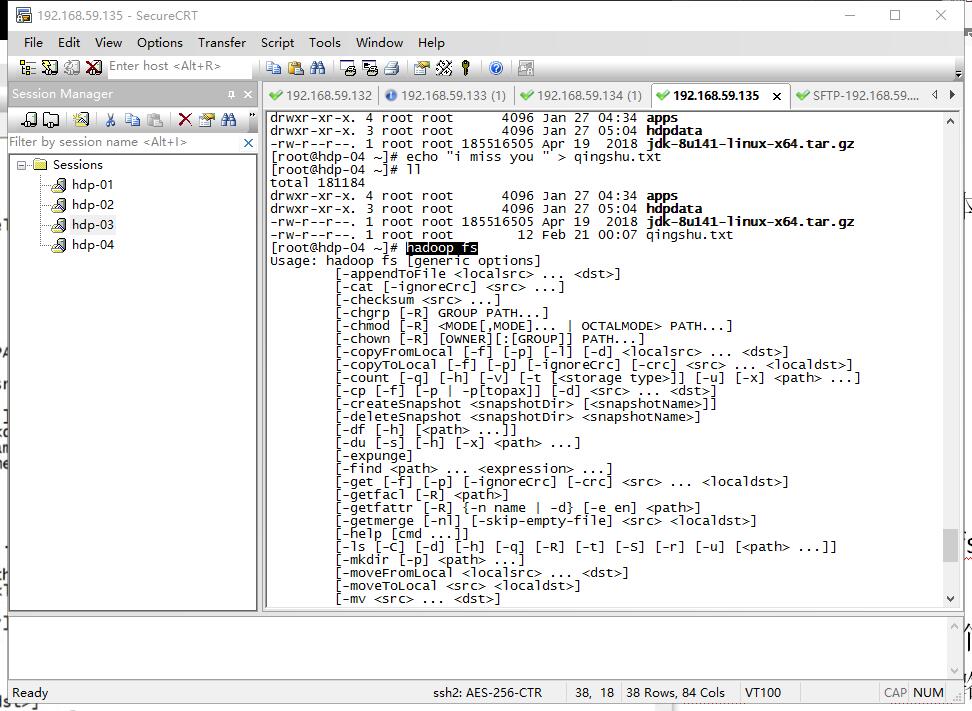
HDFS command line client commonly used commands
1 View directory information in hdfs 2 Upload files to hdfs 3 Download the file to the client local disk 4 in hdfsCreate folder 5 Move files in hdfs (renaming) 6 Delete files or folders in hdfs 7 Modi...
More Recommendation
cmake some commonly used command line commands
1. Specify the c++ version 2.release mode or debug mode 3. Specify the installation path...
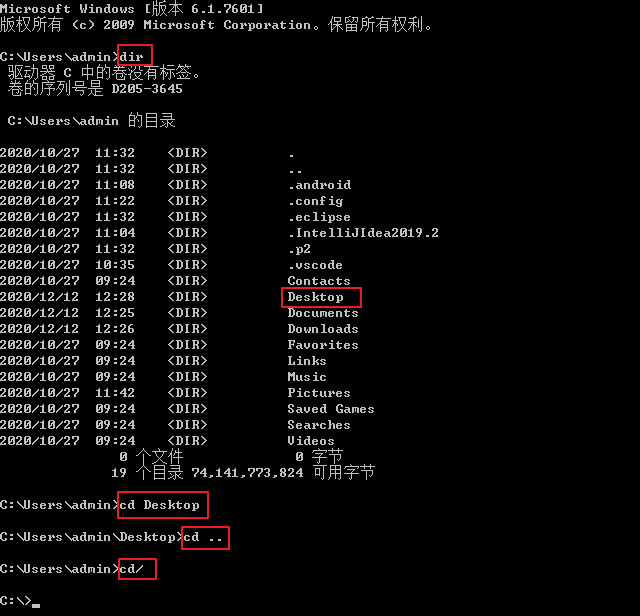
cmd command line commonly used dos commands
Drive letter switch: The default is C drive, if you want to switch to D drive. Direct d: Enter key (drive letter capitalization is acceptable) View directory: dir Switch to the next level directory: c...
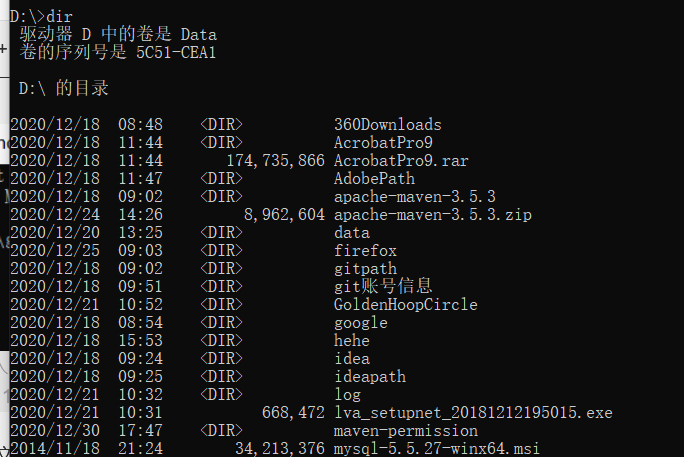
Command line commands commonly used in windows
1.windows + r and enter cmd to enter the terminal 2. Switch to a certain hard disk, d: switch to d disk here 3. Display all folders under the current file, dir command 4. Create a new folder, md folde...
November 1, 2017 Popularity Group I Like Matrix!
Description Given k kinds of movement methods: move from (i,j) to (i + xk ,j + yk) (xk ,yk> 0). Ask how many positions can be reached in an n ∗ m matrix starting from (1,1). Input The first ...