Flutter: Unable to find suitable Visual Studio toolchain. Please run `flutter doctor` for more
tags: Flutter flutter windows
Flutter: Unable to find suitable Visual Studio toolchain. Please run `flutter doctor` for more details.
I heard that flutter 2.10 supports windows more seriously, so I couldn't help but try again.
run command
flutter run -d windows
Error Unable to find suitable Visual Studio toolchain. Please run flutter doctor for more details.
It may be because of experimenting with flutter web and thinking of windows as simple, this problem broke out
Regarding the screenshot of the flutter doctor when the error was reported, because I wrote the blog after I solved it, so there is no more. . . .
Solution
need to install visual studio, reason link Additional requirements for windows.
This requires downloading a community version of visual studio 2022, which must be checked when installing
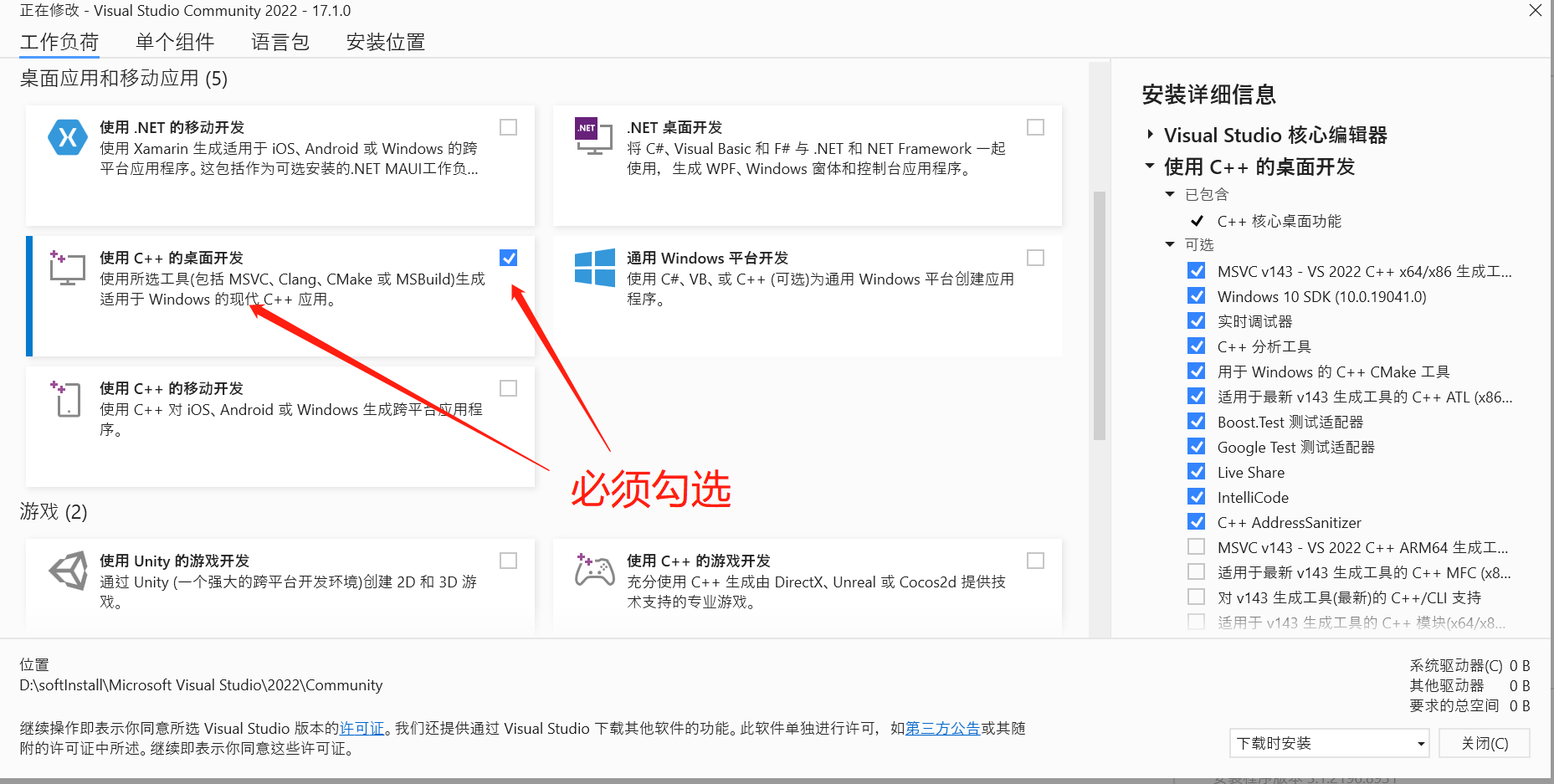
After installation, you can run the debug command again.
If it is red, and the content is as follows
Can’t load AOT data from xxxx\build\windows\runner\Debug\data\app.so; no such file.
Please go to:Solution
Intelligent Recommendation
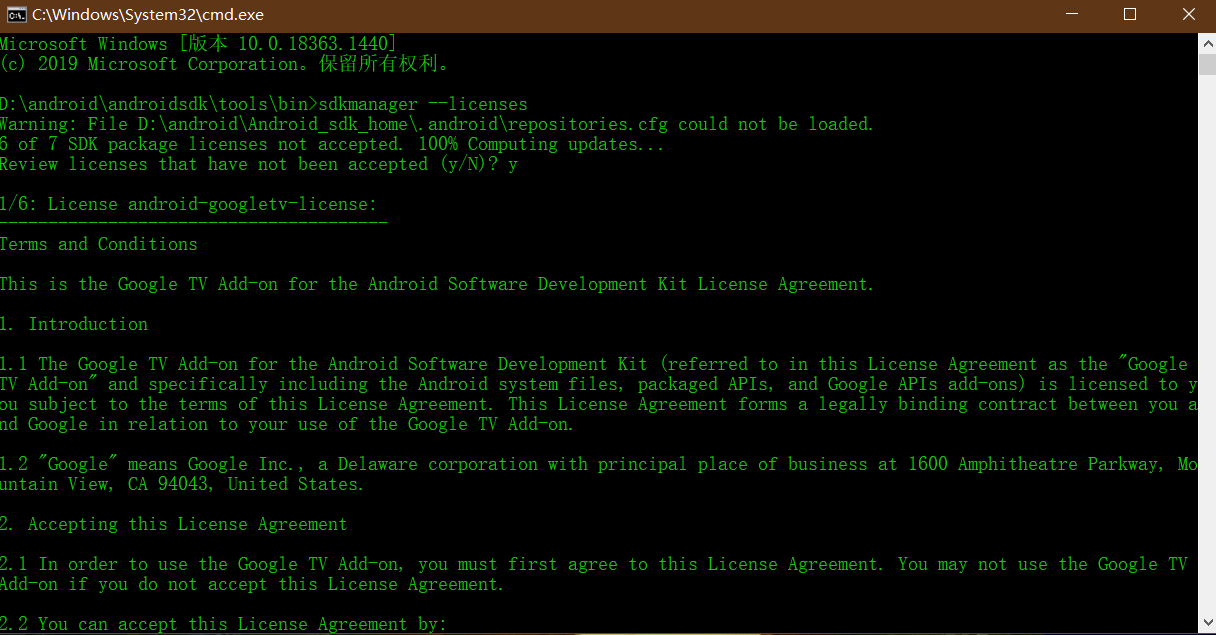
After running the flutter doctor command! Some Android Licenses Not Accepted. To Resolve this, Run: Flutter Doctor -
Problem [!] Android toolchain - develop for Android devices (Android SDK version 30.0.3) ! Some Android licenses not accepted. To resolve this, run: flutter doctor --android-licenses Solution Enter th...
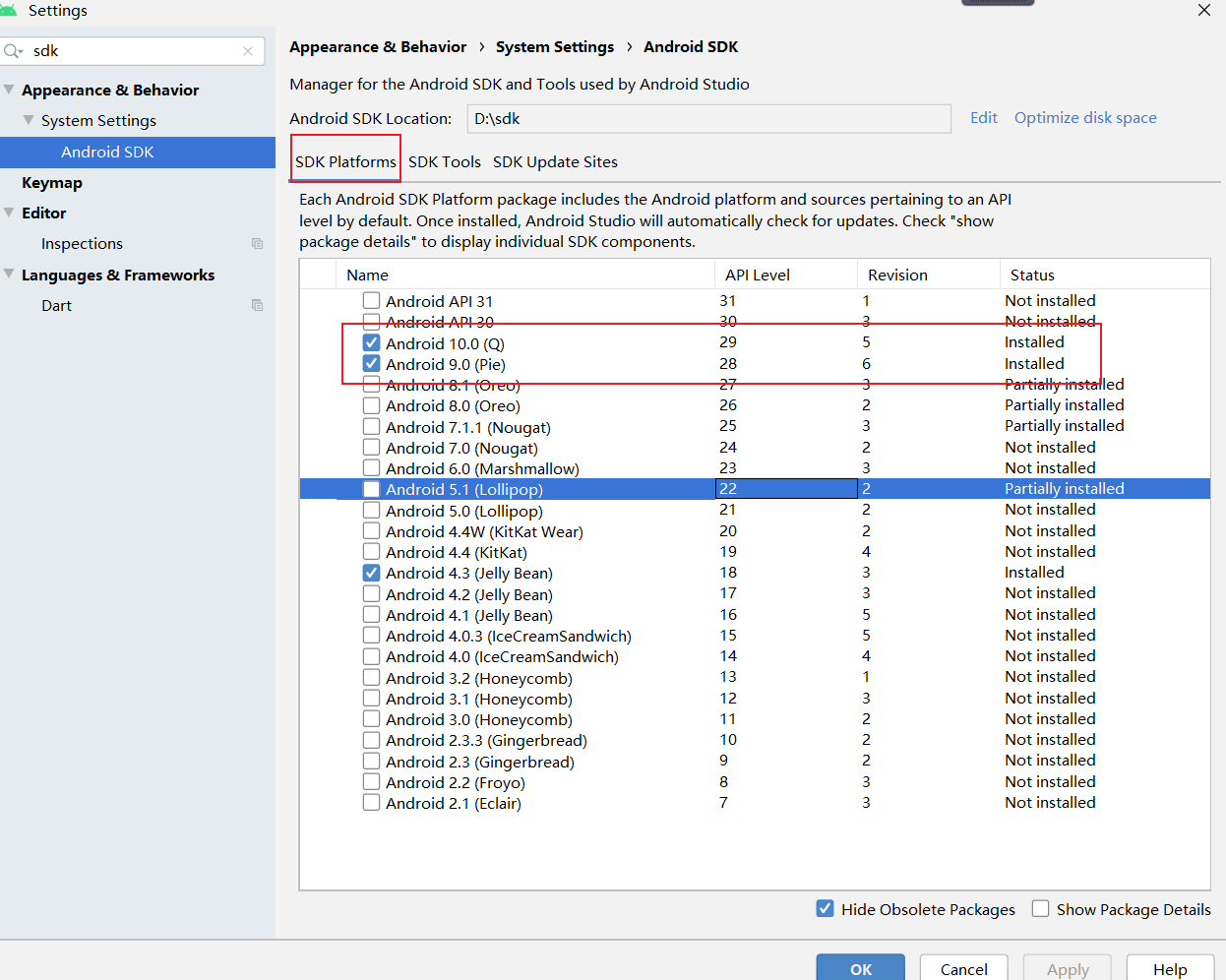
FLUTTER Doctor error [[!] Android Toolchain - Develop for Android Devices (Android SDK Version 29.2)]
FLUTTER Doctor error [!] Android toolchain - develop for Android devices (Android SDK version 29.0.2) First download Android SDK Then download Android SDK Command-Line Tools (Latest) CMD opens the ter...
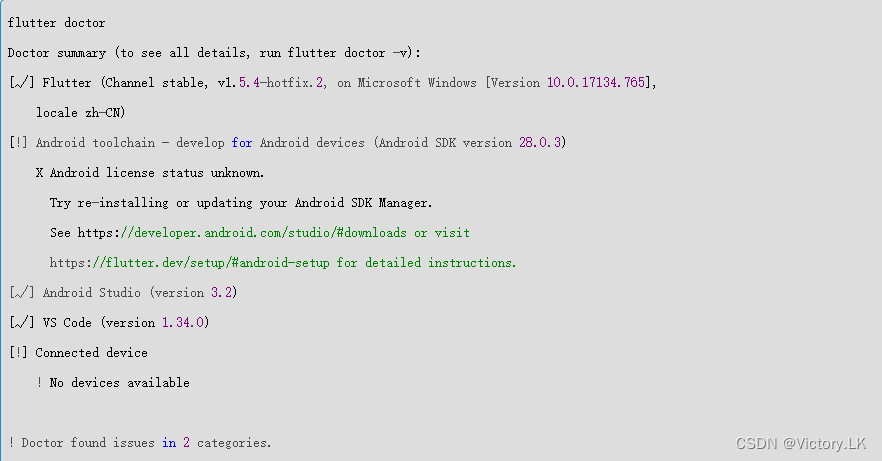
There is a problem with flutter doctor [!] Android toolchain - develop for Android devices (Android SDK version 28.0.3)
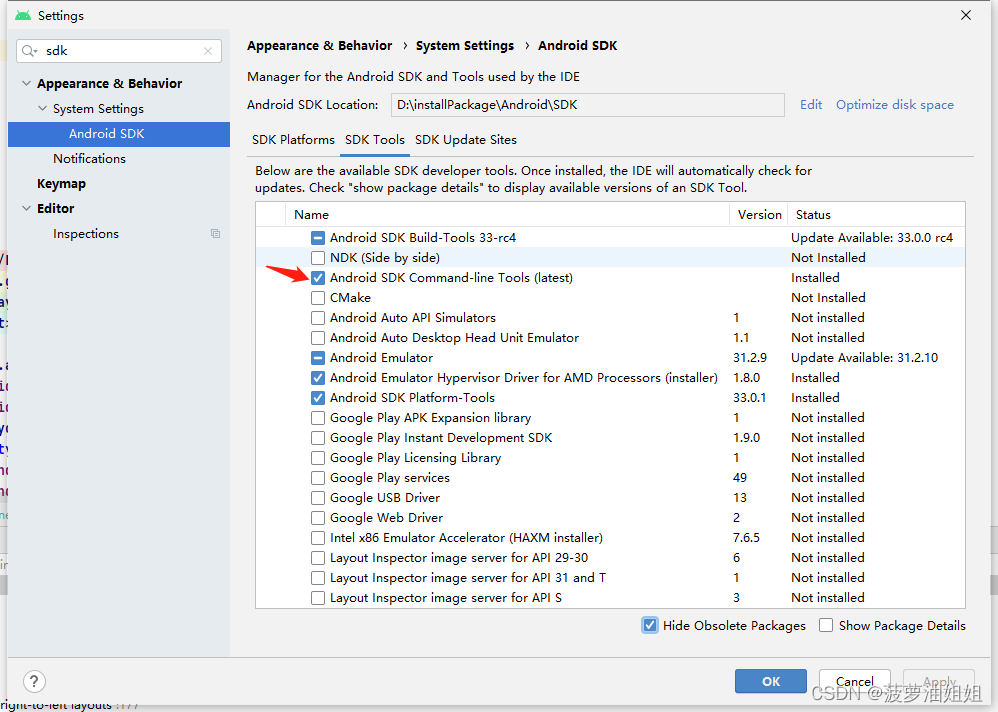
Version: flutter stable 2.2.0 Android Studio latest version (personally recommend version 3.5.2) Foreword: Changing jobs in a new company, setting up the environment After configuring the Flutter envi...
[Pro-test is effective] flutter doctor common problems, stuck in Running pub upgrade..., HTTP Host Availability, Visual Studio is missing
question: The latest learning flutter, execute flutter doctor when installing the environment, encountered many problems, listed below 1.cmdline-tools component is missing Open Android studio -"s...
solve the android licenses unknown when run flutter doctor
First run If has error like java blabla… this may be caused by java version There is a workaround to solve this, run: then run the first command line again. SOLVE!...
More Recommendation

! Some Android licenses not accepted. To resolve this, run: flutter doctor --android-licenses
λ flutter doctor Doctor summary (to see all details, run flutter doctor -v): [√] Flutter (Channel stable, 2.0.2, on Microsoft Windows [Version 10.0.15063], locale zh-CN) [!] Android toolc...
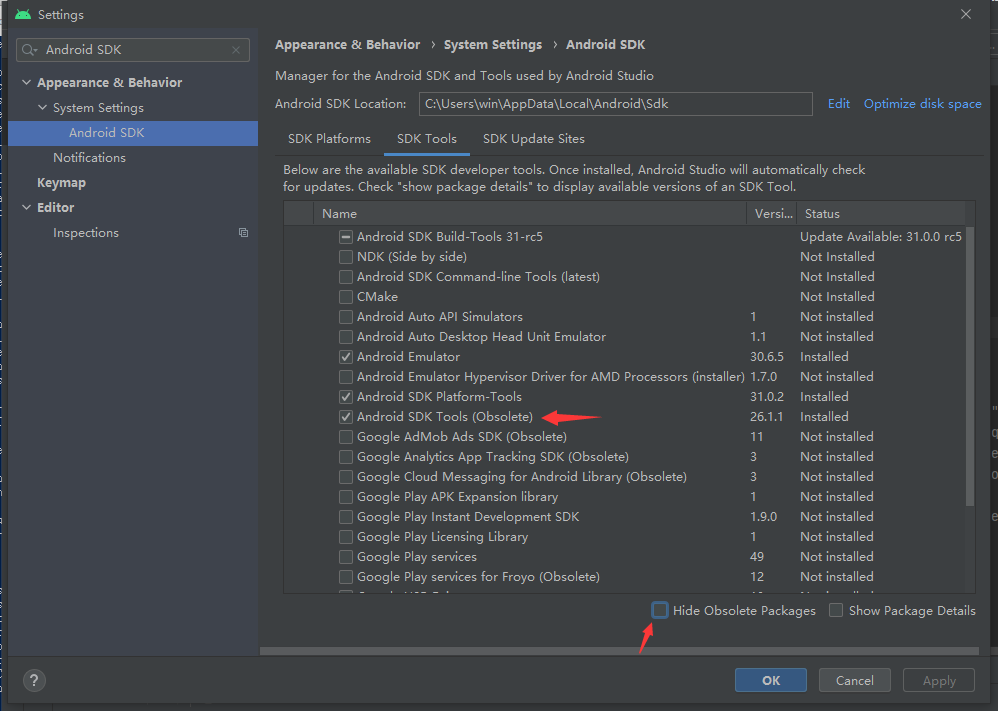
Run Flutter Doctor Tips Error Android License Status Unknown.
Run FLUTTER Doctor Tip Error 1, set Android Studio Check if Android SDK Tools (Obsolete) 2, the Java JDK version is changed to 1.8 Change environment variables according to your own Java JDK 8 path C:...
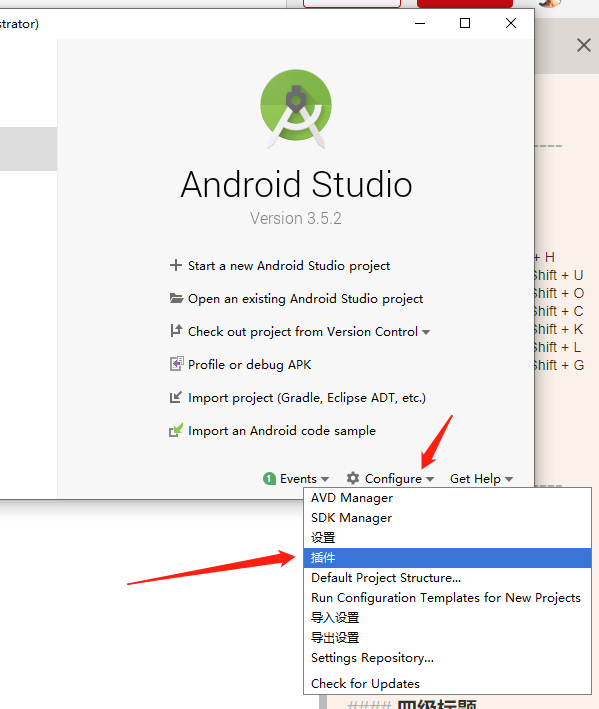
flutter doctor [!] Detect anomalies
carried out flutter doctor Remind us here [!] Android toolchain - develop for Android devices (Android SDK version 29.0.2) ! Some Android licenses not accepted. To resolve this, run: flutter doctor --...
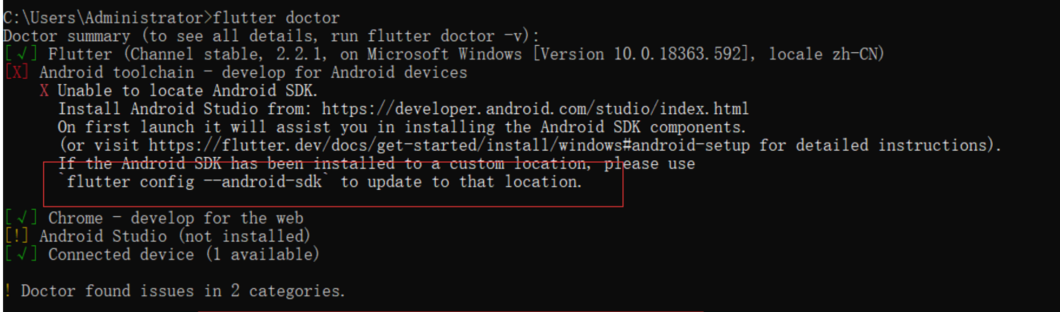
FLUTTER Doctor FAQ Solving
The first FLUTTER Doctor prompt to find the path to Android SDK and Android Studio is not installed; At this point my Android Studio and SDK have been installed, so according to the prompt input comma...
FLUTTER Doctor error resolution
FLUTTER Doctor error resolution premise: Report: The problem has been solved for a long time, but did not find a solution that can be solved, and finally I see that the FLUTTER needs a Git environment...