Android Studio enables mouse hover tips
tags: Android
Android Stuido is working on code. I want to know the details of methods and variables. I found that there is no response after hovering the mouse, and there is no prompt message.
How to turn on the hover prompt?
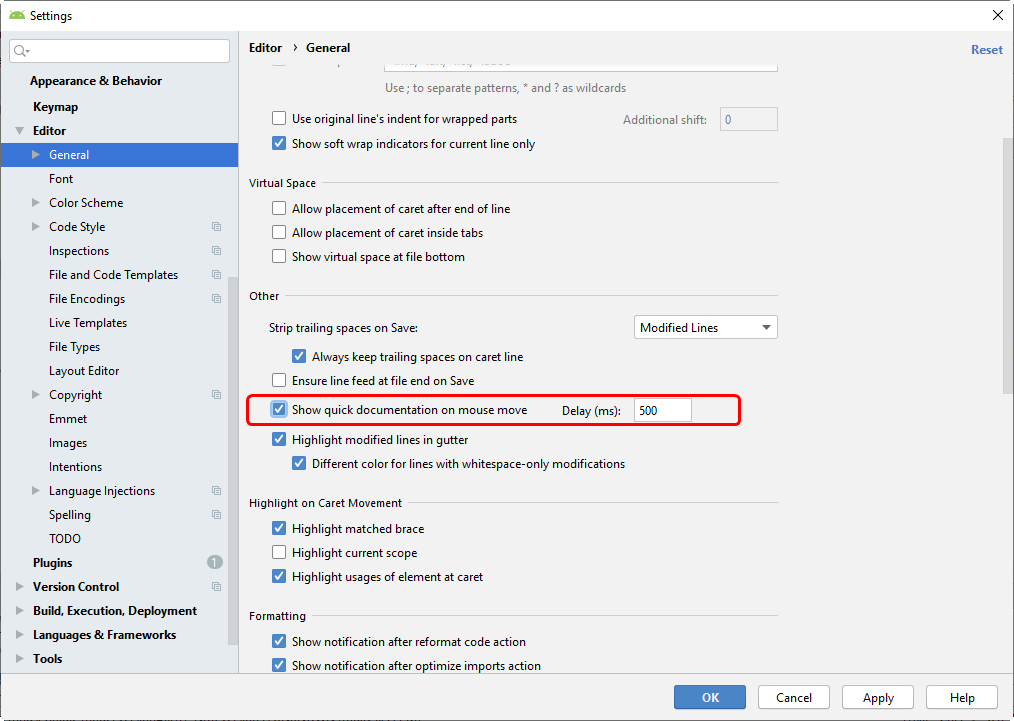
File> Settings> Editor> General> Check Show quick documentation on mouse move
effect:
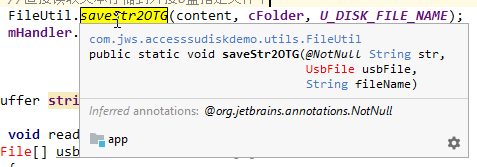
reference:
Intelligent Recommendation
Mouse hover event jQuery hover() method shows tips when floating. mouse leaves tips also disappears
The hover() method specifies two functions to run when the mouse pointer hovers over the selected element. The method fires the mouseenter and mouseleave events. Note: If only one function is specifie...
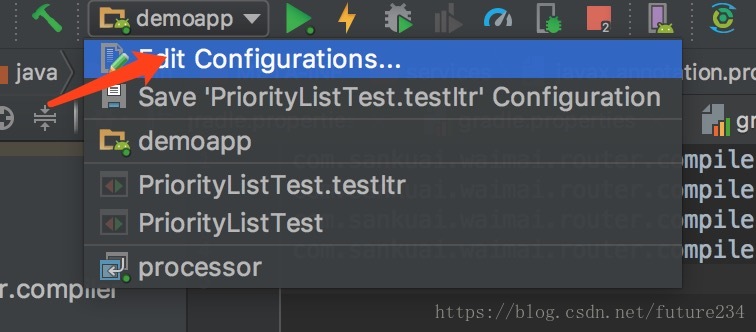
Android Studio enables Annotation Processor breakpoint debugging
Add the following two lines to the gradle.properties file (in this tutorial, it is added in the ~ / .gradle / gradle.properties file) Add a Remote configuration in Android Studio Edit Configurations 4...
Android Studio enables a third -party simulator
(1) Find the installation directory of your Xiaoyao Android simulator. 1. Start- "Run"-Enter "CMD" to enter the MEMU directory of Xiaoyao installation simulator. E.g: My Xiaoyao An...
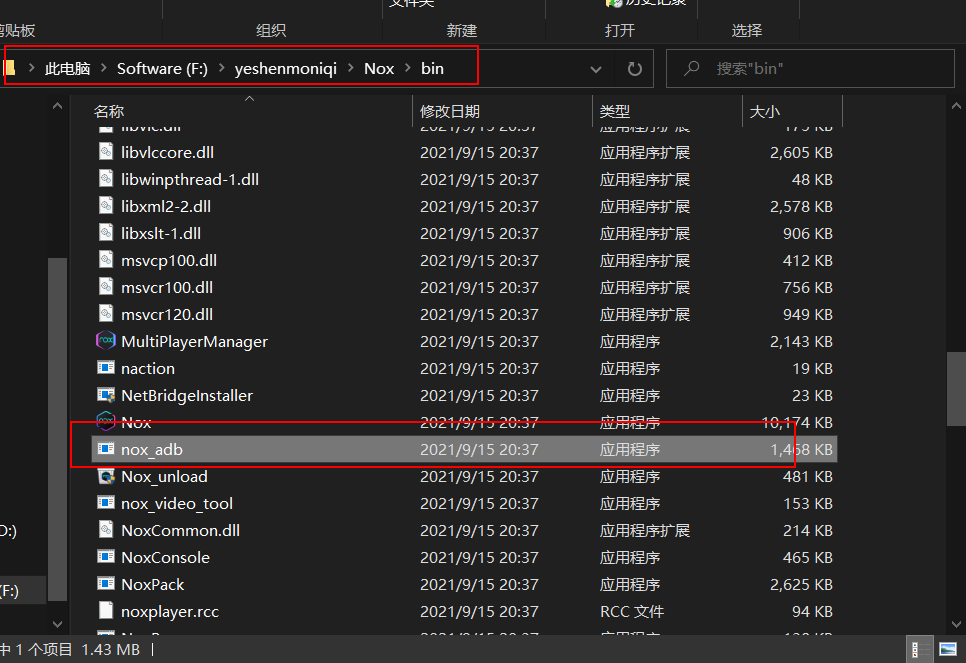
Android Studio enables Night God emulator
Click me: Night God Simulator Official Website The steps to install "Night God Simulator" are omitted~ Find the installation path of Ye Shen emulator and find the bin path: Open Windows comm...
Pure CSS to achieve the bubble tips for mouse hover text
1 fixed pattern 2 pseudo-class implementation image.png...
More Recommendation

Mouse hover HOVER selector
On the third day B (¯ ▽ ¯) D Learning content: HOVER selection questions The mouse is put on the image background will be changed, first sample diagram Select the element of the mouse pointe...
Android Studio tips Tips of the day
Ctrl+N quick open class Ctrl+space code completion Alt+F7 finds a class/method or variable to be used Ctrl+Q View class documentation Ctrl+click on the class (or other) to jump to the definition Shift...

Android studio shortcuts and tips
Logt quickly generate TAG always bright logm Ctrl+Alt+Space code hint Automatic import package View or modify shortcuts Ctrl+Shift+ up and down code moves up or down Ctrl+d copy the current line of co...