Mandarin Vivado version used by Vivado project
tags: other
This article solves two problems:
1. Multi -version installation Vivado, the default version of the opening of the project file opening;
2. Uninstalling and installing vivado causes the engineering file to be unrelated to Vivado.
Solution:
The main three steps:
Open the registry and find HKEY_CLASSES_ROOT
Find .XPR, one of which was vivado.project.1, looking for vivado.project.1 folder
Modify the version of Vivado's version of the .xpr file default
1. Open the registry and find HKEY_CLASSES_ROOT
Win+r opens and runs, enter "Regedit" in the input box, select "OK", search for HKEY_CLASSES_ROOT, and the specific directory is as follows: Computer \ HKEY_CLASSES_ROOT \ Vivado.project.1
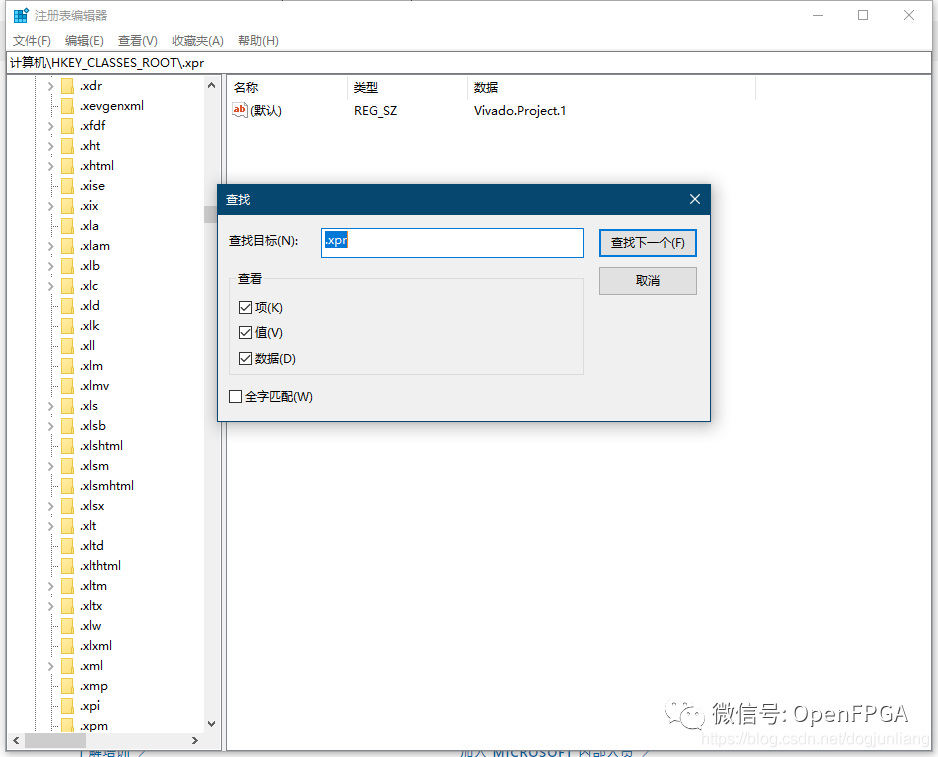
two,
Find .XPR, one of which was vivado.project.1, looking for vivado.project.1 folder
Modify the default value of the defaulticon folder. This value is the logo of the associated project file. Modify the new version or want the version directory. The reference value is as follows:
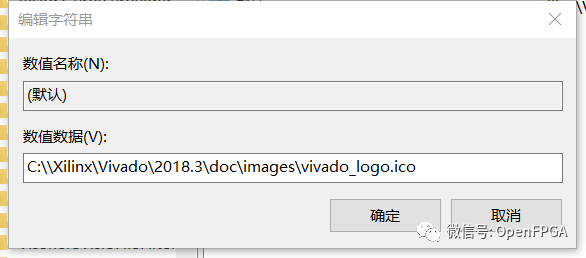
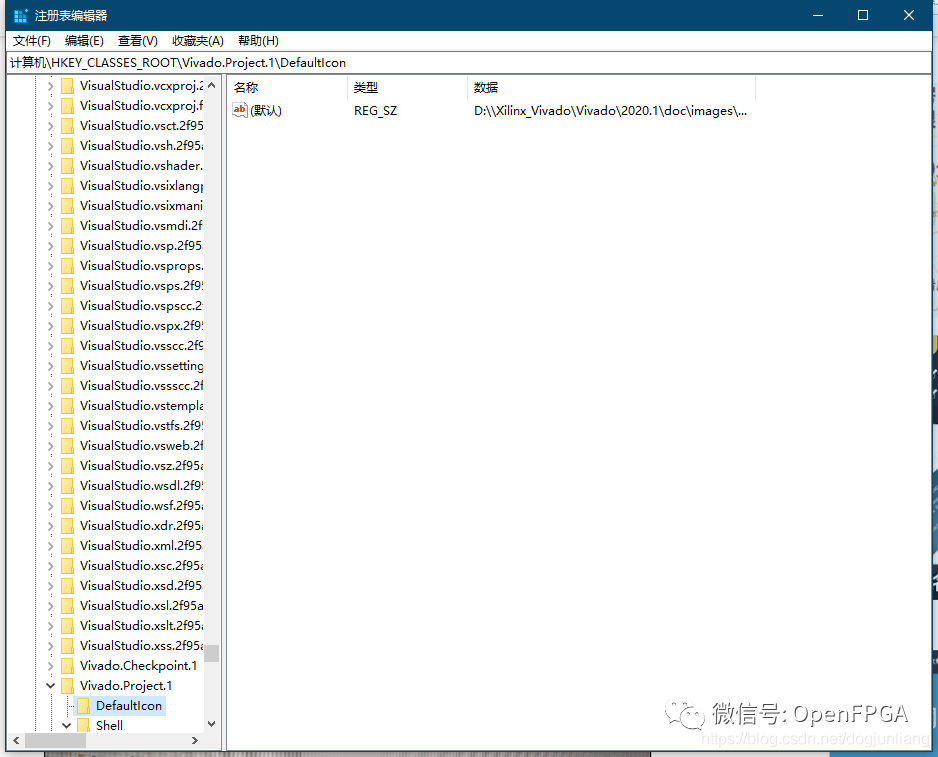
Modify the version of Vivado's version of the .xpr file default
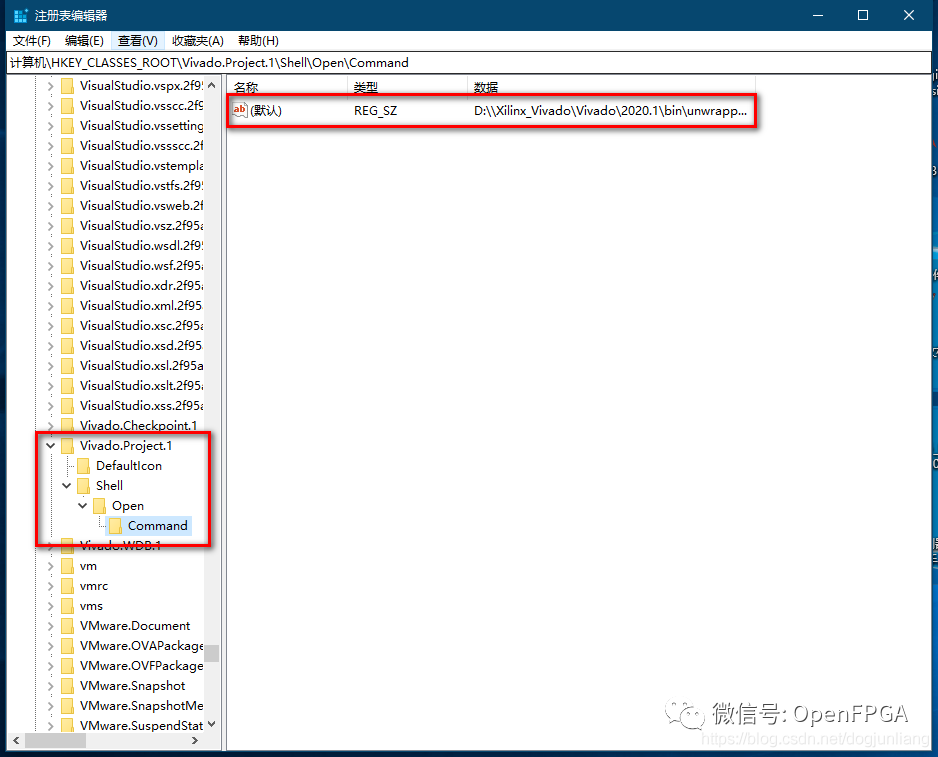
This setting format cannot be modified, you can modify the directory, the setting format is as follows:
C:\\Xilinx\Vivado\2018.3\bin\unwrapped\win64.o\vvgl.exe C:\\Xilinx\Vivado\2018.3\bin\vivado.bat "%1"The first "vvgl.exe" directory position, space, "vivado.bat" directory position, space, "%1"
The appeal format cannot be modified.
Through the above steps, the goal can be completed.
Intelligent Recommendation
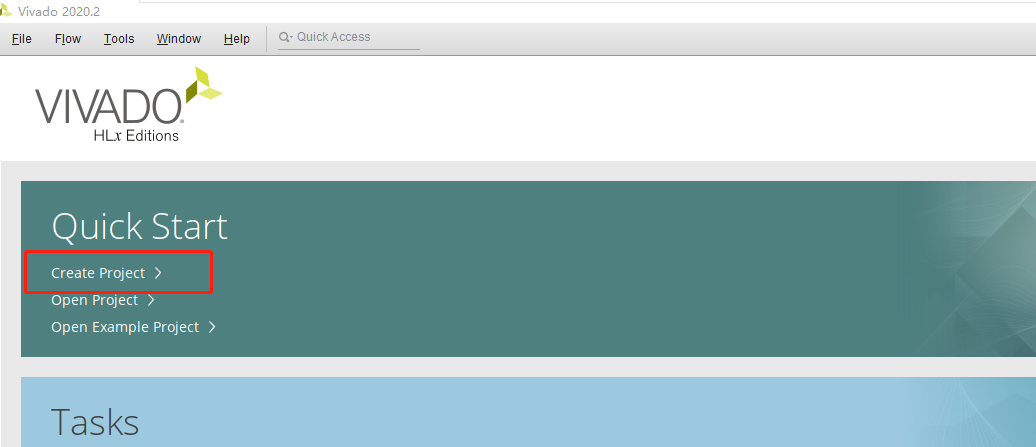
0.1.1 Vivado creation project
Vivado creation project Create project Select chip model: XC7A35TFGG484-2 2. Create project files Create 3. Write the code in the file 4. Check the syntax problem 5 design synthesis PS: Lift a non-thr...
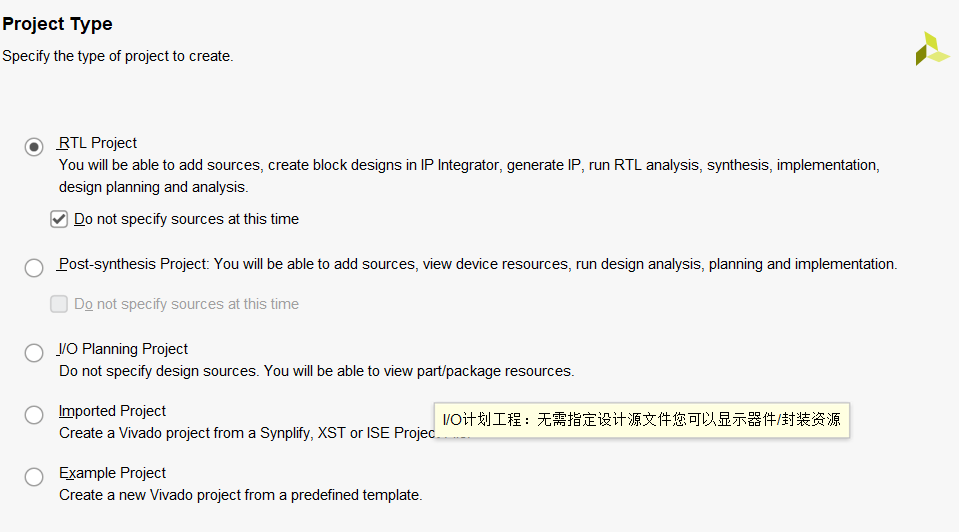
Vivado creation project and run
1, New Project NEW PROJECT 1) The project path and the project name setting Requirements: The path cannot contain Chinese characters The radio box optio...
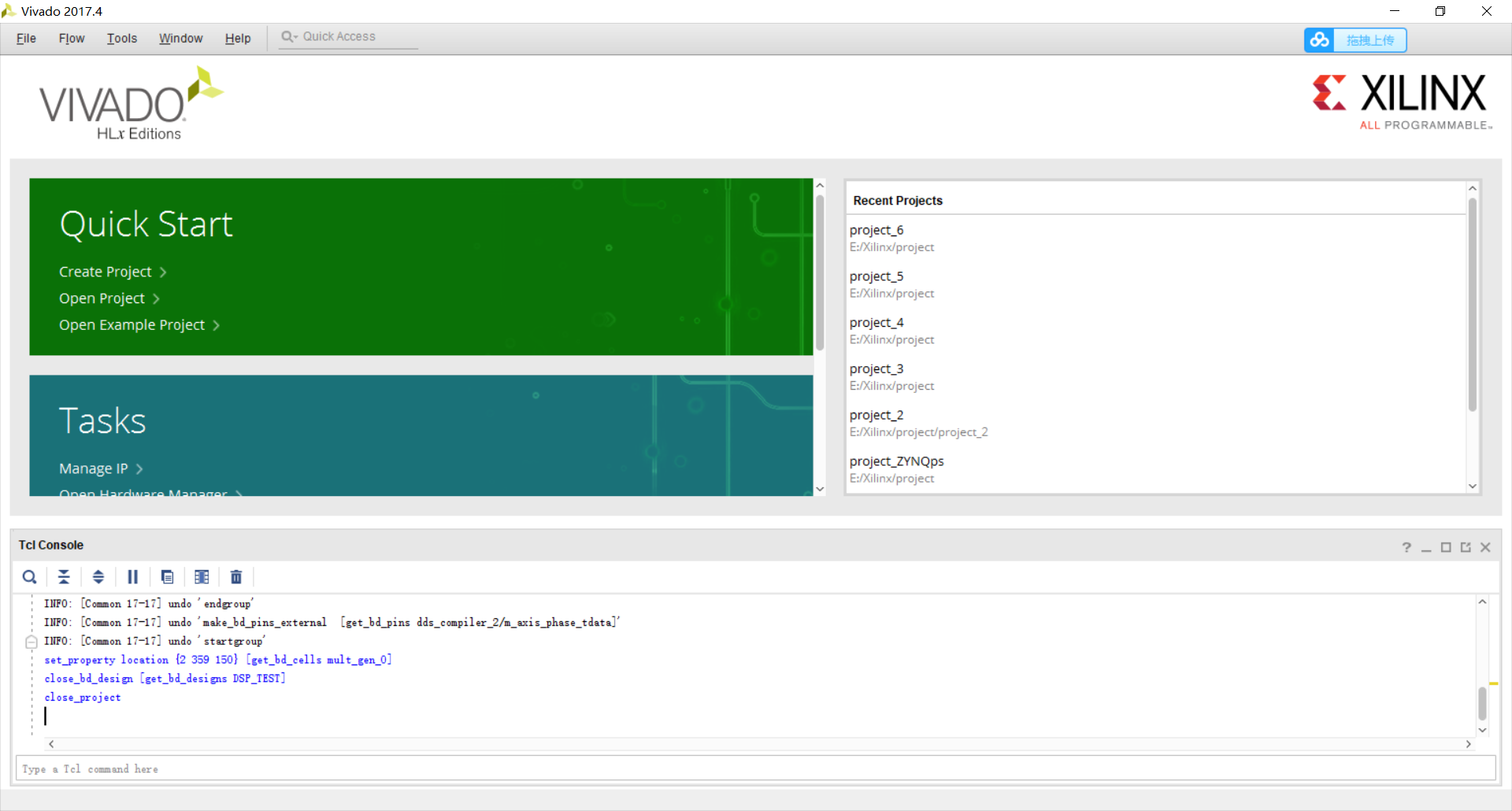
Vivado establishes a new project
After installing Vavido, open Vivado. Click Create Project. Click Next Enter engineering name and file address. Don't click on the subfolder. Click Next After clicking Next, the following dialog is di...
vivado project packaging
Generally, the archetyive function is used to archive, but the engineering path of the archive is relatively chaotic, and the source files and engineering cannot be obviously analyzed. One more common...
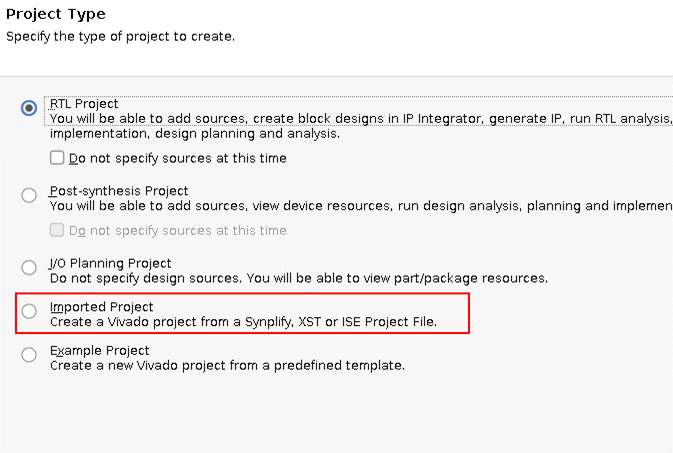
ISE14.7 project ported to VIVADO
Vivado is Xilinx's FPGA development environment after ISE, but the two projects are quite different and cannot be directly converted. The main reference here is the Xilnx manualUG911 (v2018.2) June 6,...
More Recommendation
Macro and Primitive, commonly used in Vivado
Open vivado, tool->language template->verilog, A large number of commonly used sample code can be found. For example: verilog->device primitive instantiation->kintex7->io component->...
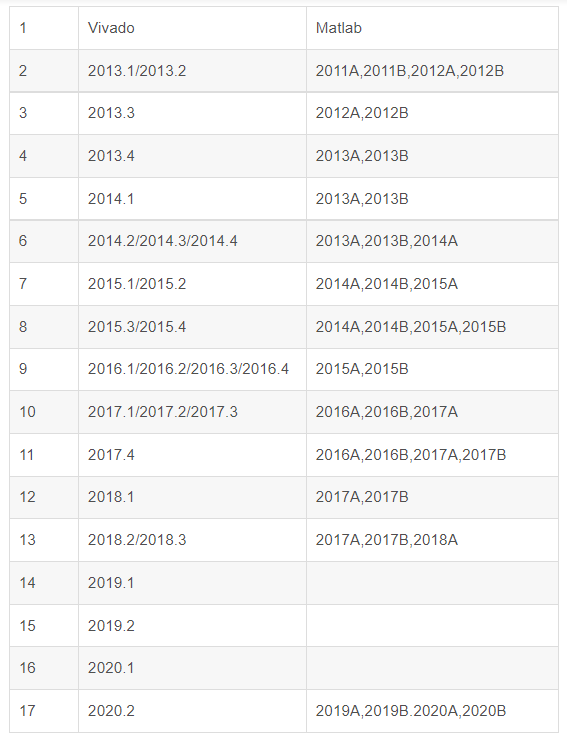
Vivado and MATLAB version matching table
Vivado has version requirements when using System Generator, I originally have MATLAB2014 and 2020, vivado2017.4, open the System Generator prompt to detect MATLAB, automatically detect Matlab when yo...
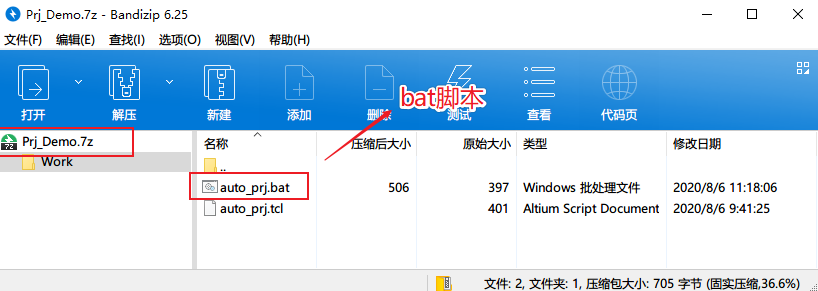
Script to quickly create vivado project
Script to quickly create vivado project Realizing that the version management of the program can't be as messy as before, I slowly insisted on using Git for code management. It is really convenient to...
Create a Vivado project using TCL
Create a Vivado project using TCL Ubuntu under Vivado runs TCL script Ubuntu under Vivado runs TCL script vivado -source xxx.tcl The above small example can use the TCL script to create a Vivado proje...
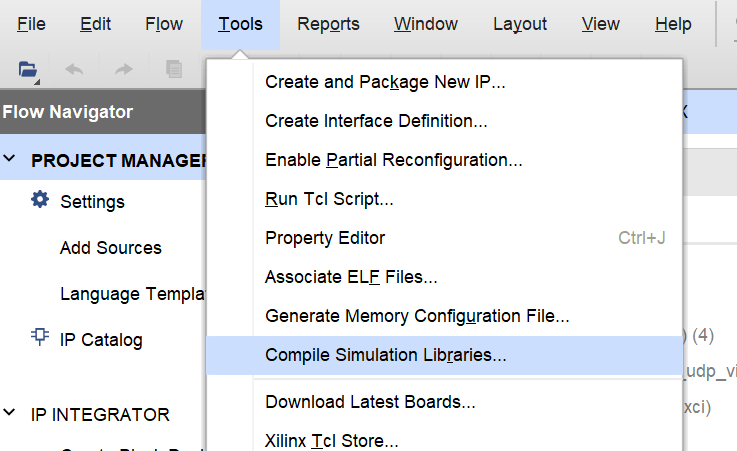
modelsim independent simulation vivado project
Since the existing notebooks cannot carry the simulation tools that come with vivado, we can only settle for the next best thing and try to use modelsim to simulate the vivado project. Encountering th...