Flutter Internationalization Configuration-Use Intl Plugin
tags: Flutter
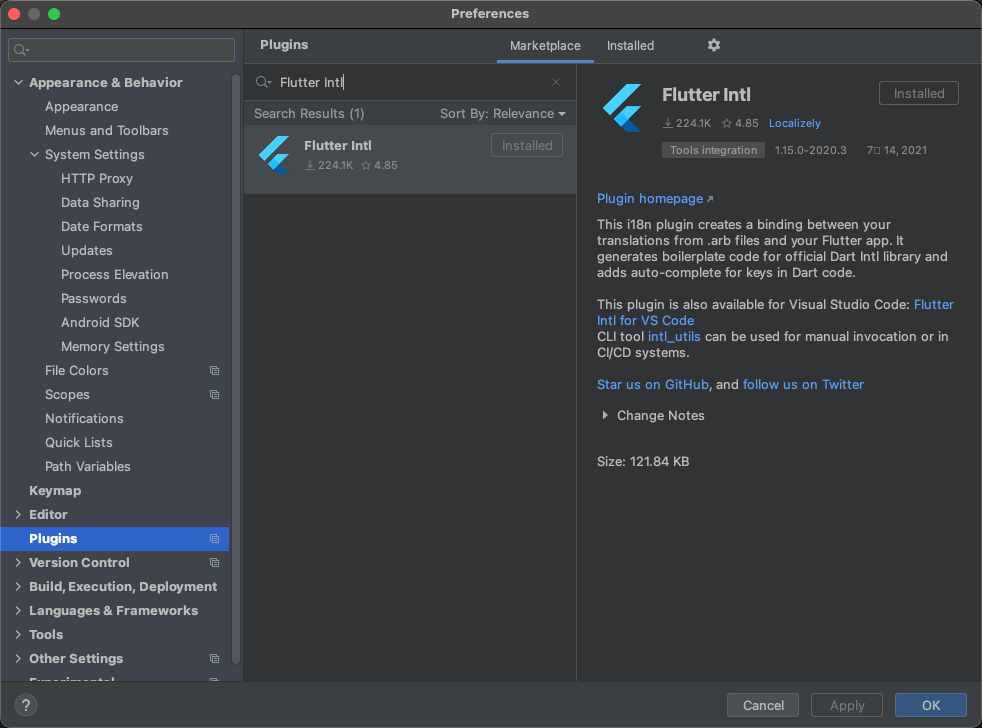
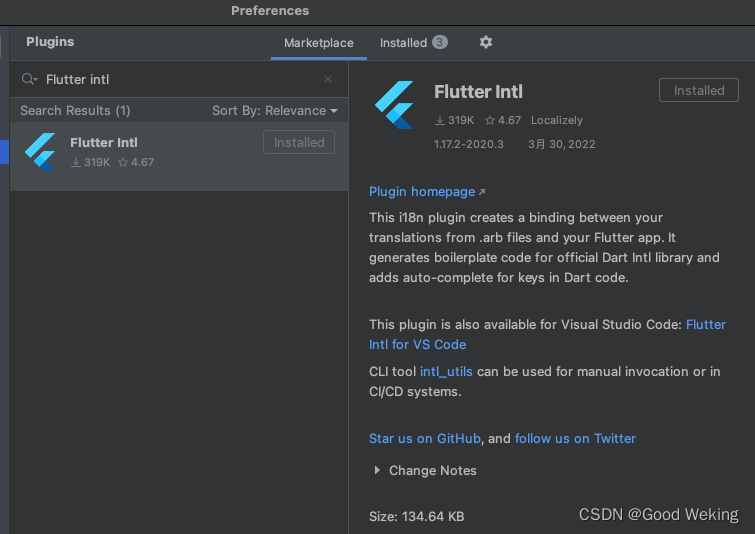
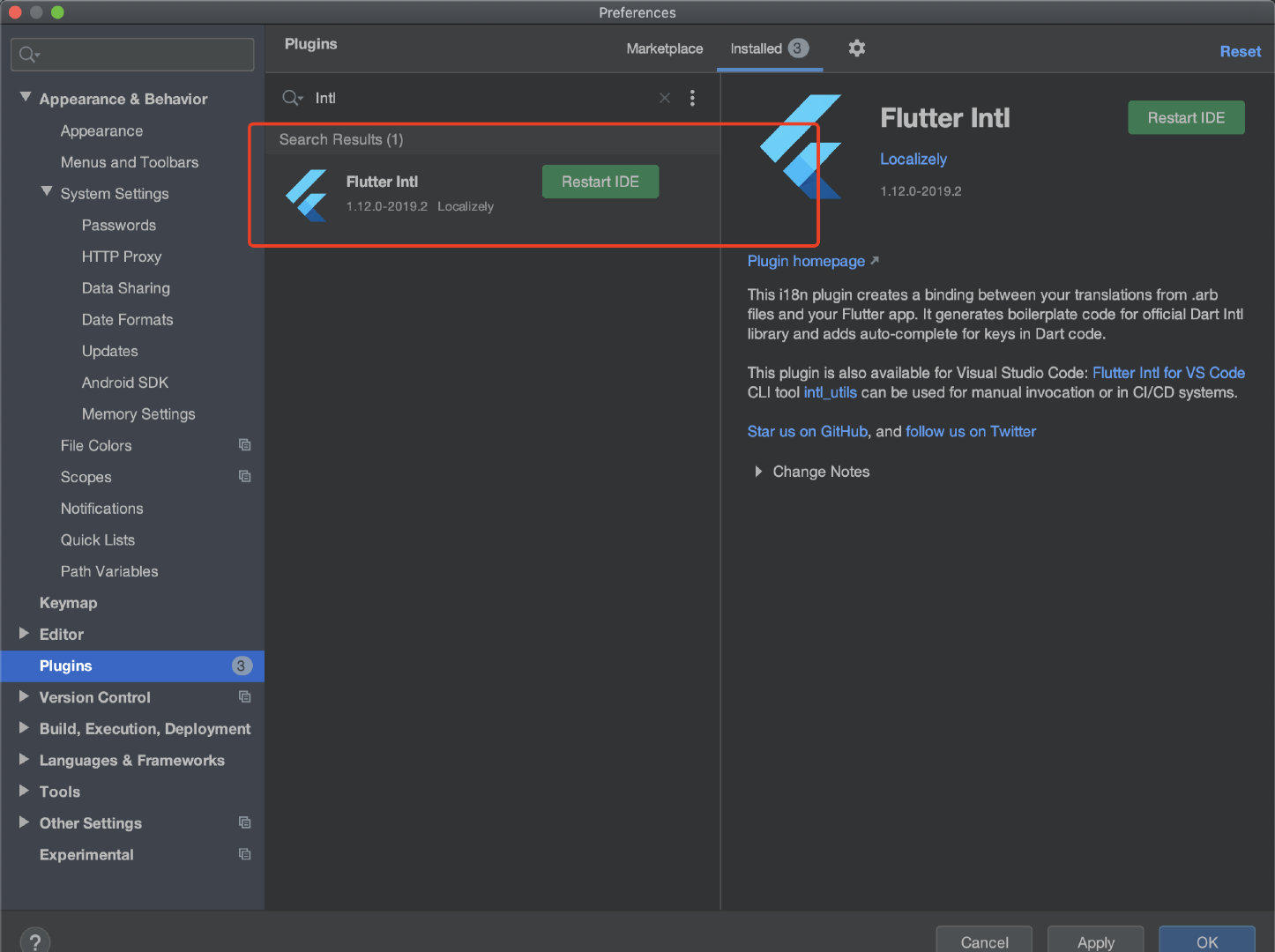
Install plugin
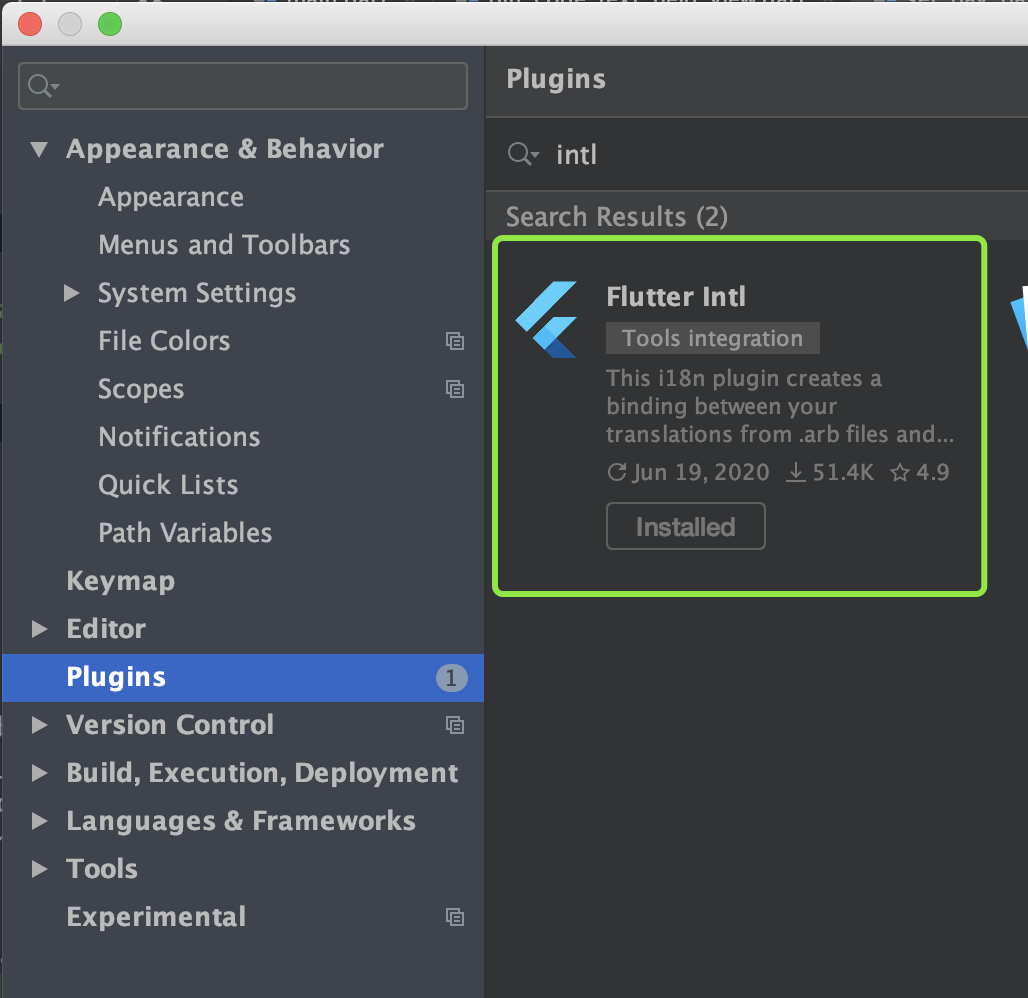
- Android Studio -> File -> Setting -> Plugins -> Search Flutter Intl
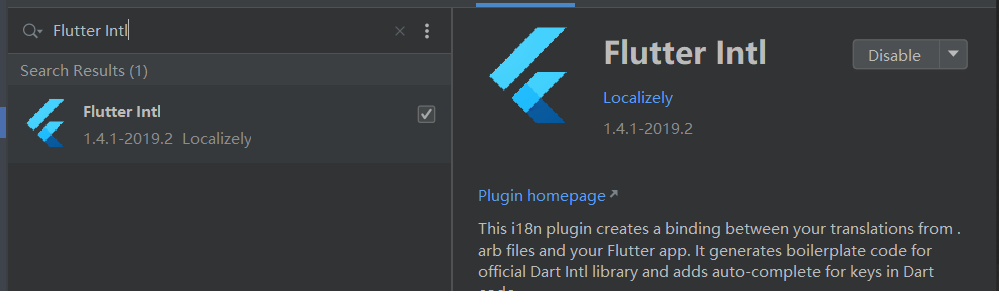
Configuration item
First add the following statement in the project pubspec.yaml and execute package get
dev_dependencies:
...
  flutter_localizations:
    sdk: flutter
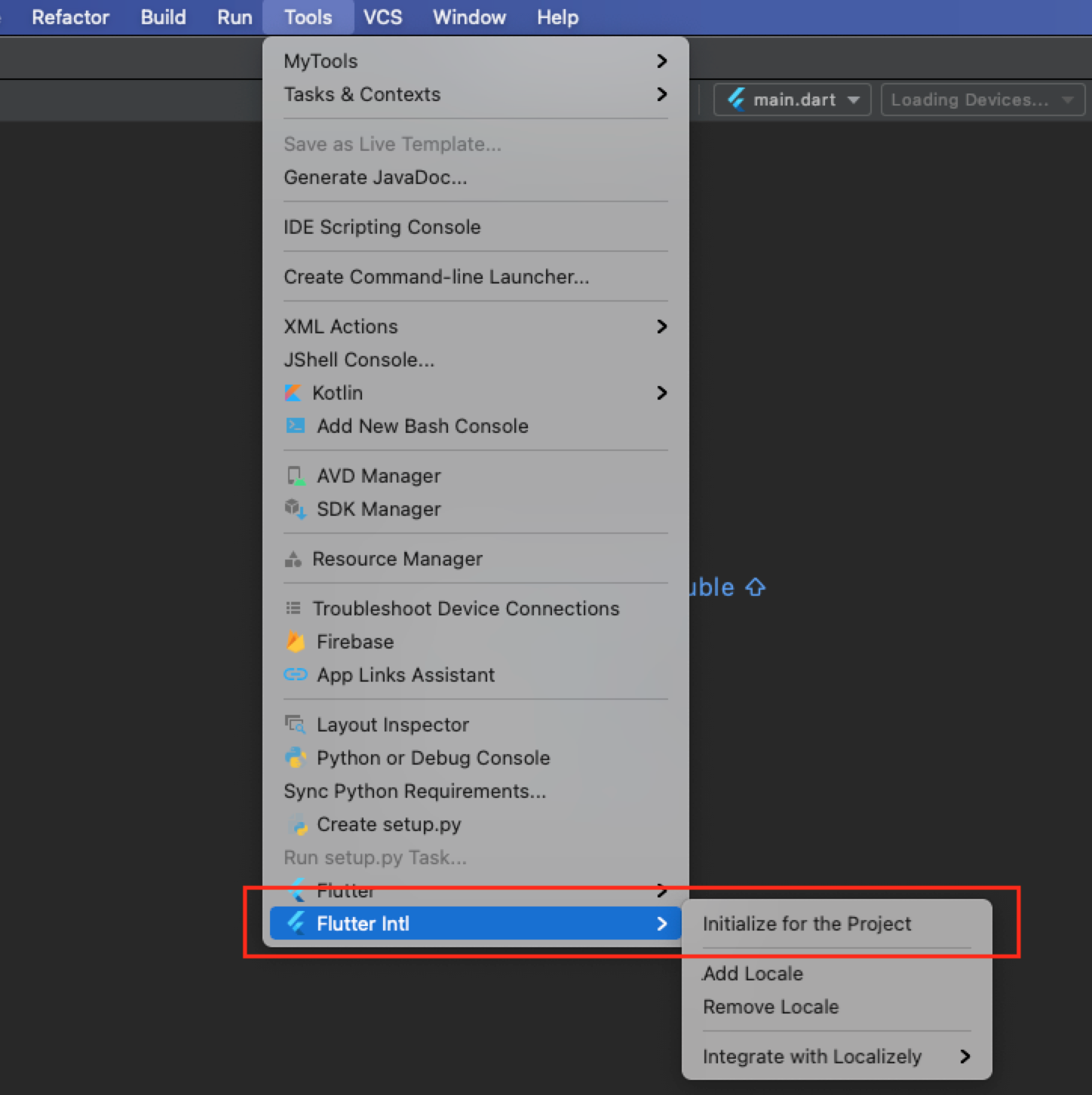
Find Flutter Intl under Tool in the menu bar and select Initalize for the project. The effect after the configuration is as follows:
1. The following fields will be added to pubspec.yaml
flutter_intl:
    enabled: true
2. Two packages generated and l10n will be added to the lib directory
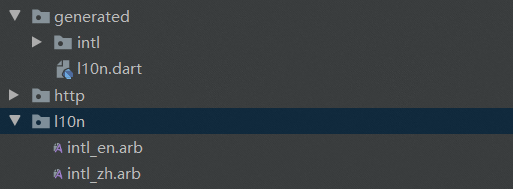
- There is one intl package under the generated package by defaultmessages_all.dartwithmessages_en.dartFile, the file starting with messages will be automatically generated after adding the language
- There is an intl_en.arb file under the l10n package
Add language
Find Flutter Intl under Tool and select Add Locale, and enter the language type (eg: zh). After the configuration is completed, the following files will be generated
1. An intl_zh.arb will be generated under the l10n package in the lib directory
2. Generate the messages_zh.dart file in the intl package under the generated package
Initialize Flutter internationalization
Join in the main page build
return MaterialApp(
  ...
    localizationsDelegates: const [
      S.delegate,
      GlobalMaterialLocalizations.delegate,
      GlobalCupertinoLocalizations.delegate,
      GlobalWidgetsLocalizations.delegate
    ],
    // Set Chinese as the preference
    supportedLocales: [const Locale('zh', ''), ...S.delegate.supportedLocales],
  ...
);
Configure multiple languages
- Add strings under intl_en.arb and intl_zh.arb respectively
- Call where you need to configure internationalizationS.of(context).stringCan
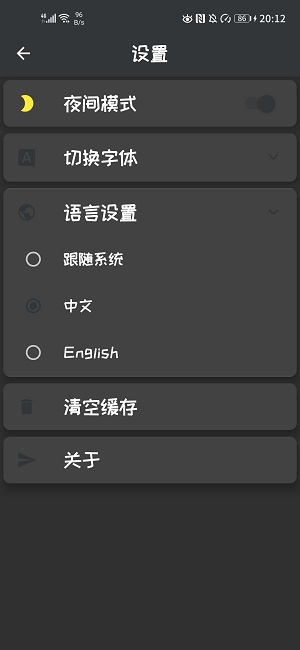
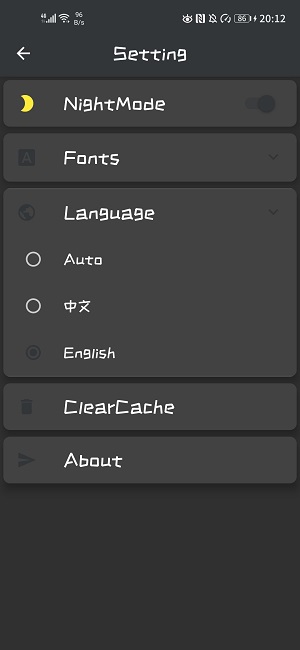
Example effect
Intelligent Recommendation
Flutter multilingual support (FLUTTER INTL PLUGIN)
Flutter International Multi-Language Support 1 first wayofficial 2 first wayFlutter Intl Let's introduce the flutter INTL plugin 1. Install the plugin Search and install in VSCode or IDEAFlutter Intl ...
React internationalization configuration react-intl 2.0 version
1. Download the react-init dependency library (note that this solution is version 2.0-2.9, and there is no react-intl/locale-data file in the new version) Second, create an international file T...
flutter internationalization flutter uses intl plug-in, provider state preservation
1. Download the plugin 2. After the plug-in download is complete, restart android studio, there will be an additional option of flutter intl in the toolbar tool 3. Click initialize for project and wai...
FLUTTER learning trip, multi-language internationalization program flutter Intl
The internationalization planning is simple, introducing the current fast and effective internationalization program flutter INTL. International English name:internationalization(Referred to asi18n) O...
Flutter Development Notes 18 Internationalization Flutter Intl Plug -in Multi -language
Project DEMO Address:GitHub - LINGLemon/lxf_flutter_demo 1. Install Flutter Intl plugin The menu click Android Studio- "Preferences Preferences Search for installation and restart. 2. Add Flutter...
More Recommendation
[React] Use react-intl-universa for internationalization
I have international requirements when doing a project. After querying, I found that Ali’s react-intl-universal can be used. Install into the project first When used in the project, I found that...
Flutter uses Intl, Localizel to achieve multi -language internationalization
Official documentation 1.androidstudio import plug -in 2. Then click (my computer is MAC) Tool> Flutter Intl> Intialize for Project to import plug -in 3. Then I will seepubspec.yamlThere are mor...
FLUTTER latest internationally equipped method (based on FLUTTER INTL plugin)
1. Install the plugin Search Flutter Intl in the Android Studio's Plugins and install 2. Add dependence Add dependence in the Flutter's dependency profile 3. Automatically generate international docum...
Use react-intl-universal for component and non-component internationalization
When doing the react project, internationalization is used. I wanted to use third-party internationalization files such as i8next, but I thought that as a react project, it should have self-supporting...
Use react-intl, antd front-end function component internationalization implementation
1. First, add dependencies, the version I use isreact-intl 2.4.0 Then import react-intl on the most root page The following is the root of my projectindex.tsxFile, for reference only Mainly in the fol...