Add a specified type file in Source Insight

tags: python  java  eclipse  linux  windows

The following is a Source Insight 3.x version setting method:

Source Insight is filtered in some format files.

After establishing the Source Insight project, you should not be eager to add files first.

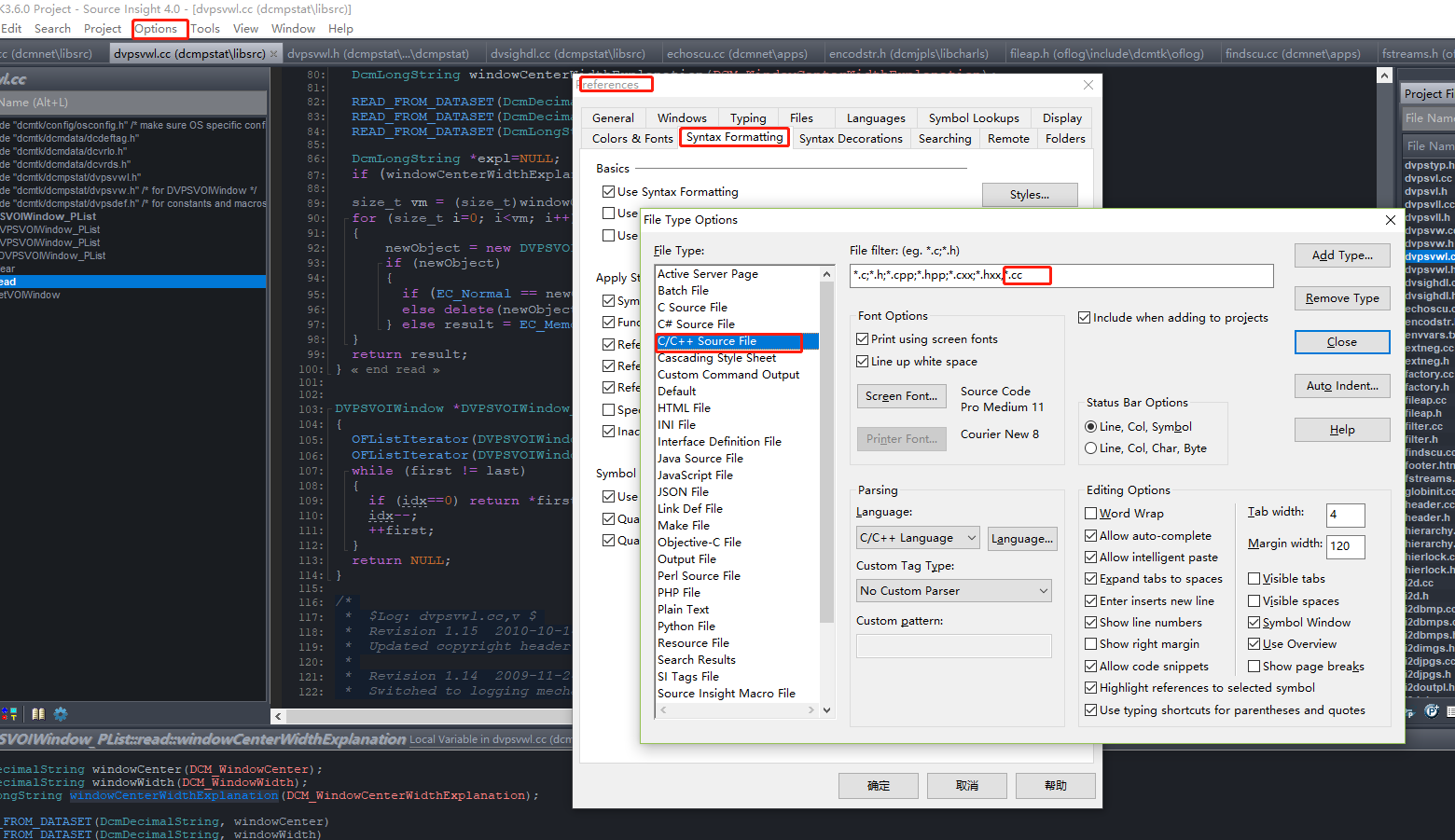
Open Options-> Document Options, select the file format we don't need to click Remove Type to delete it in Document Type.

Then click on Close, so we can add your files. Click Project -> Add and Remove Project Files.

Select the file directory you want to add, click Add Tree. . Simple side. Source Insight adds automatic recursive to all the following types.

The following is a Source Insight 4.x version setting method:

1. Menu bar Click Options-> File Type Options ...
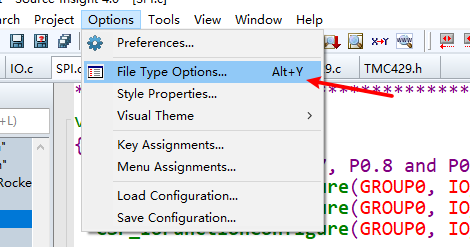
2. Recommended cancellation of file types support as follows:
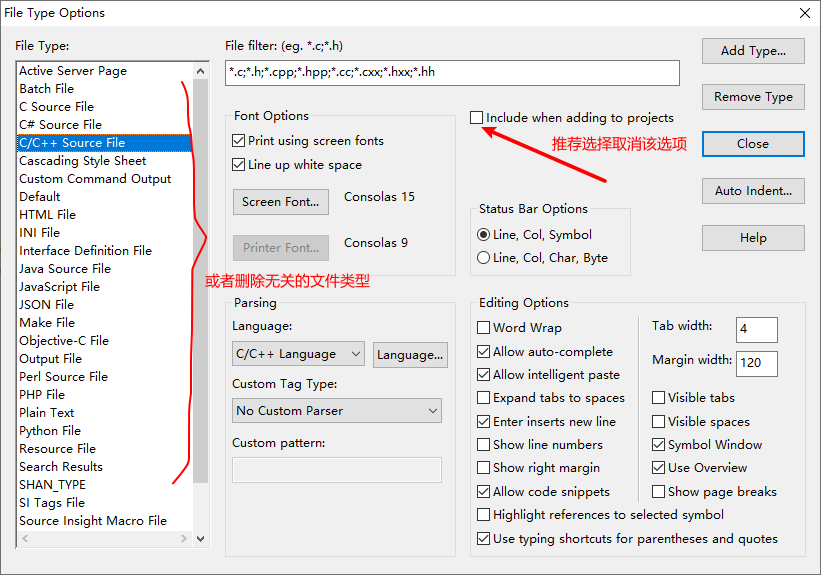
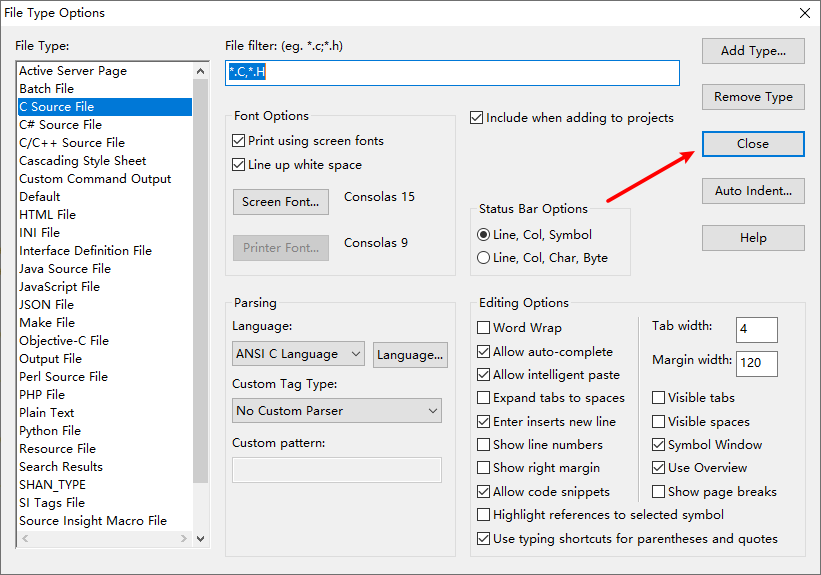
3. Finally click on the close in this interface.
Intelligent Recommendation

source insight add multi-line comments

si add multi-line comments Click onProject --> open project --> selectBase, After adding the code, choose to open the project again, select the project you created before, and open it. and click...

Source Insight Add Function Notes Hong

In the project file of Source Insight, it is added as the following macro:       The effect is as follows:...

Source Insight Settings Add Auto Remarks Personnel

1. Source Insight  Project menu -> Open Project -> Base Project  Open. The Chinese version is as follows: Item Menu -> Open Project...

Use Source Insight to add Linux header files

Zip -R myinc.zip/usr/include/copy the directory of linux header files and place it in the SI engineering Some function names in SI will not be recognized. Add C.TOM files to SI's project files, add SI...

More Recommendation

Set source insight file format -file format

The file formats supported by different operating systems are different. For example, windows supports windows (CR/LF), linux supports Unix (LF), and mac supports mac (CR). These three file formats ar...

Source Insight displays the full path of the file

I don’t know where the path to open the file is when I study. The software doesn’t display it completely by default, so Baidu checked it and keep it as a learning record. After opening the...

make file highlight ultra edit and source insight

ultra edit highlight UE does not support make file syntax highlighting by default Advanced----Settings---Editor display---Syntax highlighting---Add/remove language Find the makefile in the list, check...

source insight 4.0 .cc file color matching

When using source insight 4.0 to open the project, I found that the colors of the .cc files are all black and white. At this time, filter should be set. "Options"->"Preferences"...

Set the library header file in SOURCE INSIGHT

2019 Unicorn Enterprise Heavy Recruitment Python Engineer Standard >>> The first time I use this software to read the source code. After discovering a lot of functions and variables, I can't ...

Copyright  DMCA © 2018-2026 - All Rights Reserved - www.programmersought.com  User Notice

Top