CMake and dynamic link libraries (dll, so, dylib)
tags: cmake Cross-platform
useCMakeIt is easy to implement cross-platform compilation. If you want to link a third-party library, you need to set it up for the platform. Here is how to create a simple CMake project to realize automatic compilation on Windows, Linux and macOS.
SDK download
- Dynamsoft Barcode Reader 5.2 for Windows
- Dynamsoft Barcode Reader 5.2 for Linux
- Dynamsoft Barcode Reader 5.2 for macOS
CMake download and install
Windows
Linux
sudo apt-get install cmakemacOS
brew install cmakeBe careful not tobrewAdd beforesudo. NewestbrewNo longer supported, an error will occur if used:
Error: Running Homebrew as root is extremely dangerous and no longer supported.
As Homebrew does not drop privileges on installation you would be giving all
build scripts full access to your system.
Engineering structure
project
    |-- platforms
        |-- win
            |-- DBRx86.lib
            |-- DynamsoftBarcodeReaderx86.dll
        |-- linux
            |-- libDynamsoftBarcodeReader.so
        |-- macos
            |-- libDynamsoftBarcodeReader.dylib
    |-- include
        |-- DynamsoftBarcodeReader.h
    |-- BarcodeReader.cxx
    |-- BarcodeReaderConfig.h.in
    |-- CMakeLists.txt
C++ code
Wrote a simple command line barcode reader. The focus here is how to configure CMake, the code does not explain.
can browseBarcodeReader.cxx
CMakeLists.txt
Platform distinction
if (CMAKE_HOST_WIN32)
    set(WINDOWS 1)
elseif(CMAKE_HOST_APPLE)
    set(MACOS 1)
elseif(CMAKE_HOST_UNIX)
    set(LINUX 1)
endif()
Set the dynamic link library path
if(WINDOWS)
    link_directories("${PROJECT_SOURCE_DIR}/platforms/win")
elseif(LINUX)
    link_directories("${PROJECT_SOURCE_DIR}/platforms/linux")
elseif(MACOS)
    link_directories("${PROJECT_SOURCE_DIR}/platforms/macos")
endif()
Copy the dll file to the output directory on Windows
if(WINDOWS)
    # Copy DLL files to output directory
    if(CMAKE_CL_64)
        add_custom_command(TARGET BarcodeReader POST_BUILD
        COMMAND ${CMAKE_COMMAND} -E copy_if_different
        "${PROJECT_SOURCE_DIR}/platforms/win/DynamsoftBarcodeReaderx64.dll"
        $<TARGET_FILE_DIR:BarcodeReader>)
    else()
        add_custom_command(TARGET BarcodeReader POST_BUILD
        COMMAND ${CMAKE_COMMAND} -E copy_if_different
        "${PROJECT_SOURCE_DIR}/platforms/win/DynamsoftBarcodeReaderx86.dll"
        $<TARGET_FILE_DIR:BarcodeReader>)
    endif()
endif()
Set installation path
if(WINDOWS)
    set(CMAKE_INSTALL_PREFIX "e:/${PROJECT_NAME}")
    if(CMAKE_CL_64)
    install (FILES "${PROJECT_SOURCE_DIR}/platforms/win/DynamsoftBarcodeReaderx64.dll" DESTINATION bin)
    else()
    install (FILES "${PROJECT_SOURCE_DIR}/platforms/win/DynamsoftBarcodeReaderx86.dll" DESTINATION bin)
    endif()
elseif(LINUX)
    install (FILES "${PROJECT_SOURCE_DIR}/platforms/linux/libDynamsoftBarcodeReader.so" DESTINATION lib)
elseif(MACOS)
    install (FILES "${PROJECT_SOURCE_DIR}/platforms/macos/libDynamsoftBarcodeReader.dylib" DESTINATION lib)
endif()
On Windows, it will be installed to the C drive by default. If the command line tool does not have administrator rights, the installation will fail. So you can change the default installation path.
Set RPATH
# Set RPATH
if(WINDOWS)
else()
    set(CMAKE_INSTALL_RPATH "${CMAKE_INSTALL_PREFIX}/lib")
    MESSAGE( STATUS "CMAKE_INSTALL_RPATH: " "${CMAKE_INSTALL_PREFIX}/lib" )
    set(CMAKE_INSTALL_RPATH_USE_LINK_PATH TRUE)
endif()
The default path on Linux and macOS is /usr/local. After installation, the execution program will not find the dynamic link library. After setting RPATH, there will be no problems.
Compile and install the project
Generate project files:
mkdir build
cd build
cmake ..
X86 is the default on Windows. If you want to use x64, you need to specify the generator:
cmake -G"Visual Studio 14 2015 Win64" ..Compile and install:
cmake --build . --target installWhen using commands on Linux, addsudo。
Full CMakeLists.txt
cmake_minimum_required (VERSION 2.6)
project (BarcodeReader)
MESSAGE( STATUS "PROJECT_NAME: " ${PROJECT_NAME} )

# The version number.
set(BarcodeReader_VERSION_MAJOR 1)
set(BarcodeReader_VERSION_MINOR 0)

# Check platforms
if (CMAKE_HOST_WIN32)
    set(WINDOWS 1)
elseif(CMAKE_HOST_APPLE)
    set(MACOS 1)
elseif(CMAKE_HOST_UNIX)
    set(LINUX 1)
endif()

# Set RPATH
if(WINDOWS)
else()
    set(CMAKE_INSTALL_RPATH "${CMAKE_INSTALL_PREFIX}/lib")
    MESSAGE( STATUS "CMAKE_INSTALL_RPATH: " "${CMAKE_INSTALL_PREFIX}/lib" )
    set(CMAKE_INSTALL_RPATH_USE_LINK_PATH TRUE)
endif()

# Configure a header file to pass some of the CMake settings
# to the source code
configure_file (
    "${PROJECT_SOURCE_DIR}/BarcodeReaderConfig.h.in"
    "${PROJECT_BINARY_DIR}/BarcodeReaderConfig.h"
)

# Add search path for include and lib files
if(WINDOWS)
    link_directories("${PROJECT_SOURCE_DIR}/platforms/win")
elseif(LINUX)
    link_directories("${PROJECT_SOURCE_DIR}/platforms/linux")
elseif(MACOS)
    link_directories("${PROJECT_SOURCE_DIR}/platforms/macos")
endif()
include_directories("${PROJECT_BINARY_DIR}" "${PROJECT_SOURCE_DIR}/include")

# Add the executable
add_executable(BarcodeReader BarcodeReader.cxx)
if(WINDOWS)
    if(CMAKE_CL_64)
        target_link_libraries (BarcodeReader "DBRx64")
    else()
        target_link_libraries (BarcodeReader "DBRx86")
    endif()
else()
    target_link_libraries (BarcodeReader "DynamsoftBarcodeReader")
endif()

if(WINDOWS)
    # Copy DLL files to output directory
    if(CMAKE_CL_64)
        add_custom_command(TARGET BarcodeReader POST_BUILD
        COMMAND ${CMAKE_COMMAND} -E copy_if_different
        "${PROJECT_SOURCE_DIR}/platforms/win/DynamsoftBarcodeReaderx64.dll"
        $<TARGET_FILE_DIR:BarcodeReader>)
    else()
        add_custom_command(TARGET BarcodeReader POST_BUILD
        COMMAND ${CMAKE_COMMAND} -E copy_if_different
        "${PROJECT_SOURCE_DIR}/platforms/win/DynamsoftBarcodeReaderx86.dll"
        $<TARGET_FILE_DIR:BarcodeReader>)
    endif()
endif()

# Set installation directory
if(WINDOWS)
    set(CMAKE_INSTALL_PREFIX "e:/${PROJECT_NAME}")
    if(CMAKE_CL_64)
    install (FILES "${PROJECT_SOURCE_DIR}/platforms/win/DynamsoftBarcodeReaderx64.dll" DESTINATION bin)
    else()
    install (FILES "${PROJECT_SOURCE_DIR}/platforms/win/DynamsoftBarcodeReaderx86.dll" DESTINATION bin)
    endif()
elseif(LINUX)
    install (FILES "${PROJECT_SOURCE_DIR}/platforms/linux/libDynamsoftBarcodeReader.so" DESTINATION lib)
elseif(MACOS)
    install (FILES "${PROJECT_SOURCE_DIR}/platforms/macos/libDynamsoftBarcodeReader.dylib" DESTINATION lib)
endif()

install (TARGETS BarcodeReader DESTINATION bin)
install (FILES "${PROJECT_BINARY_DIR}/BarcodeReaderConfig.h" DESTINATION include)
install (DIRECTORY "${PROJECT_SOURCE_DIR}/include" DESTINATION include)

# Use CTest
include(CTest)
add_test (BarcodeReaderRuns BarcodeReader)
Source code
Intelligent Recommendation
Compiling dynamic link libraries with VS2017 is related to using python to call c++dll dynamic link libraries
Recently, due to needs, I have to use some C++ libraries in python projects, and I have encountered some problems to share with you. First, I created an empty C++ project in VS, the project structure ...
".Dll .obj .lib" and ".so .o .a" file with the dynamic and static link link
".Dll .obj .lib" and ".so .o .a" file (1) .dll .obj .lib use the windows platform. (2) .so .o .a used in linux internet. Dynamic and static link link First, some (static link libra...
Windows+Mingw uses cmake to generate .dll dynamic link library
Windows+Mingw uses cmake to generate .dll dynamic link library Preface After completing the interface development, in order to call other developers, this part of the code is usually necessary to pack...
cmake add a reference to the dynamic link libraries and statically linked
Add dynamic library: Add a static library:...
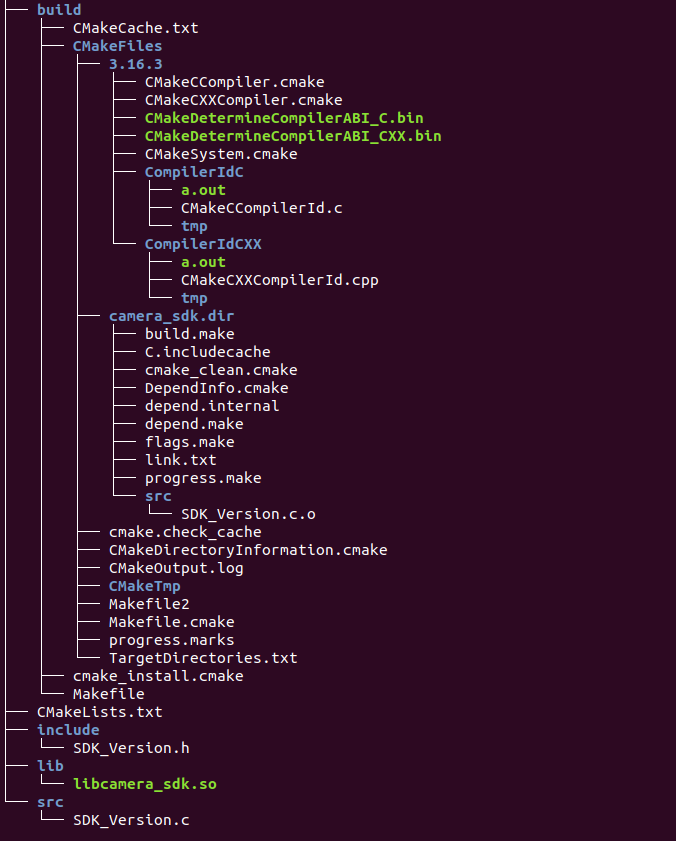
Use cmake to generate dynamic link libraries and use instances in the Linux environment
Recently, you need to write a camera SDK used in a Linux environment. You need to write a dynamic link library that can be called by C / C ++ using the C language. So how do you write a dynamic link l...
More Recommendation
Compile with cmake version of dynamic link libraries, and without a version of the library
Personal blog https://juejin.cn/user/176366088104638 and http://blog.wuzhenyu.com.cn cmake compiled dynamic link libraries and dynamic libraries cmake byadd_library The way to set the compiler target,...

Dynamically call dynamic link libraries (.dll), including function and class calls
Before reading this article, I assume that you have the following capabilities: C ++ basics Basic VS operation ability After reading this article: Writing of C ++ dynamic link library Dynamically call...
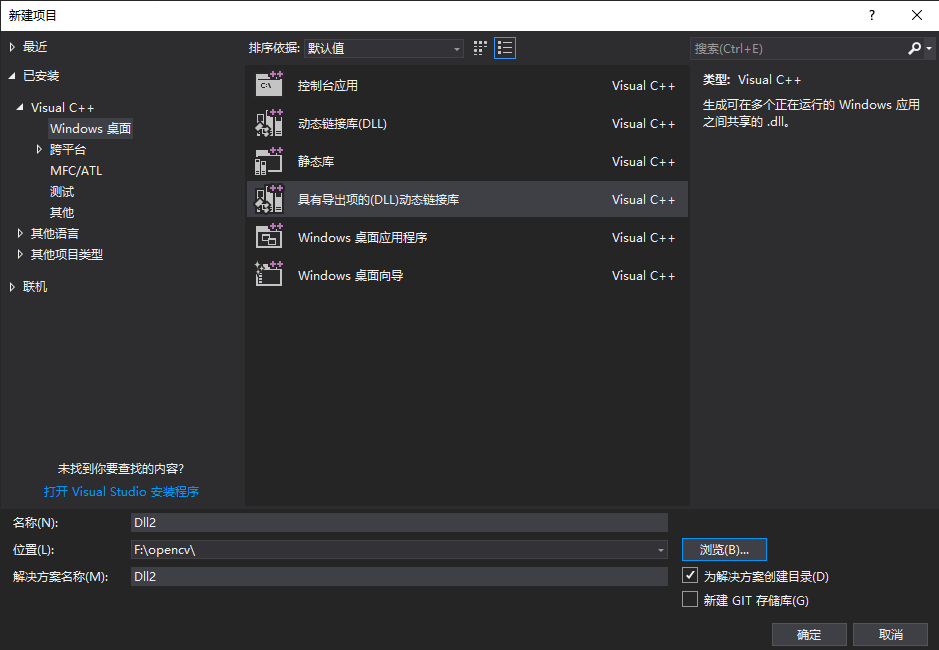
VS2017 creates and uses dynamic link DLL libraries with exported items
This article introduces a dynamic DLL library with exported items that automatically generates .lib and .dll files, without the need to manually set the options for .lib generation. A table of Content...
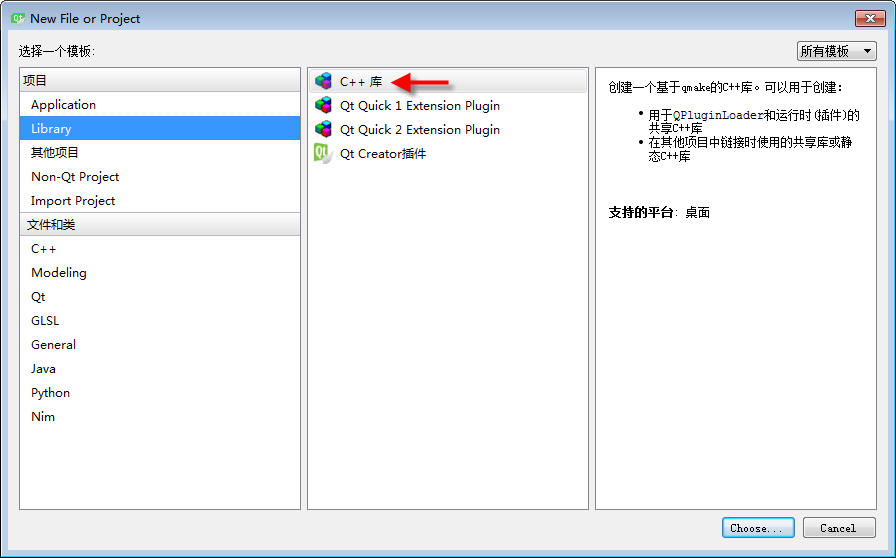
Qt: Summary of creating dynamic link libraries (Qt5, dll)
1. DLL: Create a dll project Keep clicking Next until the creation is complete. 2. DLL: What is the difference between dll projects? Take a look at the difference of the project's default header file ...
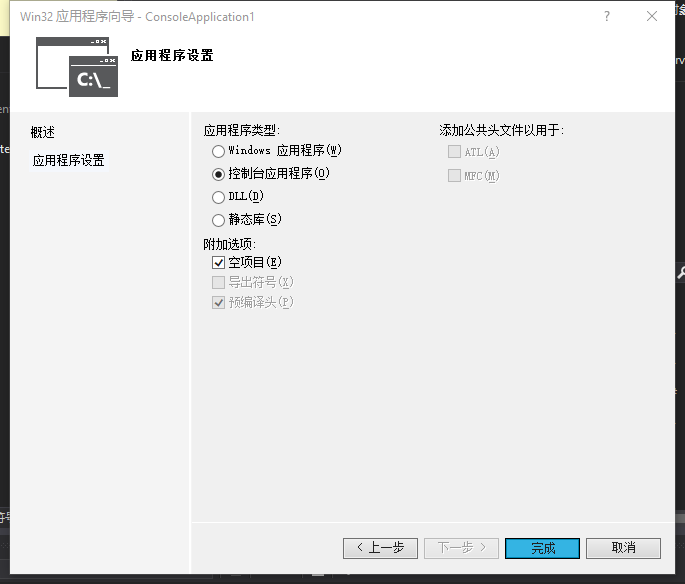
[DLL 02] Ways of two call dynamic link libraries
This article uses Visual Studio 2017 to call DLL files through the Win32 console application. 0. New project 1 New Project: File -> New -> Project, Template -> Visualc ++ -> Win32 C...