C# study notes: control font (Font) property settings
tags: c# Set control font Font attributes FontDialog
Many controls have a font (Font) attribute. If you set it statically in the property bar of the designer, it is naturally no problem, but in the code, it is not so easy to set it dynamically at runtime. Considering that this item will be used frequently in the future, it is necessary to study how to set font properties.
There are two main methods for setting fonts, one is to directly pass various glyph font parameters to the Font class to set, and the other is to use the font setting dialog box (FontDialog) to set. Let's talk about their usage in detail below.
1. Method one, set by Font class
Assuming that the control name is control, the font is set to "Chinese New Wei", the font size is 22.2 points, bold, slanted, and underlined, you can set it like this:
control.Font=new Font("Chinese New Wei",22.2f, FontStyle.Bold |Ityle.ItalicFontStyle.Underline);
There are a total of 13 overloads of this method, which is only one of the more commonly used ones, and the rest will not be repeated.
2. Method two, set through the font dialog box
(1) First, add the FontDialog control, as shown below:
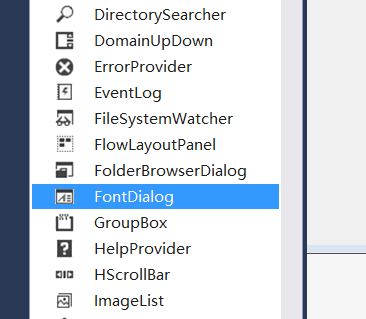
(2) Secondly, write these two lines of code in the code page:
fontDialog1.ShowDialog();//This method is used to pop up the font dialog
control.Font=fontDialog1.Font;
If there is no fontDialog.ShowDialog() line, no dialog box will pop up. Font only contains information such as glyphs, not font colors. Color, if you want to set the font color, you must turn on the color selection in the font dialog Item, the specific method is in fontDiaglog1.ShowDialog() Add a line of code fontDialog1.ShowColor=true before this line of code. The specific approach is as follows:
fontDialog1.ShowColor=true;//This line of code must appear before fontDialog1.ShowDialog().
fontDialog1.ShowDialog();
control.Font=fontDialog1.Font;
control.ForeColor=fontDialog1.Color;//Set the font color
The pop-up font dialog box is as follows:
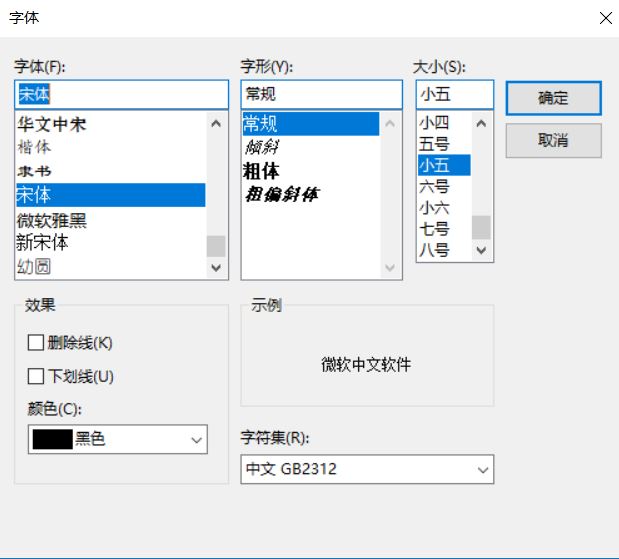
3. Examples
(1) The code part is set as shown below:
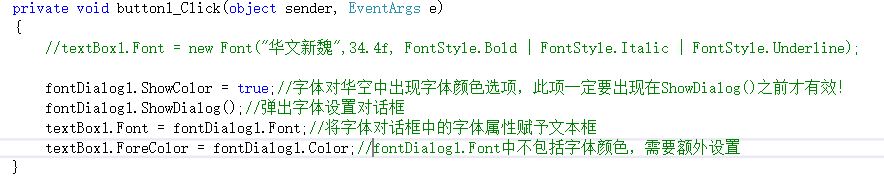
(2) Before running
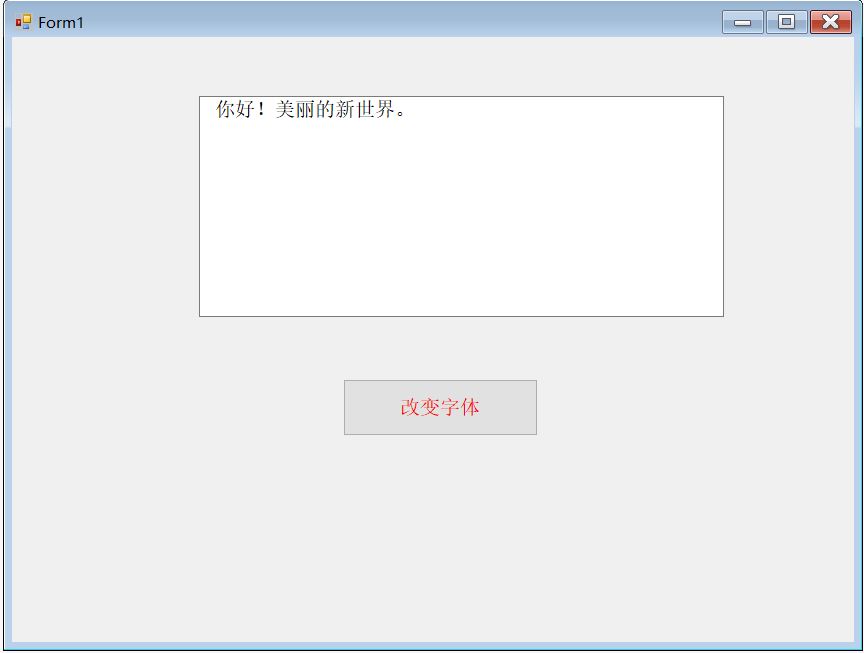
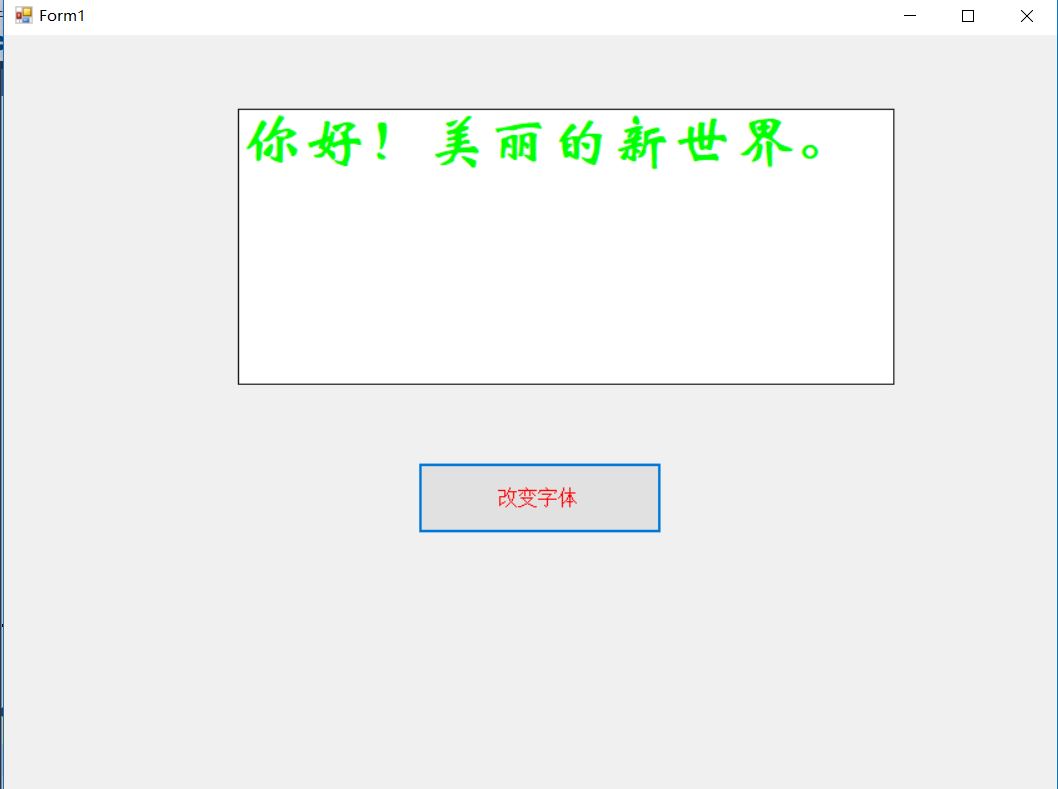
(3) After running
Intelligent Recommendation
Gospel of Placeholder - Change font property settings
Html5 provides placeholders for front-end developers to save a lot of things, today find some ways to change their font properties, for reference only: ...
LaTeX Chinese and English font property settings
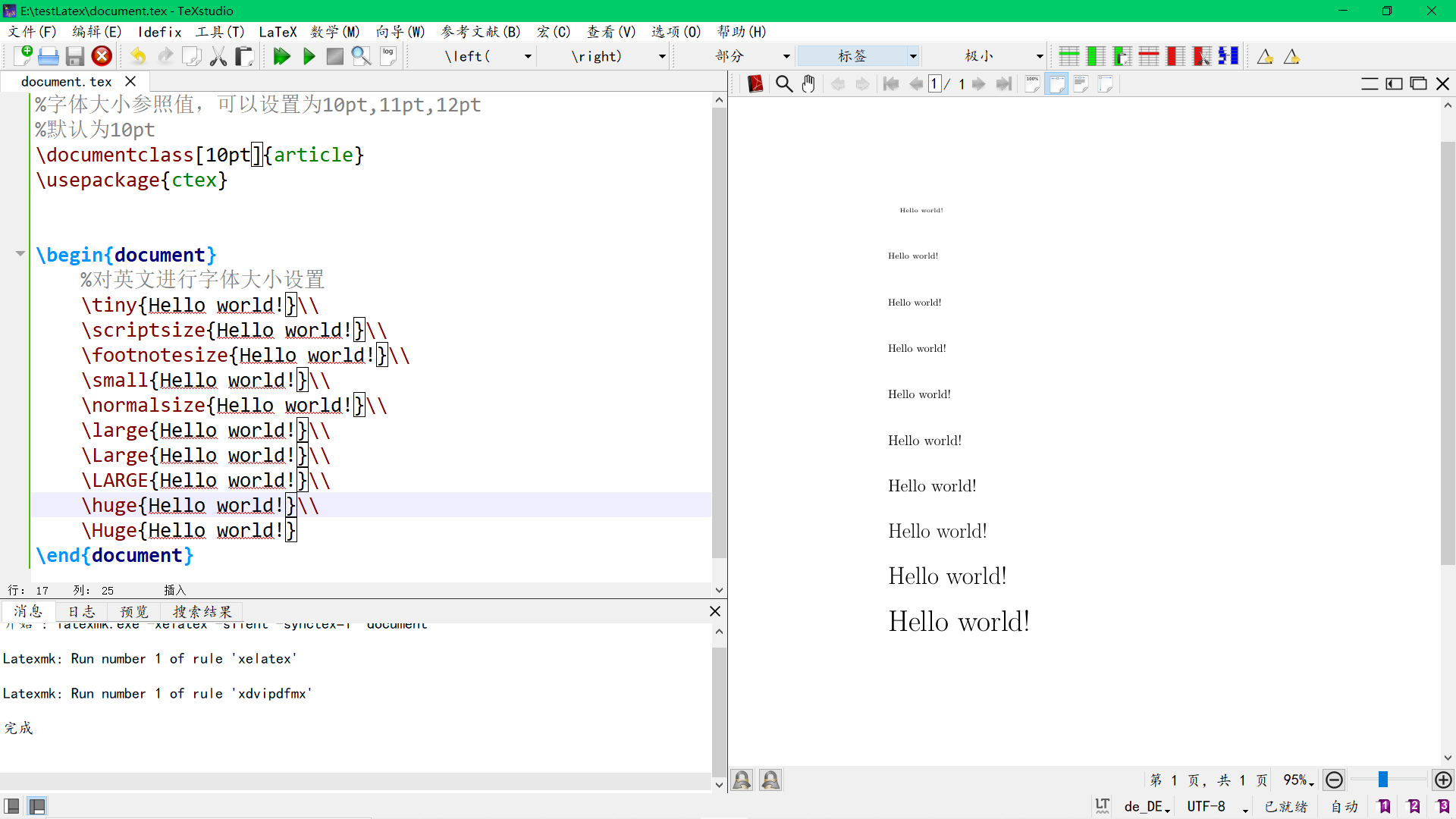
In LaTeX, a font has 5 attributes, as shown below: Font encoding: The body font coding is OT1, T1, EU1, etc.; The math font codes include OML, OMS, OMX, etc. This attribute generally does not need to ...

C # DataGridView control font configuration problem font size modified font
VS-C ++ Series:All related C ++ articles link. VS-C # Series:All related C # articles link. BAT series:All related BAT articles link. OpenCV Series:All related OpenCV articles link. AD series:All rela...
CSS Font Font Settings
Cancellation label plus thick effect font-weight: Normal; Creation TEXT-ALIGN: CENTER; Follow the box model, hin TEXT-ALIGN: CENTER; display:block; Canceled oblique Font-Style: Normal; Control text fi...
Font settings
Font settings Example font settings font-style: Italic normal: Normal font (default font style, can be used to remove the default italic style of HTML i italic tags) italic: Italic. For special fonts ...
More Recommendation
IDEA Font settings (font settings)
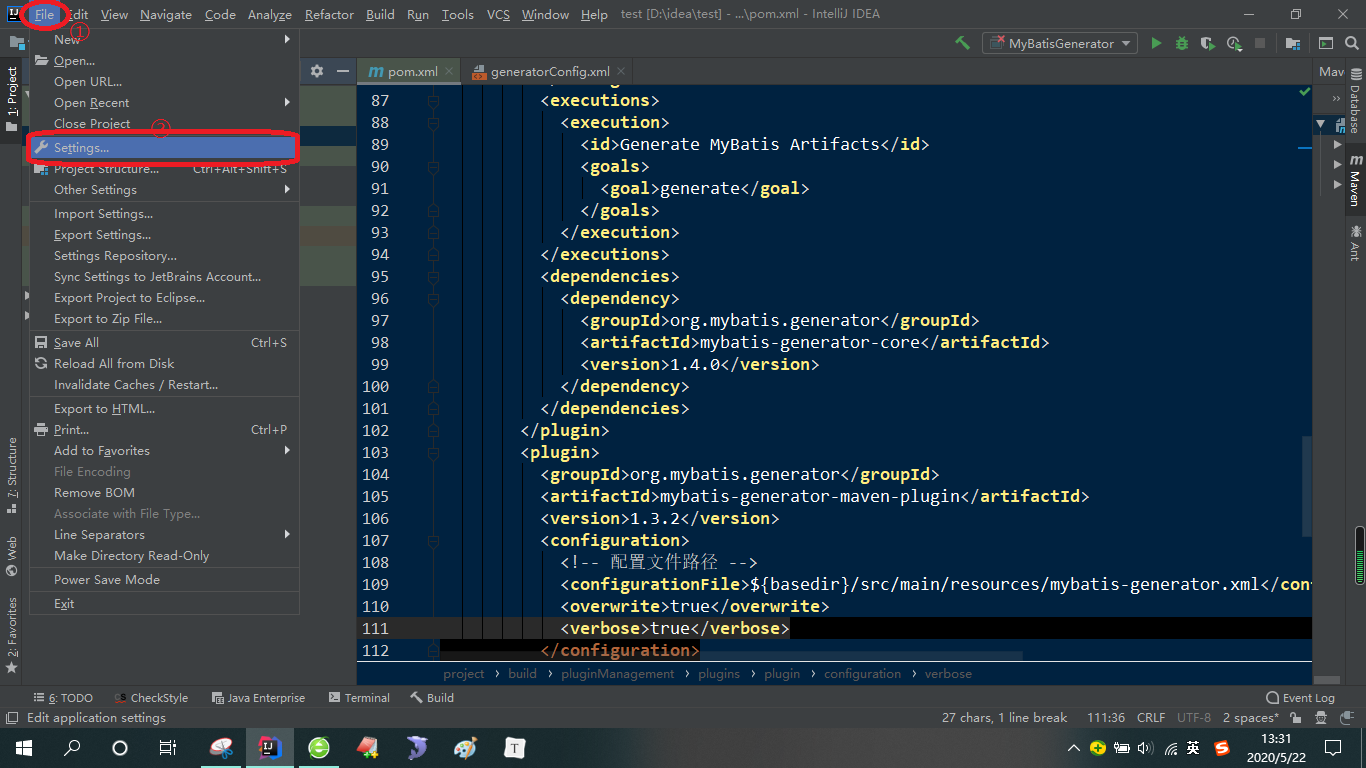
The first kind: generally change directly in the font option under the settings directory The second kind: this kind of is more irritating, I found it by accident, use ctrl + mouse wheel to achieve fo...
MFC dynamically create font settings control problem
Why 80% of the code can not do farming architect? >>> Mfc dialog dynamically created on a group box control, the font does not look good, as shown below: code show as below: Both ...
c ++ control the font color output
c ++ control the font color output --------------- ------------------ gorgeous dividing line C ++ runtime console output box default text color is white, so I often call it the output box is black and...

Control the font color in ListBox in C#
Since I encountered it in my own practice, so record it. The function is to make different text display different colors in the ListBox, the basic code is as follows: private void listBox1_DrawItem(ob...