How to connect SQL SERVER database with Java
- The SQL Server 2008 R2 database and Eclipse are used here;
- Reference tutorial:Java connection sqlserver database tutorial from scratch
start!
- First find it from the start menu
SQL Server Configuration Manager 
- select
Network ConfigurationDownxxx agreement, EnableNamed PipeswithTCP/IP 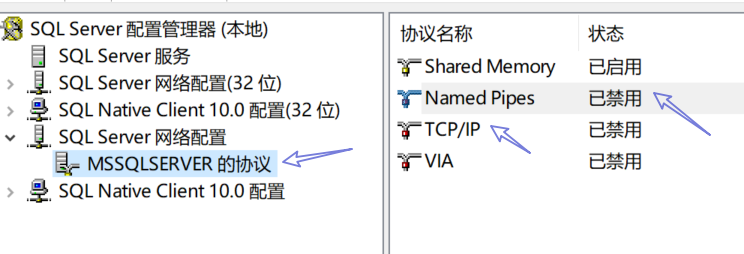

- Double click
TCP/IPselectIP addressTab, willIP1withIP10Are set to127.0.0.1And set all IPX enabled to yes. 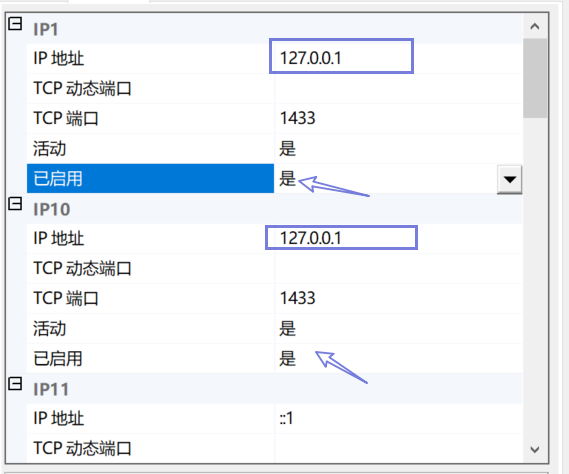
- Put
IPAIIChanged the dynamic port to1433 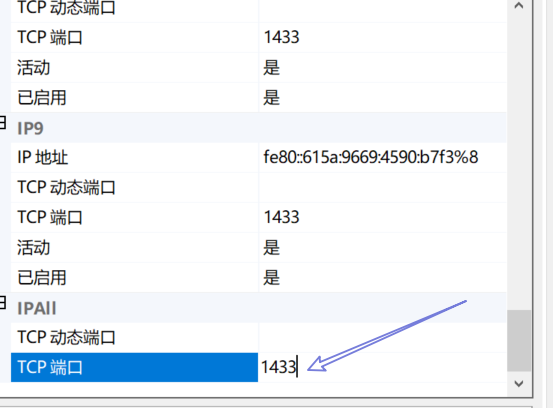
- search for
service 
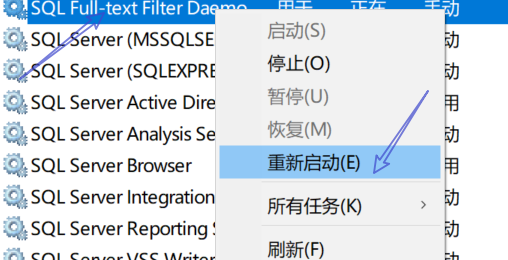
- Choose to start with SQL and the status is
Running, Right click to restart 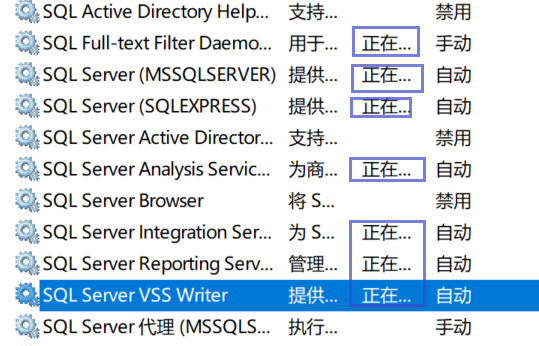
- turn on
cmd 
- Type in cmd
:telnet 127.0.0.1 1433There are spaces before 127 and spaces before 1433; if prompted, reconfigure or restart the computer; 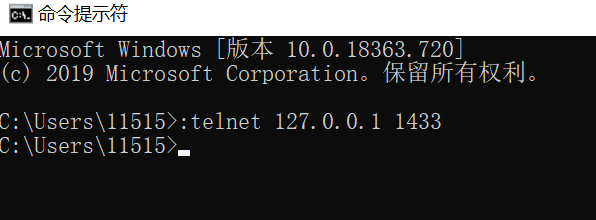
- Input
java -versionCheck the JDK version, mine is 1.8, (actually you should also see how much jre is, but I can't see 1551 
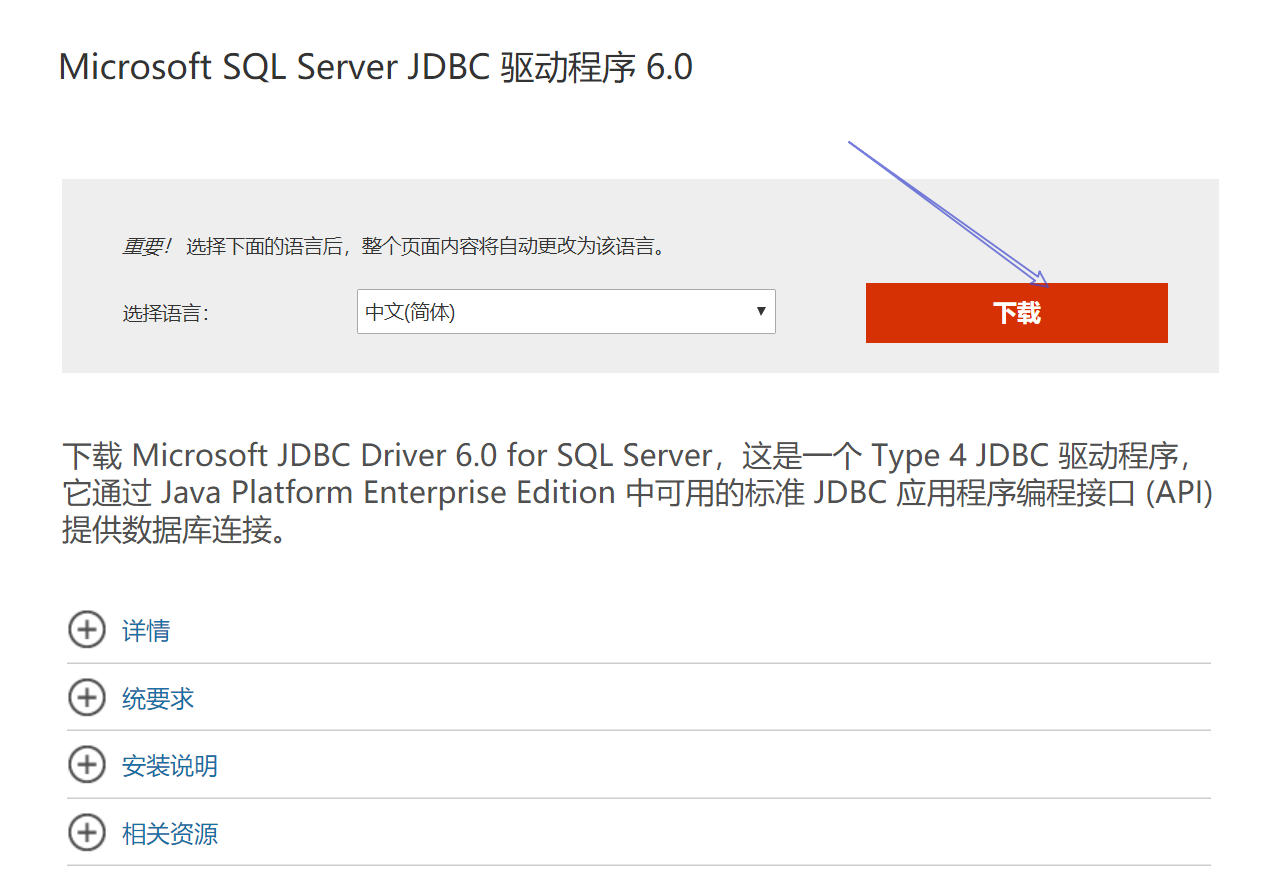
- Go to the official website to download the jar file:https://www.microsoft.com/zh-cn/download/details.aspx?id=11774
-
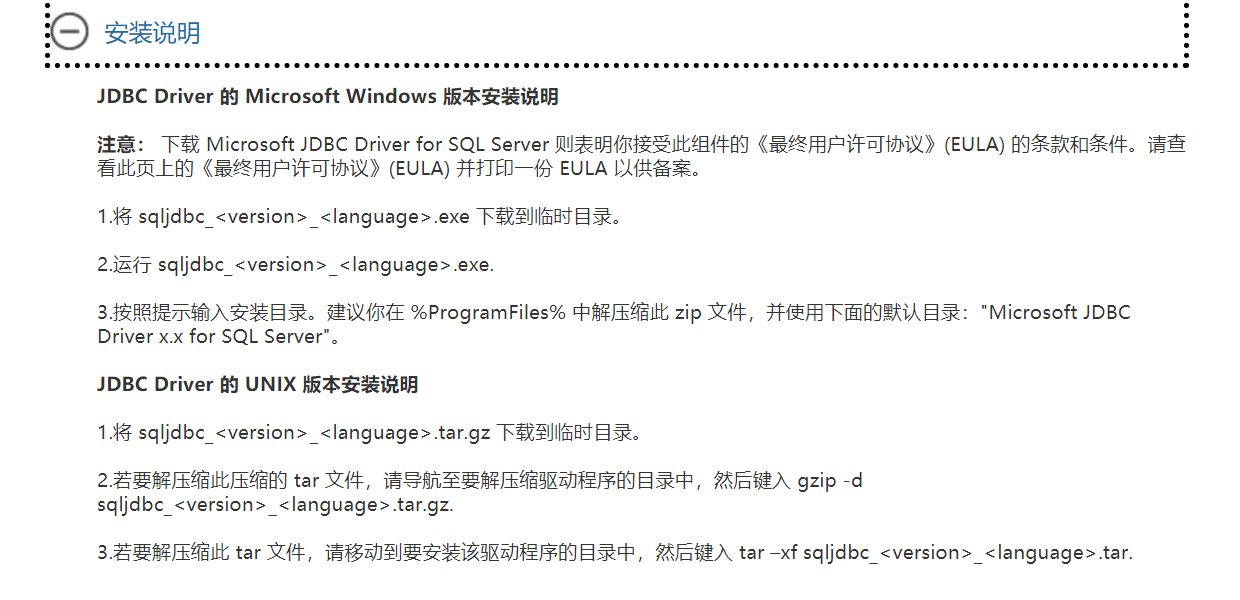
The following instructions can be seen
-
-
windows select exe file
-
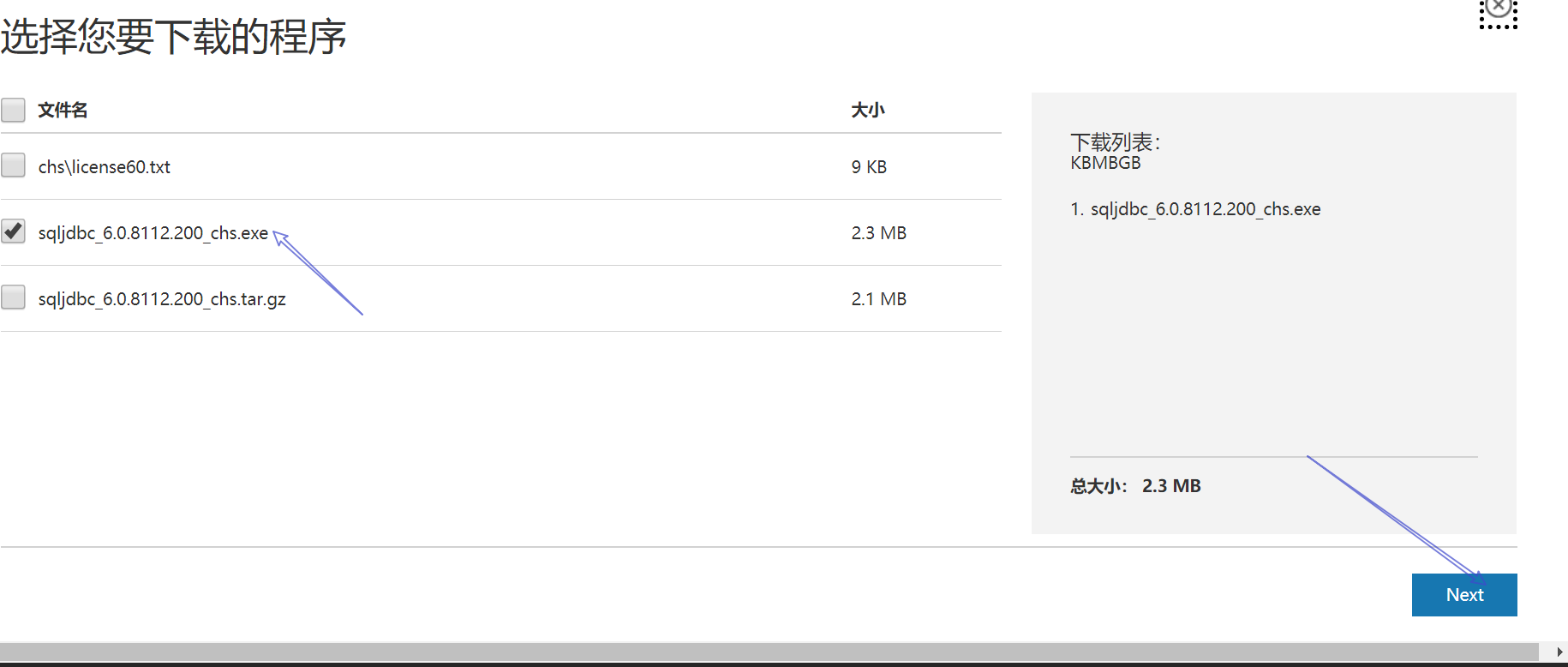
-
turn on
This computerOf the propertyAdvanced system settingsofEnvironment variables、 -

-

-
Found in system variables
CLASSPATHCreate a new jar location -
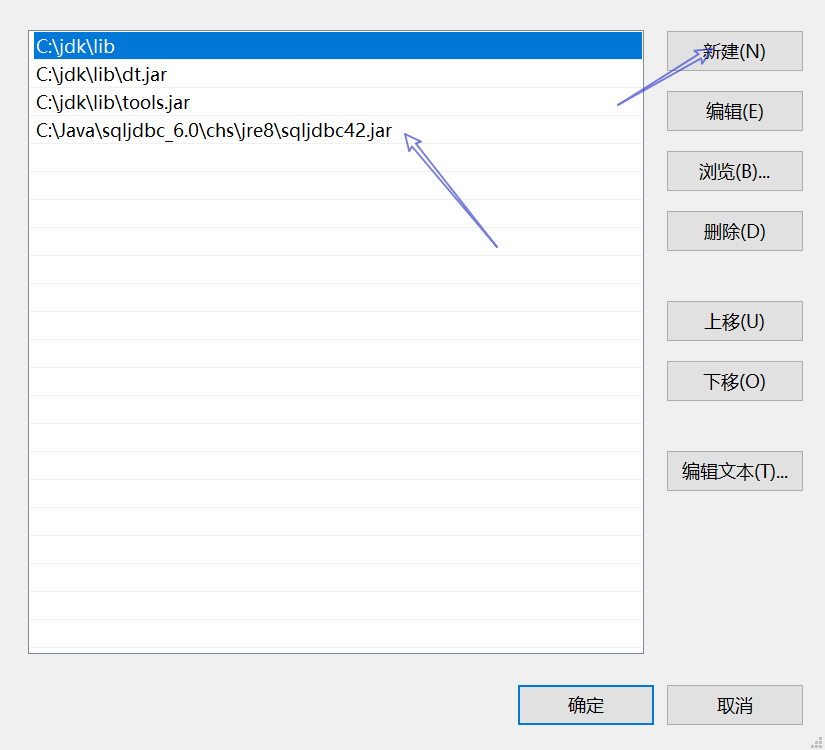
-
Then copy the jar file to the jre location
...\lib\extunder -
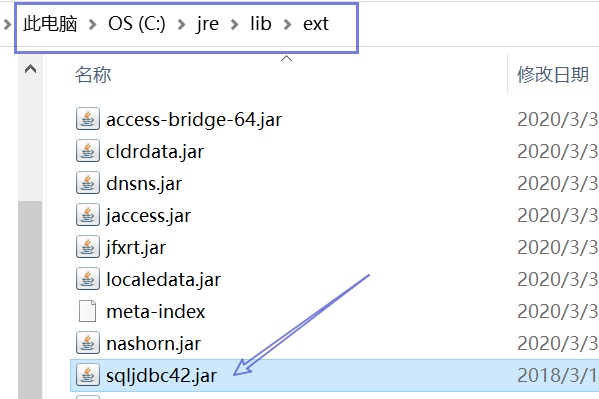
-
At the same time, copy the jre file to the JDK
...\jre\lib\extunder -

-
Then open eclipse and create a new Java project.
-
Under the new Java project
srcMiddle rightBuild PathDownConfigure Build Path -

-
then click
LibrariesMiddle rightAdd External JARs, Select the path and clickApply and Close -
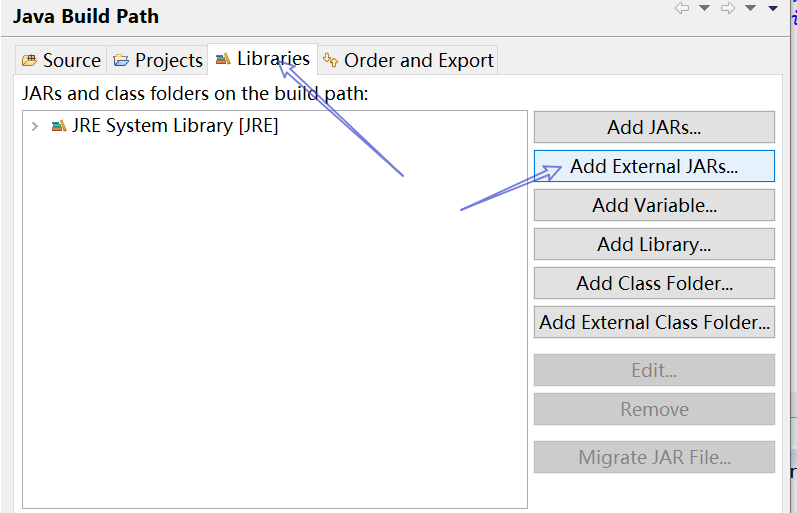
-
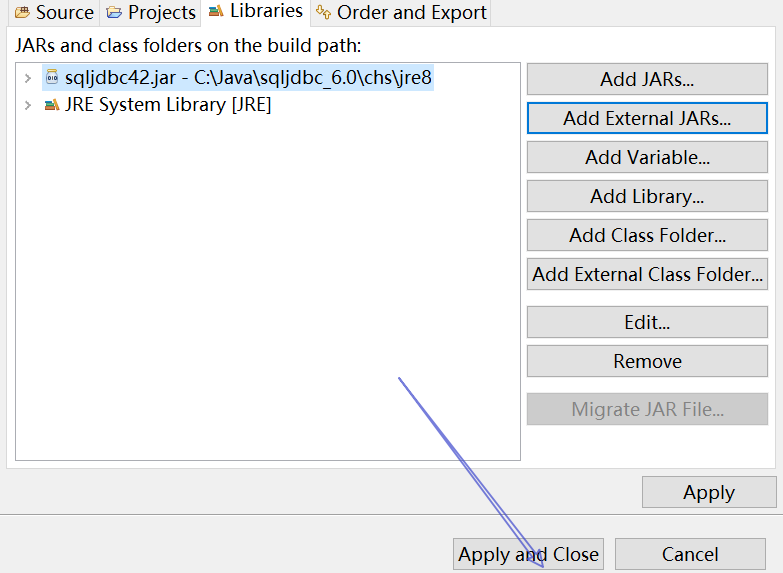
-
Then create a new one in the built project
classYou can start using it.
Completed!
Intelligent Recommendation
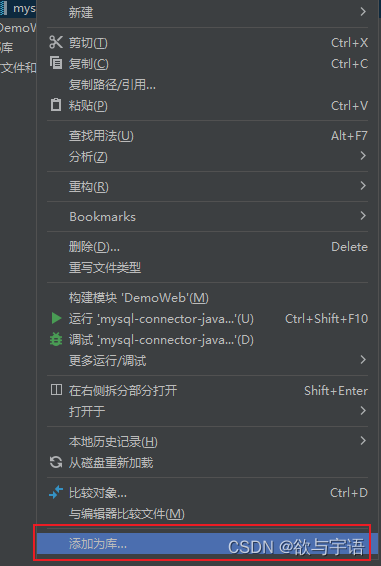
Java JDBC How to connect to the server database
Problem Description Tip: Java JDBC How to connect to the server database solution: First of allGuide in the bag Add it as a library Add JDBC code...

Java connect database SQL Server: Can't open the database requested by the login
Error: com.microsoft.sqlserver.jdbc.sqlserverexception: Unable to open the database "MyTest" requested by the login. Login failed. Error: I have an error in the above two types. The f...
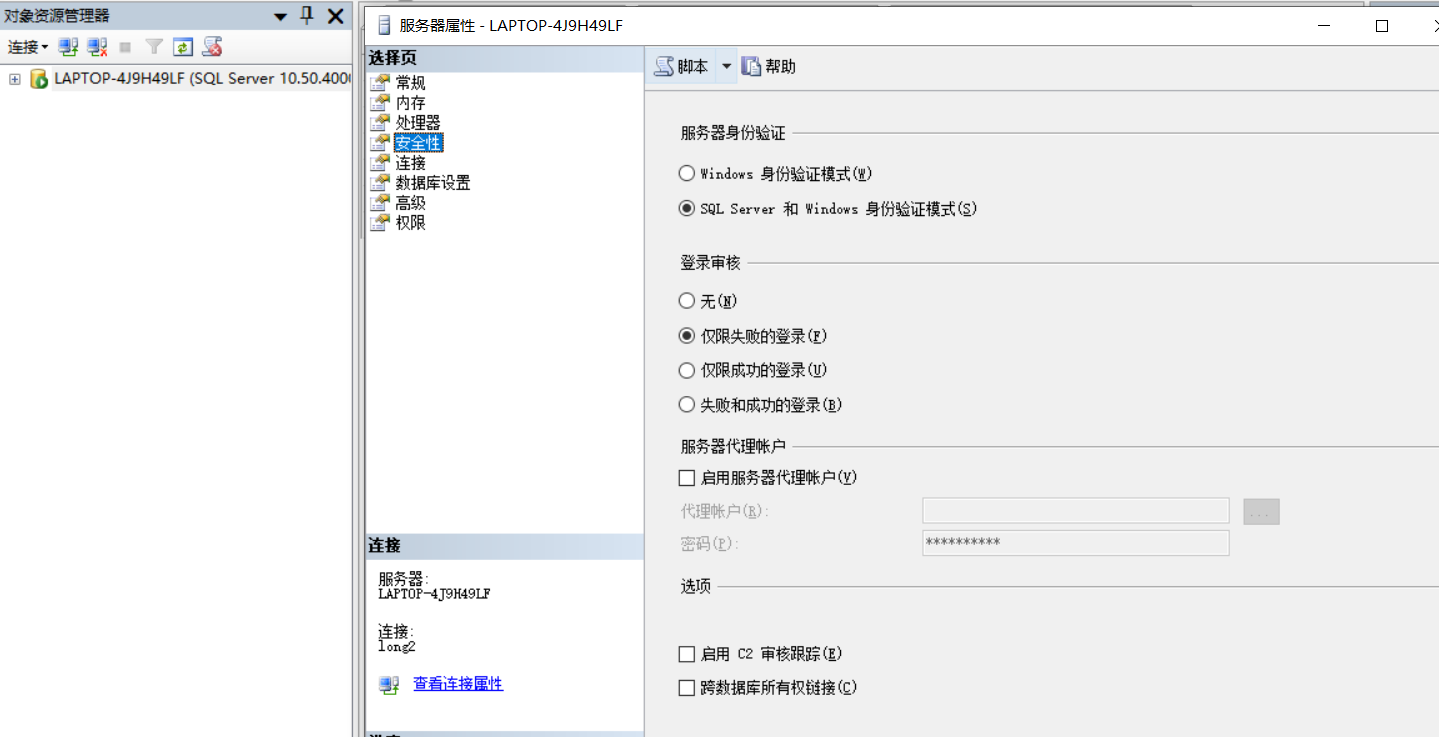
JAVA connect to Sql Server
One, SQL Server authentication settings First of all, before connecting to the database, you must ensure that SQL Server 2012 uses SQL Server authentication instead of windows authentication. If you c...
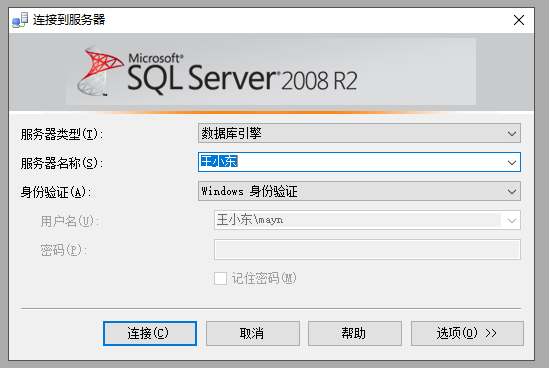
How to connect to SQL Server2008r database server remotely and directly in C#
1. Check whether the database server opens a remote database connection and opens the corresponding port ①Open the server database ②Open the database to check whether the remote c...

How does LabVIEW connect to SQL Server Local Database
How does LabVIEW connect to SQL Server Details First, overall flow chart Second, SQL SEVER 2012 download installation tutorial Third, Navicat 12 for SQL Server download installation tutorial Fourth, S...
More Recommendation
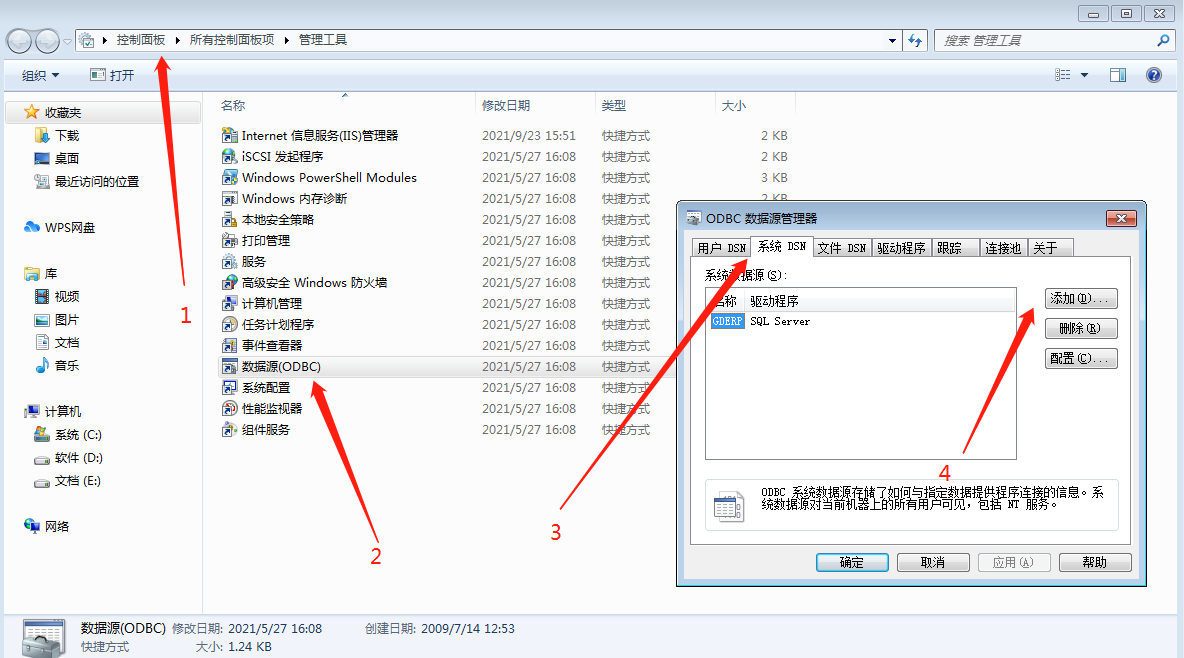
How to connect to the SQL Server database and import data to the Excel table
1. Open the control panel first-management tool-open data source-system DSN-add driver 2. Enter the database on which server you want to connect here 3. Enter the account and password of the da...
PHP connect SQL Server database
Service environment: apache2.2 + PHP5.2 + Sql Server 2008 R2 First, the necessary libraries and tools 1, SQLSRV20.EXE (php5.2 corresponding version of Sql Server extensions) Notes: php5.2 version requ...

Matlab connect to Sql server database
Operating system: 64-bit win7.0 Software version: Matlab R2016a SQL Sever 2012 1. Create a database and corresponding tables Create the database and the tables in it, the steps will not be described i...
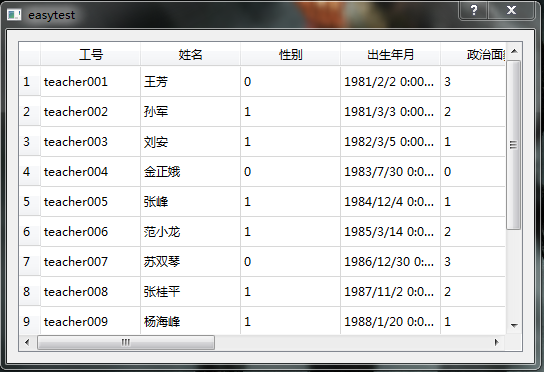
Qt connect to SQL Server database
Original address :: related articles 1、Qt connects to the SQL server database ---- 2、Qt notes (1) connect to SQL Server database ---- 3. The ODBC data source of the win10 operating system configures t...
Python connect to SQL Server database
The running environment is eclipse Python, connect to the local database. code show as below Run the program, and output OK....