500.31 occurs when .net Core deploys IIS, and the execution exe crashes
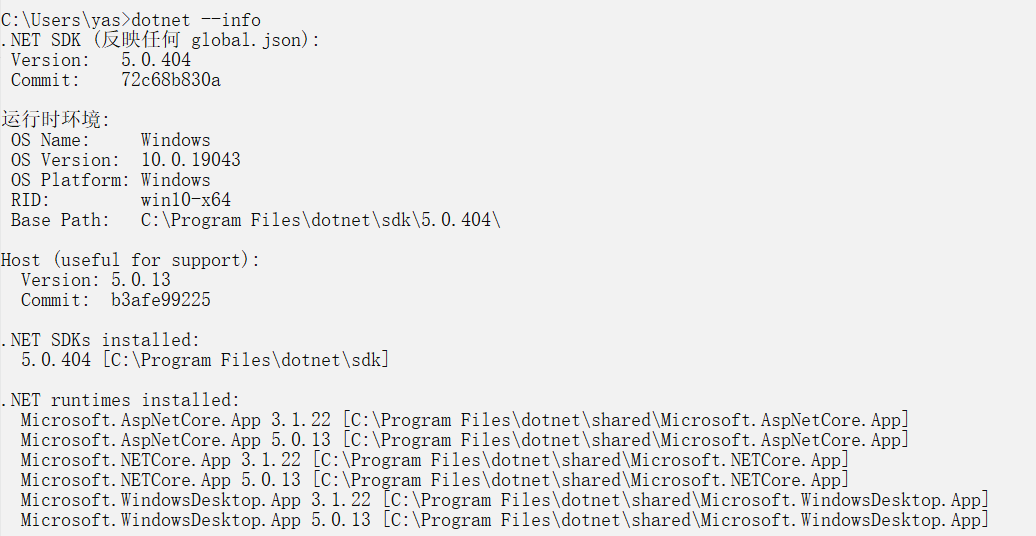
500.31 The exe execution of the published file appears in .net Core deployment IIS. This situation is mostly due to the fact that the SDK and runtime of .net core are not installed or the version is not new enough. You can enter the command dotnet -- on the server and local CMD info View version information
When I first executed the exe, it appeared in a flash, and I took a screenshot to see the log that appeared in the command window.
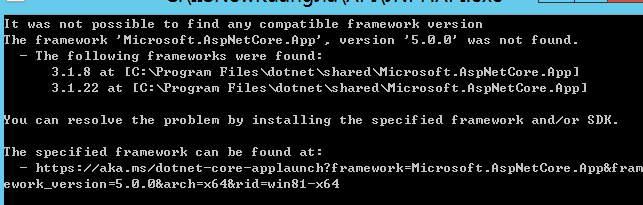
Therefore, if the version is the same and still cannot run, you need to consider checking the exe log, and you can check the error message by taking a screenshot or recording the screen
Download address reference:Download .NET 5.0 SDK (v5.0.404) - Windows x64 Installer (microsoft.com)
After I solved the above problems, 500.30 appeared. At the beginning, I also searched for solutions on the Internet. It was wrong to change IIS and the like. Finally, I found that the database connection string was wrongly written. This can be referred to because of different situations.
Intelligent Recommendation
IIS deployment NET Core
Outline Times are different and ASP.NET, ASP.NET Core is no longer the IIS worker process (w3wp.exe) hosting, but the use of self-hosted Web server (Kestrel) running, IIS is forwarding a request to th...
.net core iis 502.5
Use .NET Core of the GA tool, it implicitly increased reliance on the latest patch version of the target frame of the frame.So, if you're targeting .NET Core 1.0, it implicitly relies add relationship...

.NET Core deployed on IIS
Direct publishing applications written in .NET Core, 500.19 encounter problems running, and can not find the web.config file This is due to the lack of iis .net core module runningAspNetCoreModule.dll...

IIS deploy .NET Core
Download and install .NET Core SDK Download and install the .NET Core runtime After the download is complete, double-click to run it to install (any version, the difference between 3.1 version and 5.0...

Net Core IIS deployment
prerequisites 1.Net Core SDK installed on the development of the computer 2. Download IIS Install .NET Core hosted bundle 1.iis default is not supported by Core needs to download the bundle of core Cu...
More Recommendation
Method not found appears when net core is deployed on IIS
Article Directory 1. Why does Method not found appear 2. Solution 1. Why does Method not found appear Description address:https://developer.mozilla.org/zh-CN/docs/Web/HTTP/Status/405 Let me talk about...

Problems encountered when deploying .net core projects on IIS
Article Directory 1. Problems encountered 1. HTTP error 500.21-Internal Server Error (1) Reason: (2) Solve: a. Install ".Net Core Runtime" b. Republish the .net core project 2.HTTP Error 500...
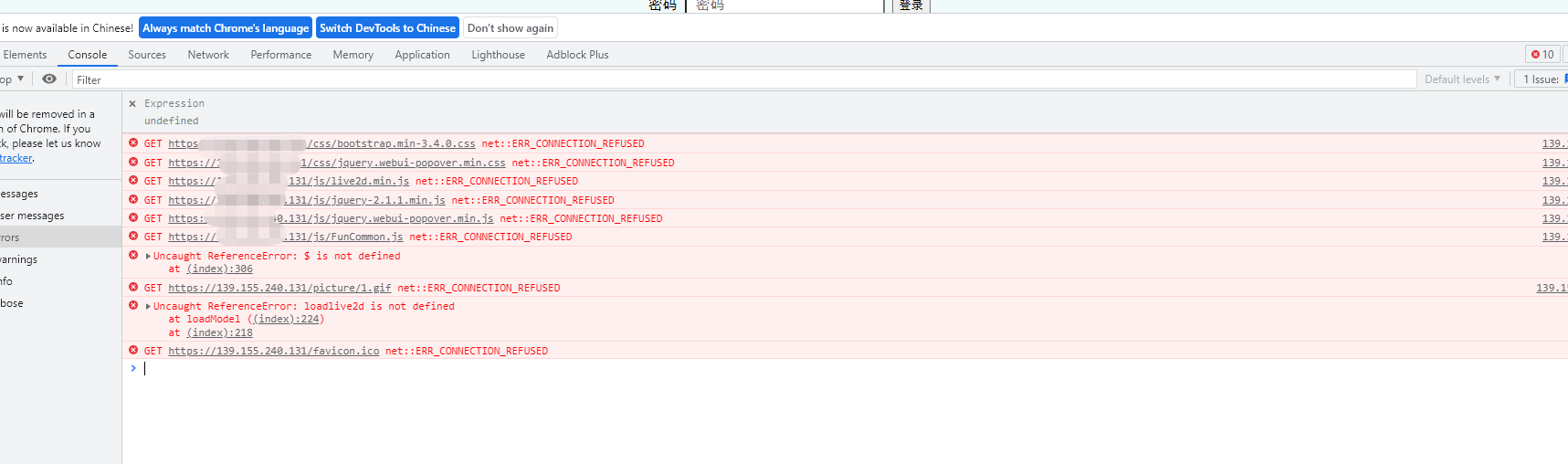
JS and css cannot be loaded when .net Core is published to IIS 10
JS and css cannot be loaded when .net Core is published to IIS 10 Background: I bought a Beggar in the Beggar server on Tencent, and then released the .netCore3.1 program, opened JS and Css in the ser...
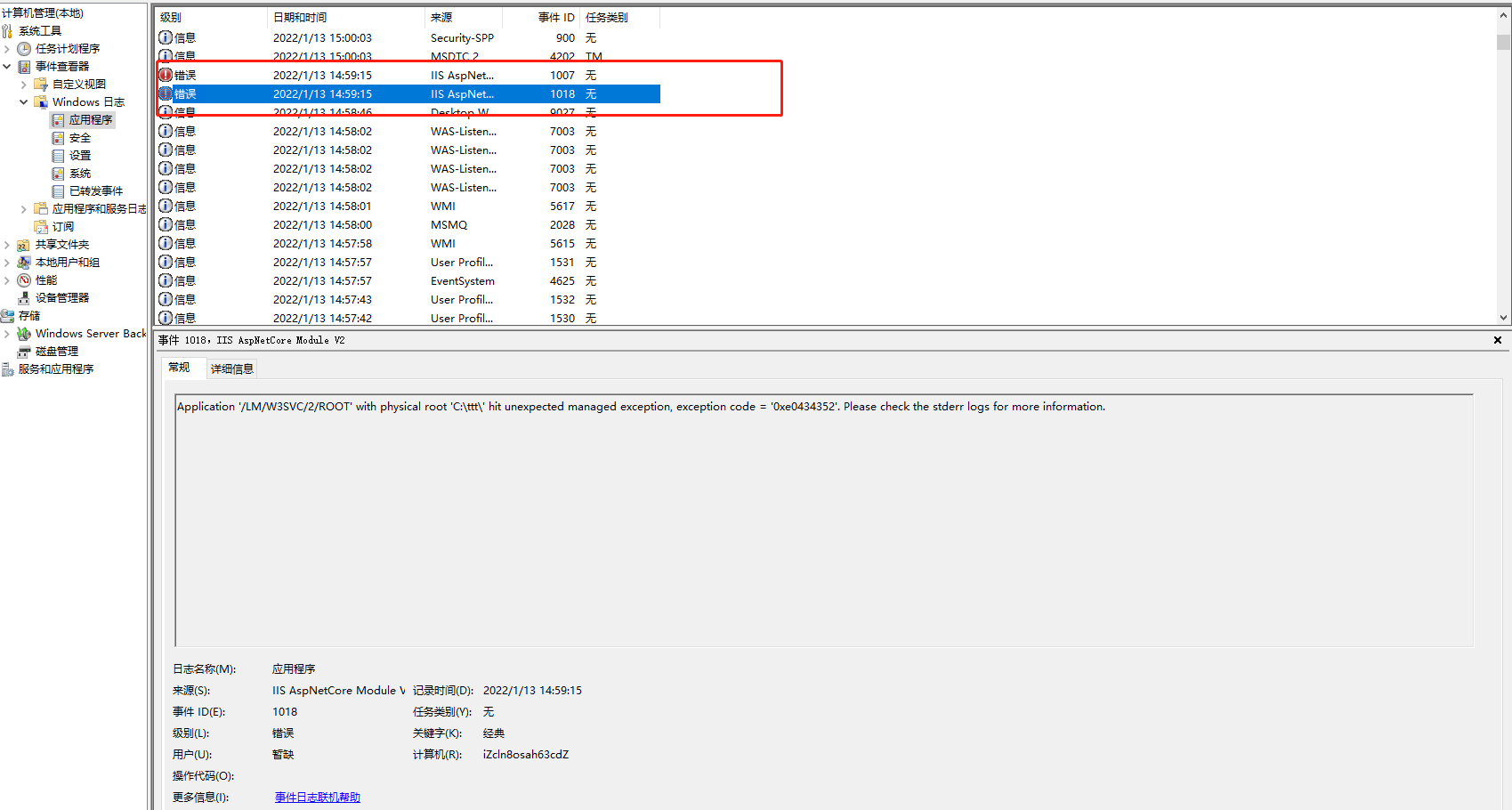
net core HTTP Error 500.31 - Failed to load ASP.NET Core runtime HTTP Error 500.30
1、 net core HTTP Error 500.31 - Failed to load ASP.NET Core runtime HTTP Error 500.30 - ASP.NET Core These three things are the same version. You can use .net5, .net6, or core3.1, but they must be con...
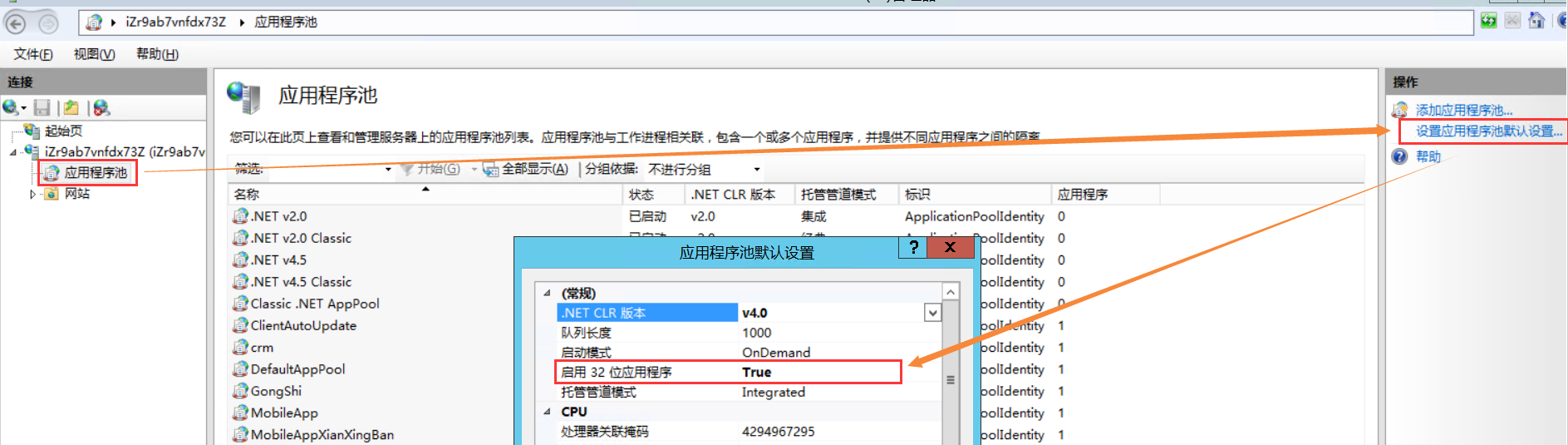
IIS deploys .Net Core to visit the website prompt: HTTP Error 500.32-ANCM Failed to Load dll
Environment: VS2019 .NET Core 3.1 Windows Server 2012 R2 Datacenter IIS6.0 After independent publication, visit the website to promptHTTP Error 500.32 - ANCM Failed to Load dll After verification, set...