secureCRT
secureCRT Chinese green portable version download address Extraction code: 3ury
first step
- Enter the host name:
- Enter username: root
- Click OK
Second step
- enter password
third step
Can see the following display to prove that it has been successful
Enter ls directly, nothing is displayed?
Then try typing first
cd /
ls
   The mongodb configuration file is /etc/mongod.conf
   The directory where mongodb/data is configured is in /var/lib/mongodb
You will encounter the following problems when starting up:
ERROR: listen(): bind() failed errno:98 Address already in use for socket: 0.0.0.0:27017
Encountered this problem, the port has been occupied and needs to be killed.
Solution:
If you use mongod to start, you encounter exception in initAndListen: 29 Data directory /data/db not found., terminating
This problem is encountered because mongodb thinks that /data/db is the default path, and we have no effect by starting in /etc/mongod.conf.
Start the database with the following statement
mongod -f /etc/mongod.conf
Reference solution:https://laike9m.com/blog/ubuntu-yun-xing-mongodb-de-zheng-que-zi-shi,64/
Use of mongodb
After mongodb starts
Mongo //Use this command to connect to the database
 Show dbs //View which libraries are available
Note: mongodb uses security mechanisms. You must first create a userAdminAnyDatabase user in the admin repository and another user through the userAdminAnyDatabase user.
  use admin
> switched to db admin
  db.createUser( {
    user: "usa",
    pwd: "usa",
    roles: [ { role: "userAdminAnyDatabase", db: "admin" } ]
  })
- Next create the user of the database we use
    Use mongodb / / switch to mongodb library we use
> switched to db mongodb
  db.createUser( {
    user: "username",
    pwd: "password",
    roles: [ { role: "readWrite", db: "mongodb" } ]
  })
     // Currently only read and write permissions are given
- When we connect the data again
  use mongodb
  db.auth('username','password')
 > 1 //Return 1 for successful access 0 is failed
- Here we can operate the database on the command line.
/ / Use this command to view all tables first
show collections;
- Common operation
 / / Delete the table
 db.config.drop()
 db.users.drop()
 db.worklist.drop()

   / / Query formatting
 db.worklist.find().pretty();
Intelligent Recommendation
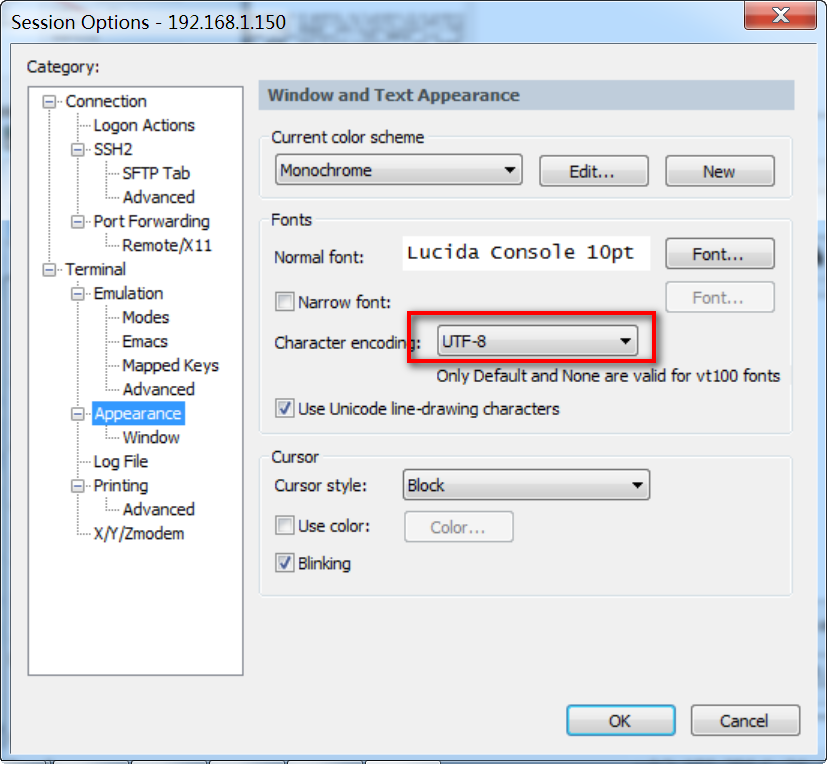
securecrt settings
This is the operation of linux vim / etc / profile #Terminal prompt color export PS1="[\e[31;1m][\u @\h \w]$ [\e[32;1m]" export PS1="\n[\e[;1m][\u @\h \w]$[\e[0m] " Garbled setting...

SSH SecureCRT
SSH (Remote Connection Tool) connection principle: the ssh service is a daemon, the system background monitors client connections, the process of the ssh server is called sshd, and is responsible for ...
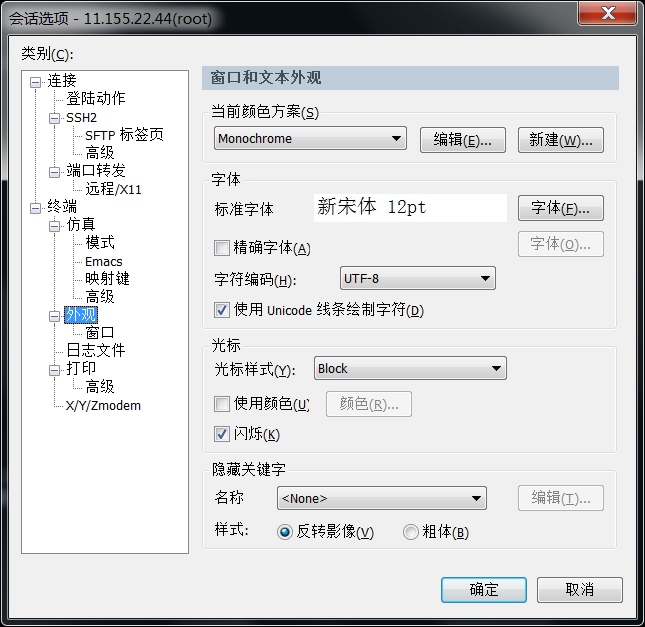
SecureCRT and garbled
Example: # ls /usr/local/r3c/bin/lib /bin/ls: /usr/local/r3c/bin/lib: ????????? View system character set settings: # locale LANG=zh_CN.UTF-8 LC_CTYPE=POSIX ...

SecureCRT operation
Ssh remote terminal (SecureCRT): remotely operate linux commands to implement remote program deployment operations 1.installationopenssh-server software: apt-get install openssh-server 2. Change ...
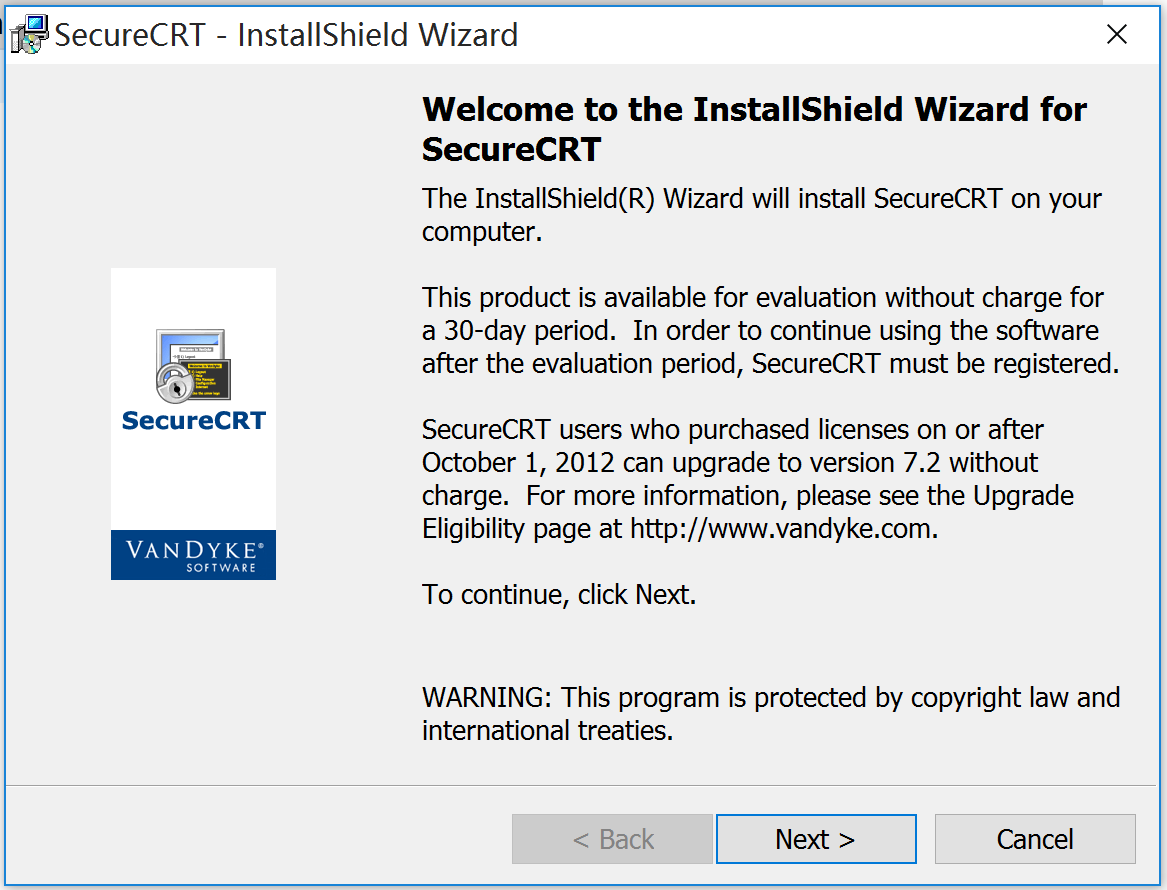
Install SecureCRT
Install SecureCRT After the installation is complete, do not run the program, copy the Kg_ttrar.exe program in the compressed package to the installation directory. Run Kg_ttrar.ex, click the Patch bu...
More Recommendation
Try SecureCRT
There are many remote login tools, including frequently usedXshell 、FinalShell And what we are going to say this timeSecureCRT, In addition to some relatively lightweight software, such asPutty, Becau...
SecureCRT script
Routine: operation result: Quote from: "VanDyke Software SecureCRT Help"---Creating ActiveX Scripts ...

Xming and secureCRT
Xming and secureCRT yum install vnc vnc-server -y /etc/init.d/vncserver start init 5 xhost + export DISPLAY=192.168.8.100:0.0 Reprinted at: https://blog.51cto.c...
SecureCRT FAQ
1. Coding issues 2. The problem of overdue call...

Some feelings of starting to introduce artificial intelligence
Initial entry into artificial intelligence Learning artificial intelligence a week, the entry is entry through MOOC, which is also very painful, and it has learned a lot. For artificial intelligence, ...