python matplotlib RuntimeWarning: Glyph xxxxx missing from current font. Font setting problem
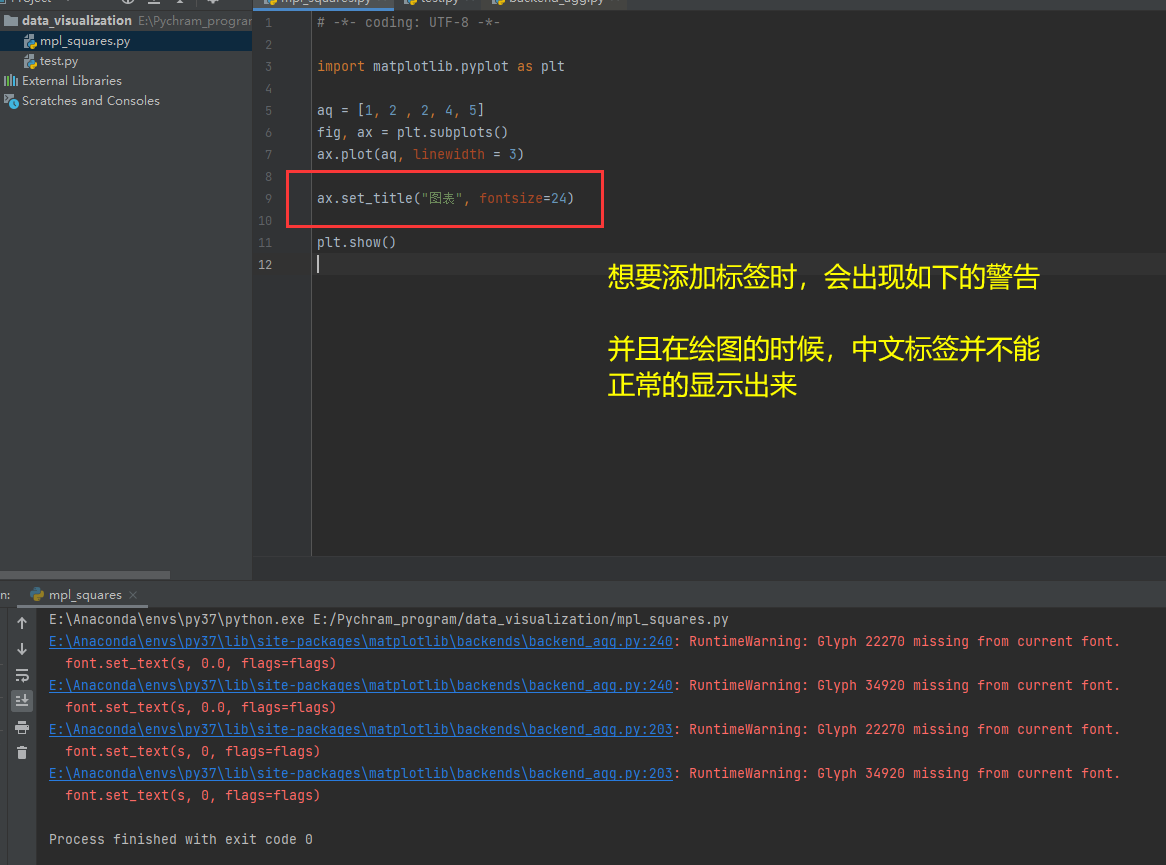
D:\Anaconda3\lib\site-packages\matplotlib\backends\backend_agg.py:180: RuntimeWarning: Glyph 26041 missing from current font.
  font.set_text(s, 0, flags=flags)
D:\Anaconda3\lib\site-packages\matplotlib\backends\backend_agg.py:180: RuntimeWarning: Glyph 31243 missing from current font.
  font.set_text(s, 0, flags=flags)
D:\Anaconda3\lib\site-packages\matplotlib\backends\backend_agg.py:180: RuntimeWarning: Glyph 22270 missing from current font.
  font.set_text(s, 0, flags=flags)
D:\Anaconda3\lib\site-packages\matplotlib\backends\backend_agg.py:180: RuntimeWarning: Glyph 20687 missing from current font.
  font.set_text(s, 0, flags=flags)
This is an error message, you only need to complete the following code (which one is missing)
from matplotlib import font_manager as fm, rcParams
import matplotlib as plt

plt.rcParams['font.sans-serif']=['SimHei'] #Show Chinese label
plt.rcParams['axes.unicode_minus']=False   #These two lines need to be set manually
Then it will be displayed normally
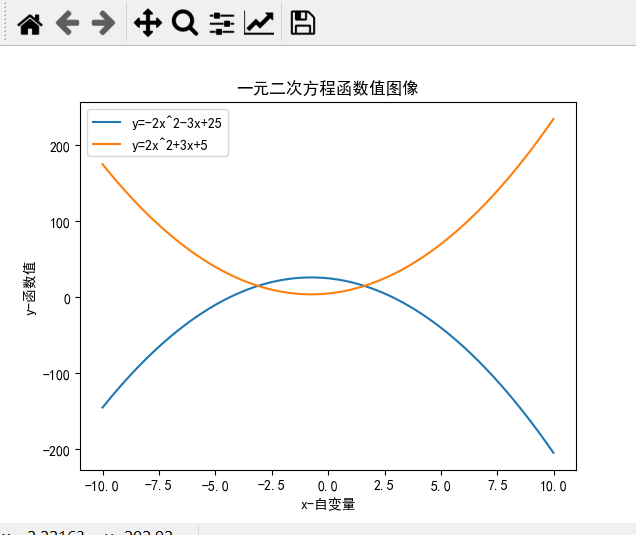
The first drawing job with python ^ _ ^
Intelligent Recommendation
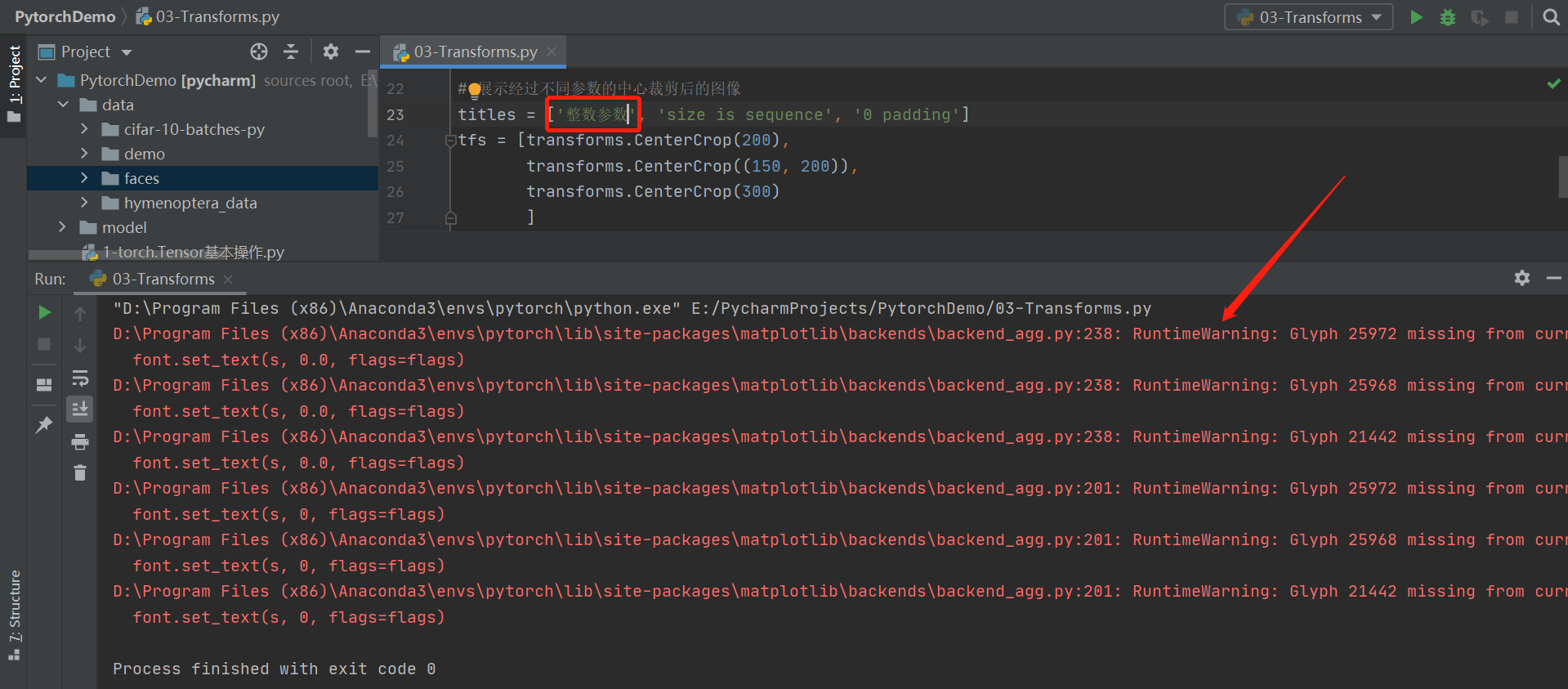
RuntimeWarning: Glyph xxxxx missing from current font. font.set_text(s, 0.0, flags=flags)
currently using matplotlib.pyplot When drawing and showing pictures, if the title is set to Chinese, then a warning: RuntimeWarning: Glyph XXXXX missing from current font. font.set_text(s, 0.0, flags=...
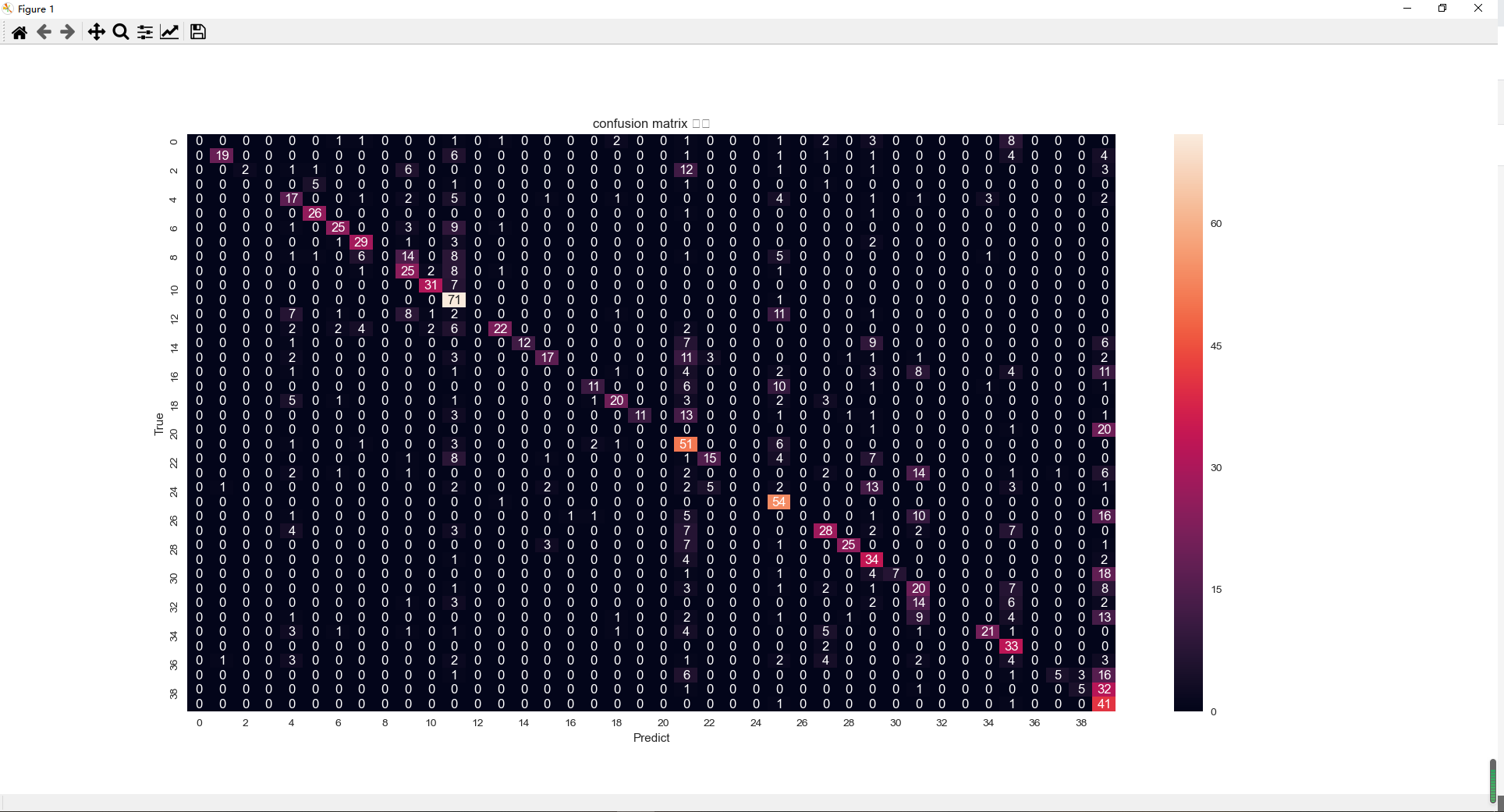
In the process of using Seaborn to draw the heat map, an error RuntimeWarning: Glyph xxxxx missing from Current Font.
Problem Description: In the process of using Seaborn to draw the heat map, an error RuntimeWarning: Glyph xxxxx missing from Current Font. System: Windows 10 python version: python 3.6 Error reason: C...
MATPLOTLIB drawing shows missing Chinese fonts - RuntimeWarning: Glyph 8722 Missing from Current Font.
Pyplot does not default to support Chinese display, and there is no self-contained Chinese font, so you need to download the required fonts yourself and modify the RCPARAMS parameter to display Chines...
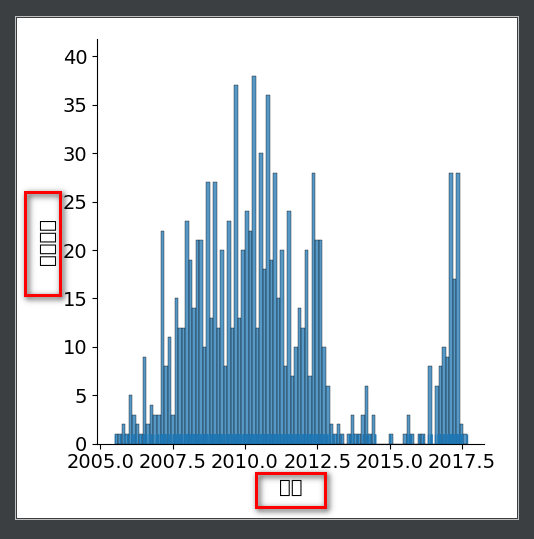
Python classic font warning: RuntimeWarning: Glyph missing from current font. font.set_text(s, 0.0, flags=flags)
Article Directory Preface Python classic font warning: RuntimeWarning: Glyph missing from current font. font.set_text(s, 0.0, flags=flags) && solution There must be a window open f...
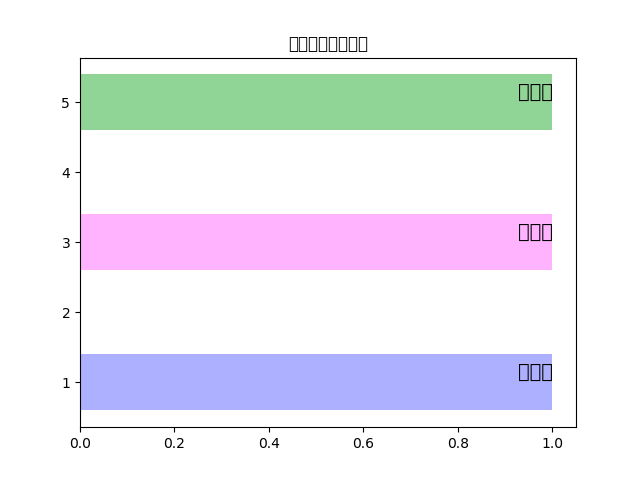
MATPLOTLIB solves Chinese garbled problems, or RuntimeWarning: Glyph 20154 Missing from Current Font.
MatPlotLib solves garbled problems As shown: Add a name when the chart adds a name, how to deal with it. Add code: After adding this segment code, the prompt: FindFont: Font Family ['San...
More Recommendation
MATPLOTLIB Drawing Shows Chinese Errors: RuntimeWarning: Glyph 32929 Missing from Current Font. Font.set_text (s, 0.0, fl)
Problem display: Solution: Used to display Chinese tags, Solving the negative is a problem....
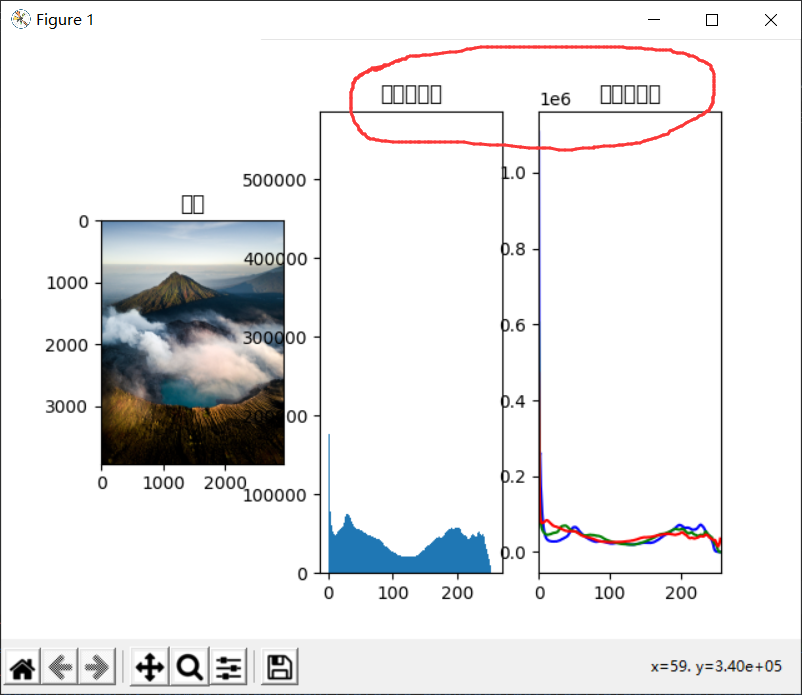
RuntimeWarning: Glyph 30452 Missing from Current Font. MatplotliB Drawing Unable to display Chinese
MATPLOTLIB drawing unable to display Chinese RuntimeWarning: Glyph 30452 missing from current font. PLT picture Title displayed Chinese is square bracket Error map: Workaround: An error is because the...
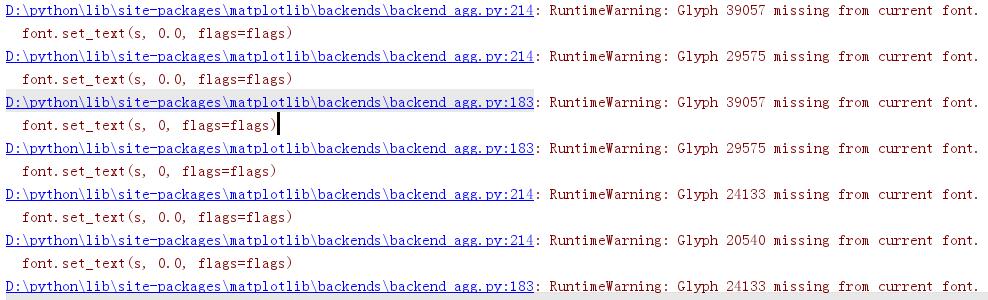
RuntimeWarning: Glyph 39057 missing from current font. Solution:
RuntimeWarning: Glyph 39057 missing from current font. Solution: Add the following program at the beginning of the program:...
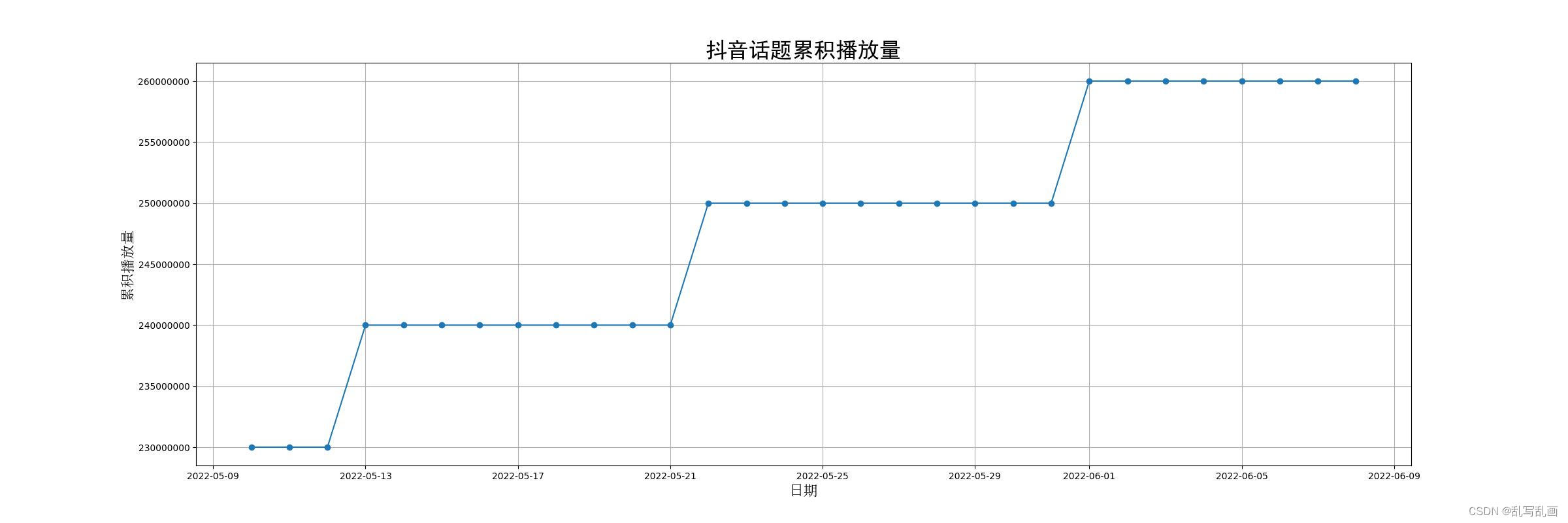
/backend_agg.py:238: RuntimeWarning: Glyph 26085 missing from current font.
Linux uses Python Matplotlib to display Chinese without fonts, resulting in Chinese garbled characters Font download link:https://github.com/Heath-Ledger/WorkFile/blob/main/simhei.ttf Refresh the font...
Success Solving Problem: RuntimeWarning: Glyph 24179 Missing from Current Font. Font.set_text (s, 0.0, flags = flags)
When you use the MatPlotlib package for the first time, you will inevitably appear as follows: Just add the following code, you can solve it. Add the code to the following location:...