Android Cannot Resolve Constructor INTENT Causes and Solutions
Reprinted on:
When you write the code today, I find the Android Studio prompt the following error "Android can not resolve constructor intent" code as follows
public class MainActivity extends AppCompatActivity {
    @Override
    protected void onCreate(Bundle savedInstanceState) {
        super.onCreate(savedInstanceState);
        setContentView(R.layout.activity_main);
        Button button = (Button) findViewById(R.id.button_1);
        assert button != null;
        button.setOnClickListener(new View.OnClickListener() {
            @Override
            public void onClick(View v) {
                Intent startIntent = new Intent(MainActivity.this, MyService.class);
                StartService (startINTENT); // Start service
            }
        });
    }
}
reason:
INTENT usage and parameters are as follows:
Intent(Context context , Class class)
In this way, in the code 1, we set the parameters to this. So why is it wrong?
This is because this is an Inner Class (inner class) (listener class is an anonymous internal class, a special internal class), then if you want to use this to reference myActivity is unable, this error Usage is equivalent to:
Intent( OnClickListener Listener , Class class )
The first parameter is an onclickListener class, not a context class, so it is wrong.
To correct the error, correctly quote myActivity, you must:
Intent intent = new Intent(this , SecondActivity.class);
Change to:
Intent intent = new Intent( MyActivity.this , SecondActivity.class);
Later, I found other methods can also be used, as long as I get the method of context context, as follows:
Intent intent = new Intent( getApplicationContext(), SecondActivity.class);
Intelligent Recommendation
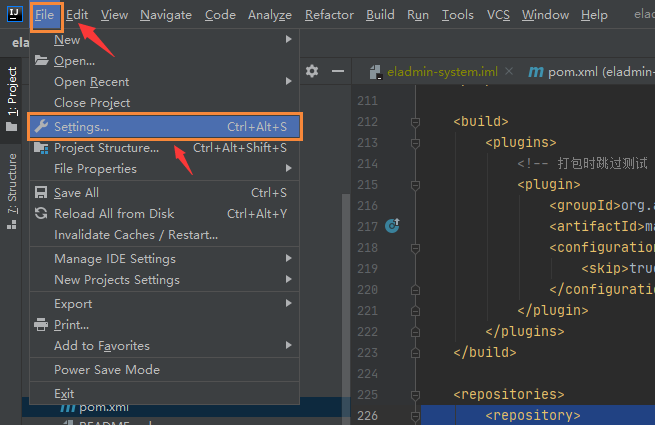
Solutions for Cannot Resolve Plugin XXX
Solutions for Cannot Resolve Plugin XXX There are many cannot resolve plugin errors in the import project: Cannot resolve plugin org.apache.maven.plugins:maven-resources-plugin:3.1.0 Cannot resolve pl...
Android-program ANR causes and solutions
ANR: Appliaction Not Responding, on the Android device, if the main thread response timeout of the application process will generate ANR, the system will display a prompt box to the user. For example,...
Android memory leak causes and solutions
Java memory leaks caused by reasons Memory leak means useless objects (objects no longer used) continuous or useless objects occupy memory, the memory can not be released in time, thus resulting in a ...
Android compilation error causes and solutions
(1) Encountered "Received close_notify during handshake" when packaging apk 1.1 (This method only solves my problem once, it is still to be tested whether it is reliable) may be under the bu...
Summary of the causes of android ANR and solutions
Overview The full name of ANR is application not responding, which means that the program is not responding First of all, the occurrence of ANR is conditionally restricted and is divided into the foll...
More Recommendation
Android ANR causes reasons and solutions
ANR (Application Not Responding) ANR Definition: On Android, if your application has a period of response is not sensitive enough, the system displays a dialog box, which is called an application un...
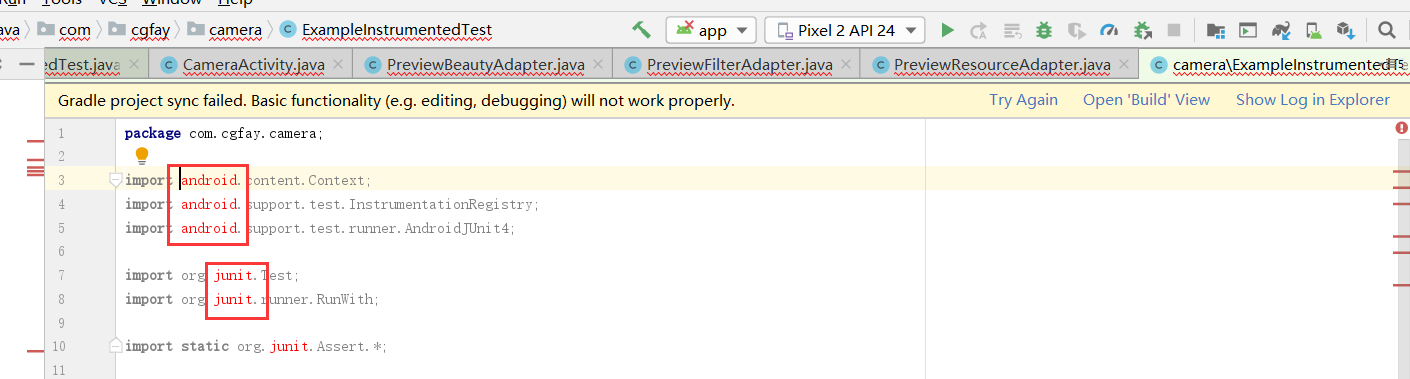
Cannot resolve symbol android
Emergency relief! ! Does anybody know what's going on? I have tried Invalidate Caches/Restart, Sync project with Gradle Files, clean project and other methods are useless, almost all the packages have...
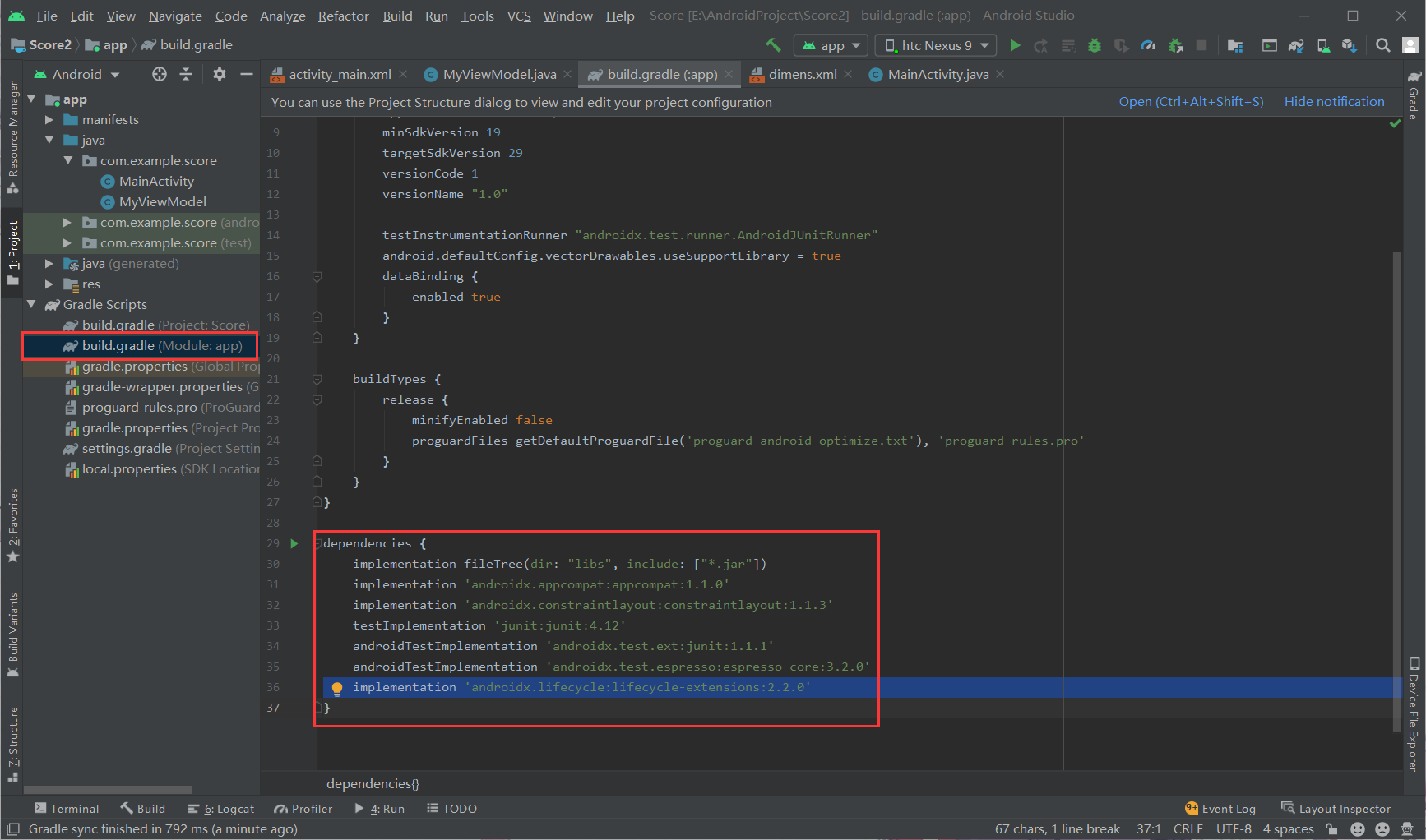
This error is reported when Android uses ViewModelProvider. Cannot resolve constructor ‘ViewModelProvider(com.example.score.M
ViewModelProviders were officially disabled in the first few months, and they had to be replaced with ViewModelProviders, but the ViewModelProviders were still used in the tutorial, which is very angr...

How to connect Android mobile phone with Adb? Error Cannot recover to connect to 192.168.1.9:5555 Causes and solutions
Environment: PC and mobile phone are on the same network segment (computer connected to WiFi or network cable directly connected to the router, mobile phone connected to the same WiFi as the computer)...
Solve error cannot resolve constructor 'Date ()'
New Date () Net time to get the current dateCannot resolve constructor 'Date()' Note that the introduced package is java.util.date or java.sql.date method one: Method Two: ...