Notepad++ configuration to run python program
tags: python Notepad++ running python
table of Contents
1, the installation environment:
3, the configuration is successful
1, the installation environment:
Notepad++, python (When installing python, remember to check the option to add python to the path, the default is not selected)
2, open notepad++:
Click menurun -> run...

Enter the following command:
cmd /k python "$(FULL_CURRENT_PATH)" & ECHO. & PAUSE & EXIT then click Save...Pop up the save dialog box, enter the name (you can just enter it yourself), you can also set the shortcut key, pay attention to the shortcut key settings do not conflict with the existing, otherwise the bottom will pop upCONFLICT FOUND!This is because I have configured Ctrl+F5 to run python shortcuts, so I will get an error, generally there should be no problem.

3, the configuration is successful
Click on notepad++runThere should be a RunPython item in the menu, as shown below:

Open a python source file in notepad++ and press Ctrl+shift+A to run
4, command analysis
cmd /k python "$(FULL_CURRENT_PATH)" & ECHO. & PAUSE & EXIT- Cmd /k python: means to open the Cmd window, run the command after /k, and keep the window after the execution. This is python (because the Python directory has been added to the environment variable, so you can find it directly without specifying the directory of the Python program)
- $(FULL_CURRENT_PATH) : A macro definition for Notepad++ that represents the full path to the current file.
- & used to connect multiple commands
- ECHO: Wrap
- PAUSE: Indicates pause after the end of the run (“Please press any key to continue. . . .” in cmd), wait for a button to continue
- EXIT: Indicates that "press any key to continue . . .", close the command line window.
Note: When configuring the tensorflow environment, Python can be replaced with python in the bin directory of the created tensorflow environment.
Intelligent Recommendation

Run Python directly in NOTEPAD ++
First, you need to set some content, make NotePad ++ more well 1, set the indentation to 4 spaces Setting - Preferences - Language - Table Width 4, Replace with Space (Check) 2, set up new time defaul...
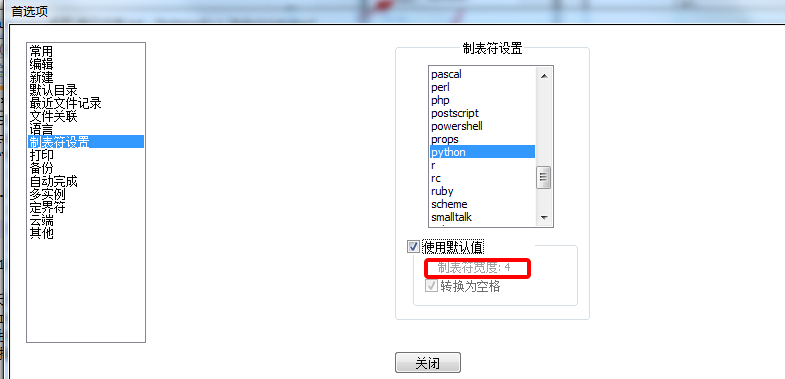
Installation and Configuration notepad ++ for python development - code indentation, auto-filled, run
In the Baidu search "notepad ++" or enterOfficial websiteDownload and install notepad ++. Indent Code: python is to use tab to indent, open the notepad ++, to find settings - Preferences - T...
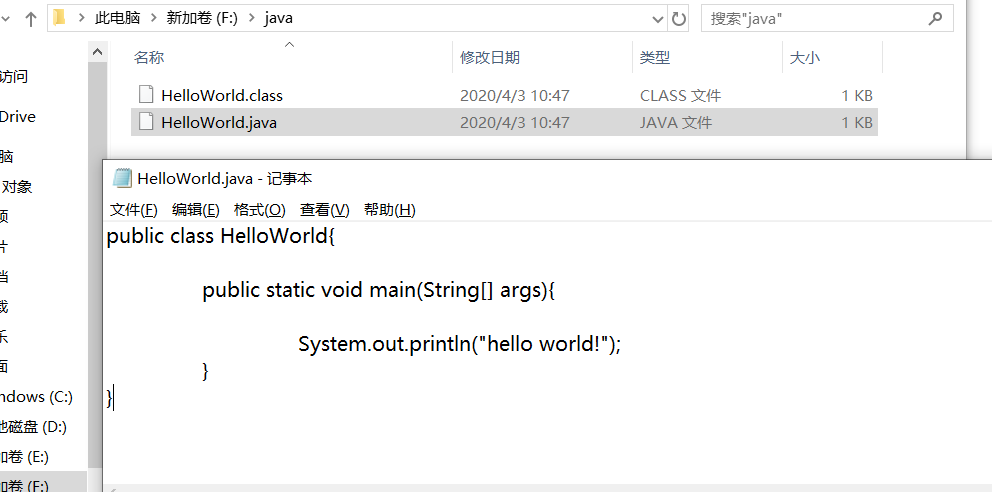
Use Notepad to run java program
Use Notepad to run java program 1. Create a text file HelloWorld.java. 2.public consistent with the class name of the text file name creation. 3.win + r cmd into the command line 4. enter the file pat...

Run the first java program with Notepad
The first step: create a text file HelloWorld.java in the e drive The second step: open cmd, enter the e disk 1. Runjavac HelloWorld.java<Add suffix name> 2. Runjava Helloworld operation result:...

Run the HelloWorld program (Java) with Notepad
New file and edit the text Run the program by command. Call the console through the Win + R, enter the CMD call system command box. Enter CD C: \ Users \ M \ Desktop (Save Directory Address), After ru...
More Recommendation
Notepad ++ run the first Java program
1. Open a new file with NOTEPAD ++ Enter the following: Save file as Myfirstjava.java II.CMD enters the DOS window, enter the file storage address D: \ Java \ Project 3. Compile Javac Myfirstjava.java...
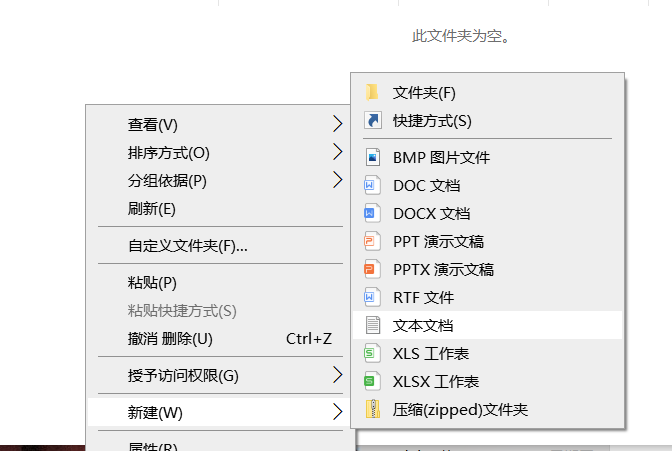
Notepad Write Python Program
1. Create a folder, named Python here 2. Create a notepad in the file 3. Enter the code that wants to be implemented in NotepadNote: The symbol should be an English symbol! 4. Cha...
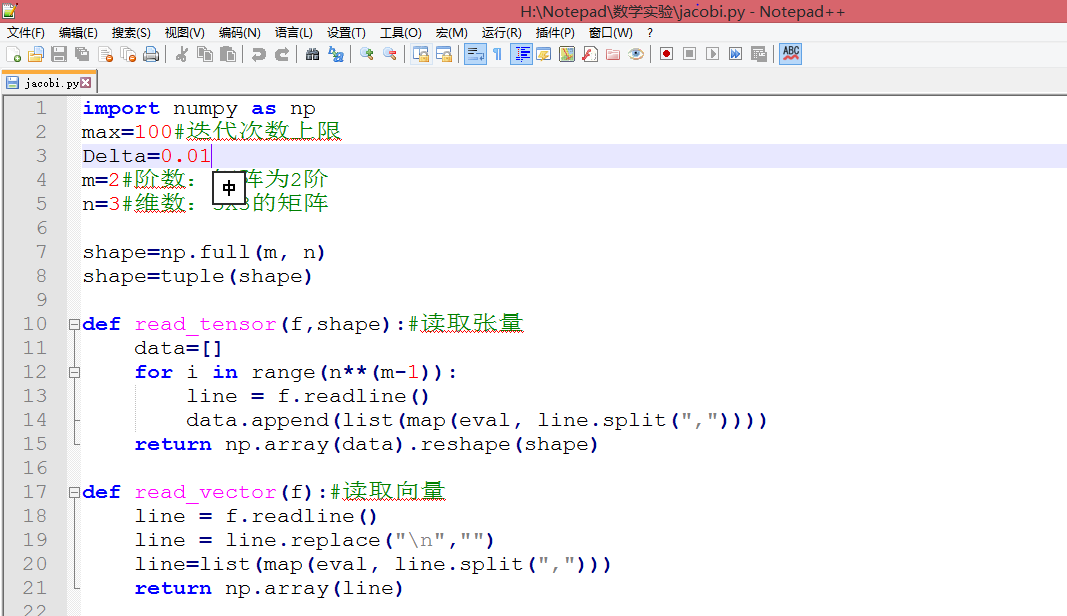
[Turn] Notepad ++ directly run python
Click to go to the browser screen viewhttps://mubu.com/doc/a8VGCUfqqw First, the use Notepad ++ to edit python files, and run directly 1. Open the python file with notepad ++. Or create a new file, sa...
Run python code directly in notepad++
1. Install Python No more details 2. Configure notepad++ 1) Notepad++ -> "Run" menu -> "Run" button2) Enter the following command in the pop-up window: The red marked part is...

Notepad++ shortcut keys to run Python
Fill in the running column seen online: There are 2 errors: 1. No $ is added before CURRENT_DIRECTORY and FULL_CURRENT_PATH 2. No /d added after cd Explanation: 1. $CURRENT_DIRECTORY and $FULL_CURRENT...