Encapsulate the C++ static library lib into the Lua interpreter
tags: Lua extension Encapsulate static libraries for lua
Encapsulate the C++ static library lib into the Lua interpreter
This article describes three ways in which Lua interacts with C/C++:
- Calling the execution Lua script in C code
- Lua script calls the dll library written by C
- Encapsulate the static lib library written in C/C++ into the Lua interpreter, called by the Lua script
The first two methods have a lot of ready-made articles on the Internet, only a rough introduction, because my request is to package the code into a lib library, and then compile the link into the lua interpreter, which is finally called directly by the lua script. Focus on the third way to introduce, and try to record in detail the pits encountered in this process.
Pre-related knowledge summary
Lua is a very small scripting language written in C with open source (Annotated source code), mainly used in the field of game programming, easy to get started, can easily achieve hot updates. Lua interpreter is open source, and can be extended programming based on the native interpreter. For example, the well-known luajit and TINN are all encapsulating the Lua interpreter, which gives new possibilities. Since it is to be extended, there is a need to interact between Lua and C/C++.
The primary issue with Lua and C calling is how to exchange data. The Lua API uses an abstract stack to exchange data with C, providing functions such as push-in elements, query elements, and pop-up elements. API operation stack,HereYou can view Lua's C api interface. The elements in the stack can be accessed through the index. From the bottom of the stack, the positive integer is incremented from 1. From the top of the stack, the negative integer is decremented from -1. The elements of the stack are in accordance with the FIFO. The rules come in and out.
C calls Lua
Embedding a Lua script in C allows the user to modify the Lua code update without recompiling the code, or to provide the user with a freely customizable interface that follows the principle of separation of mechanisms and policies.
The C code for executing Lua scripts is as follows:
 	lua_State* state = luaL_newstate();
 	luaL_openlibs(state);

 	if (luaL_dostring(state, "print([[lua env is ready]])") != 0)
 	{
 		printf("lua env is bad!\n");
 	}
 	lua_close(state);
- luaL_newstate creates a new lua_State, which I call a session space for Lua, after which both C and Lua operations depend on this session space;
- luaL_openlibs loads the default module into the session space for use when executing Lua;
- luaL_dostring executes the specified Lua code, here also luaL_dofile loads the Lua script file and executes it.
Lua calls C
The ability of Lua to call C functions will greatly increase Lua's scalability and usability. For some functions related to the operating system, or modules with higher efficiency requirements, we can completely implement the C function, and then call the specified C function through Lua. For C functions that can be called by Lua, the interface must follow the form required by Lua, ietypedef int (*lua_CFunction)(lua_State* L). To put it simply, the function type only contains a pointer to the Lua environment as its only parameter, and the implementer can further obtain the parameters actually passed in the Lua code through the pointer. The return value is an integer indicating the number of return values that the C function will return to the Lua code. If there is no return value, return 0. It should be noted that the C function cannot directly return the true return value to the Lua code, but instead passes the call parameters and return values between the Lua code and the C function through the virtual stack. Here we will introduce two rules for Lua to call C functions.
C function as part of the application
#include <stdio.h>
#include <string.h>
#include <lua.hpp>
#include <lauxlib.h>
#include <lualib.h>
//C registration function to be called by Lua.
static int add2(lua_State* L)
{
//Check if the parameters in the stack are legal, 1 means the first parameter when Lua is called (from left to right), and so on.
// If the parameter passed by the Lua code when called is not number, the function will report an error and terminate the execution of the program.
double op1 = luaL_checknumber(L,1);
double op2 = luaL_checknumber(L,2);
// Push the result of the function onto the stack. If there are multiple return values, you can push them into the stack multiple times here.
lua_pushnumber(L,op1 + op2);
/ / The return value is used to indicate the number of return values of the C function, that is, the number of return values pushed onto the stack.
return 1;
}
// Another C registration function to be called by Lua.
static int sub2(lua_State* L)
{
double op1 = luaL_checknumber(L,1);
double op2 = luaL_checknumber(L,2);
lua_pushnumber(L,op1 - op2);
return 1;
}
const char* testfunc = "print(add2(1.0,2.0)) print(sub2(20.1,19))";
int main()
{
lua_State* L = luaL_newstate();
luaL_openlibs(L);
/ / Register the specified function as Lua's global function variable, where the first string parameter is Lua code
// The global function name used when calling the C function. The second parameter is the pointer to the actual C function.
lua_register(L, "add2", add2);
lua_register(L, "sub2", sub2);
// After registering all C functions, you can use these registered C functions in Lua's code block.
if (luaL_dostring(L,testfunc))
printf("Failed to invoke.\n");
lua_close(L);
return 0;
}
C function dll becomes a module of Lua
#include <stdio.h>
#include <string.h>
#include <lua.hpp>
#include <lauxlib.h>
#include <lualib.h>

// The C function to be registered, the declaration form of the function is given in the above example.
//It should be noted that the function must be exported in the form of C, so extern "C" is required.
/ / The function code is the same as the above example, so I won't go into details here.
extern "C" int add(lua_State* L)
{
    double op1 = luaL_checknumber(L,1);
    double op2 = luaL_checknumber(L,2);
    lua_pushnumber(L,op1 + op2);
    return 1;
}

extern "C" int sub(lua_State* L)
{
    double op1 = luaL_checknumber(L,1);
    double op2 = luaL_checknumber(L,2);
    lua_pushnumber(L,op1 - op2);
    return 1;
}

The first field of the //luaL_Reg structure is a string that is used to notify Lua of the name of the function when it is registered.
// The first field is a C function pointer.
//The two fields of the last element in the struct array are NULL, which is used to indicate that the Lua registration function has reached the end of the array.
static luaL_Reg mylibs[] = {
    {"add", add},
    {"sub", sub},
    {NULL, NULL}
};

// The only entry function for the C library. Its function signature is equivalent to the registration function above. See the following points for explanation:
//1. We can simply understand this function as the factory function of the module.
//2. Its function name must be luaopen_xxx, where xxx is the library name. The Lua code require "xxx" needs to correspond to it.
//3. In the call to luaL_register, the first string argument is the module name "xxx" and the second argument is an array of functions to be registered.
//4. It should be emphasized that all code that requires "xxx", whether C or Lua, must be consistent. This is Lua's convention.
// Otherwise it will not be called.
extern "C" __declspec(dllexport)
int luaopen_mytestlib(lua_State* L)
{
    const char* libName = "mytestlib";
    luaL_register(L,libName,mylibs);
    return 1;
}
Lua code:
Require "mytestlib" -- specify the package name

 -- When calling, it must be package.function
print(mytestlib.add(1.0,2.0))
print(mytestlib.sub(20.1,19))
Lua uses C++ static library
Lua uses a C++ static library essentially the same as the previous C function as part of the application called by Lua. The key point is to write static libraries and link symbol recognition problems, because Lua is pure C code, and we want to write The lib library does not want to be restricted to use pure C, C++ will also cause connection time due to different symbol naming rules.Unresolved external symbolThis error can be described as a step by step, and the process is introduced step by step.
Writing static libraries for Lua in C++
- First, write the static library normally, and export the function declaration to the header file, as follows:
#pragma once
#include <Windows.h>
#include <string>

BOOL fun1();

BOOL fun2();

BOOL fun3(char* str1, char* str2);
After writing lib, make sure it is called normally by C.
2. Usetolua++Automatic generation of cpp source code in accordance with Lua form
About the introduction of tolua++ can be movedHere。
The generated cpp source file is added to the static library project and regenerated. If there is an error, check the generated cpp source dock file is complete. When writing the package, it is easy to miss some headers. Documents, but also pay attention to remove the removed information, such asusing namespace std;This sentence should not be written to the package file.
3. Remember to set "Link Library Dependencies" to "Yes" when generating lib
After lib is successfully generated, the next step is to compile the lib static library into the Lua interpreter source.
Compile the C++ static library into the Lua interpreter
- Copy the lib static library file generated in the previous step to the src directory of the Lua code package, find msvcbuild.bat, locate the line of the link command, and add the full name of the static library.
- Observed that the Lua interpreter source code suffix name is .c, can not directly call the lib library generated by cpp, so the luajit.c suffix name is changed to cpp, luajit.cpp contains the header file with extern "C"{} Wrapped, meaning that these are still compiled with C's compilation style;
- If it is only here, directly linking lib to luajit.exe will cause the lua script code to call the lib interface when the report cannot find the identifier error, so you need to call the registration function. The cpp source file generated by tolua++ has an Open function, which is to register the function symbol with the current lua_State session space, and associate the function symbol with the corresponding C++ function. This function needs to be called.
luaL_newstate()After calling, so we open the luajit.cpp source and find the main function.luaL_newstate()Add the following code later:
  int tolua_cppfilename_open(lua_State*);// Because the lib library does not have a header file, you need to declare the function prototype, otherwise it will report that the function cannot be found.
  tolua_cppfilename_open(L);
- Run msvcbuild.bat again, and the generated luajit.exe is the program that contains the lib library.
Lua calls the interface in the C++ static library
Since the code is compiled into the exe in the form of a static library, there is no argument for the module, so there is no need at all.require()Operation, you can call the interface in lib as a built-in function:
-- This lua program is used to test whether the lua script can successfully call the export interface in lib.

if fun3("str1", "str2") then
    -- body
    print("fun3successed");
else
    -- body
    print("fun3failed");
end

if fun2() then
    -- body
    print("fun2 is reachable");
else
    print("fun2 is un reachable");
end

if fun1() then
    -- body
    print("fun1 successed");
else
    -- body
    print("fun1 failed");
end
Summary of the pits encountered
Because I didn't know about Lua before, I started a big bend at the beginning of this task. The most searched information was to write dll for lua. It is very simple to go back and talk now. There are two points that are prone to problems:
- When writing a lib library, you should provide a registration function and register the function in lua_state.
- c and cpp mixed problem, because c and cpp compilation methods are different, and now write code is generally used cpp suffix, so the change of naming rules will lead to the symbol not found;
This article refers to:
If you want to further encapsulate the stl and C++ classes into lib, you can refer to this:
- FFLIB's FFLUA - C++ embedded Lua & extended Lua weapon
Intelligent Recommendation
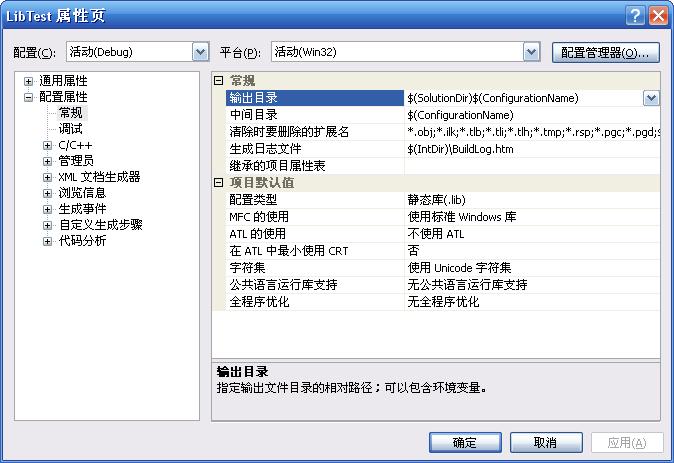
C++ / vs How to generate your own static library (lib) file
Open VS2005, create a win32 console program, then open the project - LibTest property (Figure 1), open the LibTest property page (Figure 2), select the static library (lib) at the right configuration ...
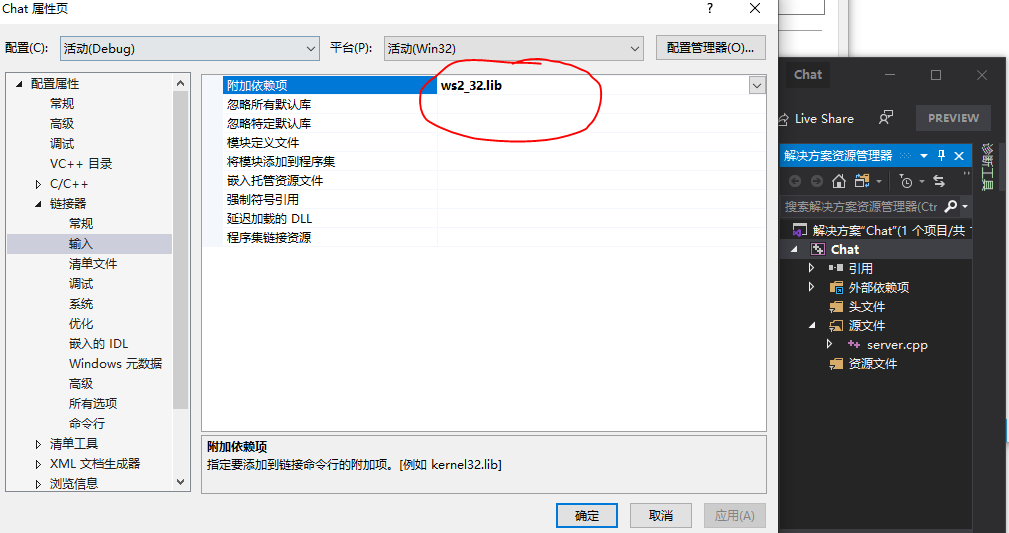
Implement Socket communication in VS2019 C++, add ws2_32.lib static library
1. Add ws2_32.lib under vs2019 Right-click the project—>Properties—>Linker—>Input—>Additional dependencies, click edit, and add the ws2_32.lib library file Or use #...
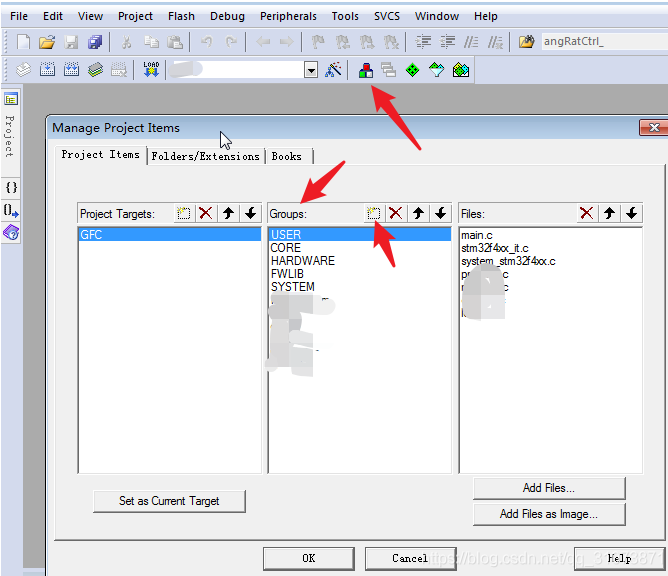
STM32 / keil compiles multiple C files as static library lib
It is well known that the purpose of compiling LiB is nothing more than two: accelerate compilation, hide code. A common application scenario is to compile ST standard libraries or HAL libraries, such...
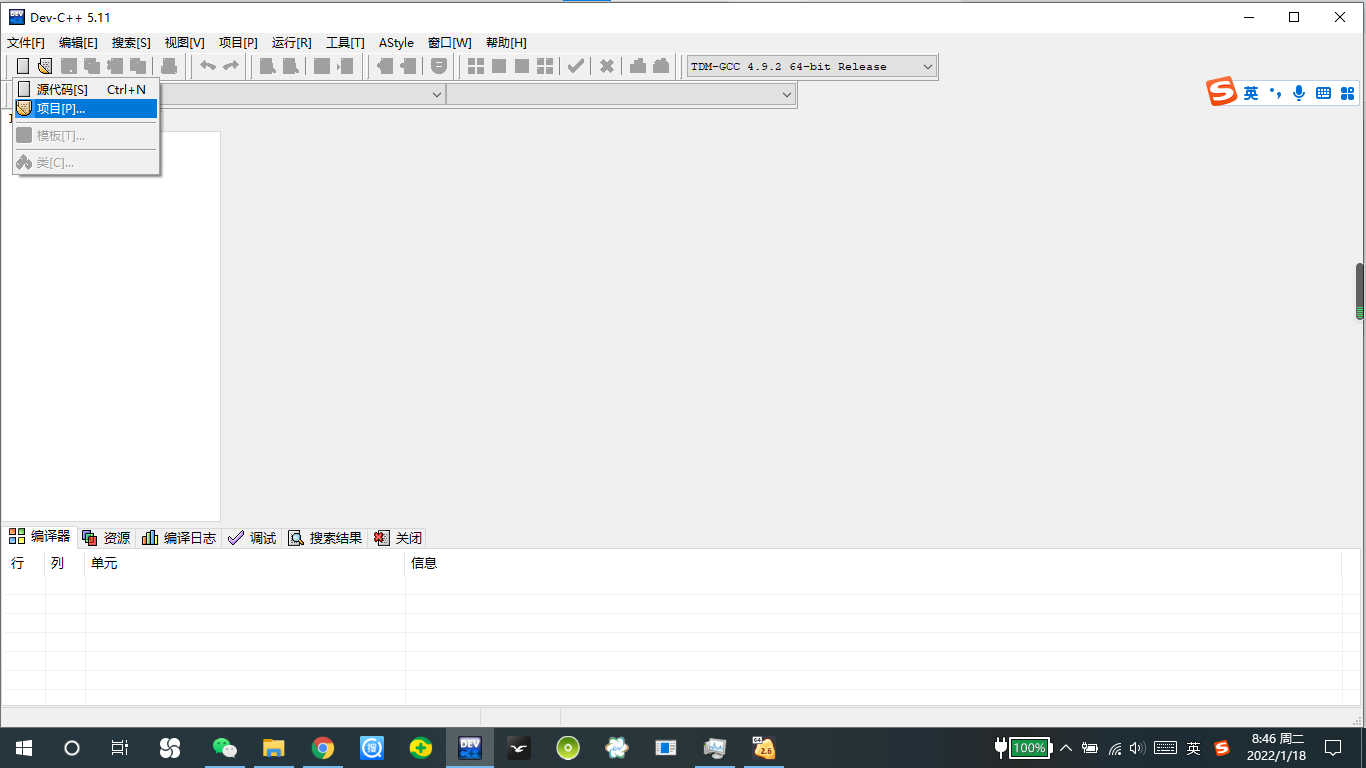
How to create a lib (static link library) file with DEV-C ++
Although DEV-C ++ is suitable for beginners, its function is still very powerful. How do you use it to make a lib (static link library)? content Step 1: Making a static link library Step 2: Link Stati...

Use lua static library
The first step: Baidu lua code, download the lua source code, for example, I downloaded version 5.3.4 Step 2: Create a new static library project LuaLib in vs2010 a. Create a new Win32 console applica...
More Recommendation
Use C++ to encapsulate the class into DLL, LIB in VS2010
Reference link: ①https://blog.csdn.net/weixin_42325010/article/details/82977333 ②https://blog.csdn.net/Yong_Qi2015/article/details/83048758 Introduction ·DLL (Dynamic Link Library) files are dy...

VS2010 generates static library (.lib)
Open VS2010, create a new project, select win32 project, click OK, select the option of static library,Precompiled header file is not selected。 If you choose the precompiled header, add #include "...
VC++ static link library lib
The static link library, the format is a .lib file, which can be called by other projects, but when called, it is compiled into an .exe file by the calling project. In addition, I tried to write the c...
OpenCV 2.4.13 Static Library (.LIB)
When compiling OpenCv2.4.13 programs, you need to include OpenCV_LIB.H header files, and you don't need to add a static library (.lib) in the input of the linker....
LIB static library reverse analysis
When we want to analyze the code of the lib library, we must first judge whether it is a static library or an import library. Library type judgment The lib file is actually a compressed file. We can d...