Run Python directly in NOTEPAD ++
tags: python Development language rear end
First, you need to set some content, make NotePad ++ more well
1, set the indentation to 4 spaces
Setting - Preferences - Language - Table Width 4, Replace with Space (Check)

2, set up new time defaults to Python language
Setting - Preference - New - Default Language Change to Python

3, set directly in NotePad ++ to run Python
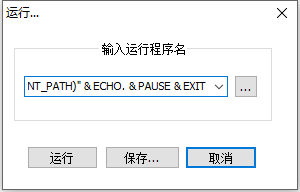
Run - Run - Enter the command:
cmd /k python "$(FULL_CURRENT_PATH)" & ECHO. & PAUSE & EXIT
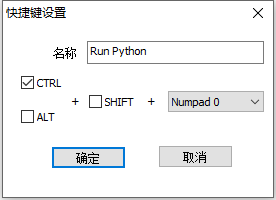
- Save, name: Run Python - Declining shortcuts

Intelligent Recommendation
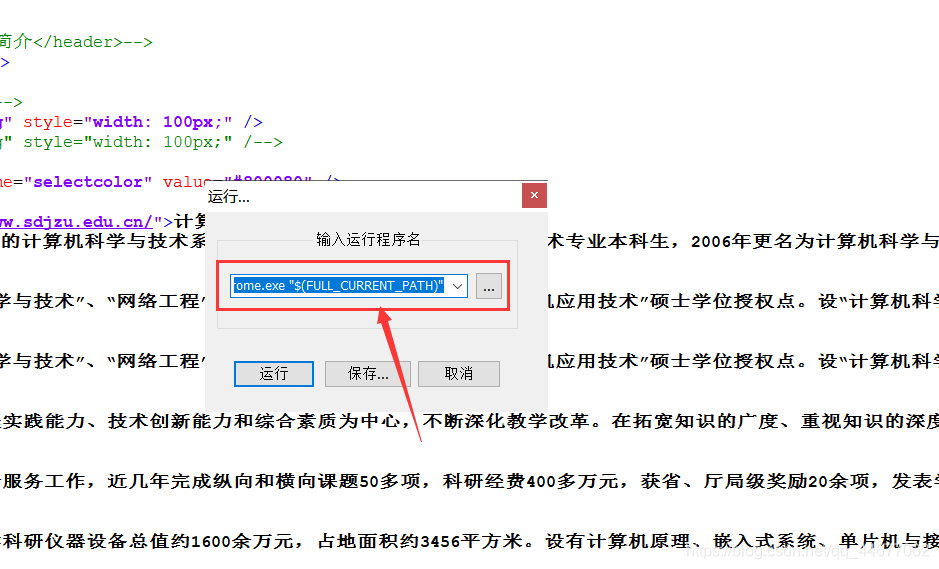
Notepad ++ run directly in the browser to view web results
Before viewing the page is not configured, you need to open the location where the html file, right-click the .html file, select the browser open in the "Open with" in order to see the effec...

notepad ++ ---- platform to run directly on the C compiler to build
How to run in the cmd window: First written in notepad ++ source code to be compiled in their own, and secondly to save the source code, it is best stored outside the C drive, and then copy the addres...
Path Settings: In the first time, Python is used to run Python code directly in NOTEPAD ++.
Writing with NOTEPAD ++PythonThe code, each run needs to reopen the command line, too trouble. The running shortcut is provided in NOTEPAD ++, which steps are as follows: 1. Run menu -> Run (shortc...

Notepad++ configuration to run python program
table of Contents 1, the installation environment: 2, open notepad++: 3, the configuration is successful 4, command analysis 1, the installation environment: Notepad++, python (When installing python,...

Run python program using Notepad++
1. Find the anaconda installation directory, find python.exe, and copy its path. Personal is G:\Anaconda3\python.exe, you can see it in the properties. 2. Press F5 in Notepad++ and type cmd /k G:\Anac...
More Recommendation

notepad ++ run Python code configuration
The normal notepad ++ installed software can not run Python code directly, it should be configured notepad ++ 1. Click on the menu bar or shortcut keys F5 to run the following dialog box will pop up, ...

Notepad++ shortcut keys to run Python
Fill in the running column seen online: There are 2 errors: 1. No $ is added before CURRENT_DIRECTORY and FULL_CURRENT_PATH 2. No /d added after cd Explanation: 1. $CURRENT_DIRECTORY and $FULL_CURRENT...
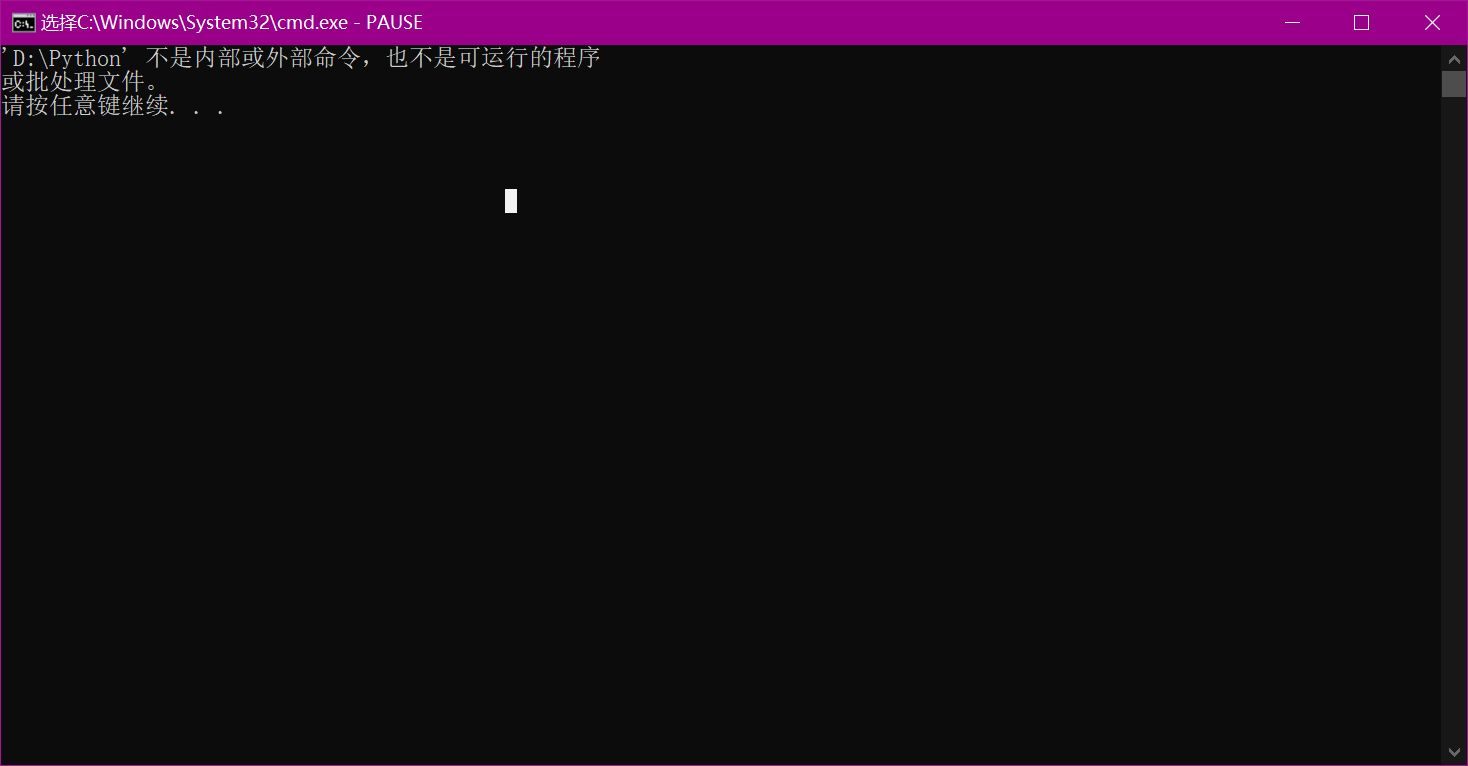
About notepad cannot run python
too difficult. This is my installation directory, and it seems that there is a space in the middle of python 3.7, so it can’t be opened at runtime, as shown below So how can we solve this proble...
How to run Python scripts with Notepad++
Unlike programming languages such as C++/Java, Python is more like a scripting language, similar to Matlab, it does not need to be compiled, and the code is run directly with an interpreter. This fe...

Essential text editor Notepad ++, free installation, directly run
Notepad ++ programmers must-text editor, compact and efficient software can perfectly replace Microsoft Notepad, recommended download. Built-in support for up to 27 kinds of syntax highlighting...