MFC+OpenGL screen coordinates to OpenGL coordinates
I recently wrote an example using OpenGL, the center point (0, 0) of OpenGL is just the center point of our screen. Because I need dynamic drawing (drawing points, lines, circles, arcs...) and need to pan and zoom the graphics, I am stuck on the problem of coordinate conversion.
Clicking on a point on the screen with the mouse can be easily obtained through OnLButtonDown(), but it is necessary to do corresponding calculations to transfer the obtained screen point to the OpenGL corresponding point. The core function used is gluUnProject(), as follows:
		glPushMatrix(); //The corresponding glPopMatrix() must not be less

		 //The transformation here needs to be consistent with the drawing, otherwise the coordinates will be wrong
		 glScalef(...); //Zoom
		 glRotatef(...); //Rotate
		 glTranslatef(...); //Translation

		 glGetIntegerv( GL_VIEWPORT,viewport ); //What you get is the last parameter to set the viewport
		glGetDoublev( GL_MODELVIEW_MATRIX, modelview );
		glGetDoublev( GL_PROJECTION_MATRIX, projection );

		glPopMatrix();

		winX = (float)point.x;
		winY = (float)viewport[3] - (float)point.y;
		glReadPixels(point.x, int(winY), 1, 1, GL_DEPTH_COMPONENT, GL_FLOAT, &winZ );
		gluUnProject(winX, winY, winZ, modelview, projection, viewport, &posX, &posY, &posZ);
The conversion from screen coordinates to OpenGL coordinates requires two steps: the first step is the conversion of screen coordinates to view-body coordinates, and the second step is the conversion of view-body coordinates to OpenGL coordinates. In the above code, winX = (float)point.x; winY = (float)viewport[3]-(float)point.y; reflects the first step, and gluUnProject() is the second step. Generally speaking, the conversion of gluUnProject() will not cause problems.
If you want no problems, you must:
1. Before glGetIntegerv()The code for model transformation must be added, Which is the same as the model transformation code used in drawing;
2. Must ensure that the sequence of translation, scaling, and rotation is consistent with the drawing; In addition, the conversion of screen coordinates to view body coordinates must be correct;
3. In the case of multiple viewports,The active viewport must be drawn last, Make it as the current viewport, so as to ensure that the value function such as glGetIntegerv() can get the correct value;
The following is the code when I am drawing,Note that the order of the various transformations should be the same as that of the left transformation
	glPushMatrix();

	glLoadIdentity();
	glScalef(...);
	glRotatef(...);
	glTranslatef(...);

	//Two coordinate axes
	glBegin(GL_LINES );
	glColor3f(0.5f,1.0f,1.0f);
	glVertex2f(ptStartX, ptStartY);
	glVertex2f(ptEndX, ptEndY);
	glEnd();

	glPopMatrix();
Intelligent Recommendation
Understanding of OpenGL coordinates
【aims】:Learn the coordinate system in OpenGL. 【reference】: 1. "Computer Graphics (OpenGL Edition) (Third Edition)" by Francis (this article mainly involves chapters 3 to 7) 2. "C...
Qt+OpenGL - 3D coordinates to 2D coordinates
Principle introduction:https://learnopengl-cn.github.io/01%20Getting%20started/08%20Coordinate%20Systems/ Code In order to get the coordinates of the vertices in the model displayed in the wind...

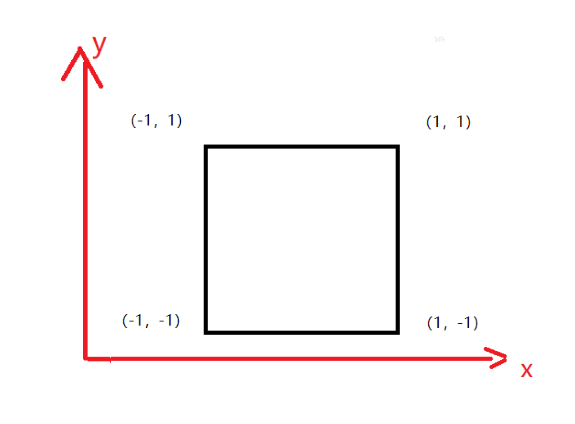
OpenGL vertex coordinates and sampler2D texture coordinates
When using non-fixed pipelines for texture rendering, the mapping relationship between texture and vertex coordinates is often used. Here, the two-dimensional texture coordinate mapping is introduced ...
More Recommendation
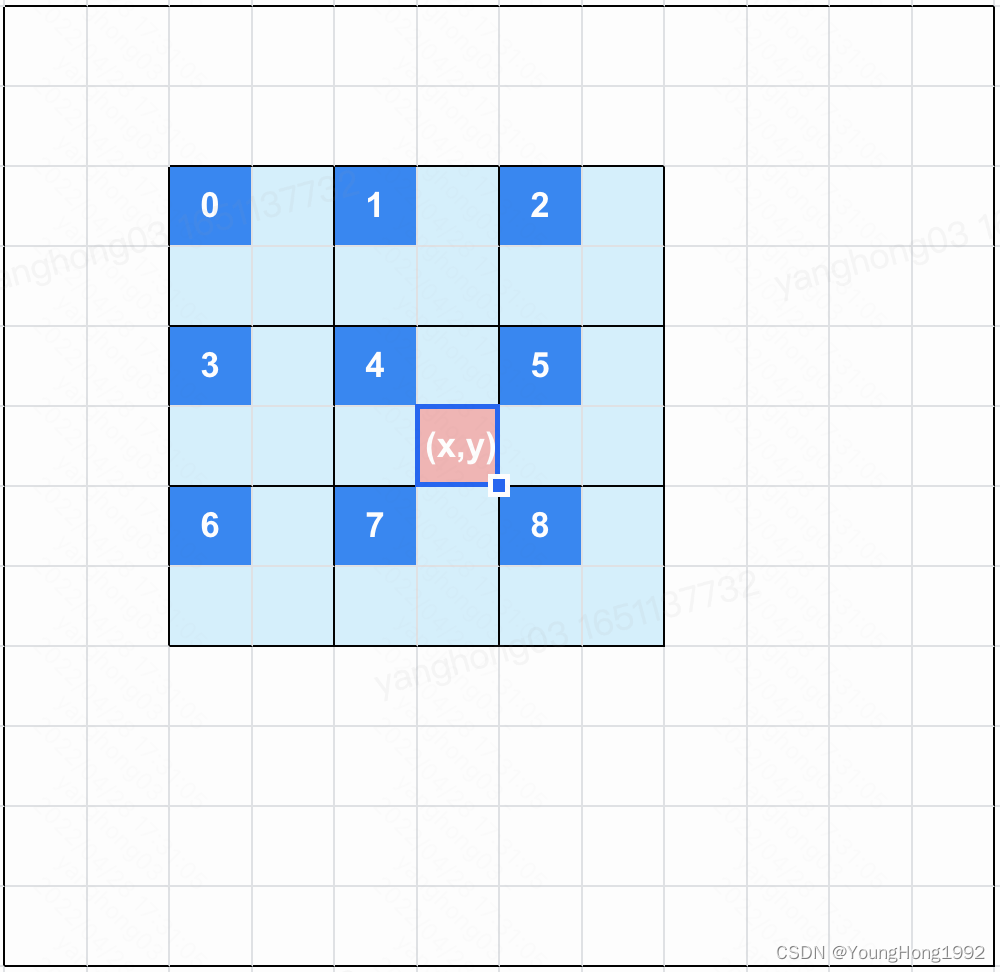
OpenGL converts the normalization coordinates into the original coordinates
As shown in the figure: The original image is based on 2x2 pixels, and the pixel value of each group is representing the value of the upper left corner (that is,0~8), Find the average filtering of the...
OpenGL Two-dimensional world coordinates and screen coordinate systems
ScreenToWorld2D WorldToScreen...
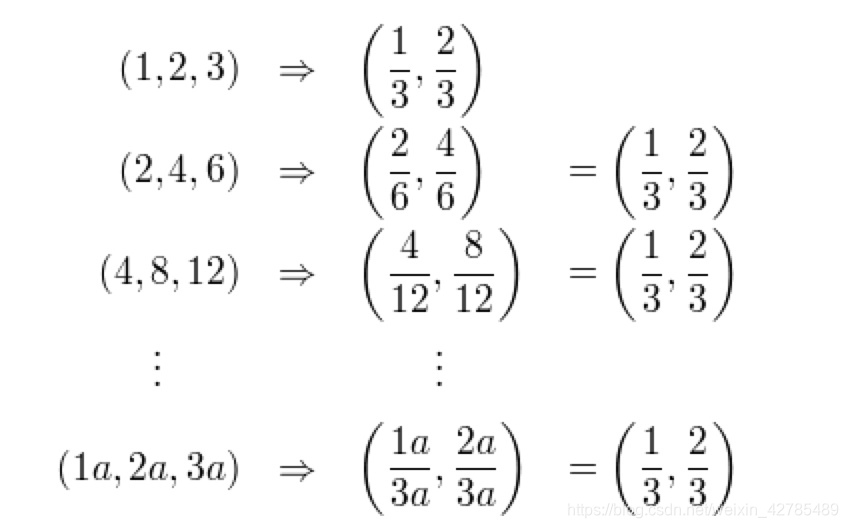
OpenGL-transform, homogeneous coordinates (unfinished)
Learned in the OpenGL Programming Guide,Strong push: detailed explanation of caster99 blogger、The homogeneous coordinate understanding of jeffasd god、Homogeneous coordinates Baidu Encyclopedia OpenGL ...

openGL 3D grid coordinates, rotation, scaling, lighting settings, texture reading, model reading (MFC single document)
1. The establishment of three-dimensional grid coordinates 2. Basic 3D graphics creation 3. The mouse rotates and zooms accordingly 4. The keyboard rotates and zooms accordingly 5. Lighting settings 6...
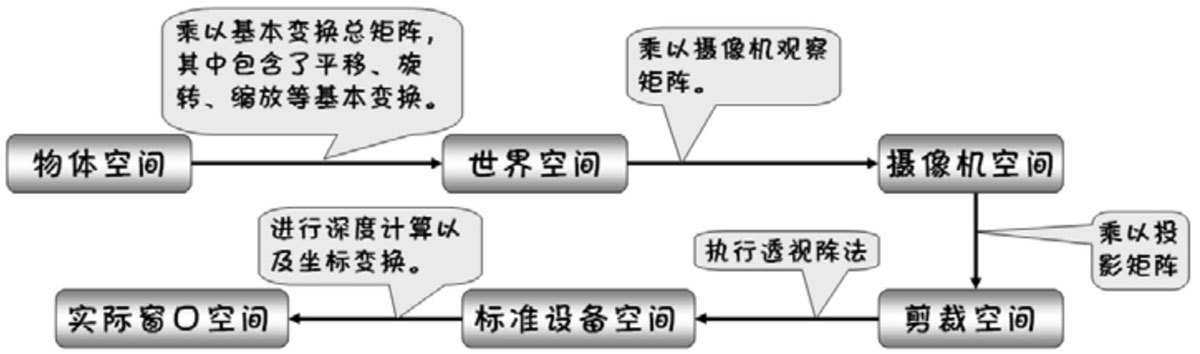
How does OpenGL convert the window space coordinates of pixels to world coordinates?
Coordinate transformation process What we are discussing is actually how to transform the input vertices into pixel coordinates (that is, window space coordinates), and how to find the specific matrix...