[ENSP Huawei Simulator] Single-arm routing configuration based on Layer 3 switches
tags: Routing and switching
eNSP Huawei Simulator Single-arm routing configuration based on three-layer switch
1. Experiment overview
Experimental requirements: complete the design and configuration of single-arm routing
Experiment content:
1. According to the following topology connection, design the network parameters such as VLAN and IP address by yourself to realize the IP communication from PC3 to PC4.
The topology is as follows
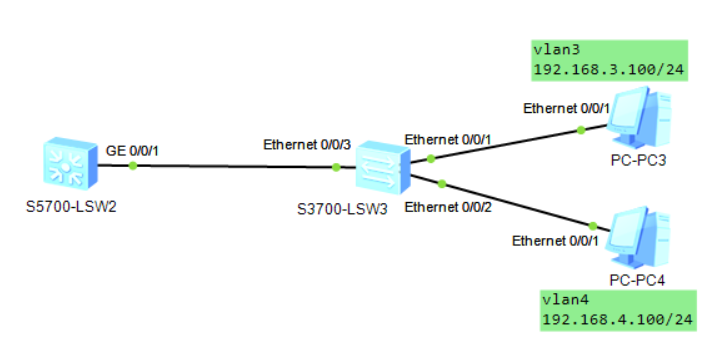
Experimental equipment:
| Laboratory equipment | Quantity |
|---|---|
| Layer 3 switch S5700 | 1 set |
| Layer 2 switch S3700 | 1 set |
| PC | 2 sets |
2. Configuration of Layer 2 Switch
Configure PC3 IP: 192.168.3.100 /24,Gateway:192.168.3.1;
Configure PC4 IP: 192.168.4.100 /24,Gateway:192.168.4.1。
Step 1: Divide VALN on S1. Assign port e0/0/1 to VLAN3 and set the interface mode to access, and assign port e0/0/2 to VLAN4 and set the interface mode to access. Establish a trunk connected to router R1 on S1. Make sure that the e0/0/3 interface is a trunk, and allow vlan 2 and vlan 3 to pass.
The configuration commands on the Layer 2 switch are as follows
<Huawei>sys
[Huawei]sysname S1
[S1]undo info-center enable

[S1]vlan batch 3 4
[S1]int e0/0/1
[S1-Ethernet0/0/1]port link-type access
[S1-Ethernet0/0/1]port default vlan 3
[S1-Ethernet0/0/1]int e0/0/2
[S1-Ethernet0/0/2]port link-type access
[S1-Ethernet0/0/2]port default vlan 4

[S1-Ethernet0/0/2]int e0/0/3
[S1-Ethernet0/0/3]port link-type trunk
[S1-Ethernet0/0/3]port trunk allow-pass vlan all
Three, the configuration of the three-layer switch
Step 2: Configure the Layer 3 switch LS1. Enter the system view mode of LS1 and determine that g0/0/1 is the trunk interface connected to the Layer 2 switch S1. Set the routing gateway addresses of VLAN2 and VLAN3 to activate the VLAN interface.
The configuration commands of the Layer 3 switch LS1 are as follows
<Huawei>sys
[Huawei]sysname LS1

[LS1]int g0/0/1
[LS1-GigabitEthernet0/0/1]port link-type trunk
[LS1-GigabitEthernet0/0/1]port trunk allow-pass vlan all

[LS1]vlan batch 3 4
[LS1]int vlanif 3
[LS1-Vlanif3]ip address 192.168.3.1 24
[LS1-Vlanif3]int vlanif 4
[LS1-Vlanif4]ip address 192.168.4.1 24
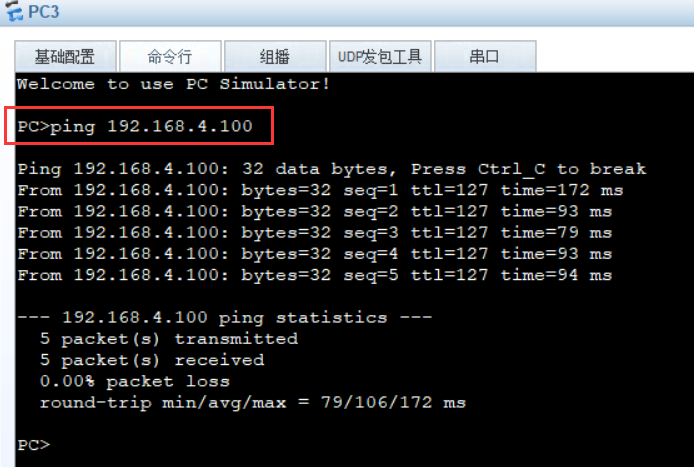
4. Experimental results
Ping from PC3 to PC4, success, prove that the single-arm routing configuration is completed.
Intelligent Recommendation
Single-arm routing to achieve communication between different VLANs (Cisco simulator Packet Tracer and Huawei eNSP dual version configuration solution)
Experiment goal Master the single-arm router configuration method; A single-arm router can communicate with each other between different VLANs; Experimental background An enterprise has two main depar...
Xiaobai learning a ENSP Huawei simulator (4) VLAN foundation configuration and Access interface utilize single arm routing VLAN route
Hello everyone! My name is Fengqing, and there is a saying that "acquaintance is the edge", I also hope to know some like-minded friends. As a small cute new in an Internet industry, the blo...
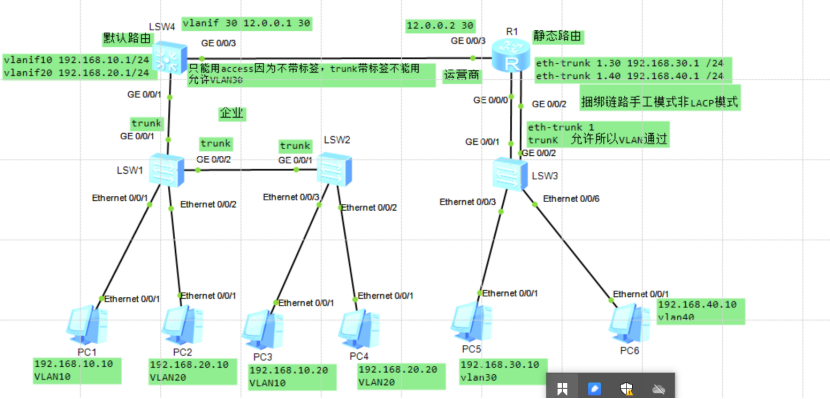
Principle and configuration of single-arm routing (interoperability between Layer 3 switches and routers throughout the network)
Experiment two single-arm routing principle and configuration (three-layer switch and router are interconnected throughout the network) lab environment Purpose Experimental steps Step 1: Configuration...
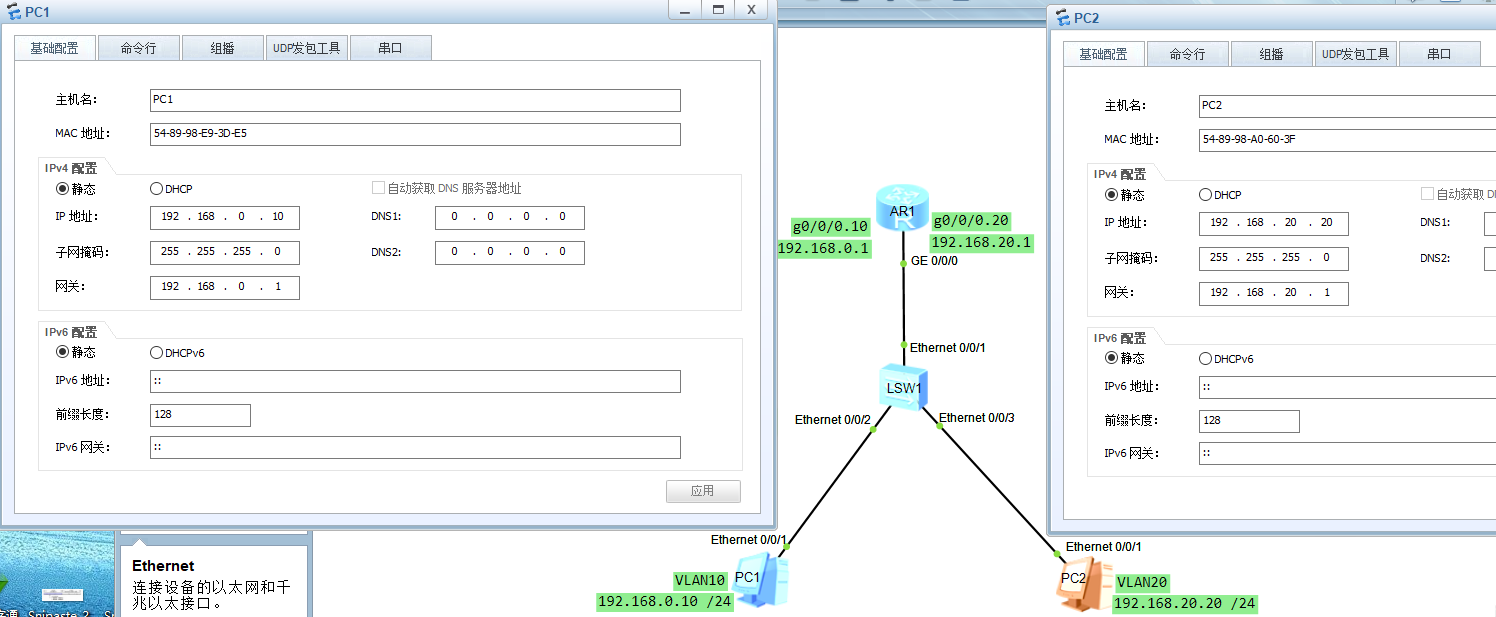
Basic knowledge of single-arm routing and Layer 3 switches
Basic knowledge of single-arm routing and Layer 3 switches Overview and principle of single-arm routing Single-arm routing-to achieve communication between different VLANs The physical interface of th...
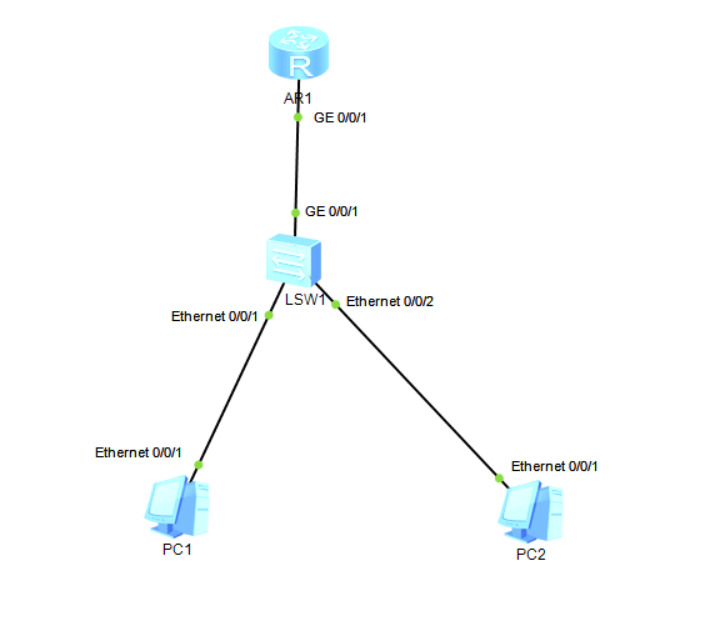
eNSP single-arm routing configuration
1. Network topology diagram 2. Configure router and switch to realize mutual communication between two PCs Configure the switch Configure the router Configure two PCs (1)PC1 (2)PC2 test Use two PCs to...
More Recommendation
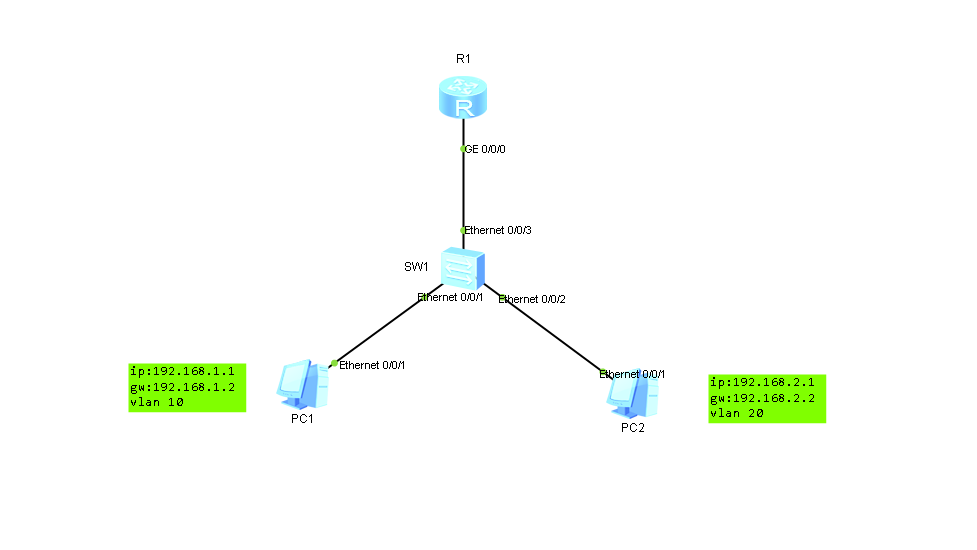
Ensp single arm routing configuration
One-arm routing (router-on-a-stick) refers to the implementation of different VLANs (virtual LAN) interconnection and intercommunication. ------Source Baidu Encyclopedia Network structure topology dia...
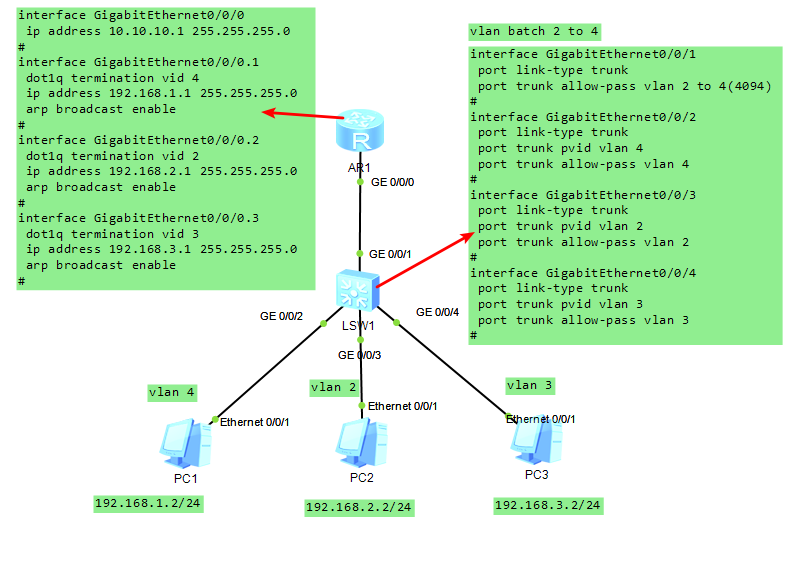
Huawei ensp single-arm routing experiment
PC1, PC2, and PC3 can ping each other. <R1>dis current-configuration [V200R003C00] # sysname R1 # snmp-agent local-engineid 800007DB03000000000000 snmp-agent # &nbs...
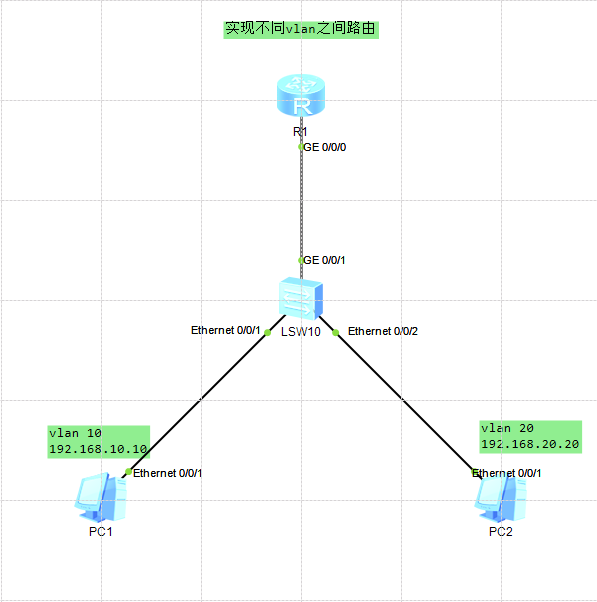
Huawei eNSP-single-arm routing technology
table of Contents One, single arm routing 1.1.1 Introduction to single-arm routing 1.1.2 Advantages and disadvantages of single-arm routing 2. Case 2.2.1, requirements to achieve communication between...
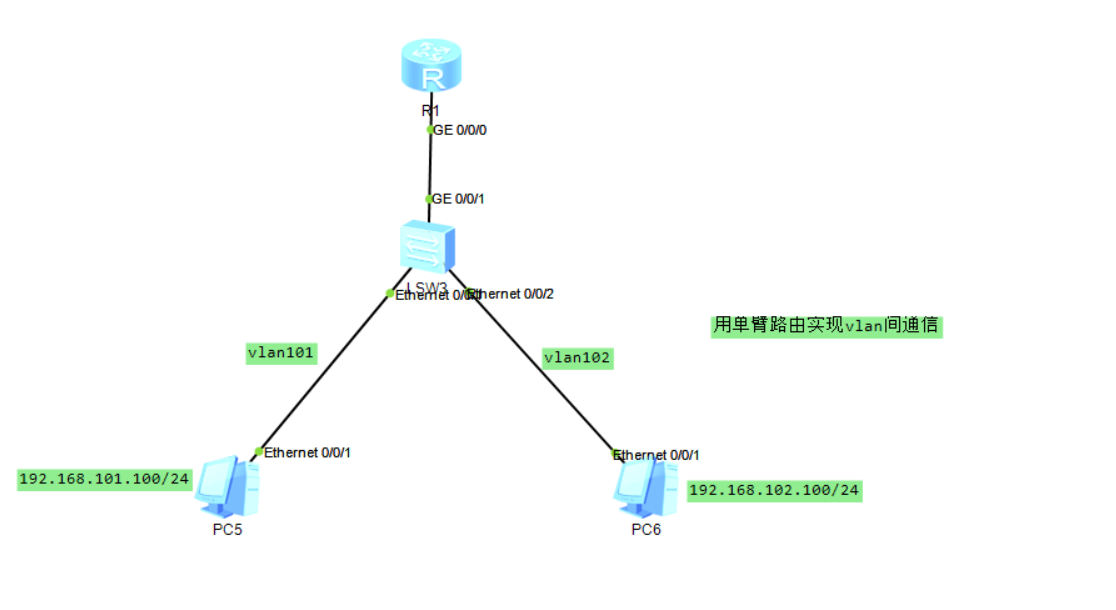
Huawei eNSP-single-arm routing experiment
Article Directory 1. Experimental environment 2. The purpose of the experiment Three, experimental steps R1 LSW3 1. Experimental environment One router, one switch, two PCs 2. The purpose of the exper...
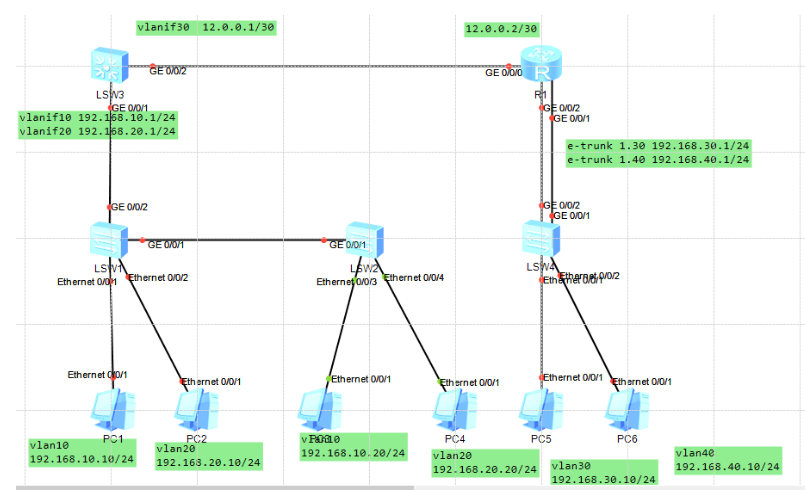
HUAWEI Simulator-three integrated experiments of switches, link bundling, and single-arm routing
HUAWEI Simulator-three integrated experiments of switches, link bundling, and single-arm routing Switch SW1 command Switch SW2 command Switch SW3 command Switch SW4 command Router R1 commands Switch S...