Java connection SQL Server database driver JDBC
tags: notes java jdbc database sql
1, download JDBC driver
SQLJDBC - Microsoft official website download link
spare:Baidu network disk link:
Extraction code: 2INU
(Version 8.4, support JDK8, JDK11, JDK14)
2, open the downloaded driver file
Figure:
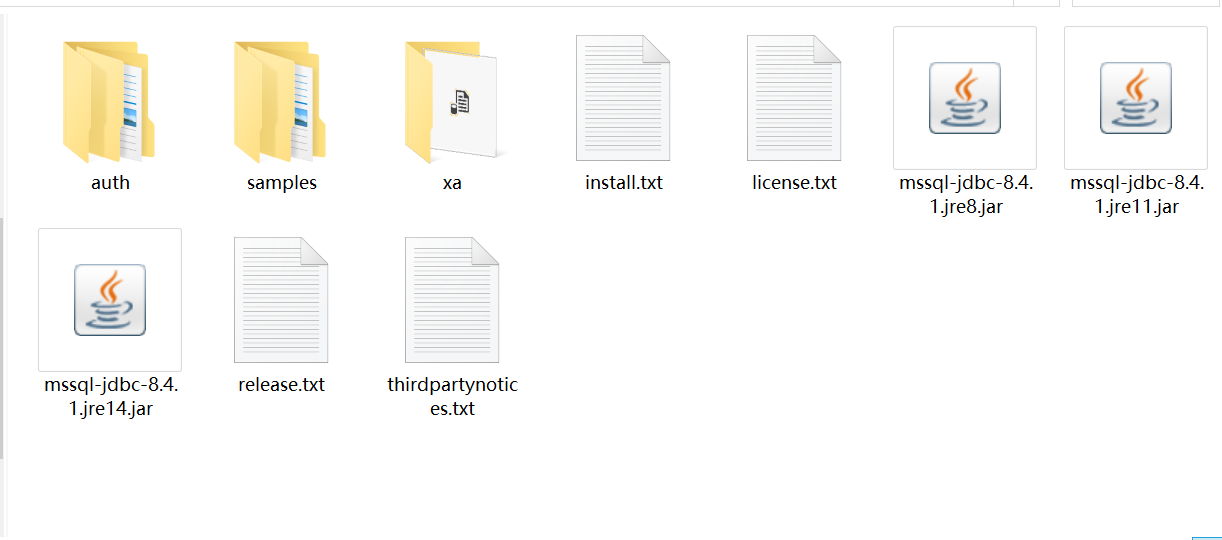
According to your ownJDK versionDifferent.jarFile, because my JDK version is 14, so choosemssql-jdbc-8.4.1-jre14.jarTo copy it into the Java project, it is best to put it in a folder.
3, configure the JDBC driver
(IneclipseTake an example)
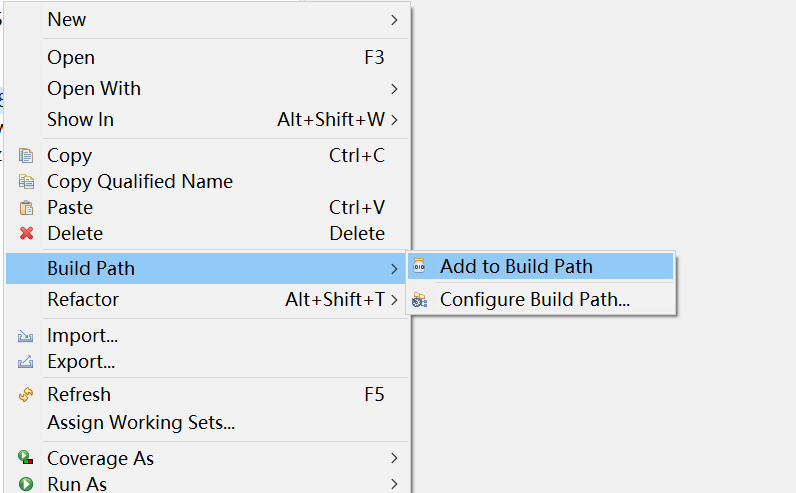
Select the JDBC driver file in the Java project.Right keyChoice–Build Path --Add to Build Path, ThenReferenced LibrariesYou can see the driver, indicating that the configuration is successful:
4, Java connection SQL Server databaseCode
import java.sql.*;

public class Linkdb {

	private String dbUrl="JDBC: SQLServer: // localhost: 1433; DatabaseName = Your database name";// Database connection address
	private String dbUserName="sa"; //username
	private String dbPassword="123456"; //password
	private String jdbcName="com.microsoft.sqlserver.jdbc.SQLServerDriver"; // Drive name

	/**
	  * Get database connections
	 * @return
	 */
	public Connection getCon() throws Exception{
		Class.forName(jdbcName);
		Connection con=DriverManager.getConnection(dbUrl, dbUserName, dbPassword);
		return con;
	}

	/**
	  * Turn off the database connection
	 * @param con
	 * @throws Exception
	 */
	public void closeCon(Connection con)throws Exception{
		if(con!=null) {
			con.close();
		}
	}

	public static void main(String[] args) {
		Linkdb dbUtil=new Linkdb();
		try {
			Connection con = dbUtil.getCon();
			System.out.println("Database connection success");
			Statement stmt = con.createStatement();
			stmt.close();
			dbUtil.closeCon(con);
		} catch (Exception e) {
			// TODO Auto-generated catch block
			e.printStackTrace();
			System.out.println("Database connection failed");
		}

	}

	public static ResultSet Query(String sql) throws SQLException {
		Linkdb dbUtil=new Linkdb();
		// TODO Auto-generated method stub
		Connection con;
		ResultSet rs = null;
		try {
			con = dbUtil.getCon();
			Statement stmt = con.createStatement();
			//Inquire
			rs = stmt.executeQuery(sql);
		} catch (Exception e) {
			// TODO Auto-generated catch block
			e.printStackTrace();
			System.out.println("Database query failed");
		}
		return rs;
	}

	public static void Update(String sql) {
		// TODO Auto-generated method stub
		Linkdb dbUtil=new Linkdb();
		// TODO Auto-generated method stub
		Connection con;
		ResultSet rs = null;
		try {
			con = dbUtil.getCon();
			Statement stmt = con.createStatement();
			//insert
			stmt.executeUpdate(sql);

			stmt.close();
			dbUtil.closeCon(con);

		} catch (Exception e) {
			// TODO Auto-generated catch block
			e.printStackTrace();
			System.out.println("Database update failed");
		}
	}
}
Note: DatabaseName fills in your own database name.
The QUERY method performs a method for SQL query statements, as long as the SQL statement of the String type is passed.
The UPDATE method performs methods for SQL update statements, including Update, Insert, Delete.
Intelligent Recommendation
JDBC connection details (Database: SQL Server)
JDBC use JAR package that needs to import SQL Server JDBC 1 Create a database driver, Java program and database bridge 2 Get the connection, Java program and a database of the database 3 Create a Prep...
Java sql server database connection
1. Related content introduction 1.1JDBC Jdbc is a Java API for executing SQL statements that provides uniform access to multiple relational databases. It consists of a set of classes and interfaces wr...

SQL Server database connection java
Operating System: windows 7 64 Wei java development environment: eclipse SDK Database: SQL Server 2008 R2 Download jdbc driver package download linkI downloaded the exe version, in fact, it is a self-...
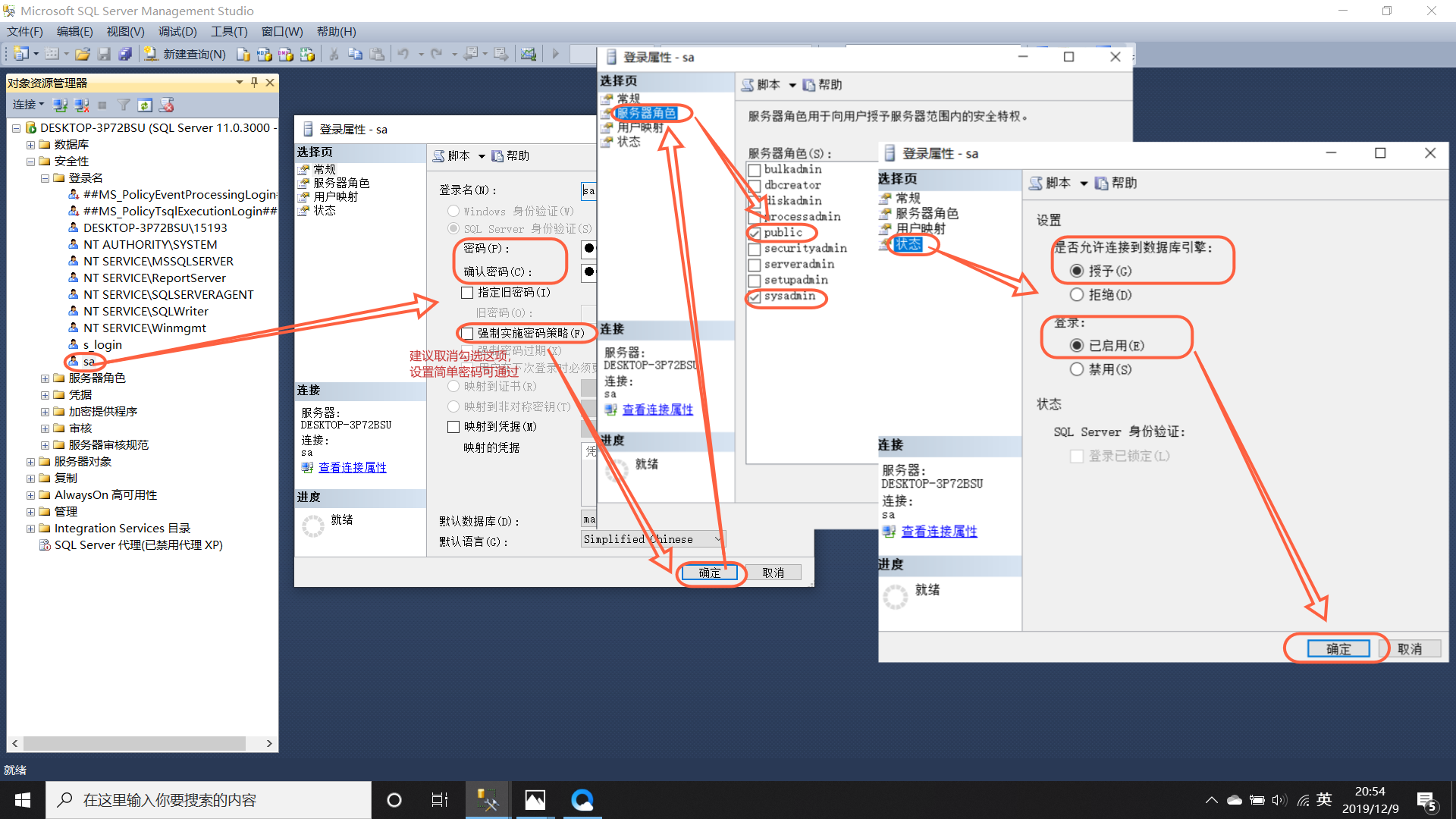
Java, eclipse connect to the database through the driver package jdbc SQL server 2012 2019/12/10 after update
Java, eclipse connect to database SQL server 2012 through driver package jdbc After 10/12/2019 update Recently, there is a demand for java to connect to the database sql. There are many tutorials onli...
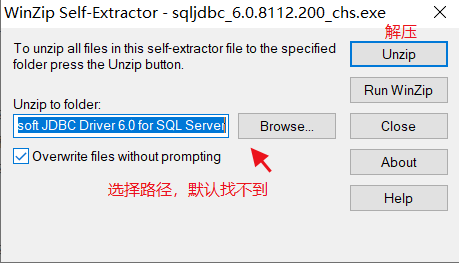
Java-driven JDBC connection to SQL Server
Java-driven JDBC connection to SQL Server Step 1: Download the official Microsoft SQL Server JDBC driver 6.0 https://www.microsoft.com/zh-CN/download/details.aspx?id=11774 The installation instruction...
More Recommendation
Java and Sql JDBC database connection and related operations
I use Java to connect to SQL Server Management Studio for the first time, and record my connection process, also to facilitate others and reduce unnecessary trouble. (1) Download and install the datab...
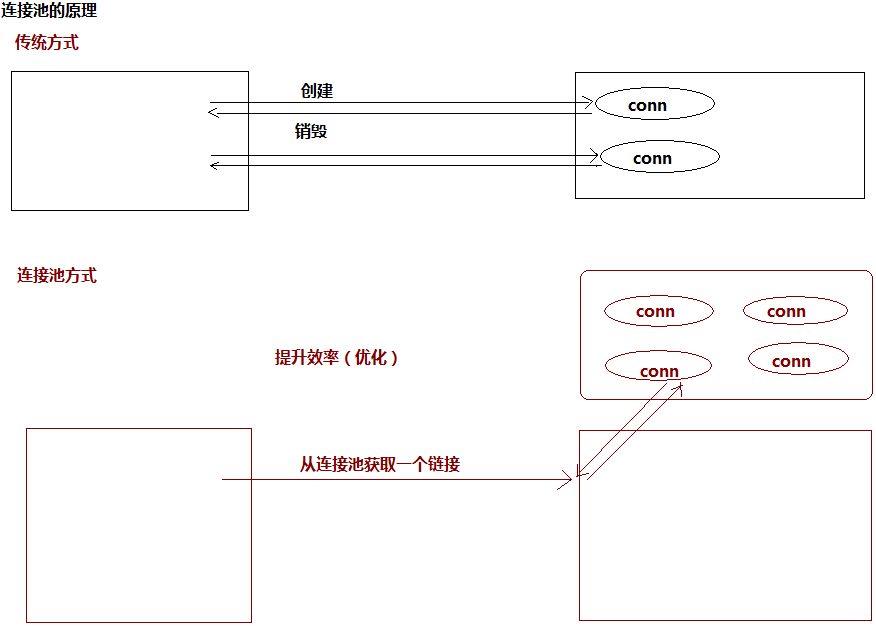
Learning and understanding about jdbc, database driver, database connection pool in java
One, what is jdbc 1. JDBC (Java DataBase Connectivity, java database connection) is a Java API used to execute SQL statements, which can provide unified access to a variety of relational databases. It...
Jdbc connection mysql oracle sql server database connection string
[size=large]jdbc connection mysql oracle sql server database connection string, write down the exemption after forgetting [/size]...
SQL Server JDBC connection
Remember the newly installed SQL Server open TCP / IP protocol [img]http://dl2.iteye.com/upload/attachment/0110/2196/9c78e5bb-ec03-33ad-9458-cd4437af3b1c.png[/img]...
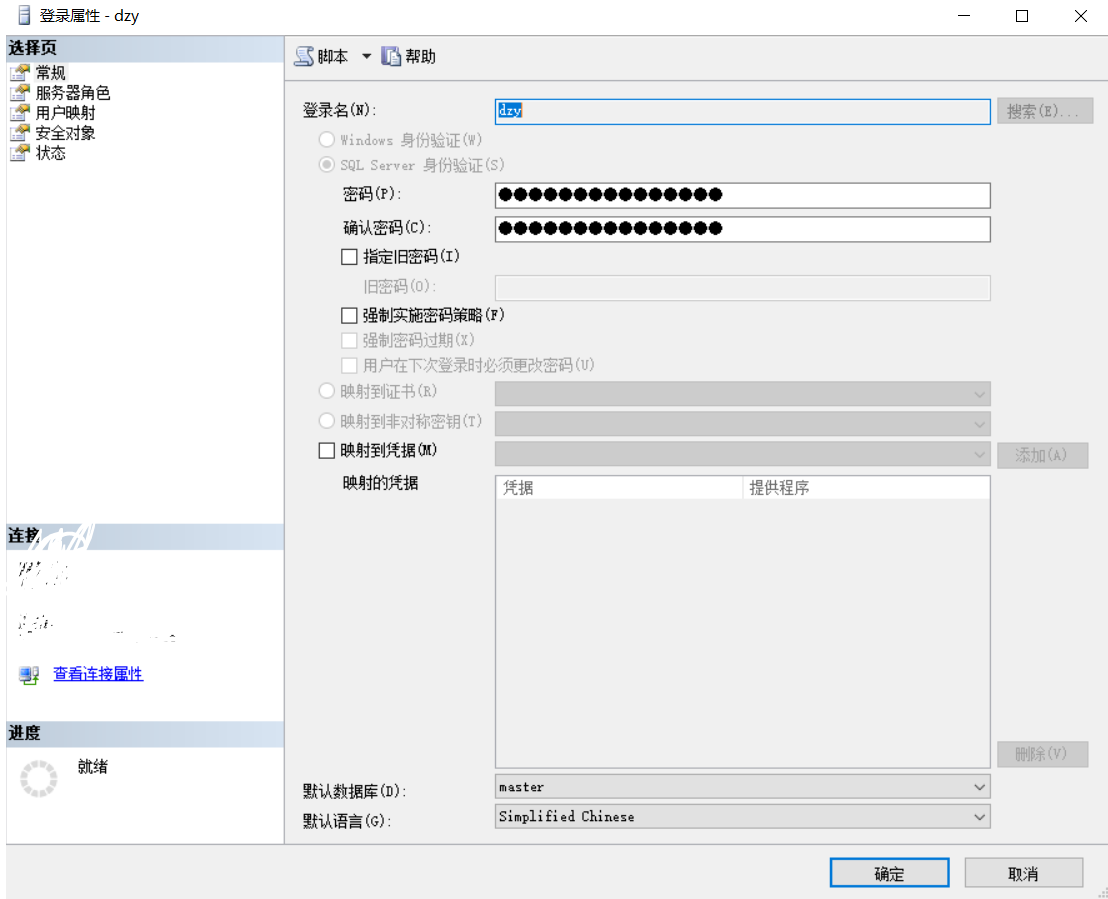
JDBC connection to SQL server
1. Connect using Windows authentication 2. Security-> Login name (right click) In the pop-up window: conventional: User mapping: status: 3. Database-> SCW (database name)-> secu...