python -m pip install --upgrade pip error
python -m pip install --upgrade pip Error type:
C:\WINDOWS\system32>pip install --user --upgrade pip
Retrying (Retry(total=4, connect=None, read=None, redirect=None, status=None)) after connection broken by 'ReadTimeoutError("HTTPSConnectionPool(host='pypi.org', port=443): Read timed out. (read timeout=15)")': /simple/pip/
Collecting pip
  Downloading https://files.pythonhosted.org/packages/54/0c/d01aa759fdc501a58f431eb594a17495f15b88da142ce14b5845662c13f3/pip-20.0.2-py2.py3-none-any.whl (1.4MB)
    1% |▌                               | 20kB 1.0kB/s eta 0:22:35Exception:
Traceback (most recent call last):
  File "d:\software\python3.7\lib\site-packages\pip\_vendor\urllib3\response.py", line 360, in _error_catcher
    yield
  File "d:\software\python3.7\lib\site-packages\pip\_vendor\urllib3\response.py", line 442, in read
    data = self._fp.read(amt)
  File "d:\software\python3.7\lib\site-packages\pip\_vendor\cachecontrol\filewrapper.py", line 62, in read
    data = self.__fp.read(amt)
  File "d:\software\python3.7\lib\http\client.py", line 447, in read
    n = self.readinto(b)
  File "d:\software\python3.7\lib\http\client.py", line 491, in readinto
    n = self.fp.readinto(b)
  File "d:\software\python3.7\lib\socket.py", line 589, in readinto
    return self._sock.recv_into(b)
  File "d:\software\python3.7\lib\ssl.py", line 1052, in recv_into
    return self.read(nbytes, buffer)
  File "d:\software\python3.7\lib\ssl.py", line 911, in read
    return self._sslobj.read(len, buffer)
socket.timeout: The read operation timed out
note:
socket.timeout: The read operation timed out
Timed out.
Solution:
python -m pip install --upgrade pip -i https://pypi.douban.com/simple

Intelligent Recommendation
python -m pip install --upgrade pip update pip error ultimate solution
1. Error result Enter the following command: Error: 2. Reason analysis The download timed out, find a domestic mirror. Such as: Perfect solution. 3. Other domestic mirrors ...
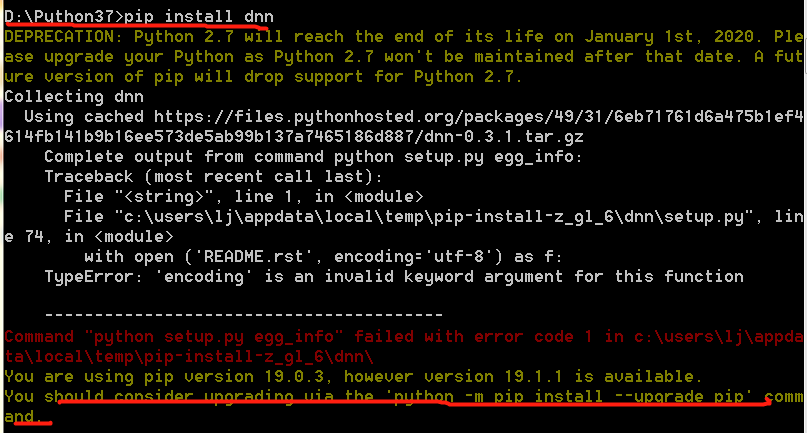
Solution to pip update problem:'python -m pip install --upgrade pip' error report
The following error occurred when installing a package Then follow the prompts to run python -m pip install --upgrade pip and update pip and run pip install again. DNN still reports the error as above...
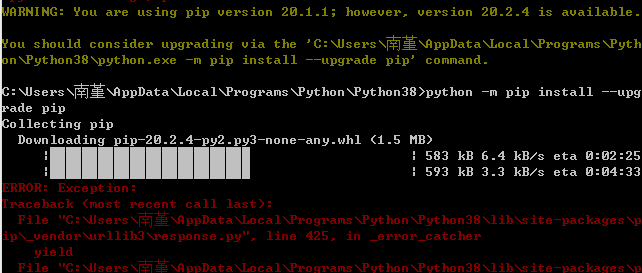
python -m pip install --upgrade pip update pip error solution (with textrank4zh installation failure solution)
Because the installation of textrank4zh keeps reporting errors, as follows Suggest me to upgrade pip But the password entered has been failing: For the first time, someone said to delete pip-20.1.1.di...
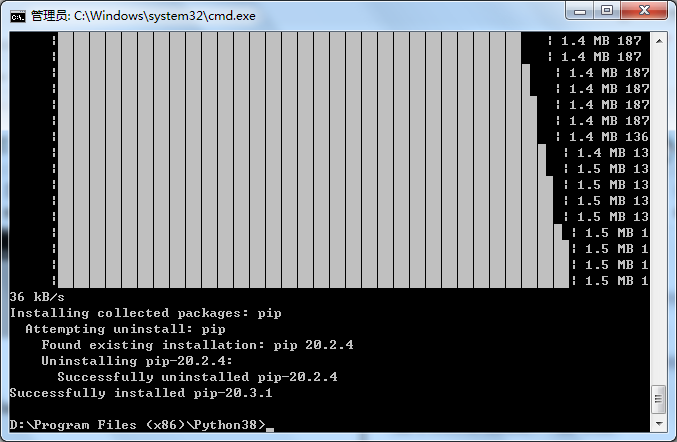
Solution to the pip update problem: ‘python -m pip install --upgrade pip’ error report
I really believe in evil and always report this warning: Solution to the pip update problem: ‘python -m pip install --upgrade pip’ error report Into; D:\Program Files (x86)\Python38 enter:...
Solve the problem of python -m pip install --upgrade pip upgrade unsuccessful
Solve the problem of python -m pip install --upgrade pip upgrade unsuccessful Updated: March 5 2020, 08:13:04 Author: Cement20I want to comment This article mainly introduces python -m pip inst...
More Recommendation
python -m pip install --upgrade pip Unsuccessful upgrade problem
Enter python -m pip install --upgrade pip appears This is due to a server connection timeout. You can use the following command to specify the URL to solve ...
Solve the problem of unsuccessful upgrade of python -m pip install --upgrade pip
Solve the problem of unsuccessful upgrade of python -m pip install --upgrade pip 1. Use the command to appear 2. The problem is solved. This is because the server connection timed out. Use the followi...
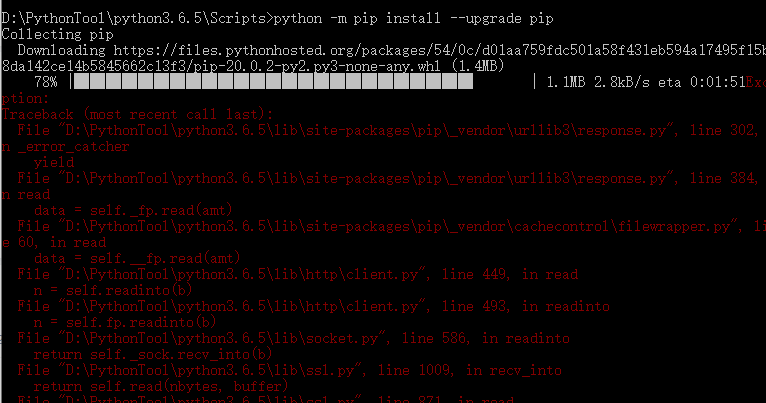
python -m pip install --upgrade pip command upgrade failed
The python version used by the blogger is 3.6.5, and the upgrade failed when updating the pip version Later, it was found that the server link timed out. Using Douban's mirror image can solve the serv...
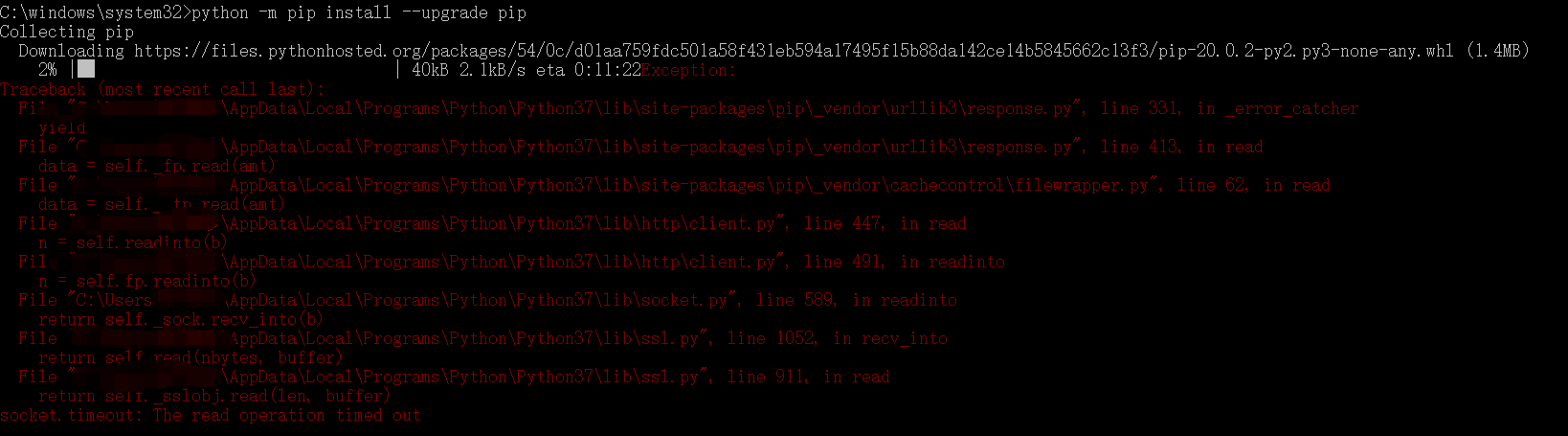
python -m pip install --upgrade pip solves the problem of unsuccessful upgrade
Use pip to prompt to update: You are using pip version 18.1, however version 20.0.2 is available. You should consider upgrading via the 'python -m pip install --upgrade pip' command. Inputpython -m pi...
python -m pip install --upgrade pip upgrade unsuccessful problem
python -m pip install --upgrade pip upgrade unsuccessful problem This is because the server connection timed out, we can change the Douban source to download the solution, copy the following code to s...