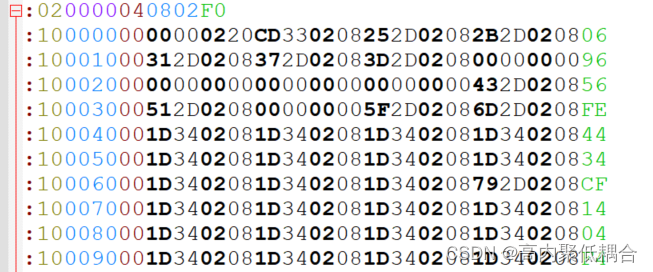
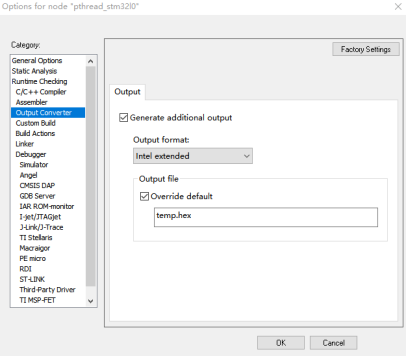
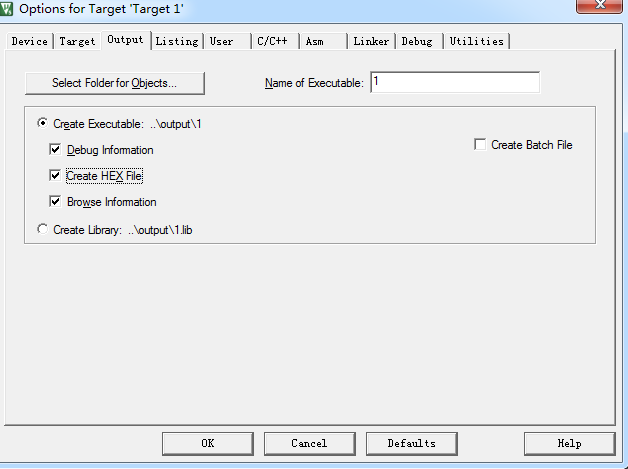
In the single-chip development HEX file and BIN files are very common file format programming to popular development environment Keil, for example, were created HEX and BIN files, such as:
1. Create HEX: in Keil magic wand which can by checking [> Output> Creat HEX File] let the project output HEX file.
2, create BIN: Check in Run # 1 [wand> User> After Build / Rebuild] Keil under the label, text box Command input while the corresponding User
fromelf --bin [email protected] !LBIN file is output after compilation.
Closer to home, briefly describe the difference under HEX (left) and BIN (on the right) file:
1, HEX file
HEX file contains both data and address information, so when programming or download HEX file, generally do not require the user to specify the address.
2, BIN file
BIN file only pure data (codes) information, it does not contain an address, so we need to specify the address programming when programming BIN, generally can be modified in the programming tool.
Let's look at the next part of the code generated Keil HEX and BIN files:
ASCII HEX file contents are obtained by coding can be opened directly by the books editor, BIN files can not be viewed directly with the editor, you can convert it to hexadecimal and then displays (such as downloading a plug-in notepad ++ like:Plug-in installation):
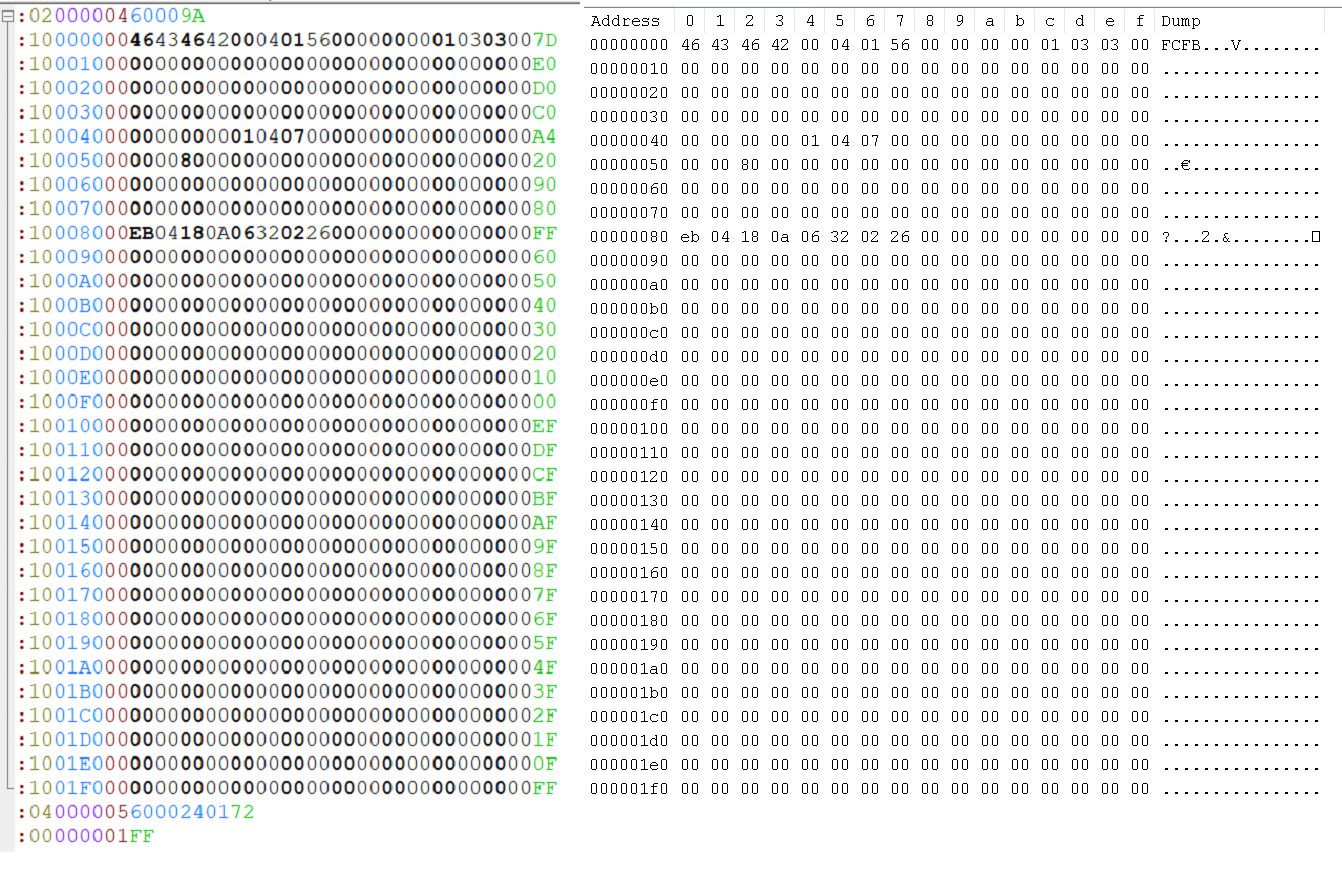
Very intuitive BIN file data area can be seen only HEX file.
HEX format Interpretation:
Each row represents a HEX file record (RECORD), the basic format is as follows
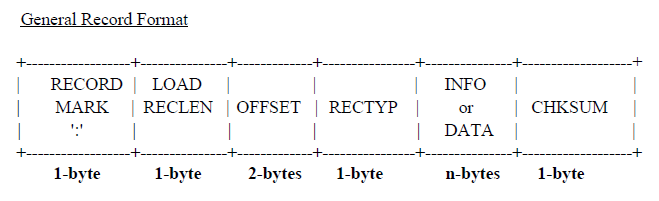
RECORD MARK colon (:) indicates the start flag
LOAD RECLEN i.e., the data length of the data length of segment INFO or DATA
OFFSET address offset specifies an offset address relative to the base
RECTYP record type record type: "00" data record "01" End of file record '02' extended segment address record '03' start segment address record '04' extended linear address record '05' Start linear address record
INFO or DATA data check value

First to note, 1-byte of the byte in the file as HEX ASCII-encoded through a hex i.e. it represents a two-byte characters in ,, BIN files are directly represented by a byte which two characters, the above FIG intuitive
In a first embodiment the following behavior HEX file, it means mainly, 02 denotes a data block "6000" represents a length of 2,0000 offset address 04 indicates the record type of the extended linear address records, 6000 represents a linear address base address and when represented by [16-31] i.e. high address area, [0-15] 0 is the default region i.e. lower.
9A is a final check value, starting with 0x100 subtracting flag (:) accumulation of all of the characters behind the mold 256 as a result of worth to check value: 0x100- (0x02 + 0x00 + 0x00 + 0x04 + 0x60 + 0x00) % 256 = 9A
Similar to other record types, can refer to the PDF:Detailed HEX file