Python matplotlib drawing, confusion matrix Chinese character fonts, numbers, English letters settings
tags: python tensorflow Machine learning
When writing an article recently, the article has requirements for the image format: the Chinese characters in the picture use Song Ti No. 6, and the numbers and English letters use the new Roman font. All these need to be expressed in a picture. After some searching and exploration, it is summarized as follows:
-
Set the coordinate axis
Now suppose there are the following requirements: in a figure, the coordinate axes use numbers to represent the scale, and Chinese characters are also used to define the meaning of the coordinate axes, and there are also English legends in the figure.
In a picture (shown in Figure 1 below), we need to draw a diagram that meets the above requirements at the same time with python code, and we need to make global and local settings in the program to meet the requirements.

As can be seen from the picture, this picture meets our requirements, this picture is drawn with python. The code is listed below, and the key points will be explained.
import matplotlib.pyplot as plt #This line of code is essential, so I won’t say more
#The corresponding points are listed below in the form of a dictionary. This is the value of the accuracy and verification accuracy of several models that I ran myself. There are a total of 50 epochs. Some of the data was deleted by me (in confidentiality), you guys You can write some values at will and complete them
mobilenet={ 'acc':[0.5204,0.8537,0.8873,0.9041,0.9281,0.9329,0.9496,0.9472,0.9664,0.9712,0.9736,0.9544,0.9616,0.9640,0.9928,0.9808,0.9640,0.9712,0.9688,0.9784,0.9496,0.9808,0.9688,0.9640,0.9856,0.9664,0.9664,0.9712,0.9964,0.9808,0.9736,0.9784,0.9736,0.9880,0.9808,0.9928,0.9880,0.9880,0.9808,0.9928,0.9976,0.9952,0.9856,0.9856,0.9952,0.9808,0.9856,0.9904,0.9928,0.9836],
'val_acc':[0.3741,0.3741,0.4388,0.5504,0.5252,0.4892,0.6338,0.5180,0.4676,0.4964,0.6475,0.7122,0.6619,0.6691,0.6547,0.6331,0.6835,0.7291,0.8417,0.7410,0.7770,0.7163,0.6901,0.7338,0.7842,0.7986,0.7842,0.7626,0.8345,0.9137,0.9256,0.9065,0.8777,0.8921,0.8058,0.7626,0.7852,0.8129,0.8561,0.9137,0.9137,0.9065,0.9353,0.9496,0.9353,0.9640,0.9568,0.9424,0.9237,0.9320]}
xception={ 'acc': [], 'val_acc':[]
NASNetMobile={ 'acc': [], 'val_acc':[]
desnet121={ 'acc': [], 'val_acc':[]
VGG19={ 'acc': [], 'val_acc':[]
resnet101={ 'acc': [], 'val_acc':[]
#After the dictionary is created, take out the value of the dictionary and pay it to a variable (Is this part correct, you should be able to understand it, if you don’t understand, you have to make up the basic knowledge)
res50_acc=resnet101['acc']
res50_val_acc=resnet101['val_acc']
vgg19_acc=VGG19['acc']
vgg19_val_acc=VGG19['val_acc']
des121_acc=desnet121['acc']
des121_val_acc=desnet121['val_acc']
#Next start drawing
epoch = [i for i in range(50)]
plt.plot(epoch,res50_acc, 'r.-',linewidth=1.2, label='ResNet101_acc')
plt.plot(epoch, res50_val_acc, 'r-',linewidth=1.2, label='ResNet101_val_acc')
#Set the coordinate axis variable, curve type, line width, curve label, etc. in the plt.plot() function
plt.plot(epoch, vgg19_acc, 'g.--',linewidth=1.2,label='VGG19_acc')
plt.plot(epoch, vgg19_val_acc, 'g--',linewidth=1.2, label='VGG19_val_acc')
plt.plot(epoch,des121_acc,'b.:' ,linewidth=1.2, label='DesNet201_acc')
plt.plot(epoch, des121_val_acc,'b:' ,linewidth=1.2, label='DesNet201_val_acc')
#The following two lines set the global font. In this example, the axis scale and legend are both represented by the new Roman font
plt.rcParams['font.sans-serif']=['TimesNewRoman'] # ['SimSun'] Song Ti; ['SimHei'] Hei, there are many of them you can set
plt.rcParams['axes.unicode_minus'] = False
plt.xlabel('Training round',fontsize=9.5,fontfamily="SimSun")#Set the axis label, label size, local font settings, this example is set to Song Ti
plt.ylabel('Accuracy',fontsize=9.5,fontfamily="SimSun")
plt.legend(loc='best',fontsize=7.5,frameon=True)#Legend setting, the parameter loc in the function is not only best (automatically put the legend in the appropriate position), but also can be considered as a setting, such as the upper right corner: loc='upper right', the lower left corner: loc='lower left ',
#Also upper left, lower right, center left, center right, lower center, upper center, etc.
plt.show()The requirements of the first picture are drawn in python.
- Plot the confusion matrix
Some Chinese journals require that English cannot appear in the figure, so it is necessary to set the axis label of the confusion matrix to Chinese. Figure 2 below shows that the confusion matrix Chinese characters are Song Ti, and the number symbols are New Roman fonts.

code show as below:
from __future__ import print_function
from matplotlib import pyplot as plt
import numpy as np
import itertools
from sklearn.metrics import confusion_matrix,accuracy_score

#The following code is the code for drawing the confusion matrix
def plot_confusion_matrix(y_true, y_pred, title="Confusion Matrix",
                          cmap=plt.cm.Blues, save_flg=False):
                              #classes = [str(i) for i in range(7)]
    classes=['<5%','5%','7%','9%','11%','13%','15%']
    labels = range(7)
    cm = confusion_matrix(y_true, y_pred, labels=labels)
    plt.figure(figsize=(5, 4))
    plt.imshow(cm, interpolation='nearest', cmap=cmap)
    plt.title(title, fontsize=7.5,fontfamily="SimSun")
    plt.colorbar()
    tick_marks = np.arange(len(classes))
    plt.xticks(tick_marks, classes, fontsize=7.5)
    plt.yticks(tick_marks, classes, fontsize=7.5)
    plt.rcParams['font.sans-serif']=['TimesNewRoman']
    plt.rcParams['axes.unicode_minus'] =False

    thresh = cm.max() / 2.
    for i, j in itertools.product(range(cm.shape[0]), range(cm.shape[1])):
        plt.text(j, i, cm[i, j],
                 horizontalalignment="center",
                 color="white" if cm[i, j] > thresh else "black")
    plt.ylabel('actual value', fontsize=7.5,fontfamily="SimSun")
    plt.xlabel('Predictive value', fontsize=7.5,fontfamily="SimSun")
    if save_flg:
        plt.savefig("./confusion_matrix.png")
    plt.show()
#Main function
def main():
    #The following code is the code for reading the .txt file
    with open('pred.txt', 'r') as file:
        for line in file:
            pred_label = [int(i) for i in line.split(',')[1:-2]]
            print(pred_label)
    with open('true.txt', 'r') as file:
        for line in file:
            true_label = [int(i) for i in line.split(',')[1:-2]]
            print(true_label)
    #Direct print test accuracy
    print('accuracy_score:',accuracy_score(true_label, pred_label))
    #Call the confusion matrix, generate a visualization
    plot_confusion_matrix(true_label,pred_label, save_flg=True)

if __name__ =='__main__':
    main()
The pred.txt and true.txt in the main function main() are files in list format, which can be handwritten directly by yourself or directly exported by the program. My previous articleTensorflow2.0 self-made neural network data set and visualization of prediction results (confusion matrix) There is an introduction to the news, so I won’t go into too much description here.
This is the end of this article. It is not easy to organize. If you like it, please like it.
Intelligent Recommendation
Python matplotlib drawing Chinese
When using MatPlotLib in Python, you will encounter some problems, the solutions are as follows: Complete example Ref: MATPLOTLIB Perfect Chinese Show...
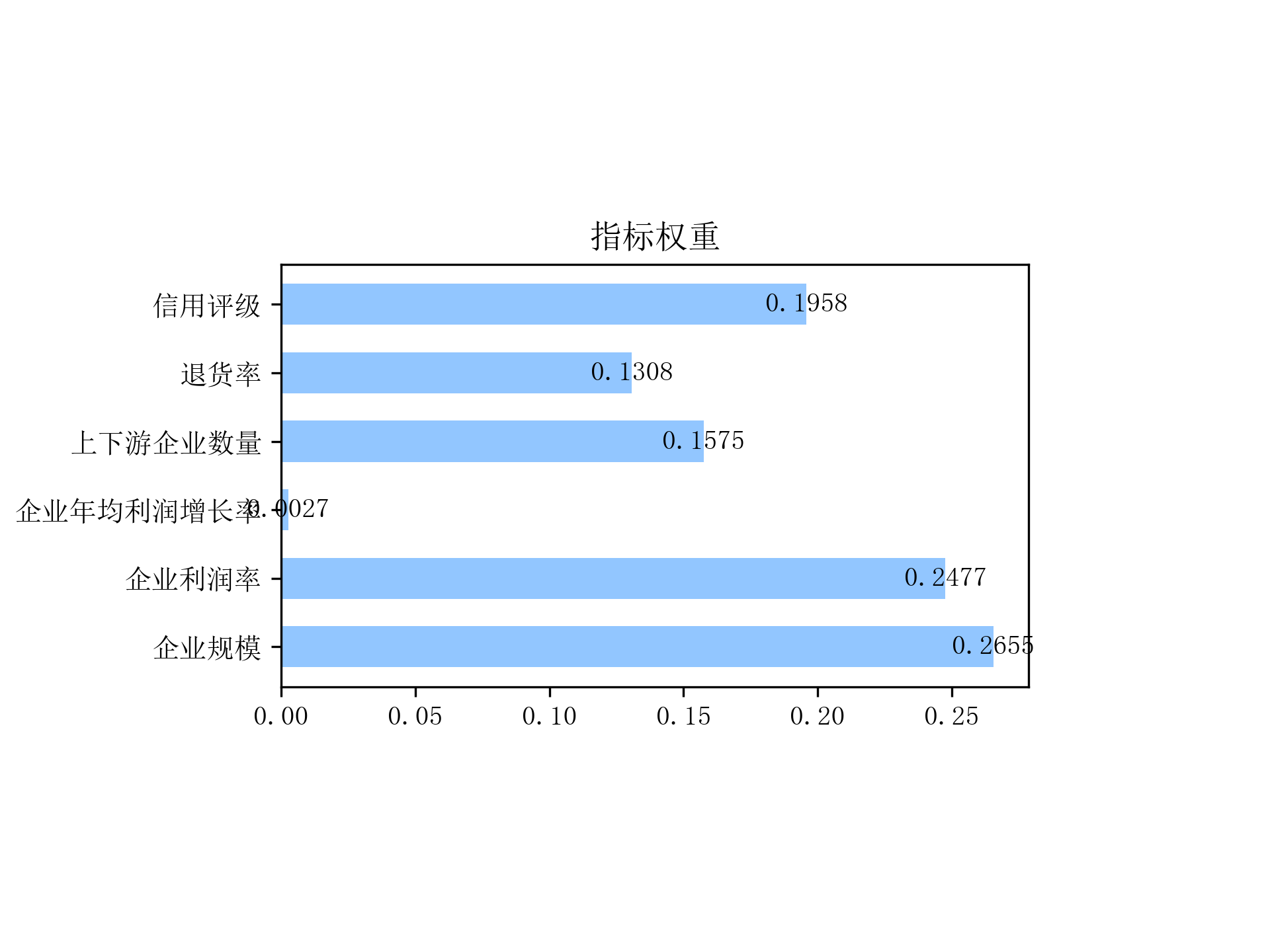
Python Matplotlib Chinese drawing
Articles directory Configuration method Preview Configuration method existdefaultIn the case, Chinese is inpltMiddle will be drawn▯, Guess it should be because the default font does not include Chines...
Python matplotlib Chinese settings
Found a better way to set up Chinese There will be many, and then find a font to set it up As long as this sentence is fine, the font can be modified by itself The method I usually use is like this I ...
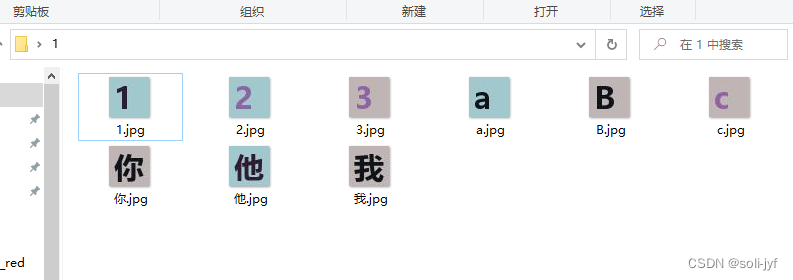
Python generates Chinese, letters, numbers and other character pictures
Code function: Generate Chinese characters, letters, numbers and other characters with specified colors, size, fonts Code Output results:...
More Recommendation
Print confusion matrix using matplotlib in python
As mentioned earlier, the confusion matrix is a very important indicator when we deal with classification problems, so how to better print the confusion matrix, directly make a table or visualize th...

Python Matplotlib draws the confusion matrix and color matching
Articles directory Step 1: Save the results of the network test results Step 2: matrix drawing Confusion matrix drawing results Step 1: Save the results of the network test results Taking pytorch as a...
Regular expressions - match Chinese, English, letters and numbers
Recently, I need to use regular matching, find it on the Internet, and find that this blog is written well, thinking about keeping the download, and saving time in the future. Reprinted from:...