C: \ keil \ c51 \ intrins.h contains incorrect paths. Keil header file path error
tags: Professional software C language keil mdk software test
Step 1: First check the #include "intrins.h" #include "stdio.h" in the project, and whether the files are called correctly.
Step 2: Change #include <Intrins.h>, <reg52.h> to #include "Intrins.h '," Reg52.H ".
Step 3: In Keil, click on the magic stick, enter the C51 window ---- Include Paths


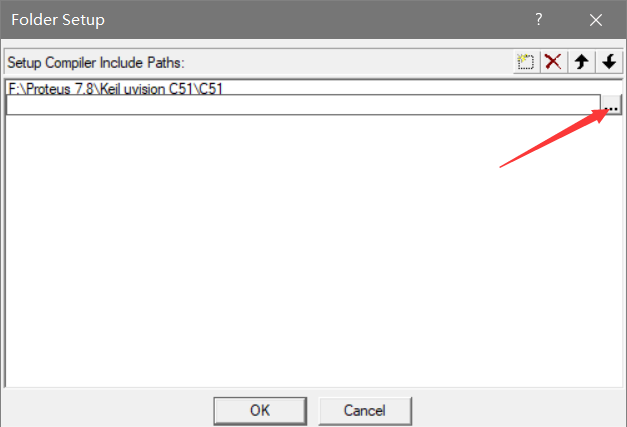

Choose your own keil file installation directory, select the directory where the C51 folder is located, import the directory, restart KEIL 51, and compile again.
Intelligent Recommendation

KEIL-C51 and Keil -Arm coexist
This article is ""Embedded"The fifth article of the series blog, the series of blogs mainly record the related process of microcontroller development and hardware design, which is conve...

Use powershell batch add Keil and IAR header file path
Keil and IAR in the project, in order to make clear the file structure, usually a lot of settingssubfolder, Then the header and source files in different subfolders, so you need to add the path to the...

0x01 How to create a Keil C51 project file?
New project 00 New project 01 New file 10 Compile the program 11 Chinese garbled 100 later How to burn the code? How to add [STC patch]? 00 New project 1. Open [Keil uVision5], as shown in the figure ...

KEIL C51 file management, engineering creation
1. Software for downloading procedures in 51 single-chip microcomputer Add header files, Select 1 in the Keil Simulation Settings, then find the installation location of the Keil C51 software to selec...
How to create a new Keil C51 project file
New project 00 New project 01 Create a new file 10 Compile the program 11 Chinese garbled code 100 Later stories How to burn code? How to add [STC patch]? 00 New project 1. Open [Keil uVision5], as sh...
More Recommendation
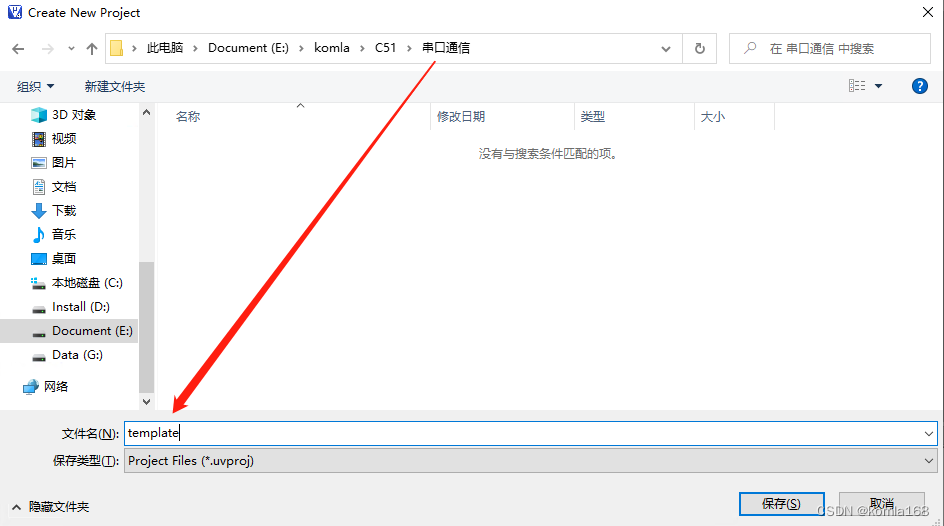
4. Keil C51 multi-file creation record
1. Multiple file creation 1.1 Creating a folder on disk Create a new folder on disk to place the created keil project Open keil, project->New uVision Project, select the folder you just created, gi...
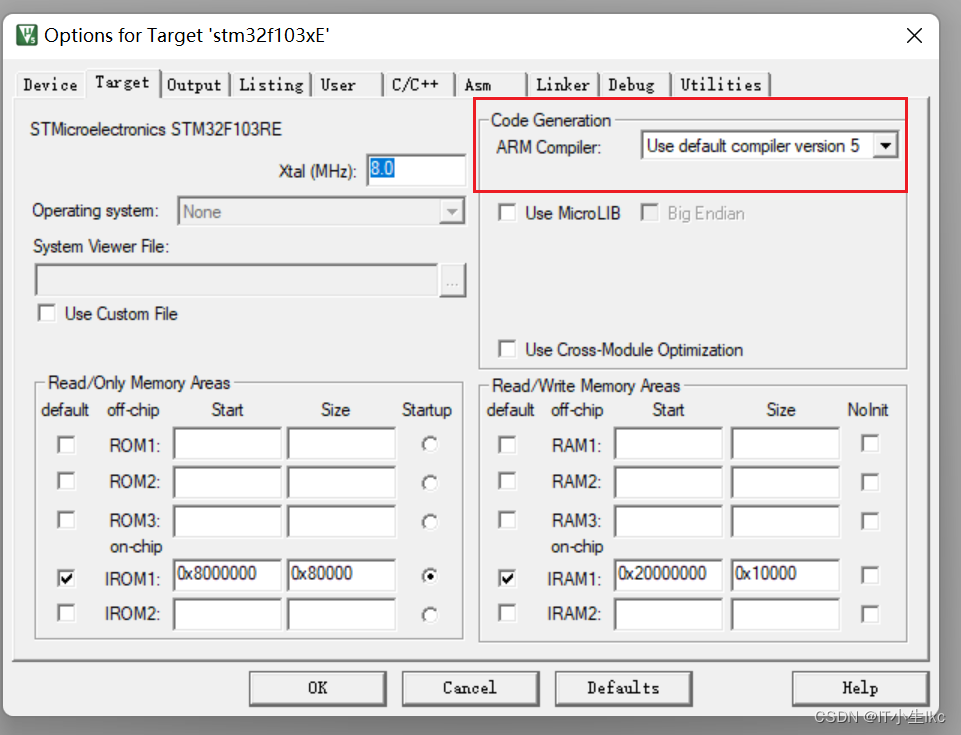
KEIL problem: [keil Error: failed to execute ‘C:\Keil\ARM\ARMCC']
Table of contents question: Cause of the problem: path: .\MDK_ARM\ARM KIEL ARM compiler is missing: Solution: 1. Download the old version of keil 2. Right-click to unzip the file and place the file in...
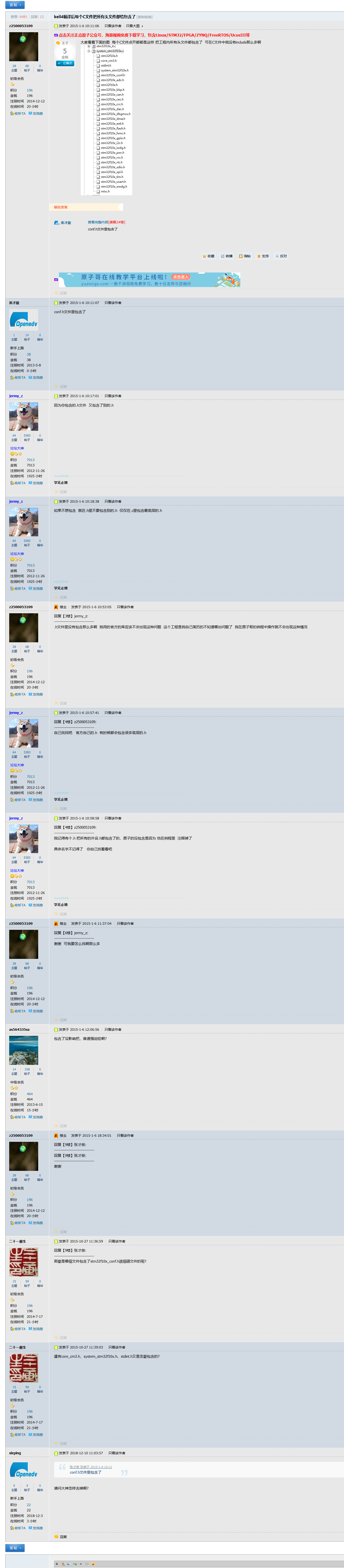
Why are there so many header files under the C file in keil
I've always been curious about this issue but didn't go deep into it. I searched it today, and it says that it is actually the included header file. It is possible to think about ...

Keil compilation appears --- Error: can't execute'D:\keil\C51\BIN\C51.EXE'
Original address: This is because your software installation path is different from the compiler's default path, so the compiler cannot find the executable file. This file should be in the folder wher...

KEIL C51 compiler program
1. keil directory ASM: placing assembly language header file format xx.inc. inc is include shorthand. BIN: placed needed to compile an executable (.exe) files and dynamic link libraries (.dll). binary...