Server database-related network connection settings
tags: database
How to access the SQL Server database of another computer (server) on one computer through the LAN?
1. There are two situations when two computers are in the same LAN. One is that they are in the same subnet, and the other is that they are in different subnets. You can follow the steps below to determine whether they are in the same subnet:
(1) Ctrl+R in the two computers respectively, open cmd, enter the command line ipconfig, findHost IP(IPv4 Address) andSubnet mask(Subnet Mask), expand the two digit sequences into binary and then perform bitwiseAND operation(And), if the results calculated by two computers are the same, then the table names are in the same subnet. For example: the IP address of computer A is 192.168.4.17,The subnet mask is 255.255.255.0, the IP address of computer B is 192.168.4.23, and the subnet mask is 255.255.255.0. The results of their respective AND operations are equal to 255.255.255.0 , So computer A and computer B are on the same subnet.
(2) On computer APress Ctrl+R, open cmd, enter ping 192.168.4.23 to see if the ping can be successful, if it can be pinged, it means that computer A can connect to computer B through the network, if the ping fails, then it mayYou need to turn off the Windows firewall of Computer B as the database server, and then try again.
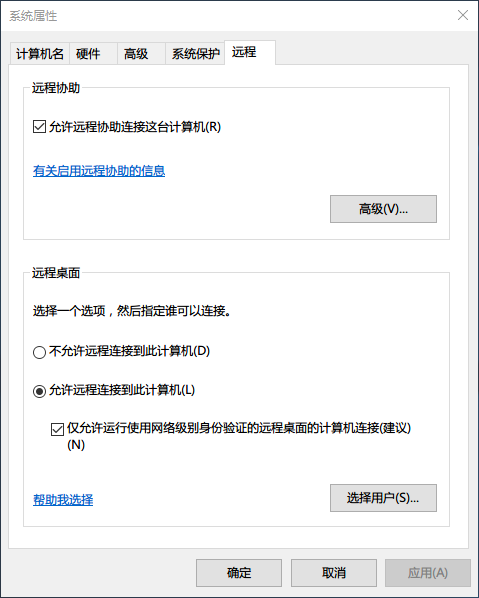
(3) For two computers that are in different subnets but belong to the same LAN,Computer B as the database server must also be turned onWindows remote function, Open it in My Computer->Properties->Remote Settings, as shown below
2. SQL Server Management Studio must be installed on the computer as the database server, and the user who needs to log in must have enoughAuthorityTo access the database, then the permissions of the newly created userHow to set?
To be added……
Intelligent Recommendation
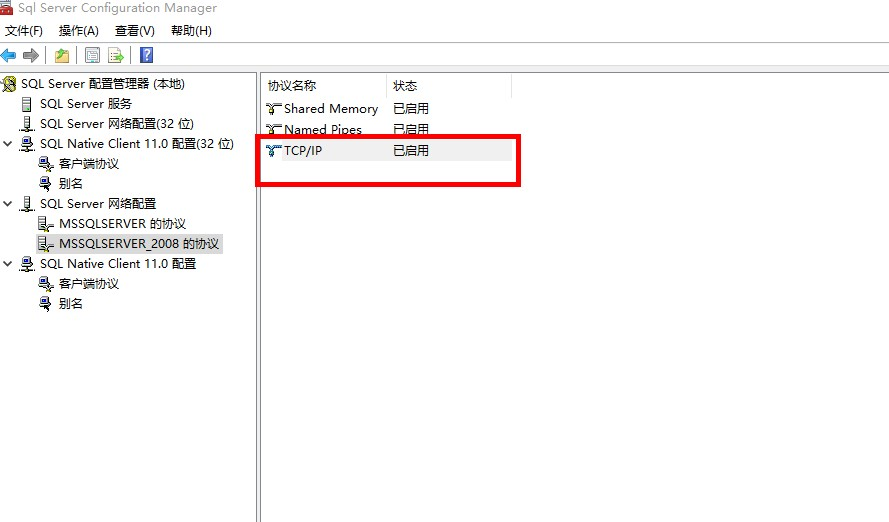
SQL Server connection is established, network-related or instance-specific error occurred.
When SQL Server connection, the following tips: Solution: to open the sql server configuration manager, configuration of a column in SQL server instance to find the specified network protocol, select ...
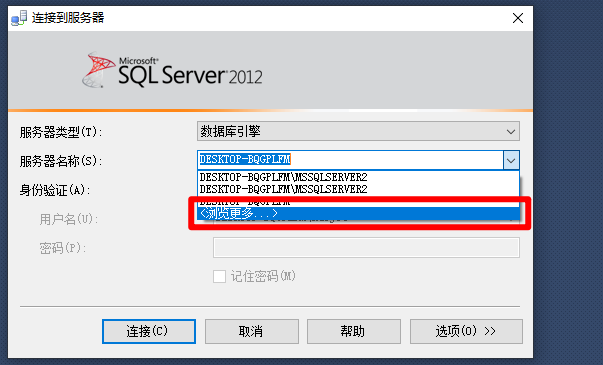
Network-related or instance-specific error when establishing connection to SQL Server
This is because there are multiple instances of the database. For example, if you end the installation for some reason halfway through the installation, and then reinstall it (mainly because I was wro...

CentOS connection network settings
VMware provides three ways to bundle virtual NICs with physical NICs, namely Bridge mode, Network Address Transformation (NAT) mode, and Host Only mode. Regarding the difference between the thr...
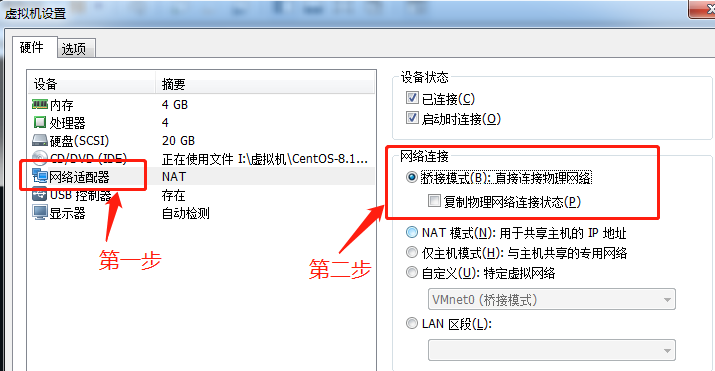
CenOS8 connection network settings
Statement: Original linkVMware configure centos8 network(Author:m0_38034612) Bridge mode configuration network Virtual machine external configuration Right-click on the virtual machine-Settings Select...
Oracle connection external network database (database on Huawei cloud server) configuration
Huawei cloud configuration: Public mirror: Windows Server 2019 Data Center, 64-bit, Simplified Chinese. Specifications: 2 core 4G Huawei Cloud Server Access Method: WIN + R opens, and enter the IP add...
More Recommendation
Remote connection server related
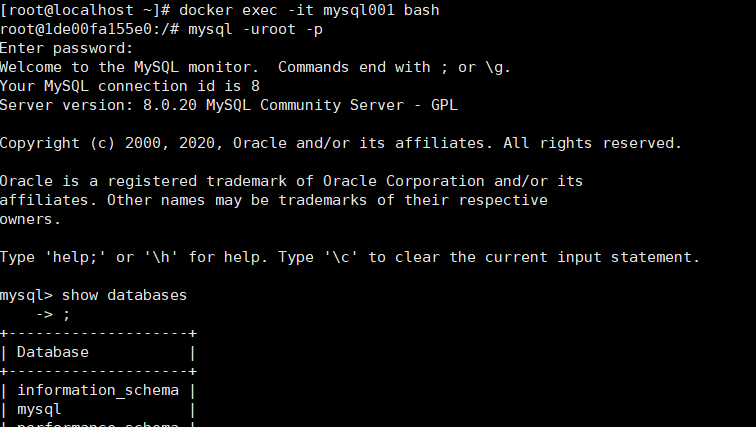
1. Enter the container 2. Permission problem, if there is a permission problem, you should try to change the permission, whether the mysql account does not allow remote connection. If you cannot conne...
[] Mysql database connection-related
Mysql Quick Notes A connection View all current connection details Or into Mysql View the current number (Threads is the number of connection) Or into Mysql Check the connection specified Host Kill co...
Ubuntu connection database related
1, install MySQL ROOT users: After the installation is complete, run the following command to confirm the installation completion, and port information, usually 3306, this relationship to the port num...
Linux server --- network settings
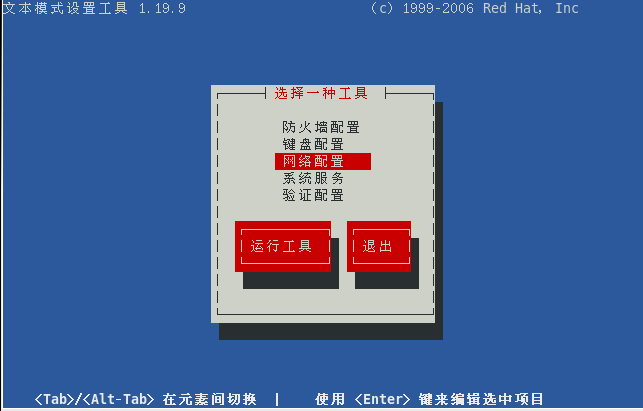
Disable ipv6 1. Disabling ipv6 is easy, just write "installipv6/bin/true" in the configuration file "/etc/modprobe.d/disable-ipv6.conf", and then restart the system &nb...
Django database settings and related operations
1 ForeignKey Reverse Query Always use it when creating models with DjangoForeign keyTo create a many-to-one foreign key relationship between two tables, for example, there is a models.ForeignKey(A) in...