Oracle SQLPLUS Running Environment Login.sql Settings
When running SQLPLUS, you often need to set up the running environment. If you need to adjust the parameters every time you enter, you can use the glogin.sql provided by Oracle, and the two files of Login.SQL are initialized to SQLPLUS.
Two scripts are automatically performed each time SQLPLUS: Glogin.sql, Login.SQL These two files.
SQLPLUS is:
1. Default in the $ ORACLE_HOME / SQLPLUS / Admin path to find the Glogin.sql file execution;

 2. By default, look up the login.sql file under the current path, if the corresponding file is not found;

 3. Determine if the SQLPath environment variable is set, if the variable is set, find and execute under the corresponding path, and stop finding.
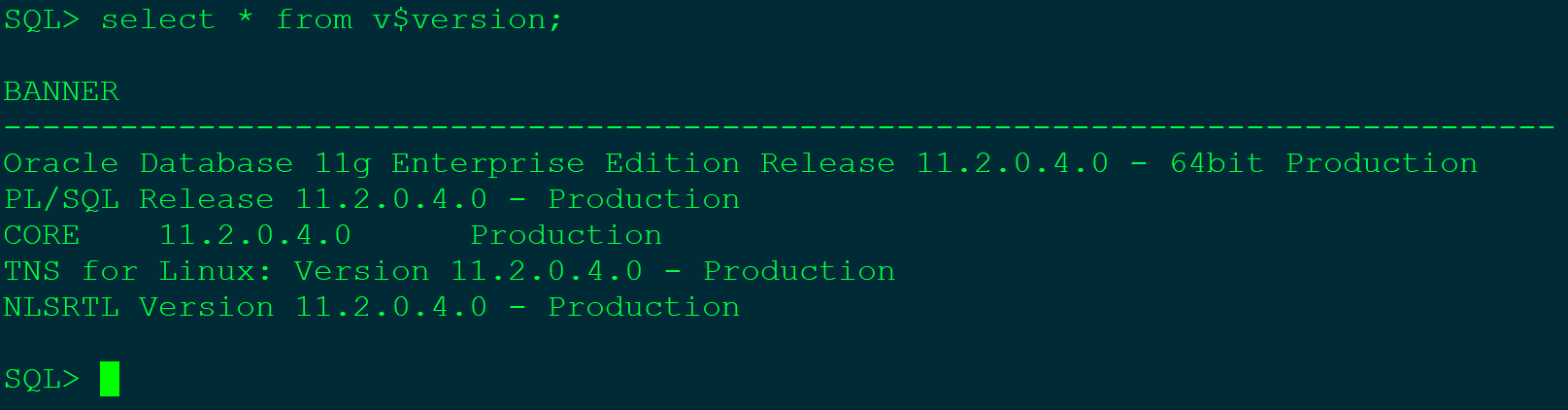
The following configuration example is performed at Oracle 11G:
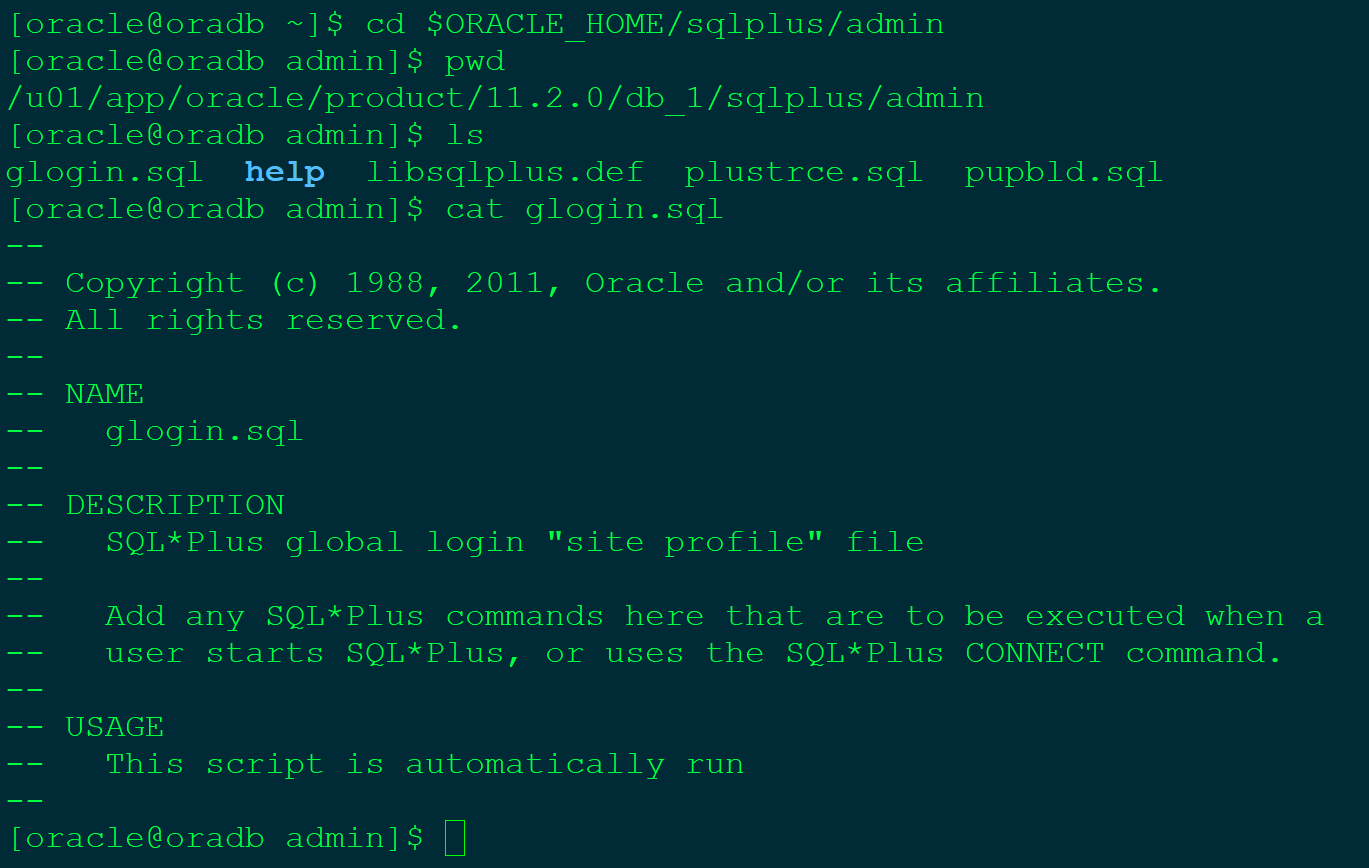
View $ Oracle_Home / Sqlplus / Admin path Is there Is a Glogin.sql file?
You can set an environment variable SQLPath to facilitate use in any directory.
Set the SQLPath environment variable in the current user's profile file
export SQLPATH=$ORACLE_HOME/sqlplus/admin:$SQLPATHAdd our own login.sql file under the default path, the following configuration is recommended for common configuration
- Set the SQLPLUS Default Editor for VI
define _editor=vi
 - Open DBMA_OUTPUT by default, so you don't have to enter this command each time, and you will set the default buffer pool as big as possible.
set serveroutput on size 1000000
 - When the text is output, the space between the text line is removed, and the line width is uncertain. If set to OFF (default setting), the text line width of the spooled output is equal to the set LineSize
set trimspool on
 - Set the number of default bytes displayed when choosing long and clobs
set long 5000
 - Set the text width of the display to 300 characters
set linesize 300
 - Set how long it is printed once, set this parameter, only the title per page is displayed.
set pagesize 9999
 - Set AutoTrace to get the default width of the plan output, usually 80 enough to put down the entire plan
column plan_plus_exp format a80
 - Set the SQLPLUS prompt, display format is user @ database name
set sqlprompt '&_user.@&_connect_identifier.> '
It is recommended to configure the SQLPLUS prompt display format when operating the database, prevent an operation error.
The effect after the configuration is as follows:
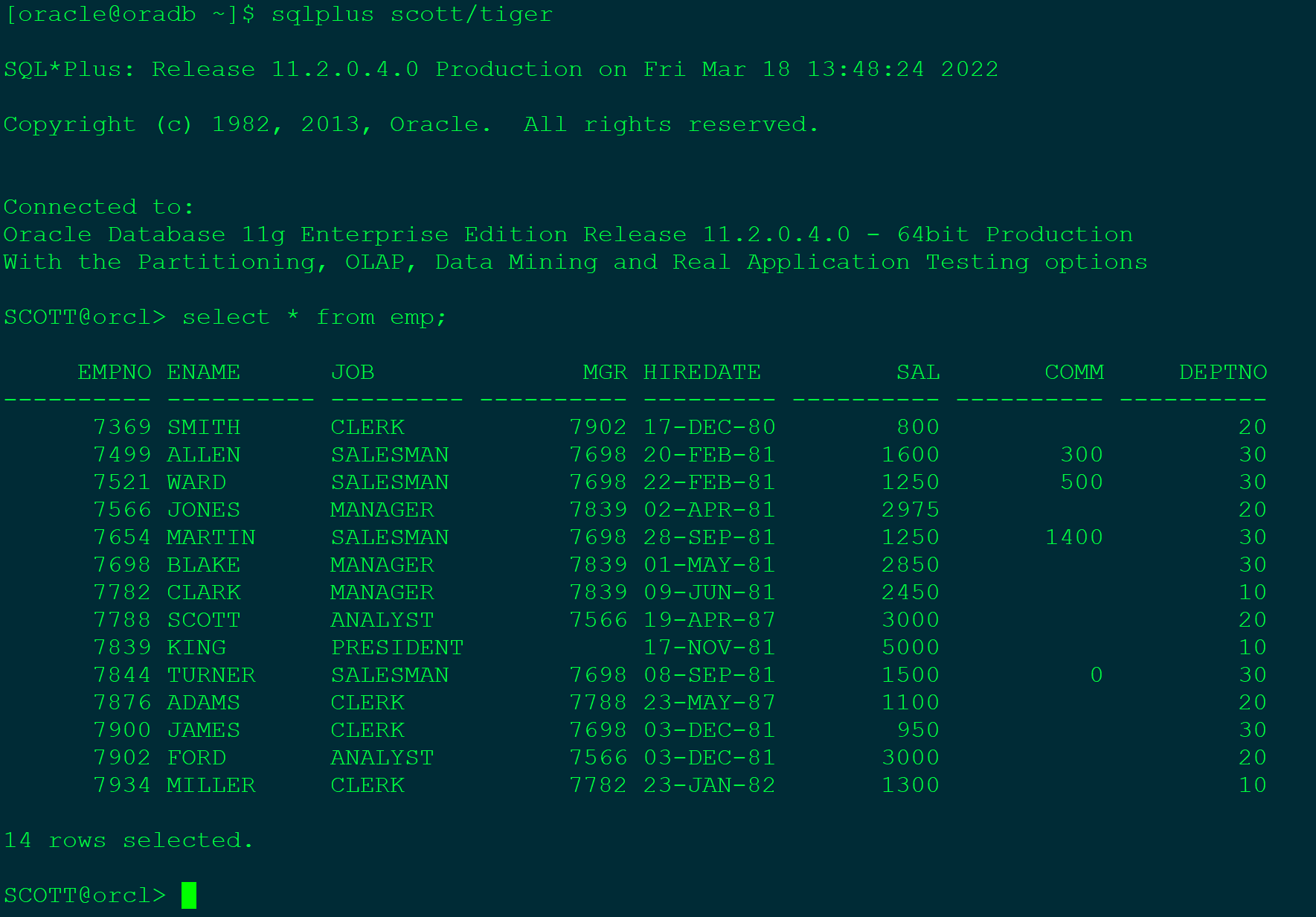
After you can see the login database, SQLPLUS has been set according to the corresponding display format according to the Login.sql file.
Intelligent Recommendation
Oracle SQLPLUS / Command Environment Performs a Store
Store process call Participation + Existence Don't ask me why I don't have to call, too low (actually some scenes don't give you at all, PLSQL) Participation + Storage process example Call example Exi...
12c-Oracle 12C R2 Notes: Login.sql Change
SQLPLUS is the most tools for maintaining the database using the most tools, usually running everything in Login.sql, and it is easy to use through the SQLPATH or the current directory. It is easy to ...
oracle sqlplus
...
Java SQLPLUS mode implements SQL running on the Oracle server
1. The code is as follows: 2. Description: 1 or more is that the file path needs to be changed to the server's file path, otherwise the error will not be found. 2 Implementation: SQL files that will b...
Oracle Rac SQLPlus cannot start the database, but the status of the database is running
Oracle Rac DataGuard SQLPlus cannot start the database 1. Problem description usesrvctlThe database status of the cluster nodes is a normal running state. usecrsctl The services of the command query c...
More Recommendation
Debugging experience - save and use the SQLPLUS environment variable settings file
Problem Description: Settings in SQLPLUS, such as set linesieze 1000, set pagesize 500, etc. will be reset as the session ends. If you can save these settings, you will save time by calling these sett...
Oracle-04-SQL tool-sqlplus environment variables and commands
Substitution variables: After selection After from After where After order by The && symbol replaces the variable, which implicitly sets the environment variable. The variable value will be as...
CentOS6.9 Environment Compile GLIBC-2.14 leads to Oracle SQLPLUS unused
CentOS6.9 + Oracle11.2.0.4 Test Environment After compiling GLIBC-2.14 failed, it was found that SQLPlus could not be used. Mounting: ../ Configure --prefix = / usr --disable-profile --Nable-add-ons -...
(Internal) Linux Environment SQLPLUS Call Oracle Store Procedure
Article catalog Add a listening string 2. Write a configuration file 3. Write a stored procedure 4. Write scripts 5. Write SQL files 6. Manually perform scripts Add a listening string 2. Write a confi...
Oracle environment variable settings
2019 Unicorn Enterprise Heavy Glour Recruitment Python Engineer Standard >>> Reprinted on: https: //my.oschina.net/u/615762/blog/1572494...