How to perform Python remote debugging based on Pycharm
tags: python tools pycharm Remote debugging Remote Debug
Can you perform Python remote debugging based on Pycharm, like Intellij Idea?
Because the Pycharm script is written on your computer, the Python script is executed in the remote server, sometimes error error, requires the Debug positioning reason, but debug Python code on the Linux server is extremely painful.
This paper summarizes Python remote debugging based on Pycharm to make it easy and fast to debug Python code running on Linux servers.
test environment
- Pycharm 2020.1 Professional Edition, running on Win10
- Remote server is CentOS 7.9x
- Debug the os_collector_linux.py code under the MISC of the Benchmark 5.0 tool as an example
Configure a remote server
File synchronization configuration
- Open Pycharm, open the Project folder D: \ code \ pycode \ benchmarksql-5.0 \ run \ Misc
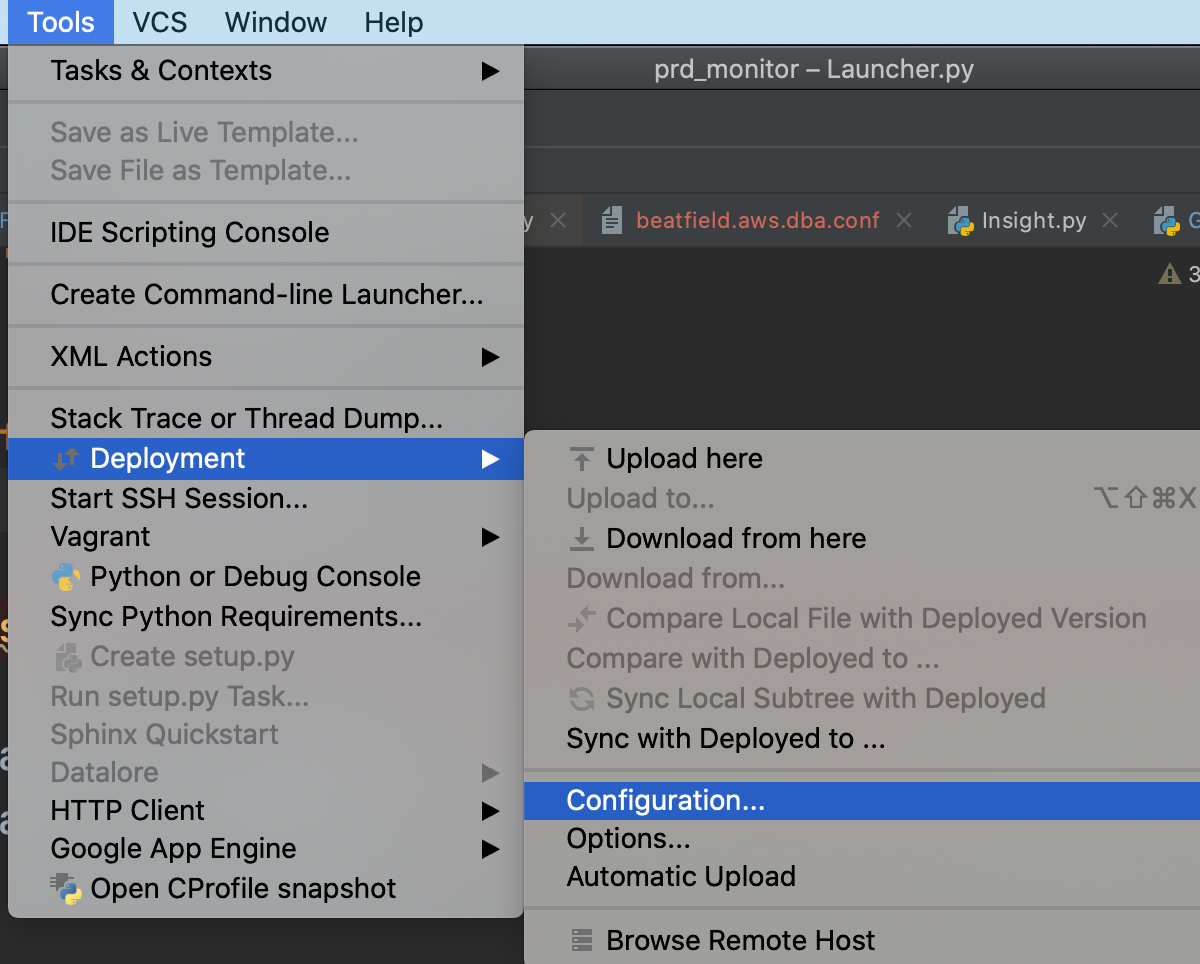
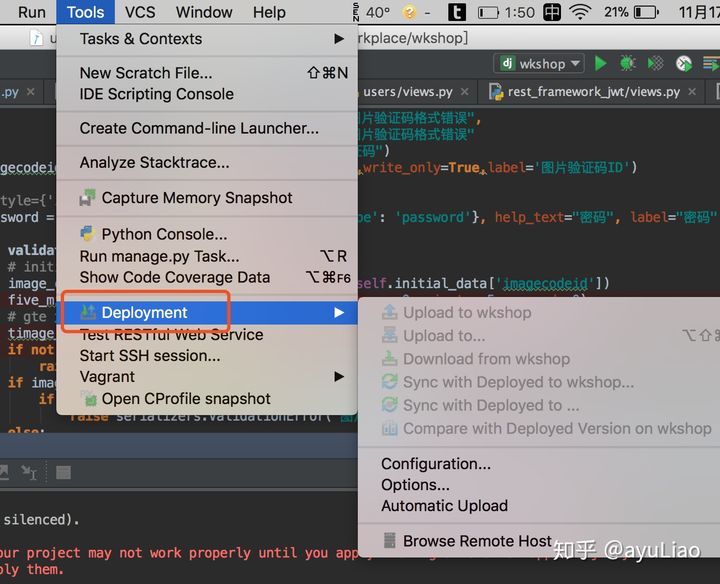
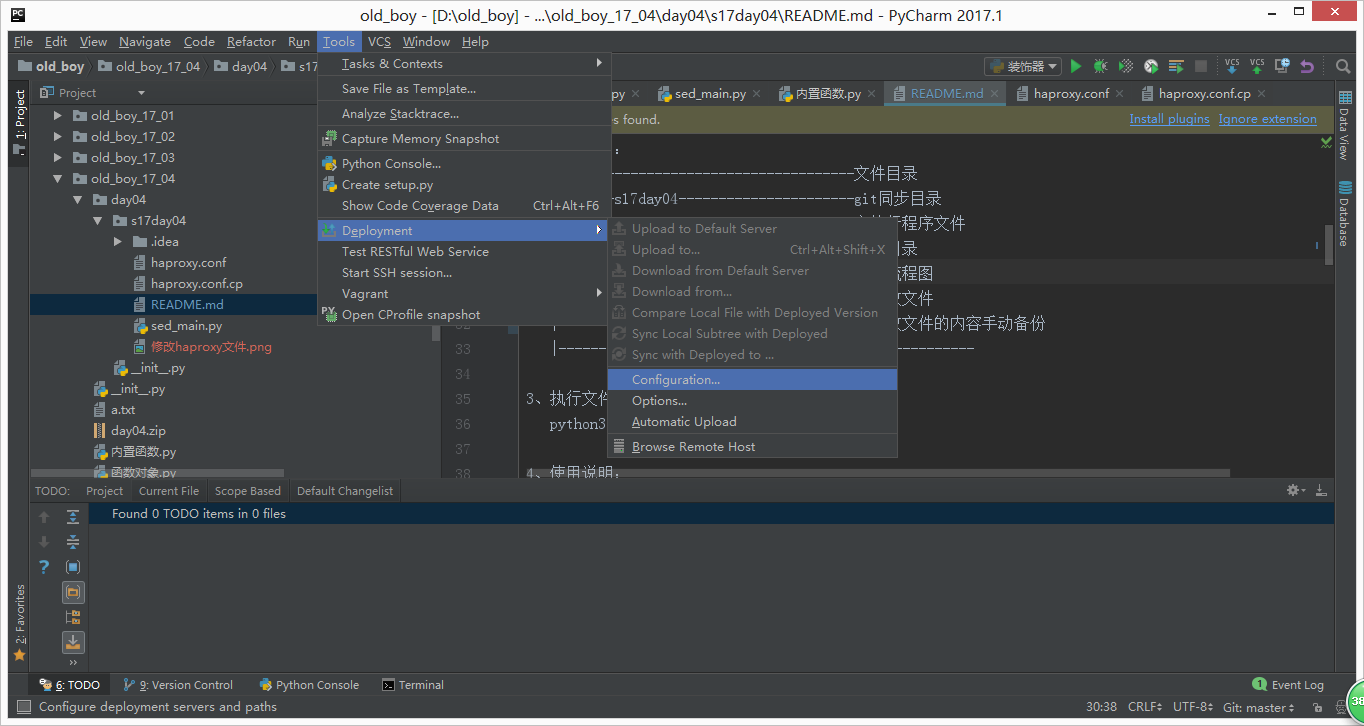
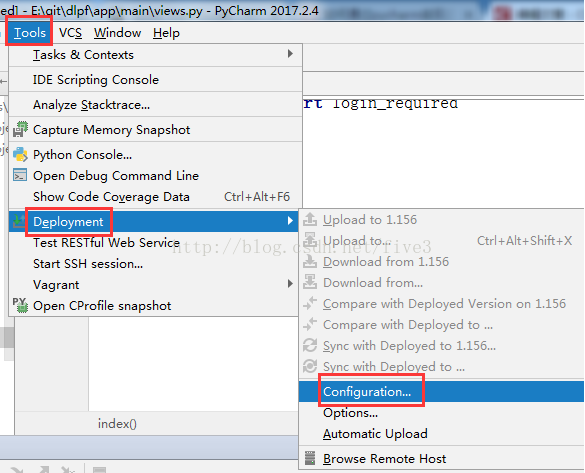
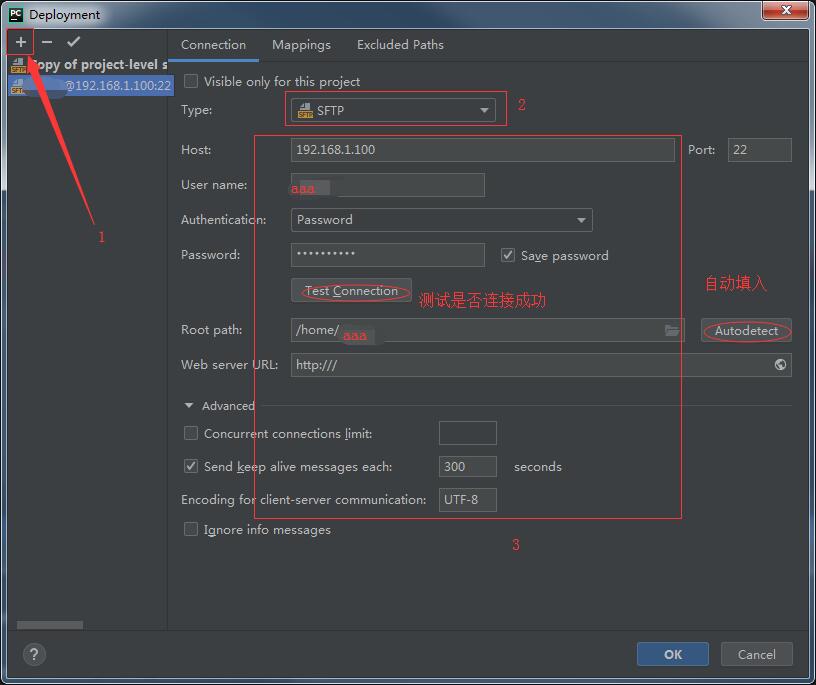
- In Tools> Deployment> Configuration Configure Remote Server Information
- Root path: root path of SFTP
- Local Path: Local Code Storage Path
- Deployment Path: Server-side code storage path, this path is relative to rootpath path
- Web path: Can not be used, it is a web project to configure
- After the configuration file is successfully successfully, the following features are available:
- Compare, download file, remote file, and local files
- Open a remote file view, you can see files in the remote host on the right window.


Select a remote debugger
Select File> Settings> Project> Project Interpreter, then on the right, click on the pinion setting, add a new Interpreter
- The Interpreter address is the address of Python on the remote server.
- Sync Folders is the code storage path on the remote server

Remote debugging
Debug os_collector_linux.py, the running parameter is set to:1 1.0 net_ens2f1 blk_md0
After clicking the debug button, output the following information, the screenshot of the Debug interface is as follows:
sh://omm@172.25.xx.xx:22/opt/anaconda3/bin/python -u /home/omm/.pycharm_helpers/pydev/pydevd.py --multiproc --qt-support=auto --client 0.0.0.0 --port 43016 --file /data1/opengauss/tpcc/benchmarksql-5.0/run/misc/os_collector_linux.py 1 1.0 net_ens2f1 blk_md0
pydev debugger: process 723675 is connecting
Connected to pydev debugger (build 201.6668.115)

Intelligent Recommendation
pycharm remote debugging linux code python remote development
I want to solve this problem. Part of the code needs to be linked to the Kafka environment of the company’s intranet. It can’t be debugged during local development. It hurts so much. It&rs...
[Tutorial] Pycharm remote development debug | Python remote development debugging
Introduction Solve pain points: On Linux, PY debugging development has been using python's PDB, similar to GDB is a pure command line tool, the development debugging efficiency is low, and each time t...

Remote debugging under pycharm
Article directory Foreword Remote deployment test Remote interpreter settings Foreword Recently I need to run the code on the server, so I have studied how to configure remote debugging in pycharm. Ne...
Pycharm remote debugging
motivation Some bugs may cause local failure to reproduce due to inconsistencies between the local environment and the online environment. Inconsistent versions of local and online dependencies can al...

Pycharm remote debugging and training
1. Set up the remote interpreter 2. Add a remote interpreter 3. Enter your password 4. Set up the sync folder 5. Complete 6. Upload local code to the remote server 7. Other settings turn on "Tool...
More Recommendation
Pycharm remote debugging configuration
table of Contents: Install pycharm Configuring pycharm remote debugging Use test First, install pycharm (omitted) Second, configure pycharm remote debugging 1, menu --->Tools--->Deployment--->...
Pycharm configuration remote debugging
Transfer from condition Pycharm requires a professional version the way Using a remote interpreter Using a remote debugger Using a remote interpreter By default, when we develop Python programs locall...

pycharm remote development and debugging
pycharm remote development and debugging EDITORIAL: Only pycharm Professional Edition can, the community version can not. 0. To add a remote server configured as pycharm If you have configured through...
pycharm remote debugging method
PyCharm remote debugging (Remote Debugging with PyCharm) Foreword Host: Win7, PyCharm 2018.3.1 (Professional Edition) Virtual machine: VirtualBox, Ubuntu 18.04.1 LTS, Anaconda 5.3.1, Python 3.6 virtua...

pycharm Debugging remote environment
Centos7 below to configure remote debugging example. 1. Open pycharm. 2. Open Tools-> Deployment-> configration .. 3. Click the "+" to add a new Deployment configuration. 6. Set the ba...