DeepMatching compiled in ubuntu 18.04
installation
Download and install the CPU version of them:
Version 1.2.2
-
Download archive:
-
Unzip
-
make
The following error messages
Error 1: "File not found /usr/lib64/atlas/libsatlas.so"
 Error 2: /usr/lib/x86_64-linux-gnu/libsatlas.so: undefined reference to 'gfortran'
 Error 3: Some libraries wrong path, such as libjpeg.a
About 1 error,
Reference:
http://xiuyuliang.cn/2014/12/05/deepmatching/
# Installation lapack, blas, cblas library
 A method, sudo apt-get install libatlas_dev
sudo apt-get install libatlas_base_dev
 Second method, reference https://blog.csdn.net/Dorwin666/article/details/94906728

 Then the library file # (* .a) synthesis of a path installed so files:
sudo ld -shared -o libsatlas.so --whole-archive libatlas.a liblapack.a --no-whole-archive libf77blas.a libcblas.a
 # Modify the makefile:
LAPACKLDFLAGS=/usr/lib64/atlas/libsatlas.so
 Instead LAPACKLDFLAGS = / (your path) /libsatlas.so
About 2 errors
# Modify makefile, instead static compiler
         all: deepmatching read all: deepmatching-static
About 3 errors
## will libpng.a, libjpeg.a and all other files path to your own path to file the corresponding file.
         Modify STATICLAPACKLDFLAGS = -fPIC -Wall -g -fopenmp -static -static-libstdc ++ /home//anaconda3/lib/libjpeg.a /home/anaconda3/lib/libpng.a / usr / lib / x86_64-linux-gnu / libz .a /usr/lib/libblas.a /usr/lib/gcc/x86_64-linux-gnu/5/libgfortran.a /usr/lib/gcc/x86_64-linux-gnu/4.9/libquadmath.a # statically linked version
C ++ version
make
# Test Procedure
./deepmatching-static frame_0004.png frame_0005.png -out 0
Intelligent Recommendation
Ubuntu 18.04
Mysql installation Use database connection tool prompt [08S01] Communications link failure Jenkins running Configuring maven Java environment git end process Keep the program running after xshell is c...
18.04 ubuntu
0.nouveau 1. 2. 3. Replace the kernel in Ubuntu Detailed steps (intimately valid) Linux Common Error: Could Not get Lock / VAR / LIB / DPKG / LOCK-FRONTEND - OPEN start sudo gedit /etc/apt/sour...
Ubuntu 18.04 compiled Android system source code and adb connection phone encountered problems
Please indicate the source: https://blog.csdn.net/turtlejj/article/details/89328174, thank you~ I recently reinstalled the system on my computer and upgraded Ubuntu 16.04 to Ubuntu 18.04. I hav...
Ubuntu 18.04 emulator runs X86 virtual machine image compiled from Android source code
1. Source code compilation (1)Ubuntu 18.04 compiled Android8.1 automotive (2)Ubuntu 18.04 compile Android P Automotive 2. The emulator runs the X86 virtual machine image emulator: ERROR: x86_64 emulat...
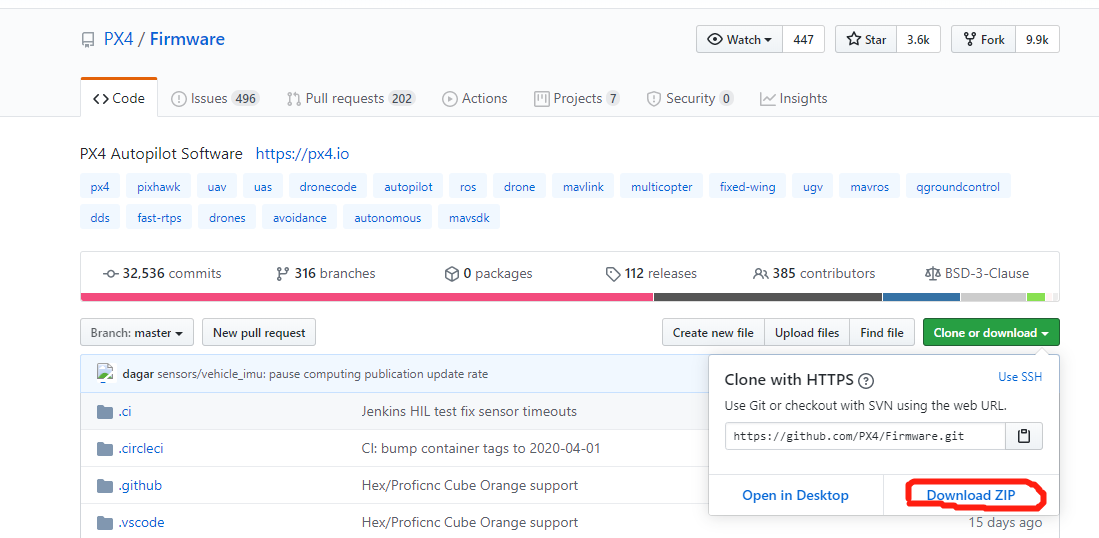
PX4-Firmware (master version) source code compiled under Ubuntu 18.04 LTS and some problems solved
PX4 compile and problems under Ubuntu 18.04 LTS 1 Introduction 1.1 Preparation 1.2 Source code issues 1.3 Build a compilation environment with one click 2. Code download & compilation 2.1 Code dow...
More Recommendation

Ubuntu 18.04 install Charles
1. Execute the command: 2. Registration: 3. Set the Charles agent: 3. Set up a network proxy in the network: ...
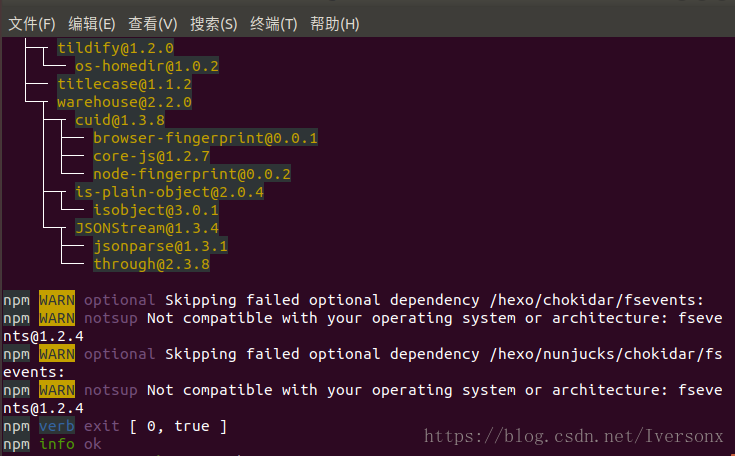
Install Hexo on Ubuntu 18.04
Recently I suddenly wanted to make a blog of my own, so I was going to install the Hexo framework on Ubuntu. However, it is unfortunate that I encountered a lot of obstacles, stepped on a lot of pits,...
Ubuntu 18.04 install Codeblocks
One: First install the short version of CodeBlocks Second: install the compilation environment, C library, C++ library and Boost library Three: Install the debug component of CodeBlocks Valgrind is us...
Ubuntu 18.04 Install Deluge
Install Deluge run The –fork parameter indicates that deluge-web runs in the background. If you want an SSL connection, you can add the -ssl parameter, such as deluge-web --folk --ssl. accesshtt...

Ubuntu 18.04 installation record
Overview: Systematic introduction Ubuntu 18.04 LTS X86_64 installation process 💕. Introduction: The construction of the daily use environment includes: system installation, configuration, beautificat...