Jupyter Notebook replaces themes, sets fonts, and uses jupyterthemes
=======================================================================
This change to the jupyter theme is based on the jupyterthems library, which comes from Github, at:https://github.com/dunovank/jupyter-themes/blob/master/README.md Interested in supporting the original author! Star for the author! !
The operation is quite simple, and it can be configured in about 2~3 minutes.
Note: Each modification needs to be placed together, and the unified execution will take effect. If you enter it in sequence, the last modification will be invalid.
=======================================================================
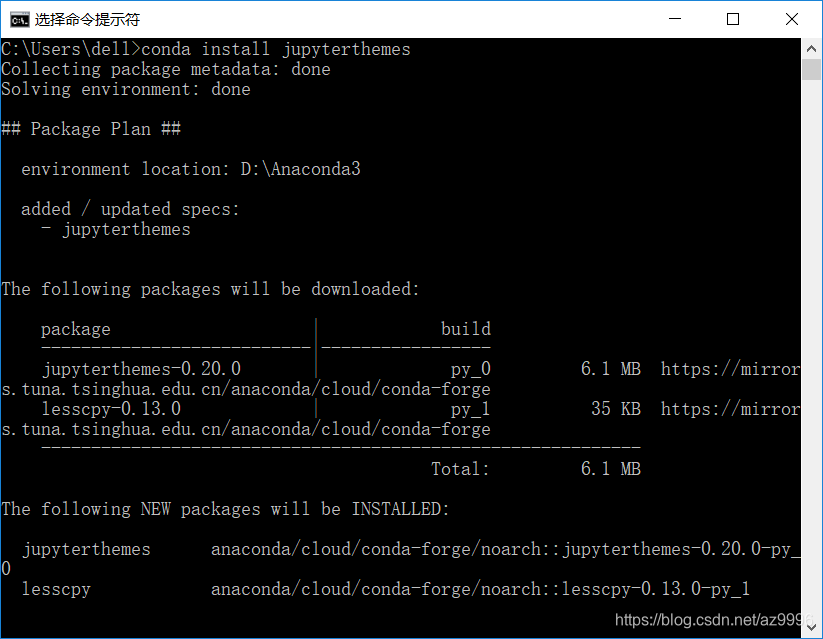
1: Installation (this article is installed by anaconda)
(It is recommended to configure the download source as a domestic site)
#Installed by anaconda
conda install jupyterthemes

#Install via pip
pip install jupyterthemes
Command Line Options List


2: Replace the theme (can be used directly in CMD under windows)
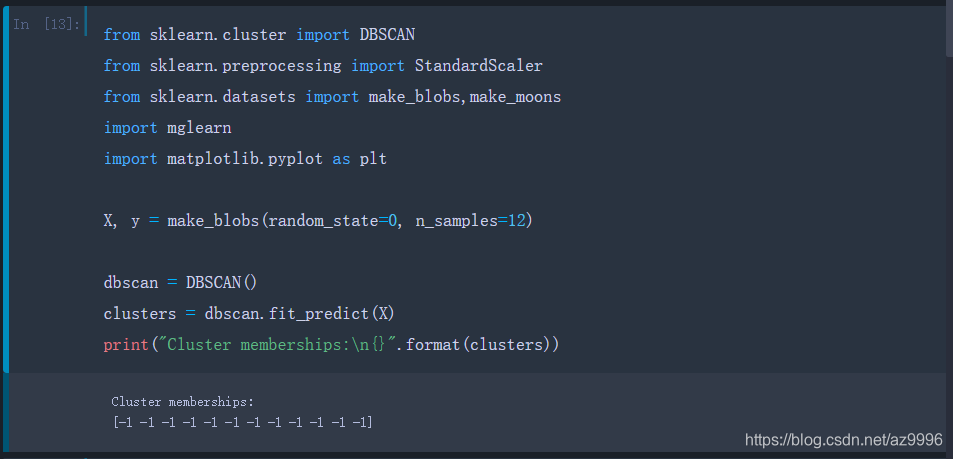
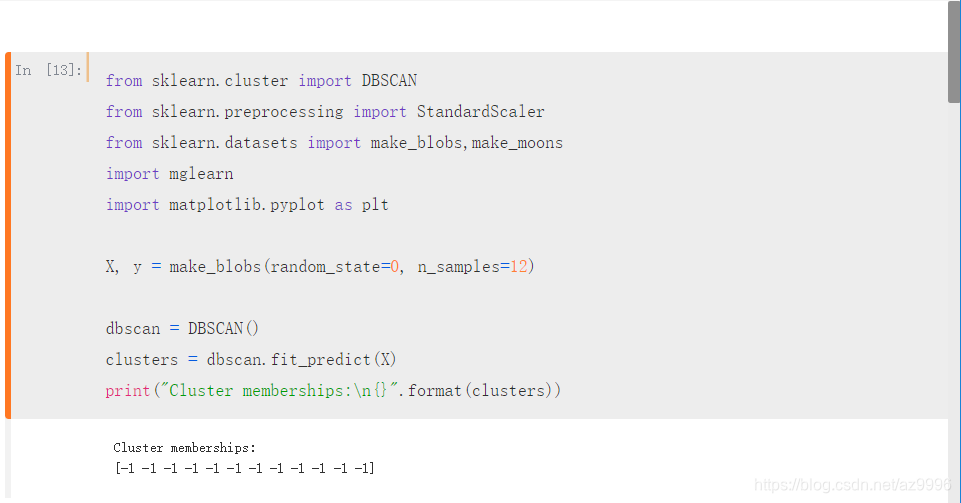
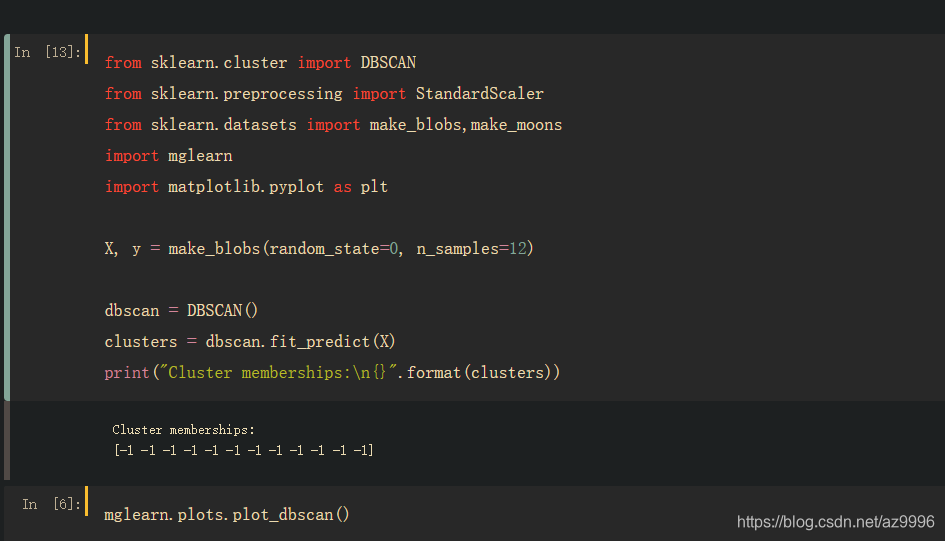
A simple screenshot of the theme color scheme for easy selection.
#Use the command jt -l to view the list of topics, the effect is as follows

C:\Users\dell>jt -l
Available Themes:
   chesterish     #
   grade3		#
   gruvboxd     #
   gruvboxl		#light brown
   monokai		#
   oceans16		#
   onedork		#
   solarizedd	#blue
   solarizedl	#Light pink
chesterish
grade3
gruvboxd
gruvboxl
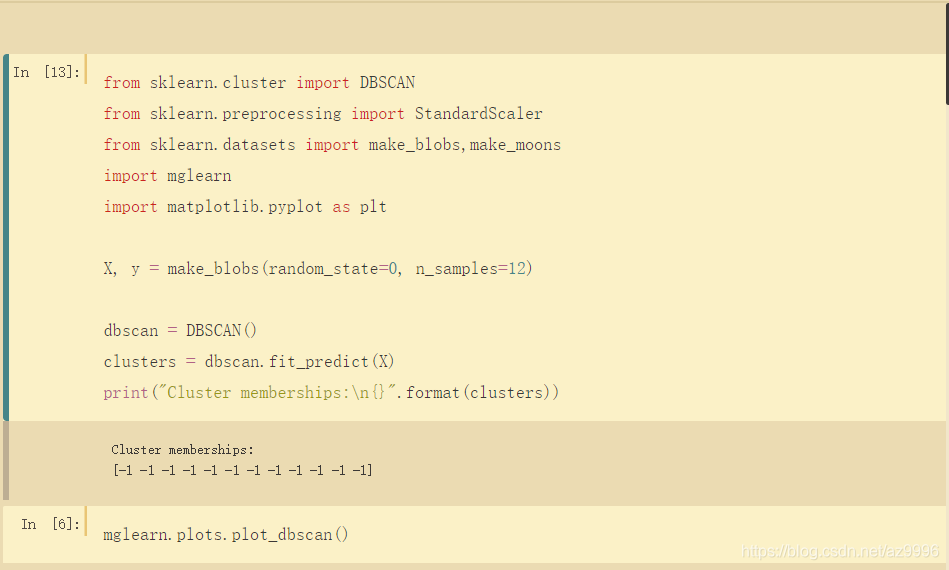
monokai

oceans16
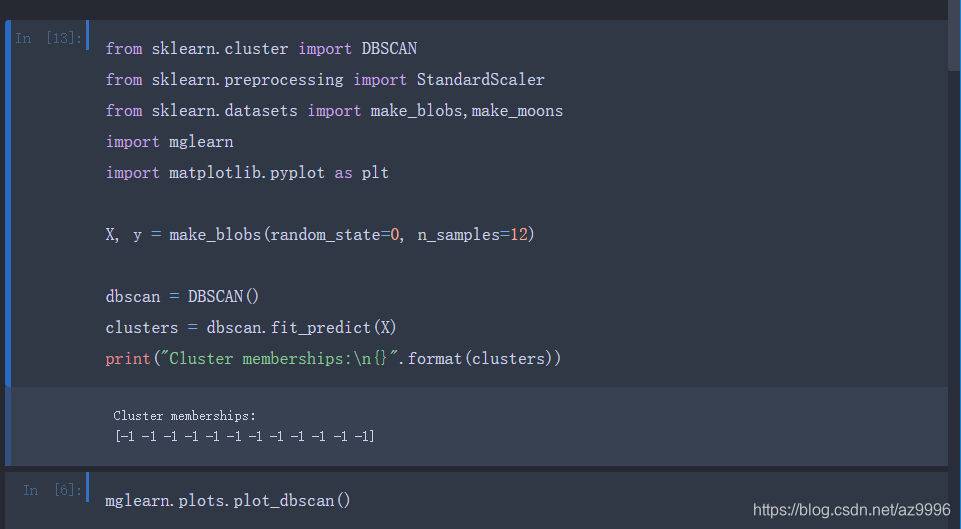
onedork
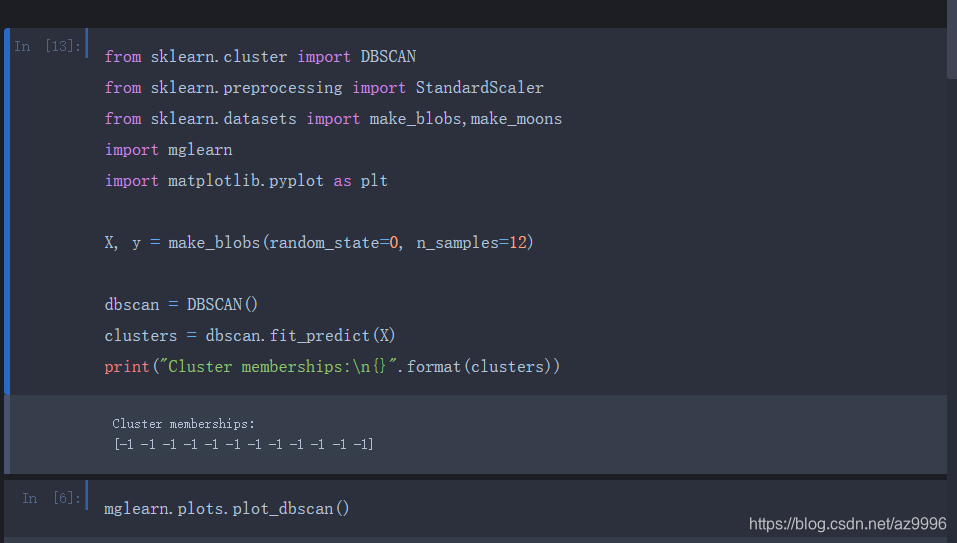
solarizedd
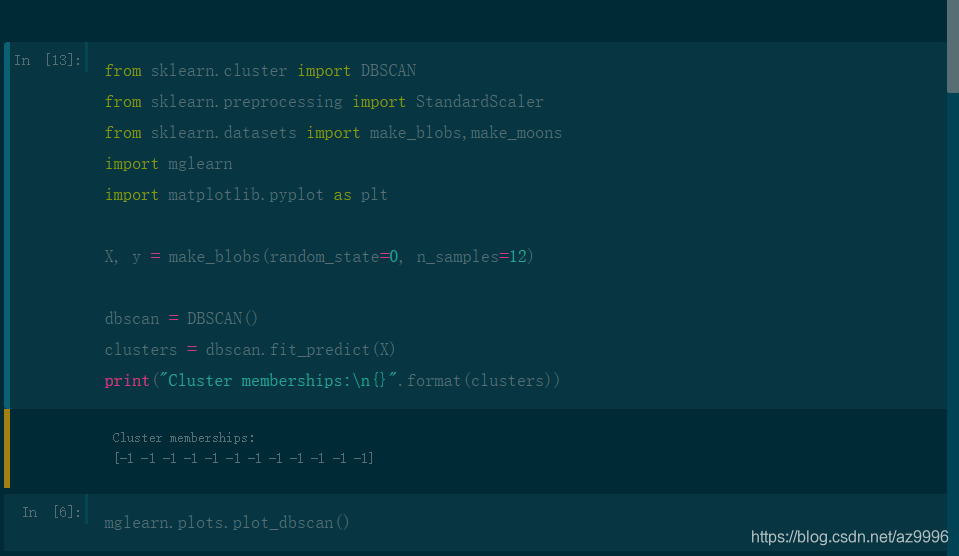
solarizedl
3. Modify the font size
Note: When modifying multiple items at the same time, each modification needs to be placed together, and the unified execution takes effect. (If you enter them in sequence, the last modification will be invalid, and only the last modification will be retained.)
#Select the appropriate font size after selecting the theme
jt -t onedork -fs 14
Intelligent Recommendation
Jupyter Notebook change theme, set font (use of jupyterthemes), code auto-completion, change working directory (default directory)
This article is reproduced fromThank you blogger The jupyter theme is changed this time with the help of the jupyterthems library, which comes from Github, URL: https://github.com/dunovank/jupyter-the...
[Jupyter Notebook] CSS file changes on Jupyter Notebook fonts and highlighted effects
If you have more good-looking font, please tell me! ! ! ! If you have more good-looking font, please tell me! ! ! ! If you have more good-looking font, please tell me! ! ! ! Change before: Default for...
Use Jupyter Themes to modify the theme, font, and font size of Jupyter Notebook
Jupyter NotebookThe default theme is too bright, the word is too small, the font is too ugly, and the window width is too narrow. Named today on GithubJupyter ThemesTool changedJupyter NotebookThe sub...
Install jupyter-themes with conda: modify the theme of jupyter notebook
installation method installation If the jupyter notebook is installed by conda, it is strongly recommended to install jupyterthemes with conda. Otherwise, if you install jupyterthemes with pip, there ...

Various problems and solutions when jupyter installs and replaces themes
Write in front jupyteradvantagewithFeaturesI won’t talk about it here. One of the more obvious shortcomings I feel at present istoo bright,Workers must first sharpen their tools if they want to ...
More Recommendation
Five minutes to teach you custom Jupyter themes include fonts and configurations
1. Download a python library pip install --upgrade jupyterthemes Introduction of various parameters of Jupyterthemes View all available topics Check the help of justterthemes Set the line spacing of c...
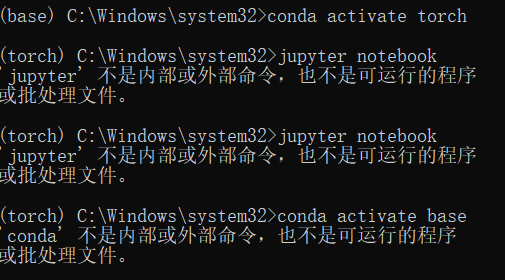
Jupyter Notebook Sets the virtual environment
1. Problem description Run the Jupyter Notebook on the CONDA environment pytorch, but found that Python in Notebook is not running in that environment, the import torch will report an error. Try a sol...
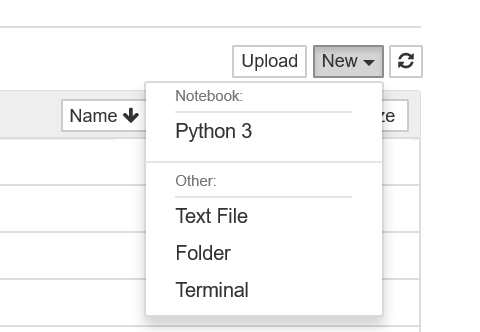
Jupyter Notebook uses notes
After installing Jupyter Notebook on your computer, you can run the notebook server. Launch your notebook server:jupyter notebook After running the above command, you will see the output similar to th...
Jupyter Notebook uses advanced
Hardware and software environment windows 10 64bits anaconda with python 3.7 jupyter notebook Foreword Previous https://xugaoxiang.com/2020/10/28/jupyter-notebook/ has been introducedjupyter notebookB...
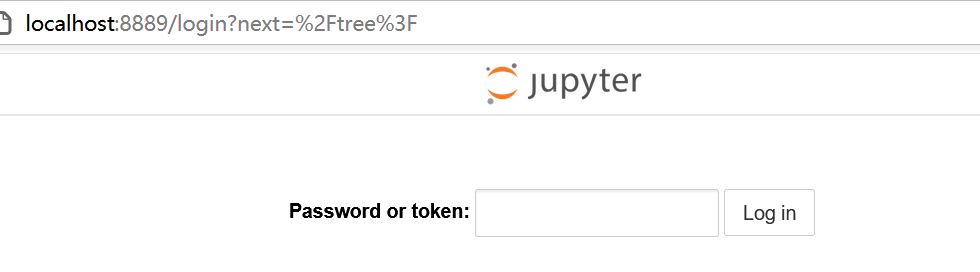
Python uses Jupyter Notebook
installation start up Enter your password using your browser please enter View launched list Use interface % Time and% Timeit Code replenishment...