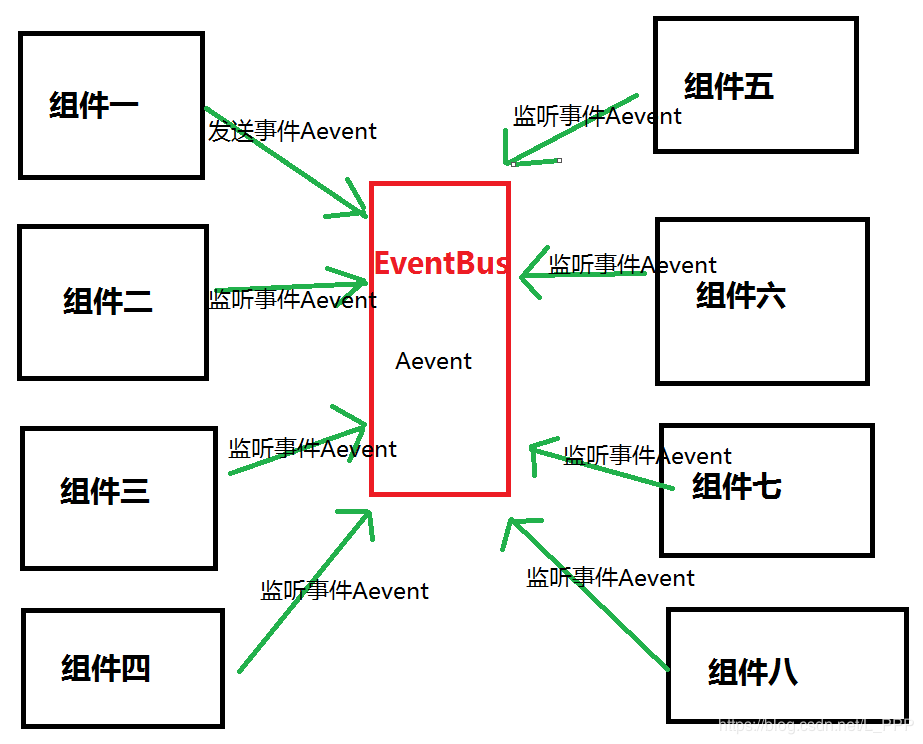
After the project is over, the state management or component value is often used. It is more troublesome to use the traditional method, so there is a big invented bus stuff, here is a summary.
1. First create a new bus.js file with the following contents;
const install = function (Vue) {
const Bus = new Vue({
    methods:{
                 / / Define the method: (here ... is the extension operator in the es6 syntax, do not understand the small partner can Baidu)
        emit(event,...args){
            this.$emit(event,...args);
        },
        on(event,callback){
            this.$on(event,callback);
        },
        off(event,callback){
            this.$off(event,callback);
        }
    }
});
 / / Register to add a global attribute to the prototype of the vue object
Vue.prototype.$bus = Bus;
};
export default install;

 2. Introduce bus.js in main.js and use it.
import Bus from './store/bus'

Vue.use(Bus)
 This can be used in the component. When using it, you need to pass the this.$bus. method (ie, emit, on, off), you can pass strings, arrays, functions, etc...

 Use:
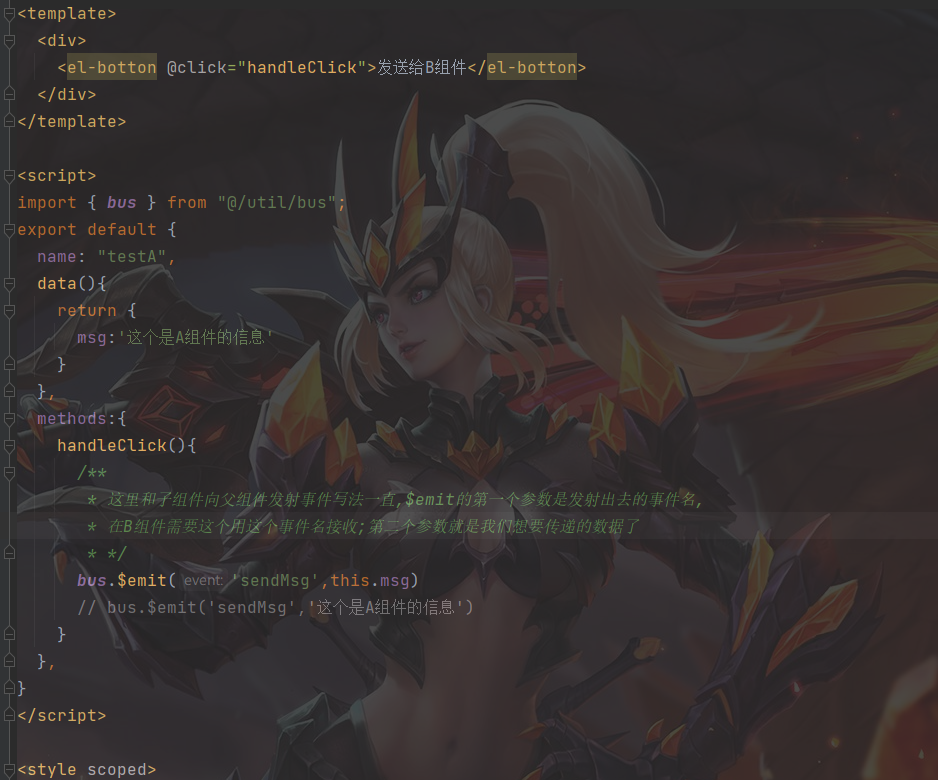
 Component one: delivery;
export default {
    name:'Home',
    methods:{
        init(){
            let arr1 = ['hi~'];
            function aa(){
                return arr1;
            }
            let str = 'hello';
            let arr = [2,3,4,5];
            this.$bus.$emit('log',aa())
            this.$bus.$emit('log1',str)
            this.$bus.$emit('log2',arr)
        },
    },
    created() {
        this.init();
    },
}

 Component 2: Receiving
export default {
    name:'about',
    methods:{
        change(){
            this.$bus.$emit('log',5);
        }
    },
    mounted() {
                 //This is to clear some first, it is said to solve the problem of repeated registration. (Whether it is written first, just in case)
        this.$bus.$off('log')
        this.$bus.$off('log1')
        this.$bus.$off('log2')
        this.$bus.$on('log',(res)=>{
            console.log(res);
        })
        this.$bus.$on('log1',(res)=>{
            console.log(res);
        })
        this.$bus.$on('log2',(res)=>{
            console.log(res);
        })
    },
}Copy code