RobotStudio installation tutorial
tags: Industrial robot Problems encountered other Experience sharing editor
Installation Precautions
- Installation path can't have Chinese
1, unzip the downloaded compressed package, find "setup.exe", double-click to run, will let you choose the installation language, let's choose Simplified Chinese.
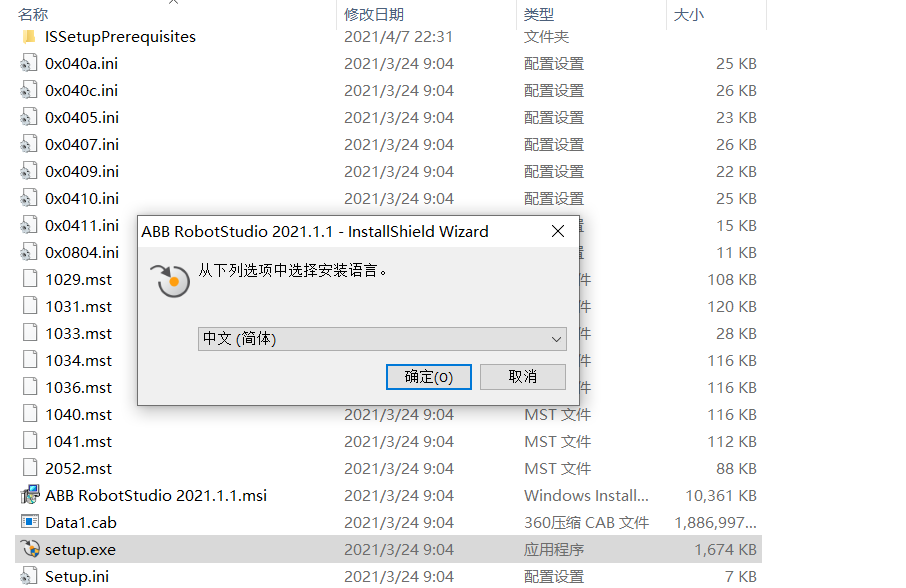
2, click "I accept ...", then click Next.
3, then change our installation directory, here Xiaobian put it into the D disk.
4. Select the installation type, Xiaobian is here as the demo installed with the component it needs. Of course, you can also click "Full Instal" to install all components or click "Custom" to install the components you want, then click Next step.
5. In installation, please wait patiently.
6, the installation is complete, click the "Finish" button.
7, start crack. Enter regedit in the run open the registry, you can use the Windows + R this shortcut to open or start in the Start menu - find it.

8. Find the following position hkey_local_machine-software-microsoft-slp services This is the location of the Window 32-bit computer.
HKEY_LOCAL_MACHINE-SOFTWARE-WOW6432Node-Microsoft-SLP Services This is a 64-bit location.
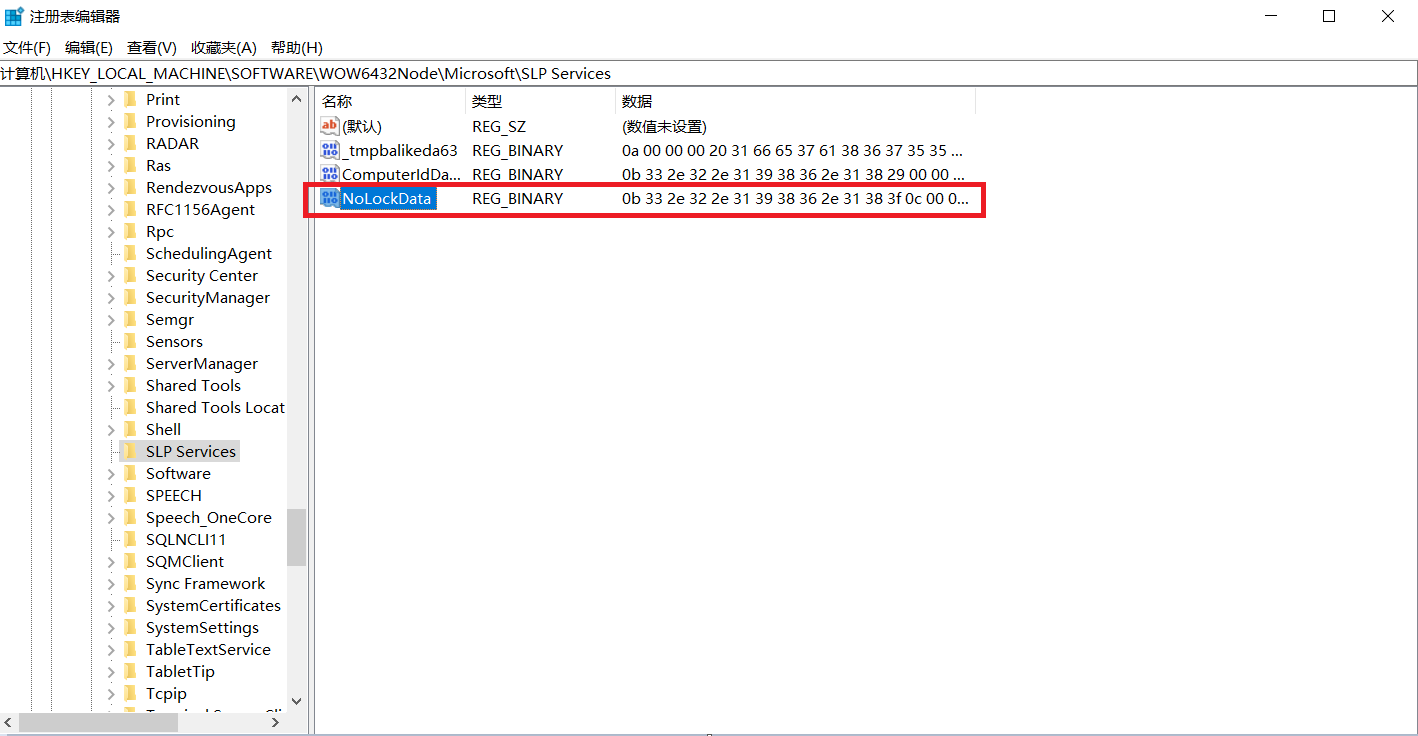
Then find the NOLockData key on the right. Double-click the NOLockData key, open a panel, the data inside is the D8 in the sixth line in the sixteenth selection table, modified to FF, refresh the registry after confirming, re-open RobotStudio, you can see the probation period extension By 2030
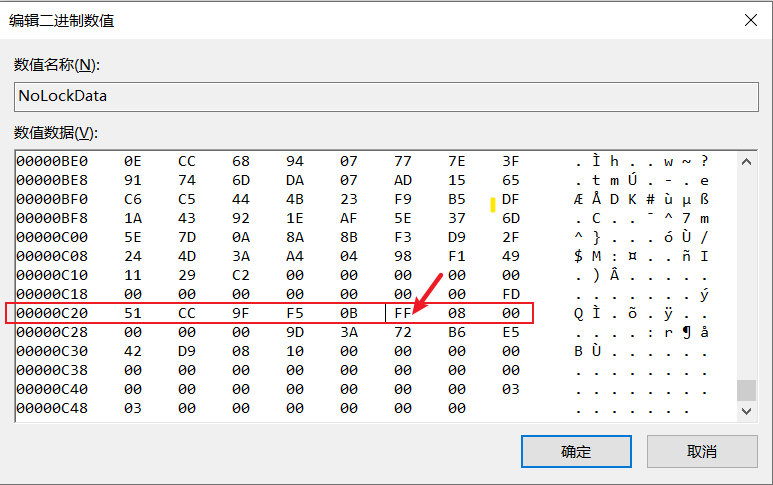
9, crack success

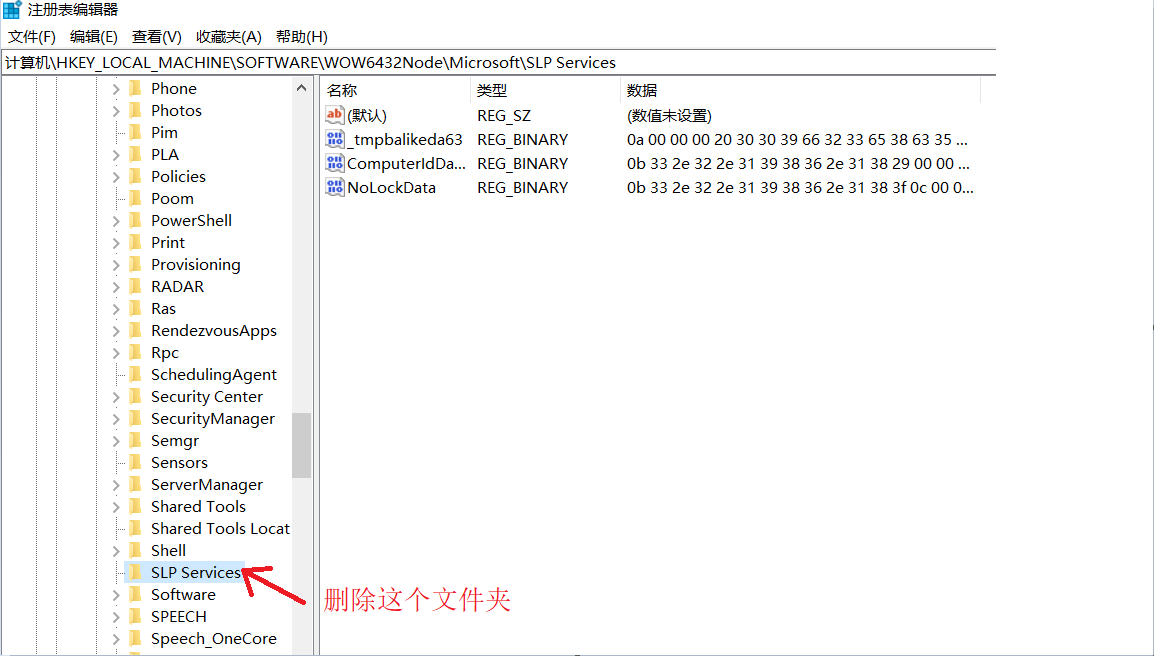
10, here for the previously installed and cracking the Unexpected computer method, re-uninstall the RobotStudio and then delete the SLP Services folder (here you must uninstall and then delete)
Common problems
1. I can't find SLP Services, find it carefully, definitely
HKEY_LOCAL_MACHINE-SOFTWARE-Microsoft-SLP Services This is the location of the Window 32-bit computer.
HKEY_LOCAL_MACHINE-SOFTWARE-WOW6432Node-Microsoft-SLP Services This is a 64-bit location.
If you still can't find it, uninstall it.
2, because the computer is the user name is Chinese
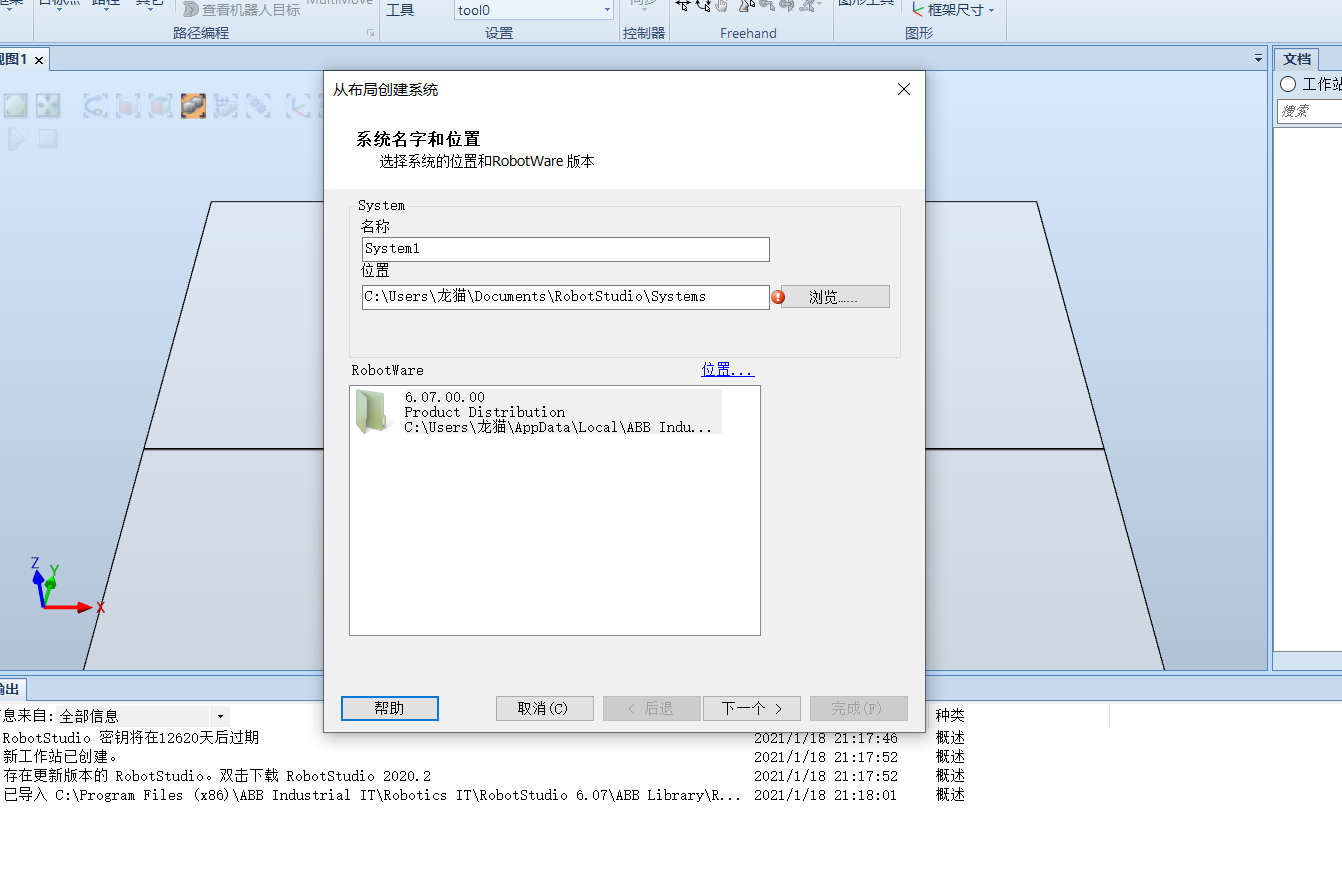
method one:
- Dance the account, register an English account to install RobotStudio
Method Two:
- Register your account, use RobotStudio in the new account
The above methods are for everyone to refer, I hope to help you, if there is any shortcomings, welcome everyone to leave, if there is a friend who needs software installation package, you can pay attention to the robot learning skills, reply 6.08
Intelligent Recommendation
01, RobotStudio new system
1. First, you need to install RobotStudioruan software, which can be downloaded from ABB's official website. Here is the 6.05 version as an example. The URL is "https://new.abb.com/products/robot...
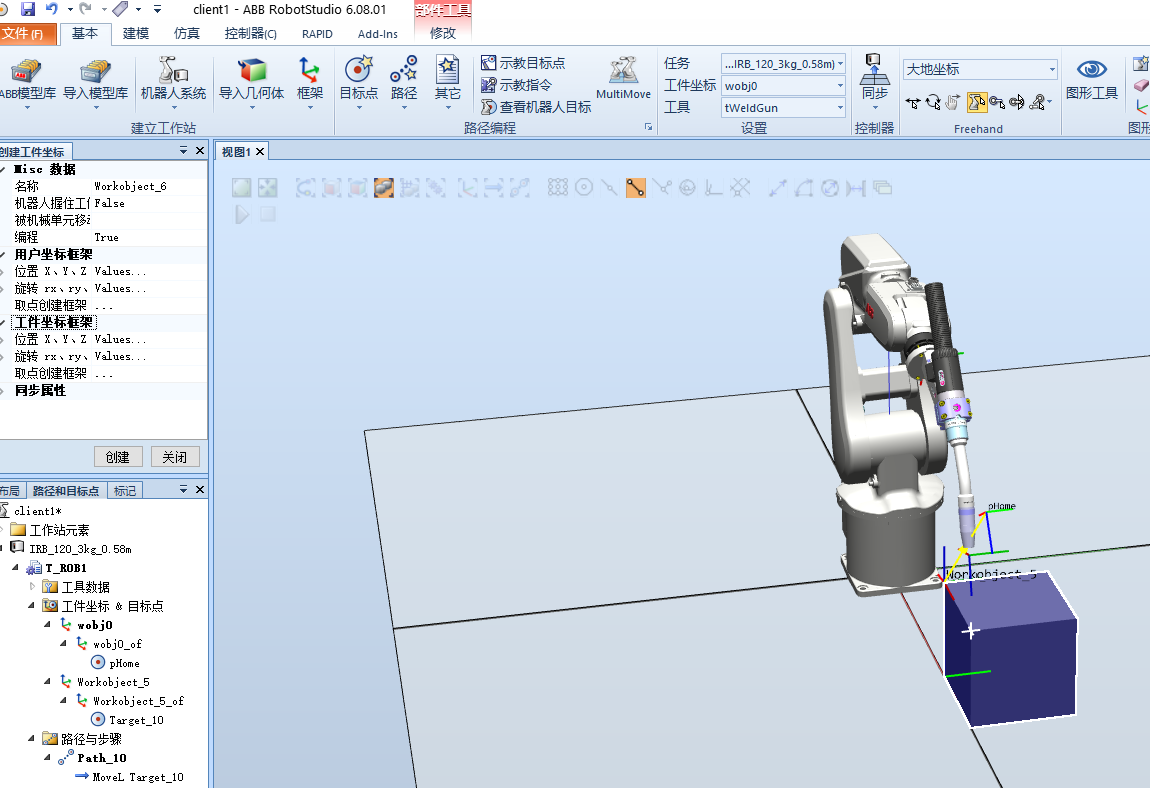
robotstudio Basic Operation (b)
1. Create a workpiece coordinate system Click on the object you want to create a point and click to create additional workpiece coordinate system. To the point of rotation of the workpiece coordinate ...
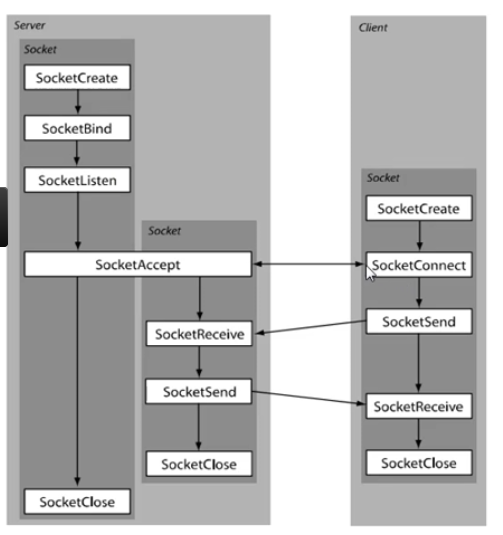
Robotstudio basic operation (tcp)
1. First understand the creation process of TCP in robostudio The server here is pc, so I just need to create the client and it's ok! At this moment, the robot has been connected, and the successful c...
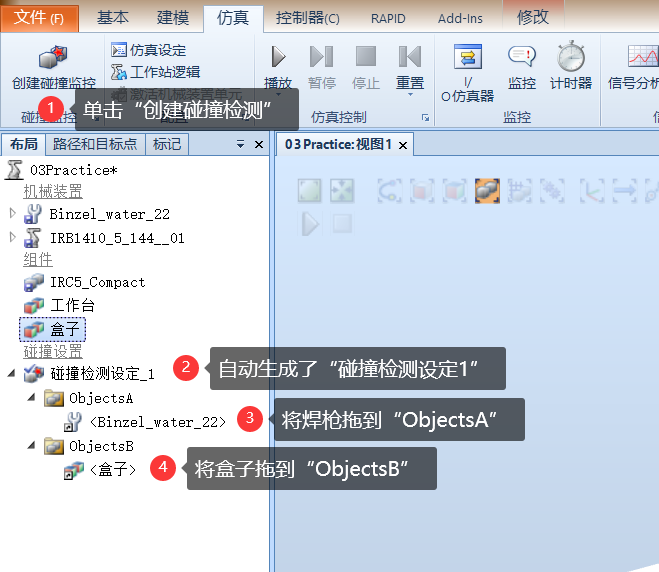
RobotStudio collision detection settings
Creation of collision detection Click onCreate collision detectionCreate, after creation,ObjectAversusObjectBFor the two groups to be detected, if the objects of the two groups collide, the color will...
RobotStudio 6.0.7 learning experience
RobotStudio 6.0.7 learning experience@TOC 1. The following are the problems encountered when creating a robot system from the layout. After consulting many materials, the conclusion is as follows: The...
More Recommendation
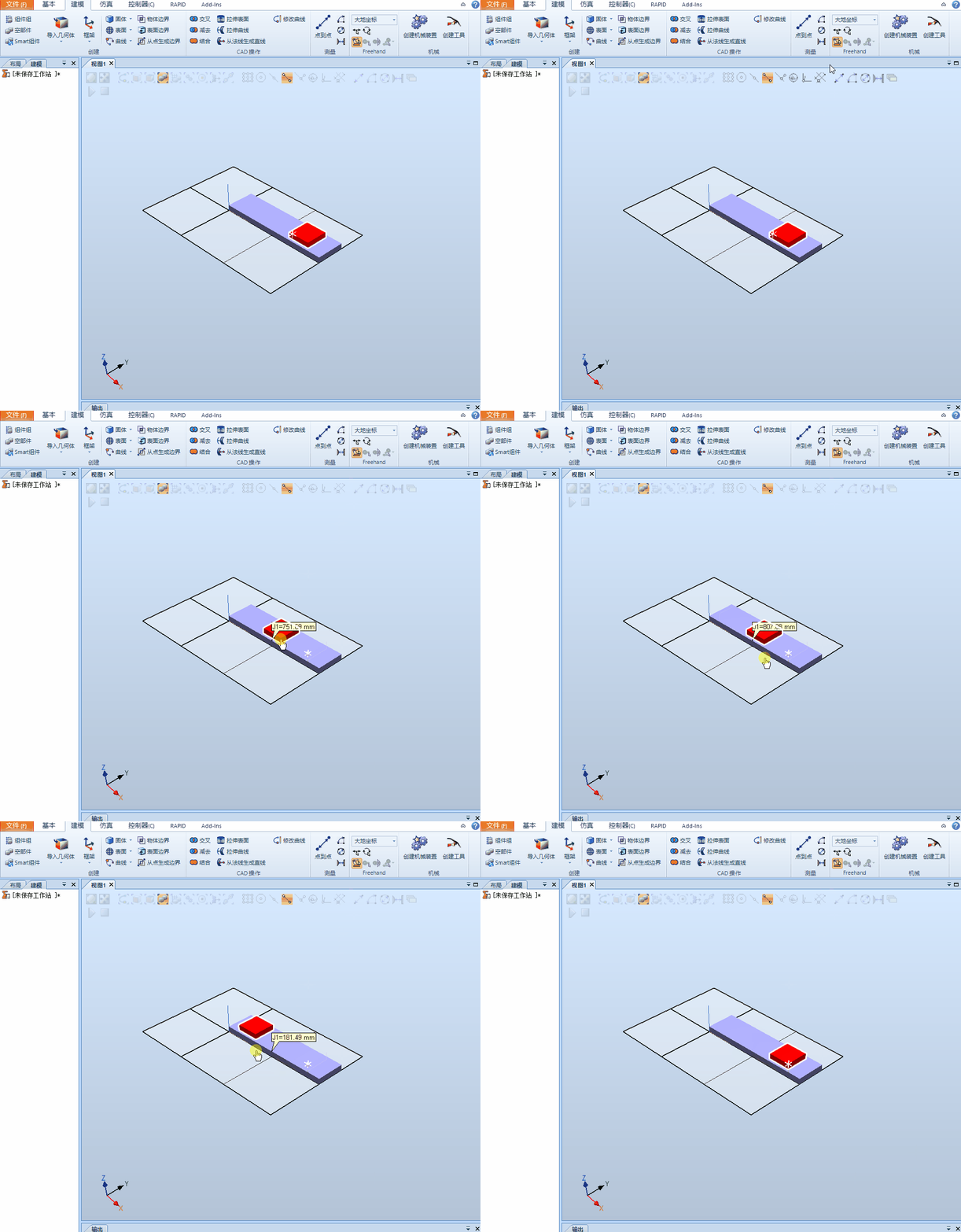
RobotStudio creation mechanism
In the workstation, in order to better show the project effect, an animation effect is made for the model around the robot, for exampleConveyor belt, fixture and slideWait, this article uses a sliding...
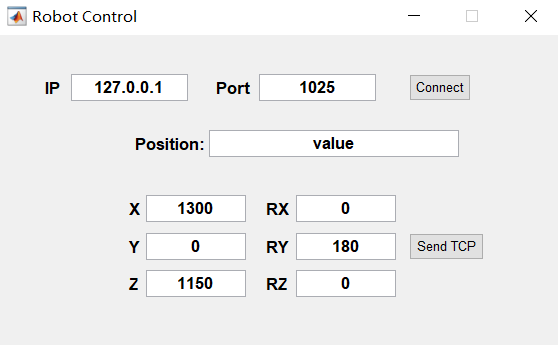
MATLAB and Robotstudio establish socket communication
MATLAB and Robotstudio establish socket communication Content summary Haha, the first blog in my life, it can be regarded as the first step in line with the bloggers, not much to say, straight to the ...
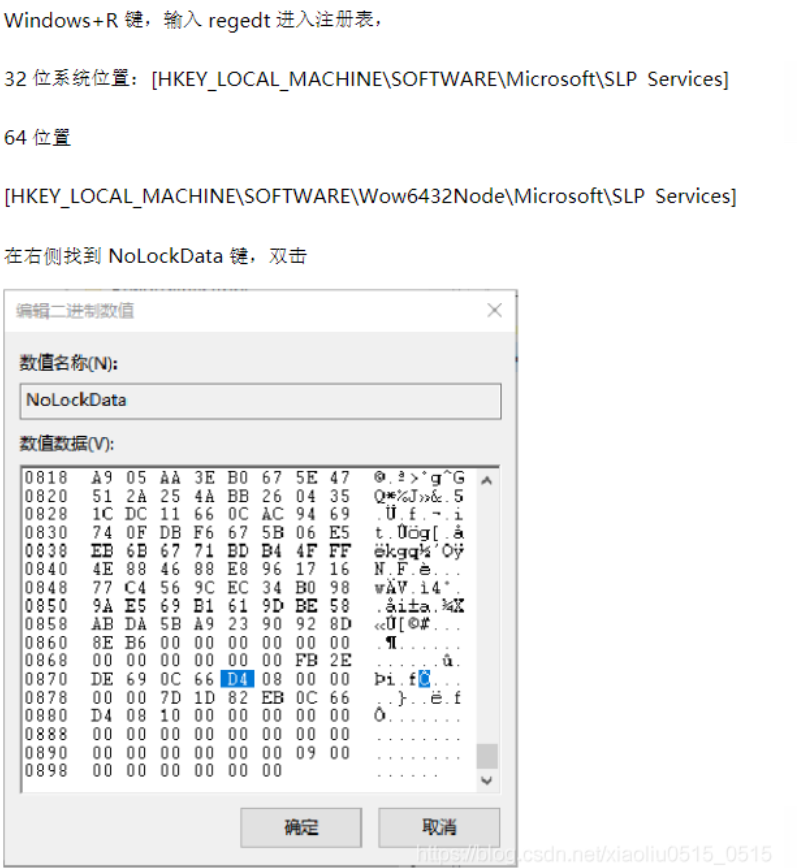
RobotStudio trial period extension summary
People who have installed RobotStudio should know only 30 days after the RobotStudio installation. After the trial period, the use will be restricted. There are many ways to modify the registry to ext...
Basic term, online function in RobotStudio
RobotWare: From the concept, RobotWare is a software and Robotware system itself for creating a RobotWare system. Tool center point coordinate system is also knownTCPIt is the center point of the tool...

How to build a basic workstation in RobotStudio
one,In the "Basic" function tab, open the "ABB Model Library" and select "IRB2600" two,Set the value and click "OK" 3. Load the robot's tools Four, willTool mou...