Fanuc RoboGuide and robot transfer method
---------------------------------------
-- Created by: Ruo_Xiao
 -- Email: [email protected]
 -- Development environment: RoboGuide V9.0
---------------------------------------
First, configure the Robot
Menu --> Setup --> Host Comm Configures the IP of the Robot and external systems.
Second, configure RoboGuide
1, menu bar --> Tools --> Simulator as shown below:

2. Click "Setup" as shown below:

3. Click “Setting” as shown below:

According to the red circle below the figure, the actual robot's IP address. Click "OK" after the configuration is completed.
4. After completion, as shown below, click “Close”:

Third, the specific operation
1. After the configuration is complete, click the “Sim Start” button. If the connection is successful, the following figure is displayed:

2. After a few seconds, the “FTP” button will be restored. Click this button, as shown below:

3. The red button in the left circle is the transmission button, the left side of the red circle represents fanuc, and the right side represents the external system.
(SAW:Game Over!)
Intelligent Recommendation
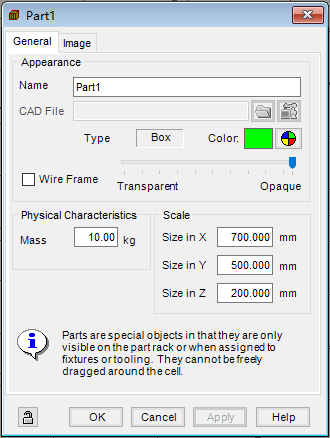
ROBOGUIDE virtual simulation: the operation method of robot production line conveyor belt conveying materials
This article has been published on the personal WeChat public account: Industrial Robot Simulation and Programming (WeChat ID: IndRobSim), welcome to pay attention! Overview Conveyor belt is a common ...
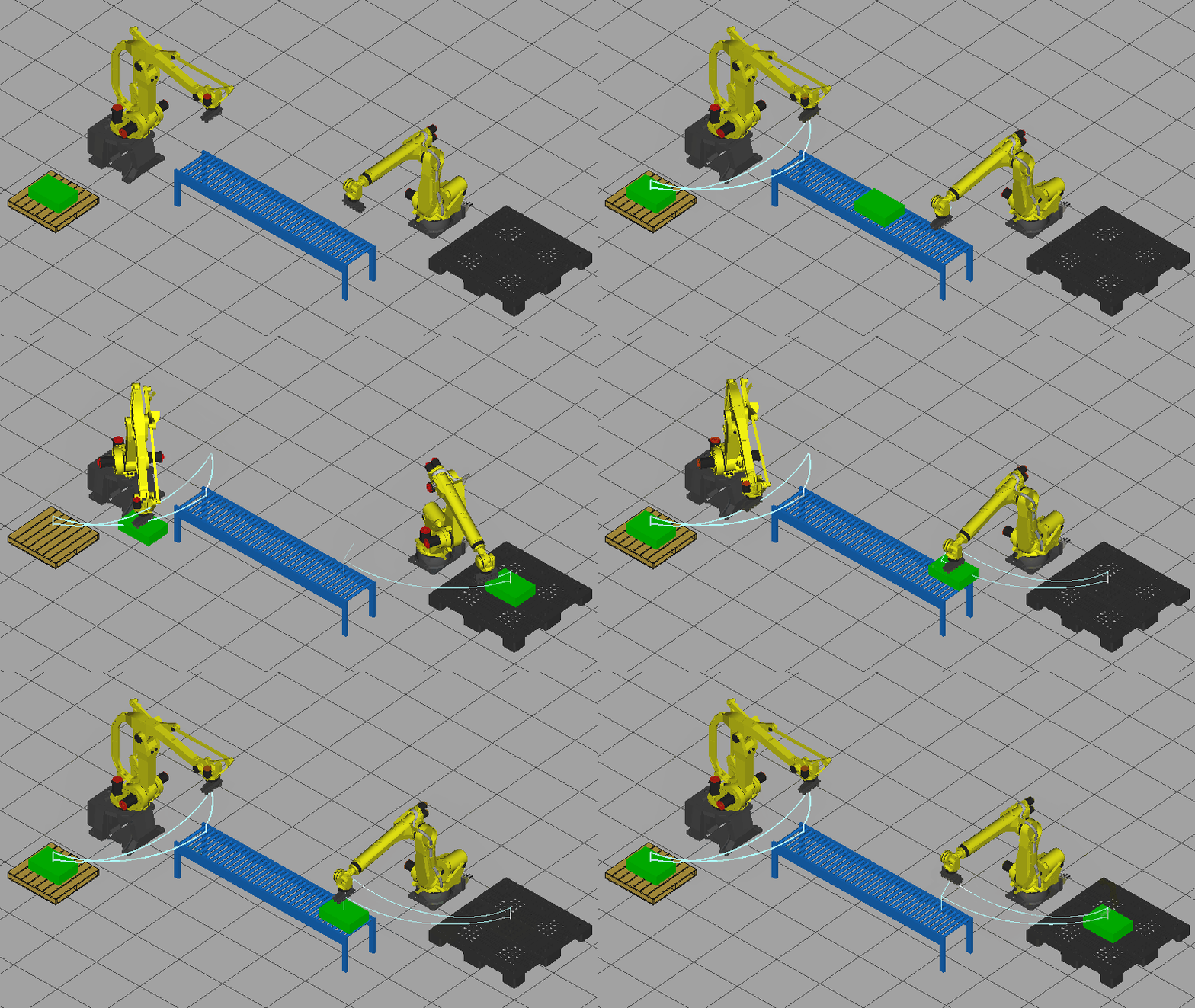
ROBOGUIDE software: virtual simulation operation method of robot conveyor belt loading and unloading
table of Contents Overview Add robot Add material tray Conveyor belt attribute configuration I/O signal connection of loading and unloading robot Robot teaching programming Simulation run It has been ...
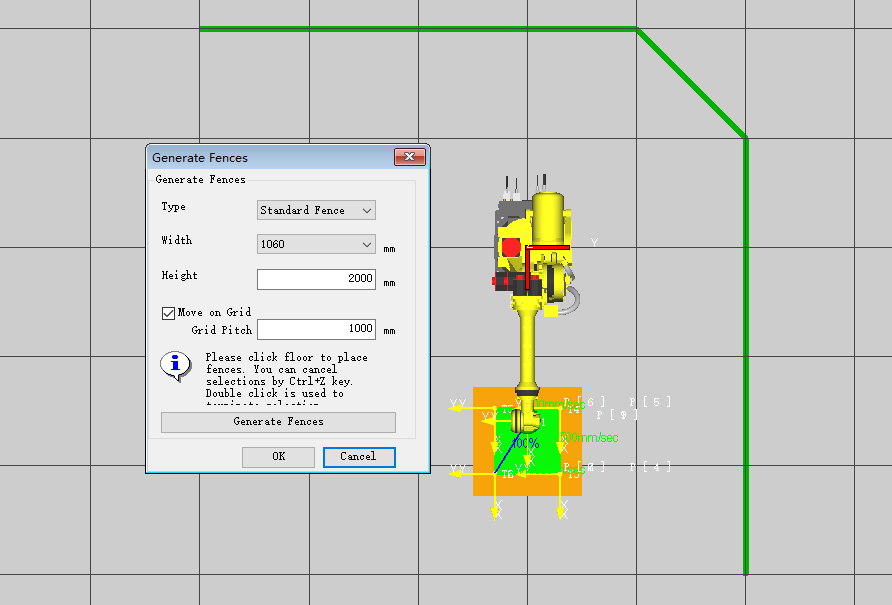
ROBOGUIDE software: introduction and usage method of batch automatic generation of robot safety fences
Table of contents overview Description of function parameters generation method Grid spacing view This article has been published on the personal WeChat public account: Industrial Robot Simulation and...
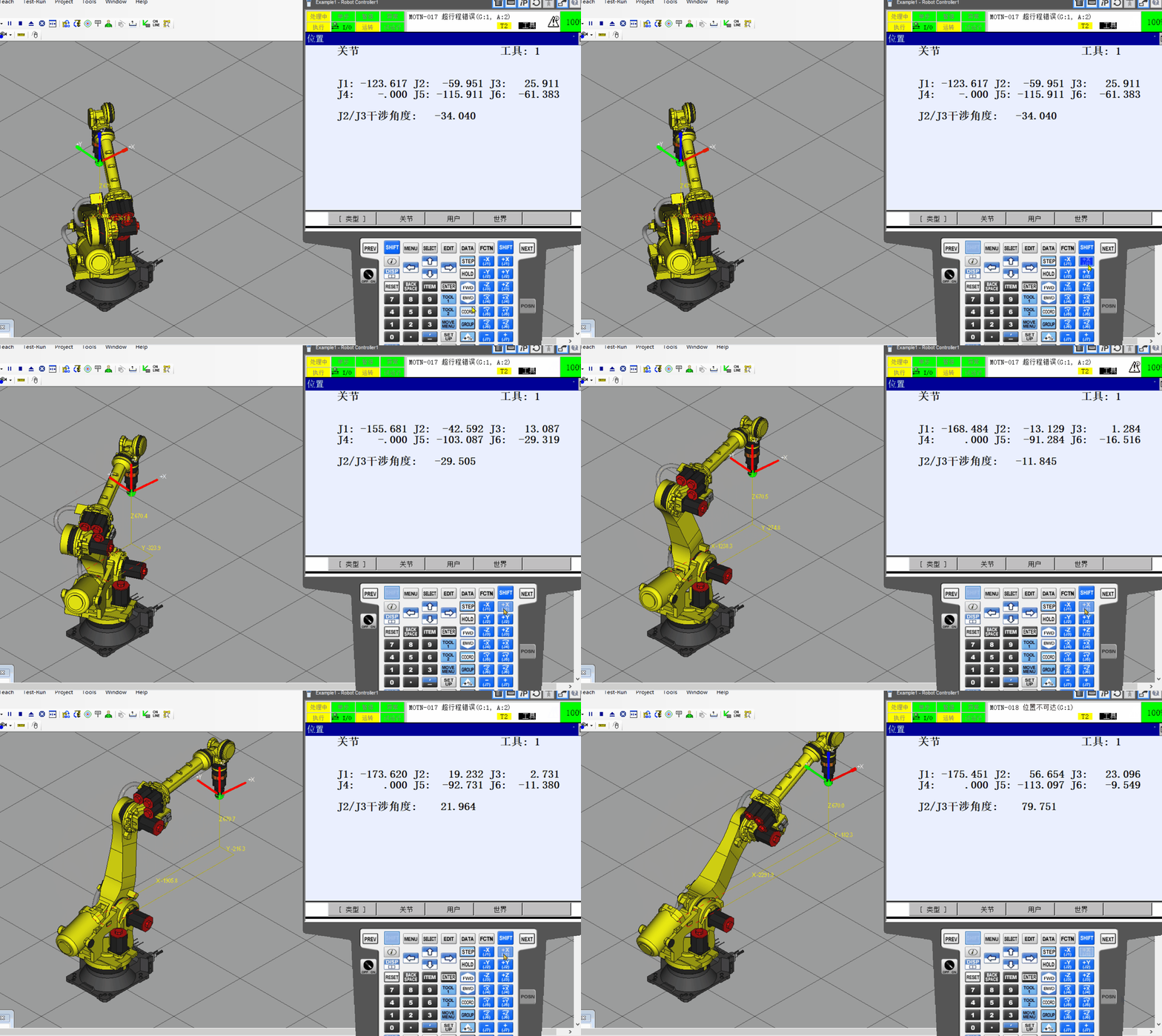
The robot software offline point-based ROBOGUIDE
The robot software offline point-based ROBOGUIDE First, the practical purposes Second, the safety precautions Third, the practice content and procedures 3.1 Creating a robot work cell simulation envir...

[Simulation] ROBOGUIDE: tape positioner welding robot station
Welding robot station with positioner Demonstration effect First, the task: Second, the task description: Third, the task of implementing Project Creation Parameter setting Build a simulation environm...
More Recommendation

[ROBOGUIDE simulation]: Robot transport station with transmission chain
Robot transportation station with transmission chain Simulation effect demonstration Insert picture description here 1. Tasks: 2. Task description: 3. Task implementation Create a robot workstation si...

FANUC Industrial Robot Programming and Networking
FANUC robot arm and controller FANUC is one of the leading four robot manufacturers. FANUC has a wide range of robotic arms to choose from: The current controller for the current FANUC robot is the R-...
Write fanuc robot communication program
1. In the Keyence website "robot vision systems user support page" in the corresponding models of the robot arm download "Robot Vision Setup" and extract. 2. Extract the file (Robo...

FANUC robot user coordinate system
FANUC robot FANUC robot user coordinate system When using FANUC robot simulation software Roboguide, I have some questions about W, P, and R in the user coordinate system direct input method. Accordin...
FANUC robot system knowledge learning
One external axis parameter setting 1.6kw 3.0kw 4.0kw Remarks motor type aif8 aif12 aif22 motor model Amplifier current 40A 8OA 80A Amplifier current motor Rotational Speed 3000 3000 3000 Ext type I...