How to view function definition and other attributes under Jupyter-notebook
tags: bug fix python Programming language
The first,Add a question mark after the method and execute, such as abs?
The second kind,Move the cursor to the method, press shift+tab to pop up the document, and press continuously to select the document detail level
Supplementary knowledge:How to view code hint/doc document/function (method) usage in Jupyter notebook?
Select the function method you want to view and press the shortcut key Shift+Tab
Place the cursor directly on it and press the shortcut key Shift+Tab, no need to drag to select, such as:
The ^ symbol in the upper right corner is expanded, x is closed, and it becomes like this after expansion:
The x in the upper right corner is closed, and the button on the left of x is opened with a new tab, which is more convenient for browsing.
How about it, simple!
20200311 update
Some friends reported that some function methods can’t see the code hints according to the above method. This is because you may directly open the existing jupyter notebook (.pynb) file and need to reload the code content:
Click here on the double arrow symbol to restart the service:
After restarting, you can see the function documentation again:
Intelligent Recommendation
Jupyter Notebook Transfer Other Files
content Command line tool HTML LaTex PDF Markdown Executable Script Notebook Convert multiple notebooks Method 1, command line Method 2, configured `mycfg.py` Executive Jupyter Method 1: Command line ...
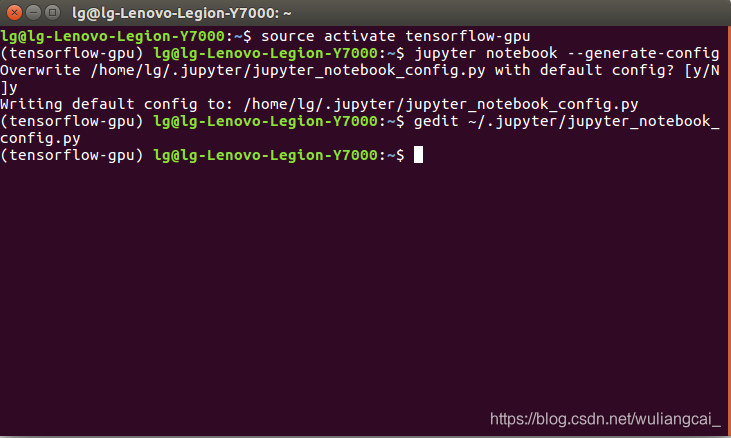
How to modify the jupyter notebook file save path under Ubuntu16.04
I created the tensorflow-gpu environment under cuda, and then installed jupyter notebook in this environment. 1. Enter the environment where the jupyter notebook is installed: source activate tensorfl...
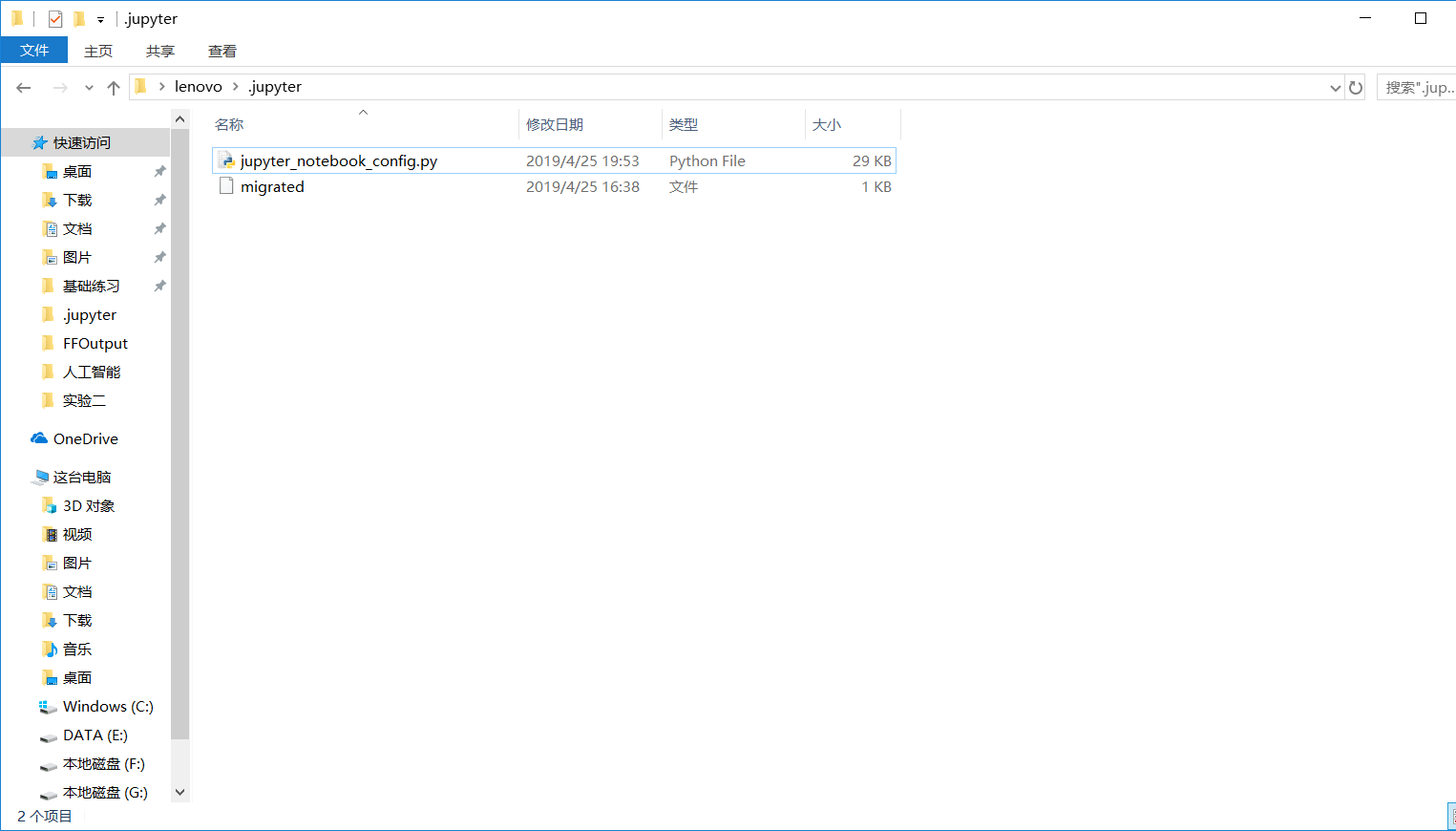
How to change the default startup path of Jupyter notebook under Anaconda
1. After installing Anaconda, run Anaconda Prompt enterjupyter notebook --generate-config, Will appear as shown below: Second, then find the generated jupyter_notebook_config.py, and open the file C:\...
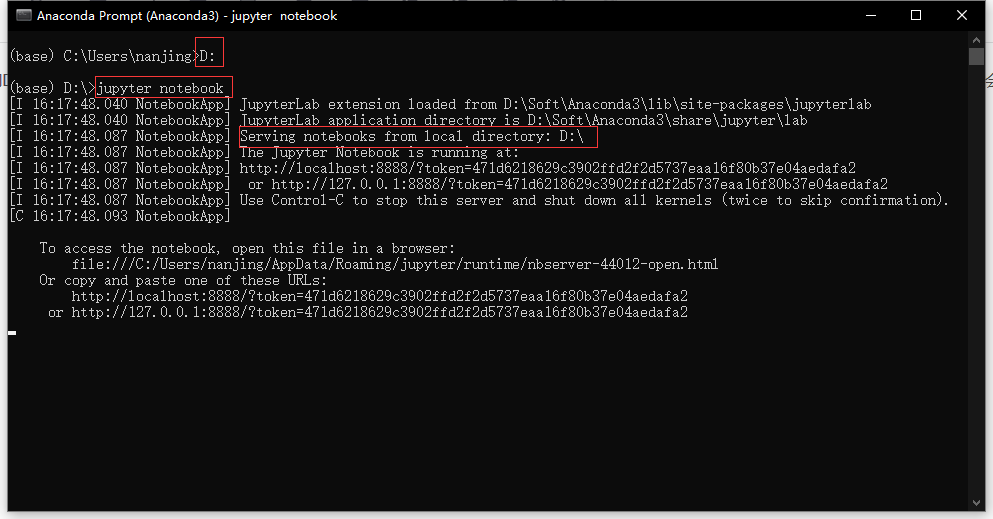
How to open the folder under the specified disk in jupyter notebook
Generally speaking, after we open the jupyter notebook, we can only see the files under the c drive in the browser. When we need to access the D drive or other drives, how should we switch? I have Bai...
How to modify the default working path of Jupyter Notebook under Anaconda3
How to modify the default working path of Jupyter Notebook under Anaconda3@TOC first step Run Terminal in Anaconda Navigator: After running Anaconda3, on the main page, click Environments→the sma...
More Recommendation
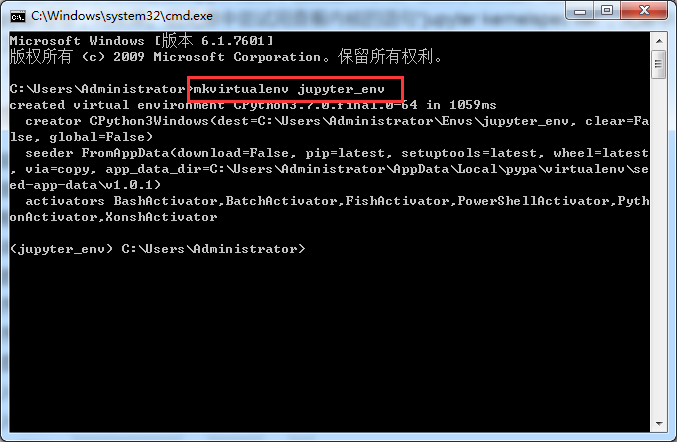
How to import the dependency package in the virtual environment in Jupyter notebook under Windows
How to import the dependency package in the virtual environment in Jupyter notebook under Windows System: Windows7, Python3.7 Problem: When doing Python programming, the virtual environment cannot be ...
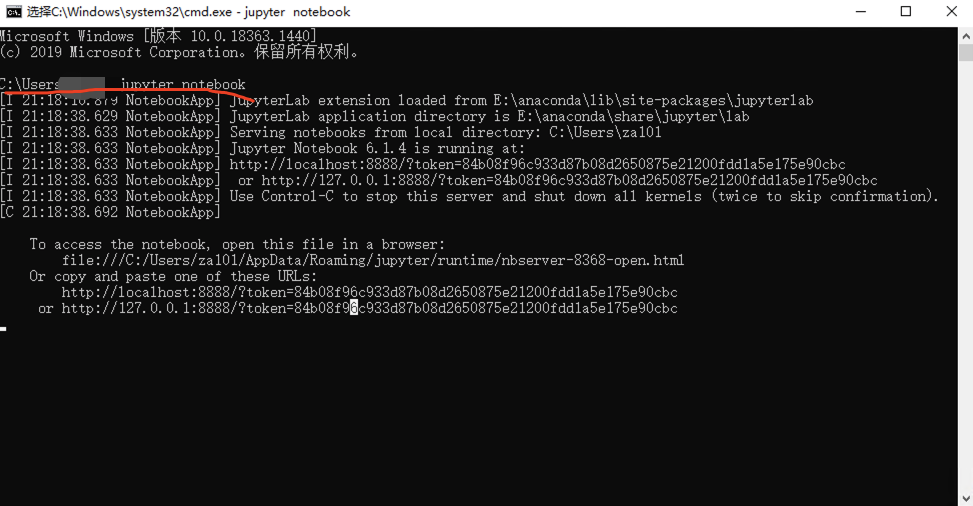
How to use Jupyter Notebook under the Windows system? What about MAC?
Jupyter Notebook When using Jupyter Notebook, it is often the default to enter the C drive, as shown in the figure: Then you can only operate at the C drive at this time. However, because the C drive ...
How ubuntu uses an Anaconda3 virtual environment under Jupyter Notebook
let's start Really don't understand, many blogs make this problem complex it's actually really easy Really don't understand, many blogs make this problem complex it's actually really easy Which enviro...

How to modify the file path of jupyter notebook under Miniconda
1. Open the anaconda prompt 1. Enter cd/d D: , cut into the D drive 2. Type jupyter notebook to jump to the webpage, and jupyter opens the D drive at this time 3. Open the folder where you want to sto...
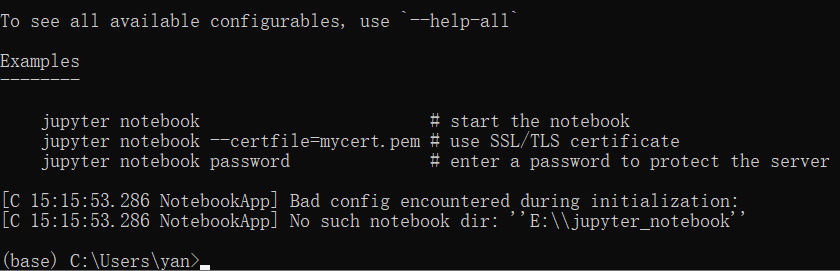
How to solve the problem that jupyter notebook cannot be opened under Windows10?
Under Windows 10, I installed anaconda with Jupyter notebook, but I couldn’t open it without knowing it. I encountered this situation twice. The solution is: 1) The first type of error Enter cmd...