Arduino--Install the ESP32 development environment on the Arduino IDE (two methods)
tags: ESP32
Write the catalog title here
Introduction
There are two ways to install the ESP32 development environment on the Arduino IDE:
- Method 1: IDE adds links
- Method 2: Download the source code and install
Method 1: IDE add link installation
Click "File" in the upper left corner -> Preferences -> Additional Development Board Manager URL -> enter the URL in the input boxhttps://git.oschina.net/dfrobot/FireBeetle-ESP32/raw/master/package_esp32_index.json
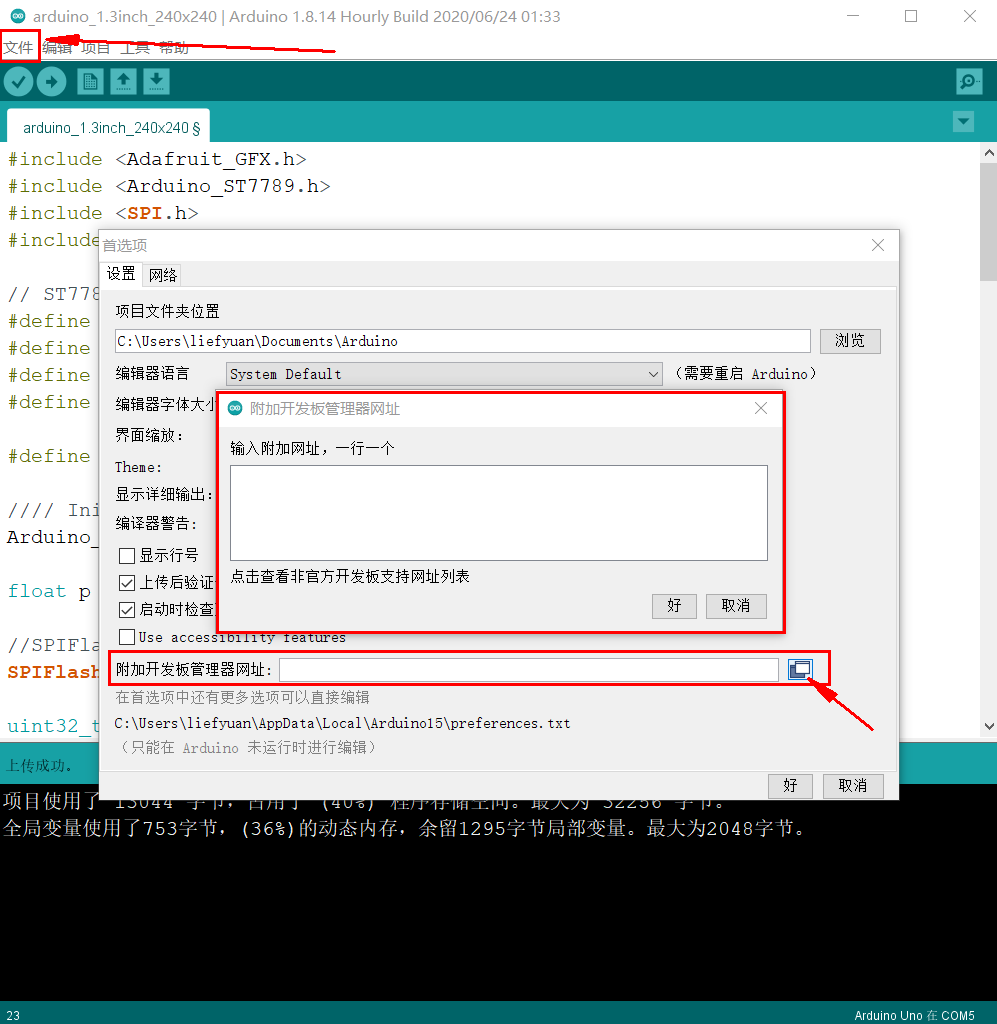 Click OK, and the software will be installed by yourself. After installation, restart the Arduino IDE software.
Method 2: Download the source code and install
1. Clone the arduino-esp32 source code
Create a folder espressif in the arduino development environment directory D:\ESP32\arduino-1.8.4\hardware, and then clone the arduino-esp32 source code into this directory.
Right click in the folder and select git bash here(Provided that you have installed Git)
Command line input:git clone https://github.com/espressif/arduino-esp32.git
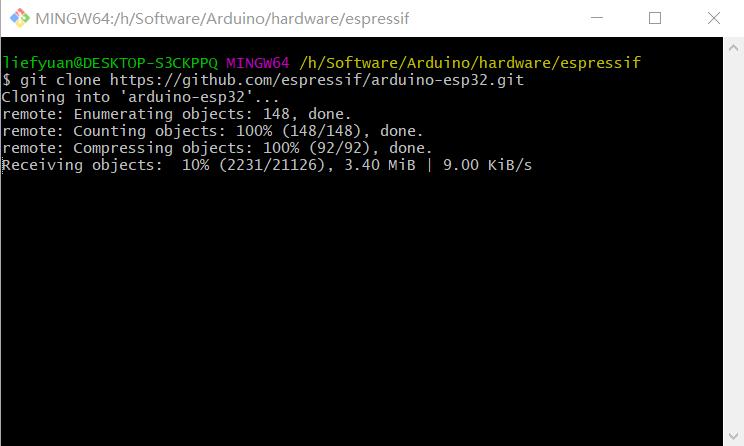 When the download is complete, enter the folder D:\arduino-1.8.4\hardware\espressif\arduino-esp32\tool and click get.exe.
Suggestion: Git download is too slow, you can directly visit the URL: https://github.com/espressif/arduino-esp32 to download. Then unzip to the same below this file.
Intelligent Recommendation
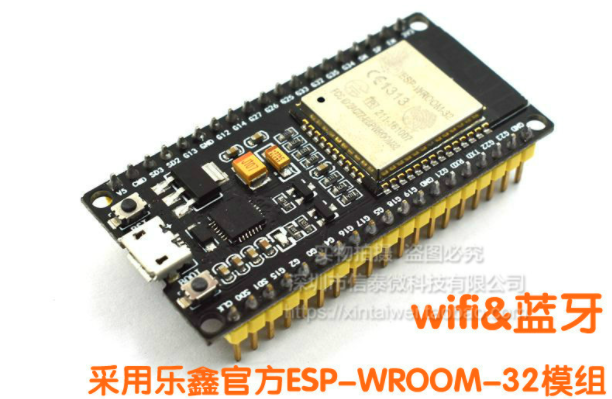
【INTWING INTERNETRIBUNGENTS - 01 - ESP32 Development Environment Construction (Arduino IDE)
There is no purpose, simple fun, busy, embedded equipment entry and notes. Article catalog Write in front 2. Step by STEP configuration process 2.1 Hardware 2.2 Adding ESP32 board support in Arduino 2...
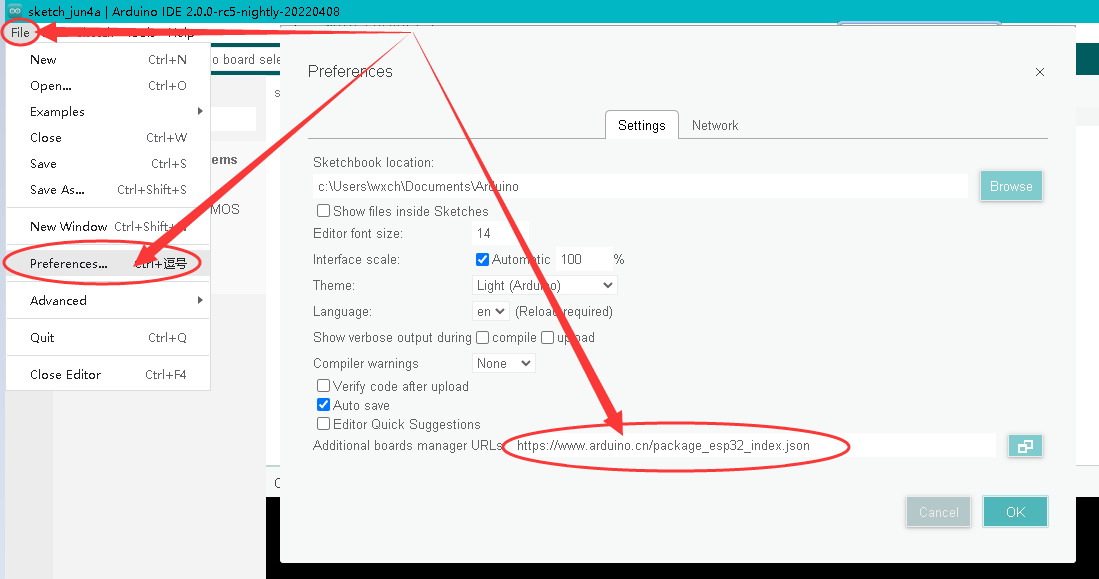
esp32 development board Arduino IDE 2.0 environment construction--2022 record
I am using version 2.0 of the Arduino IDE. 1.First open Arduino, then click File→Preferences, fill in the link below in the pop-up dialog box, then click OK and close the dialog box. https://www....
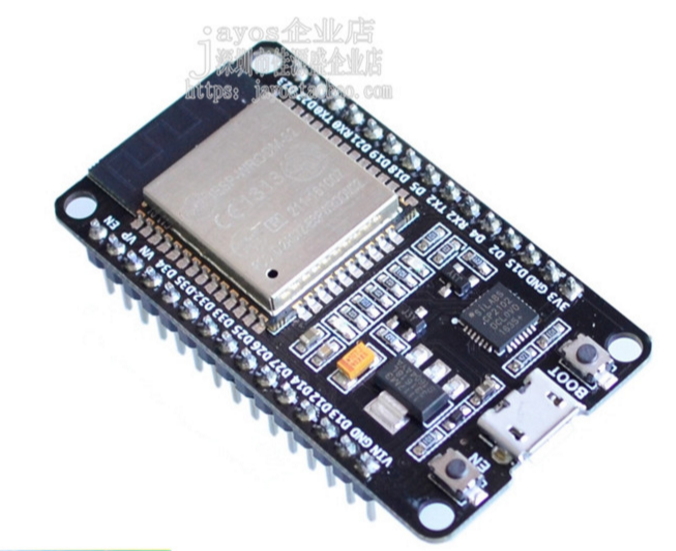
Introduction to ESP32 Arduino development (1)-Arduino environment
Note:If you are interested in ESP32 open source technology, you can add groups. Let's explore communication and learning together, group number: 782473783. Group name: ESP32 open source technology exc...

Arduino IDE software for building an ESP32 build environment
Arduino software (IDE) is easy to use! There are many platforms for ESP32 (ESP-WROOM-32). At some point, using Linux or cygwin in Windows can be prohibitive for beginners, and the Arduino integrated d...
Use the Arduino IDE environment to learn ESP32--CAM
review The process of using the Arduino environment to develop ESP32--CAM, and the construction of the environment. As well as some problems encountered, one is to record them, so as not to forget the...
More Recommendation
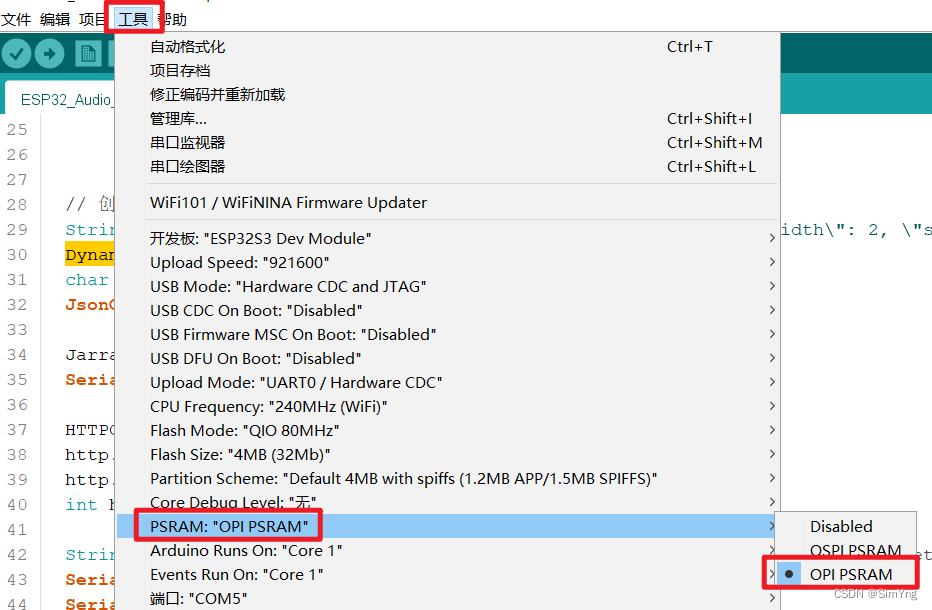
[ESP32 S3 Development] Use PSRAM in Arduino IDE
I. Introduction Recently, when using ESP32 Wroom to develop voice recognition projects, you need to use array microphone collection signals, and seizes the segment containing the voice part, and then ...
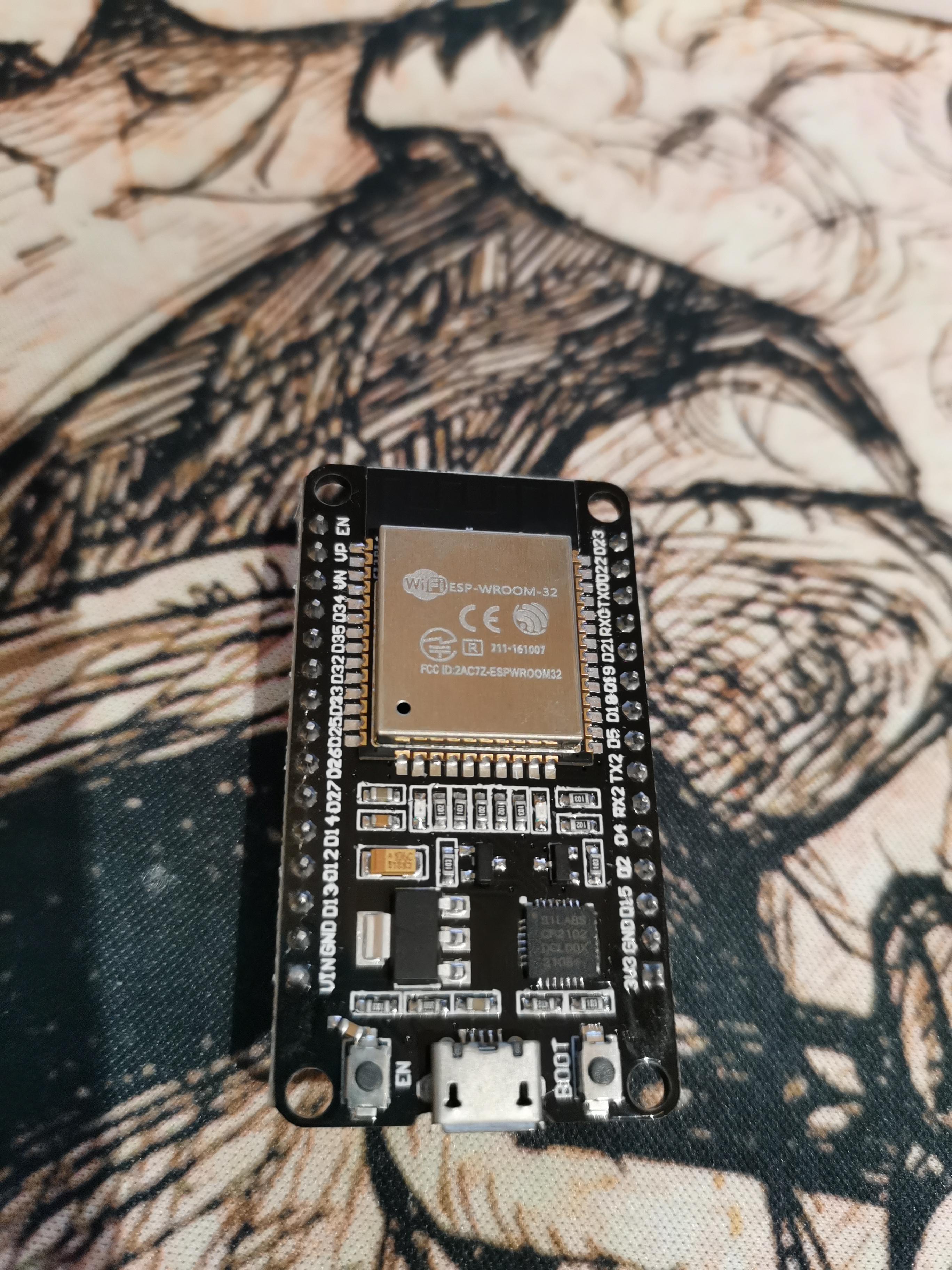
arduino-esp32: build development environment
Record it, record it, and write it to the good brothers who need it All the resources below can be emailed to me. hardware Need an esp32 board. IDE Use Arduino to develop esp32. Just go to the arduino...
Building an ESP32 development environment on Arduino
The ESP32 development board can be programmed through the official tool chain, compilation tools, ESP-IDF and text editor, but this method is sometimes troublesome and is extremely unfriendly to novic...

ESP8266 Arduino IDE development environment
Development Board:NODEMCU Development environment: Arduino IDE software interface Download the ESP8266 package File->Preferences Enter URL http://arduino.esp8266.com/stable/package_esp8266com_index...
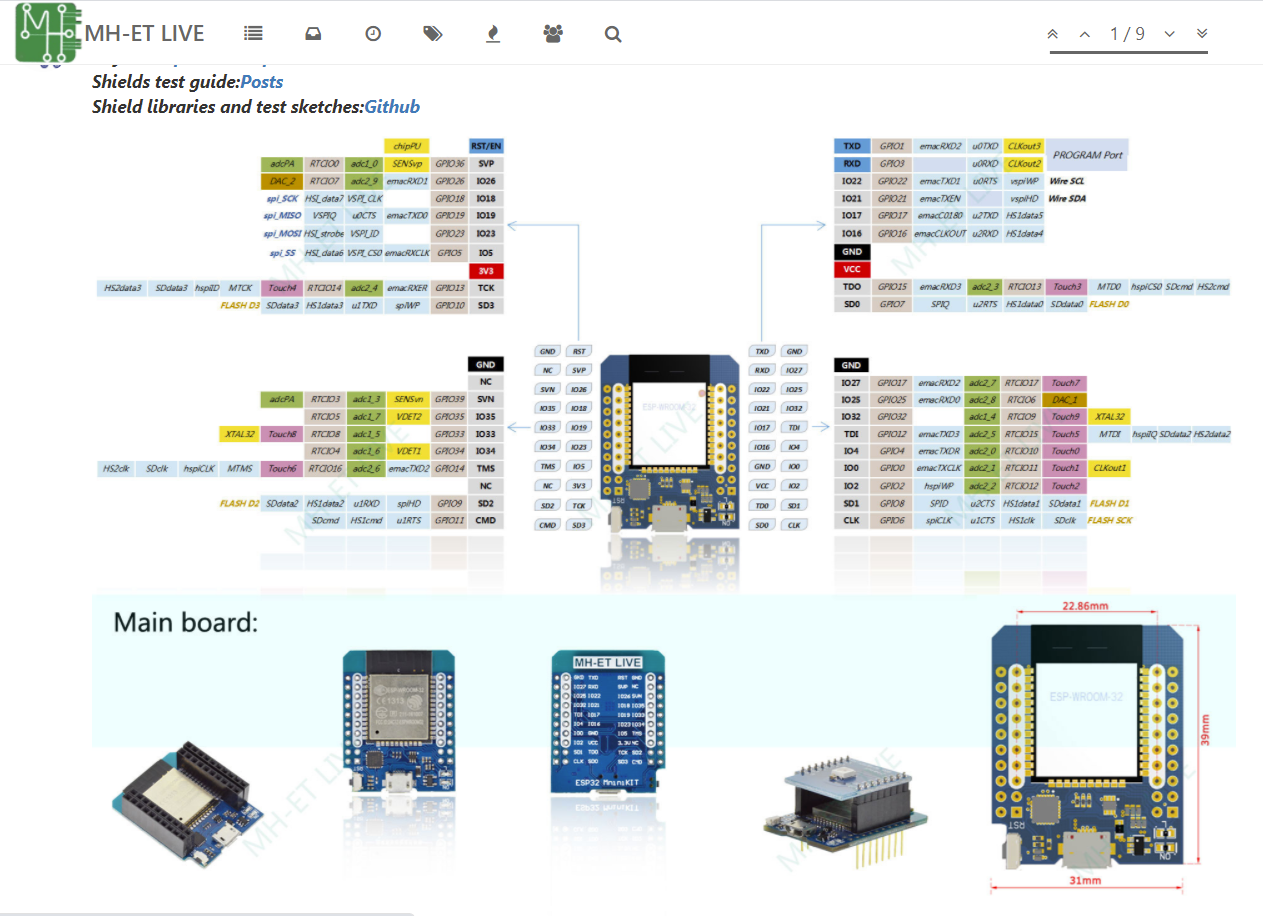
Live Mini ESP32 Development Board Tutorial Series (1) Configuring Arduino IDE Environment Support ESP32 Module
Live Mini ESP32 Development Board Tutorial Series (1) Configuring Arduino IDE Environment Support ESP32 Module Install the development board Win10 driver Arduino IDE supports Live Mini ESP32 Step 1: A...