Python opens and closes web pages (browser) methods
tags: "Python entry to master" Python webbrowser Browser turn on method
Python's webbrowser module supports some operations on the browser, which is a relatively basic knowledge point for crawlers.
The webbrowser module provides an interface to the system's standard web browser. It provides an open function, which accepts a file name or URL as a parameter, and then opens it in the browser.
method:
1. There are three main methods:
- webbrowser.open(url, new=0, autoraise=True);
- webbrowser.open_new(url);
- webbrowser.open_new_tab(url);
import webbrowser
import time

webbrowser.open("http://www.baidu.com")

# wait a while, and then go to another page
time.sleep(5)

webbrowser.open("http://www.taobao.com")
Use a timed task to write a demo to open and close the webpage: (set response timeout = 5s, hold time after opening = 10s)
# Import the required modules
import webbrowser
import time
import requests
import os

 # 1. Define the URL of the web page to be opened
url = 'https://blog.csdn.net/weixin_44259720/'

 # 2. Determine whether the web address is valid
r = requests.get(url, timeout=5)
result = r.status_code

 # 3. Open the web page if the web address is valid
if (result == 200):
         # 4. Open the browser
    webbrowser.open(url)
    print("Open Success",url)
    time.sleep(10)
         # 5. Close the browser
    os.system('taskkill /F /IM Iexplore.exe')
Close the browser command, and use different commands with different browsers:
- Using Internet Explorer, the command is:os.system('taskkill /F /IM Iexplore.exe');
- Using the Chrome browser, the command is:os.system('taskkill /F /IM chrome.exe')。
2. Open the designated browser object
- web.get(name): Get the opened browser object, name is the name of the browser, if the name is empty, the default browser will be opened;
Note: directly using web.get(name) to open the browser will report an error, because the browser object needs to be registered first: web.register()
# My local chrome browser clerical job
chromepath = 'C:\Users\xxx\AppData\Local\Google\Chrome\Application\chrome.exe'
 # Register browser object
webbrowser.register('chrome', None, webbrowser.BackgroundBrowser(chromepath))
 # Open the browser
webbrowser.get('chrome').open_new_tab('www.baidu.com')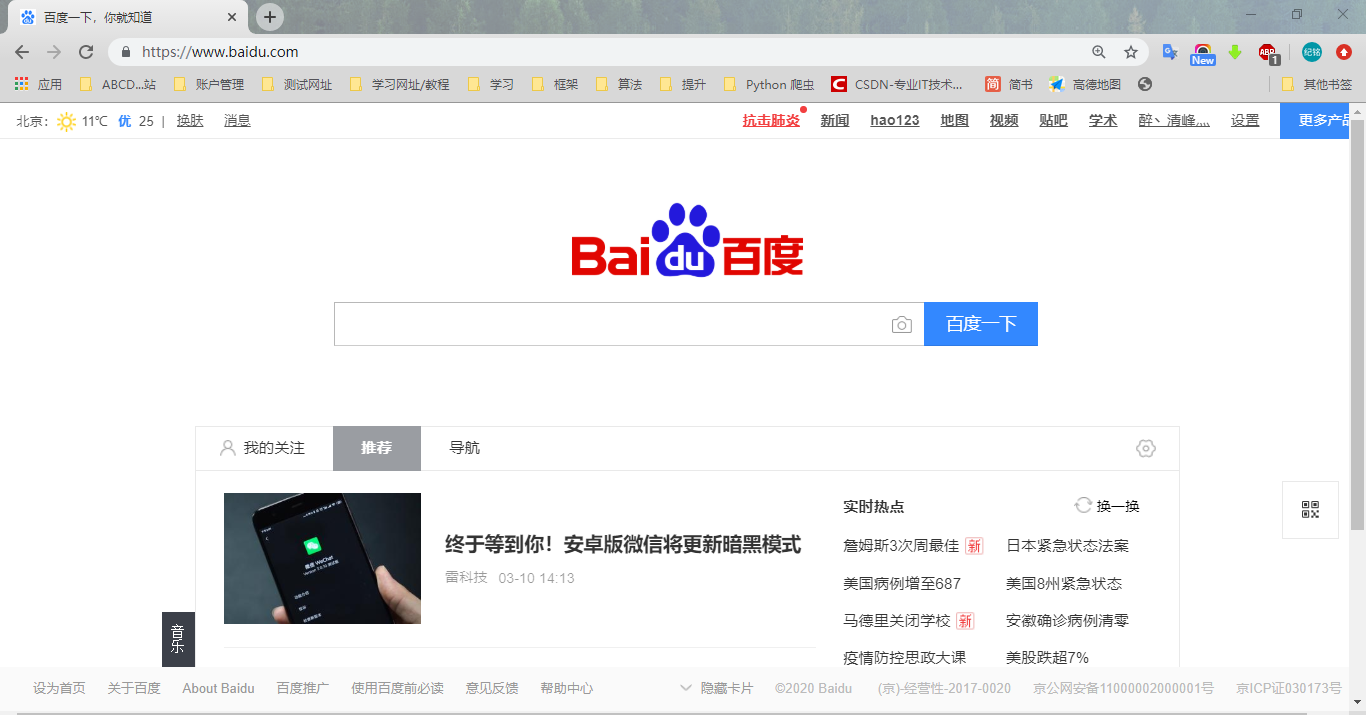
More exciting, please pay attention to my "today's headlines": Java cloud notes
Anytime, anywhere, let you have the latest and most convenient handheld cloud service
Intelligent Recommendation
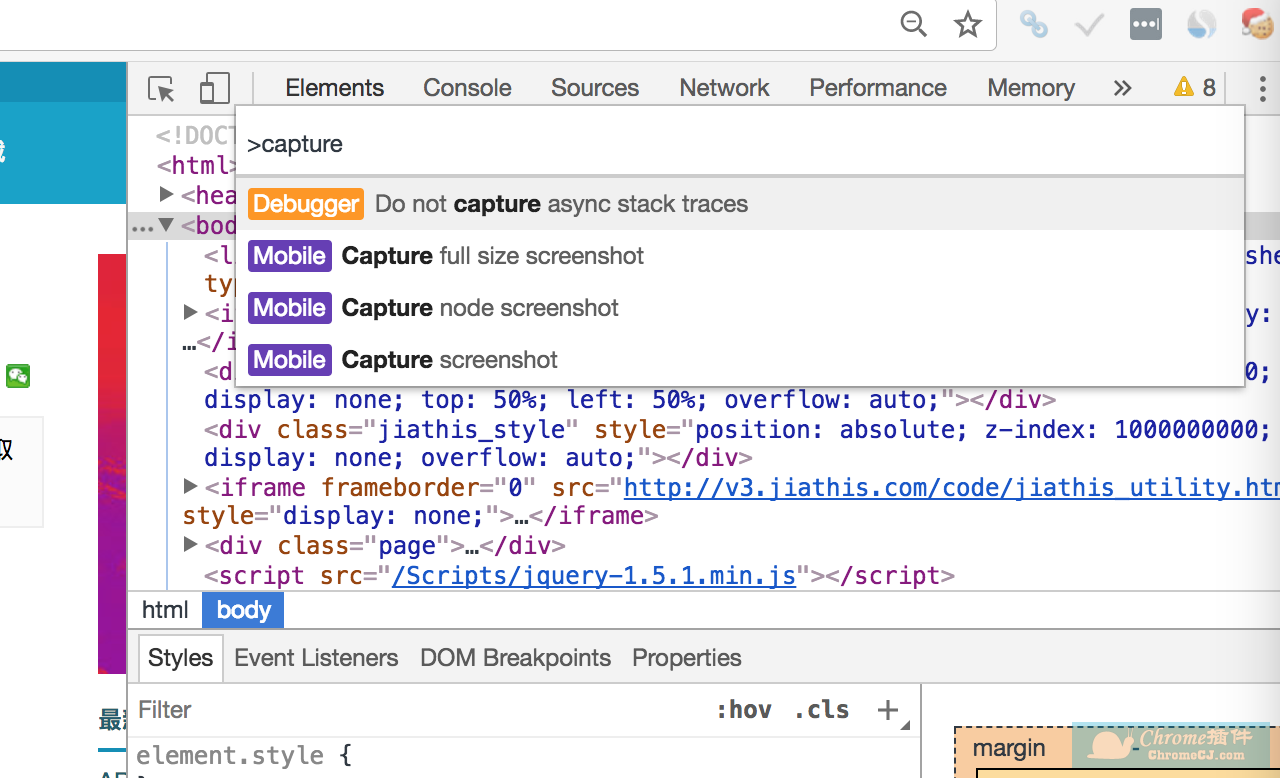
Browser screenshots of web pages
Step 1: Open Chrome Developer Tools (PC). Open the web page you want to take, then press F12 (right-click -> Check) (macOS is option + command + i) to call up the developer tools, and then press &q...
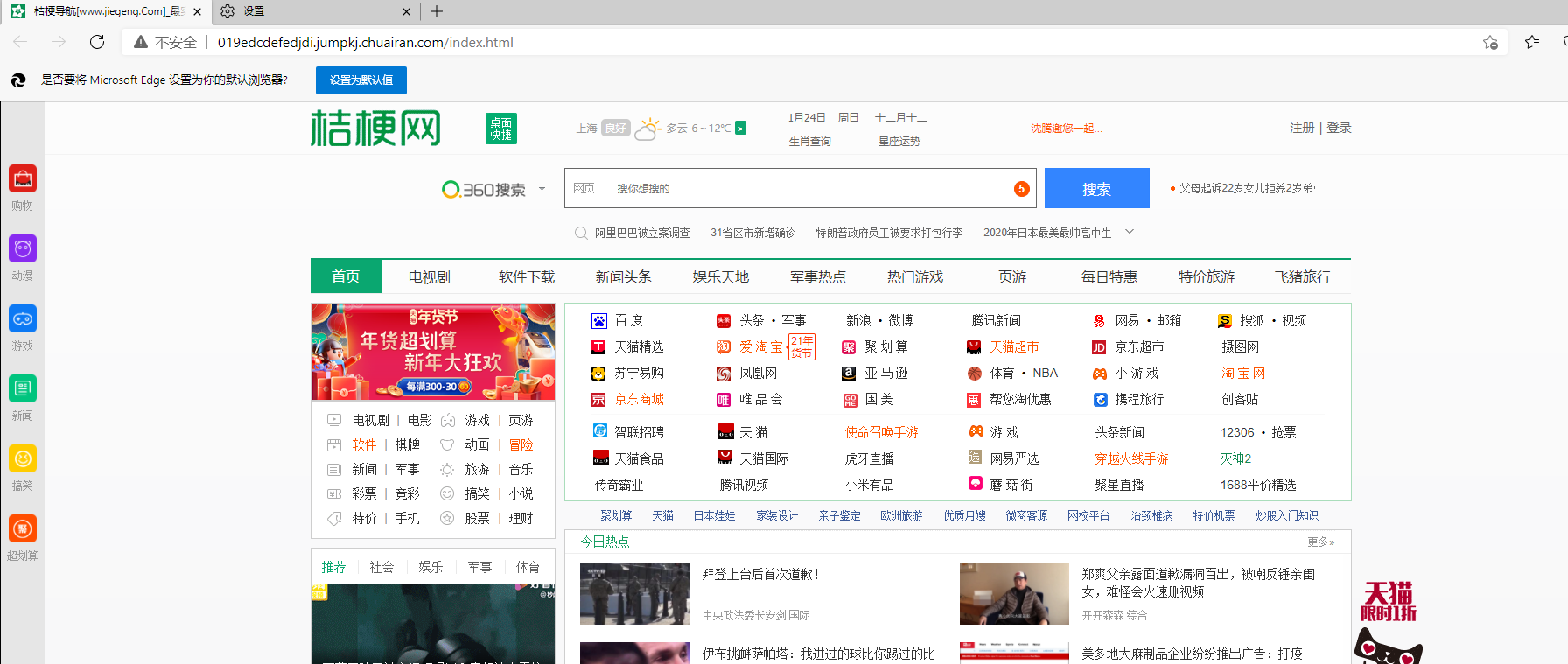
Browser web pages are hijacked
Have you ever encountered a web page being hijacked, but you opened it normally but found... Can this situation be tolerated? Can it be tolerated but there is no need First, don’t panic when ope...

The browser accesses web pages
The browser accesses web pages From entering the URL in the browser to displaying the content of the web page on the final screen, what steps did you go through in less than a few seconds? In fact, vi...
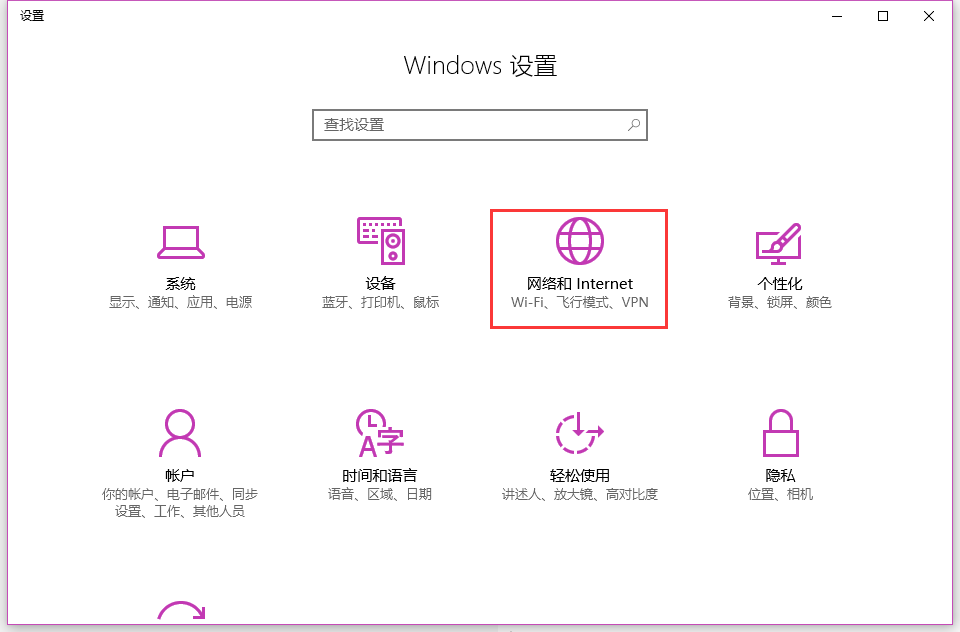
Browser opens web pages but can't find server IP address DNS error solution
Article catalog First, the problem: Second, the solution: First, the problem: The computer is connected, the browser opens the web page to find the server IP address, DNS error. Second, the solution: ...
Chrome Google Browser Opens any web pages without loading CSS, then load
I suddenly encountered a strange bug today. I was very good looking at the web, then I cleaned the garbage with the computer housekeeper, and then I suddenly loaded the CSS style after using Chrome, a...
More Recommendation
The react project closes automatically opens the browser and changes the default port number
Find package.json Change this line of code to the following figureYou can turn off the automatic opening of the browser and the port number is 8080...
Python opens the browser method
1. The default browser opens the web page Access the URL address in the system's default browser, if new = 0, the URL will open in the same browser window; if new = 1, the new browser window will be o...
Python simulates browser access to web pages, detailed use of Selenium library
(1) Selenium foundation Getting started tutorial:Selenium official website tutorial 1. Introduction to Selenium Selenium is an automated testing tool for testing websites. It supports various browsers...
Python-selenium implements multiple web pages in multiple tabs in one browser
How to open a new tab with SELENIUM? It is said that it is true to implement input Ctrl + T, but the test is completely incapable. After repeated exploration, I finally discovered a reliability for op...
Python selenium closes and switches browser tabs
Reference link:...