Python files are packaged into exe --- pyinstaller
tags: python Bale pyinstaller
Background: I made a project interface automation. Every time I realized it, I opened the project to run. I accidentally discovered a colleague ’s gadget without executing the code. I can directly open the exe to execute the function. And found it pretty simple.
Python downloaded from the official python official website, under the python installation pathD:\Python27\ScriptsCan be found
easy_install and pip.png
1. Make sure pip or easy_install is installed, enter "easy_install" in the cmd command line, and there is no prompt "xxx is not an internal or external command ...", it means that the easy install tool is successfully installed.
Check if esay_install.png is installed locally
2. The component that must be used to package the exe file is the pyinstaller file.esay_install pyinstallerorpip install pyinstallerJust install it. This method will install all the dependent files together. If it is an exe, the dependent files may be missing.
Install pyinstaller.png
3. mainrunner.py is the entrance of all methods, locate the mainrunner.py folder (need to locate the specific py folder, if it is the project folder name, package it Yes * .rar), enter the address of the main entrance python file in cmd, enterpyinstaller -F mainrunner.pyAfter running, the exe file is packaged successfully.
Package into exe.png
4. Generate a dist folder under the same path as mainrunner.py, and generate a mainrunner.exe file in it. Click it and it will run directly. You can check the results.
See where the exe is.png
Author: Moi marks
link: https://www.jianshu.com/p/cda59b805b9d
Source: Jianshu
The copyright belongs to the author. For commercial reproduction, please contact the author for authorization, and for non-commercial reproduction, please indicate the source.
Intelligent Recommendation
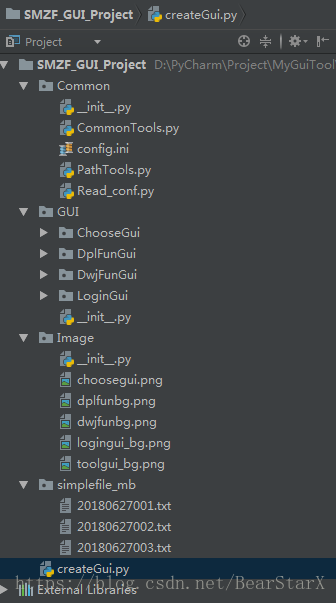
Pyinstaller (Python is packaged as an exe file)
Pyinstaller (Python is packaged as an exe file) Requirements Analysis: python scripts can't be run on a machine that doesn't have python installed, so package the script into an exe file, reducing the...

python- packaged into exe using pyinstaller
Python is a very concise and efficient language, especially suitable for the development of some commonly used tools, but every time it needs to be executed on the command line or IDE, it is more trou...
Python is packaged into EXE using Pyinstaller
Install Pyinstaller using PIP Classic packaging. Click on the file where your Python code is located. For example, you have the following folder Open the CMD in this path. For example, enter the CMD b...
Pyinstaller (Python packaged for EXE file)
2021-3-20 Today, I summarize: mainly, I want to achieve my own time to reward the target, but I can't put the other messy tools such as PY on the OC of the project group, so let the school girl pick i...

Python is packaged into exe about pyinstaller
background Recently, the company's unity needs me to write scripts to convert data, and convert word or txt questions and answers into json. Since unity programmers are busy recently, I have free time...
More Recommendation
Python program is packaged into exe -Pyinstaller
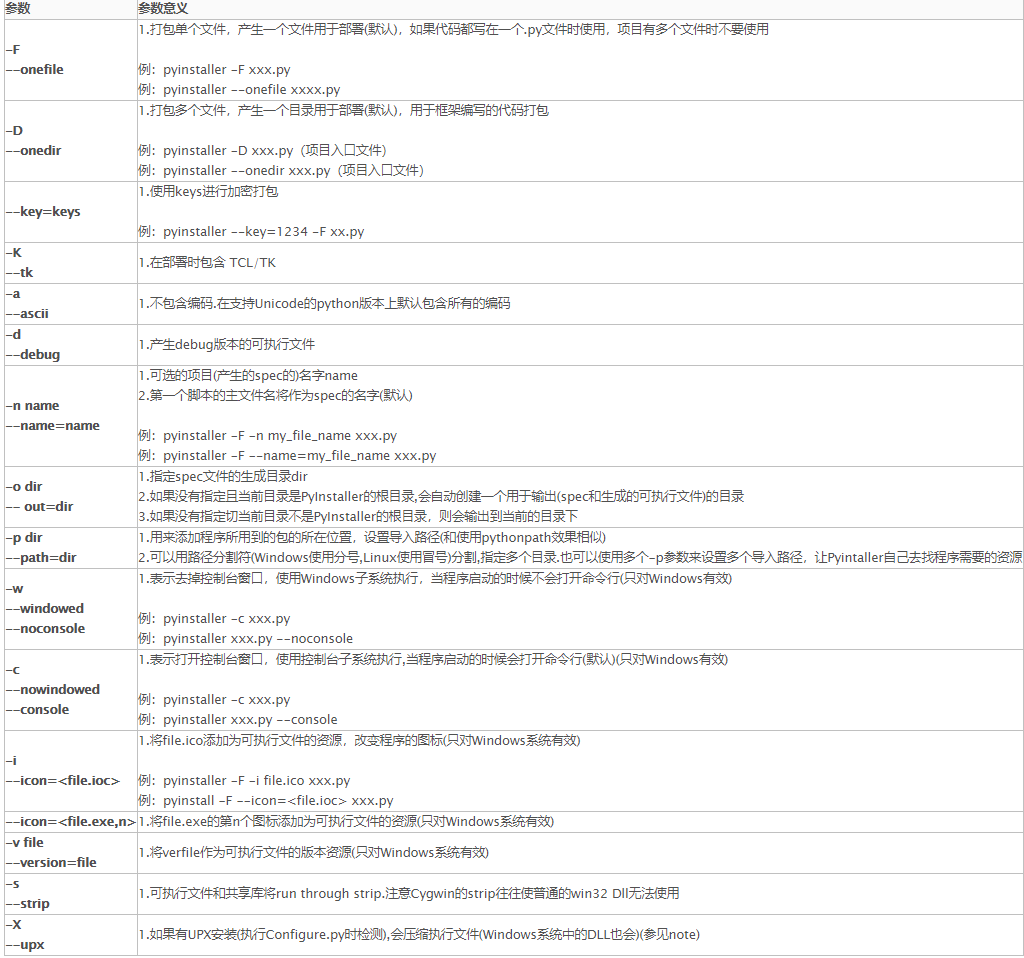
Install Pyinstaller package pip install pyinstaller Use the pyinstaller command Common parameters https://www.jb51.net/article/206825.htm eg: -W does not display the command line window (the command l...
The Python Pyinstaller packaged into the EXE (packaged in various modes)
Pyinstaller Python programs will be packaged into EXE Article Directory Pyinstaller Python programs will be packaged into EXE installation Overall process Parameter Description PY single file It conta...
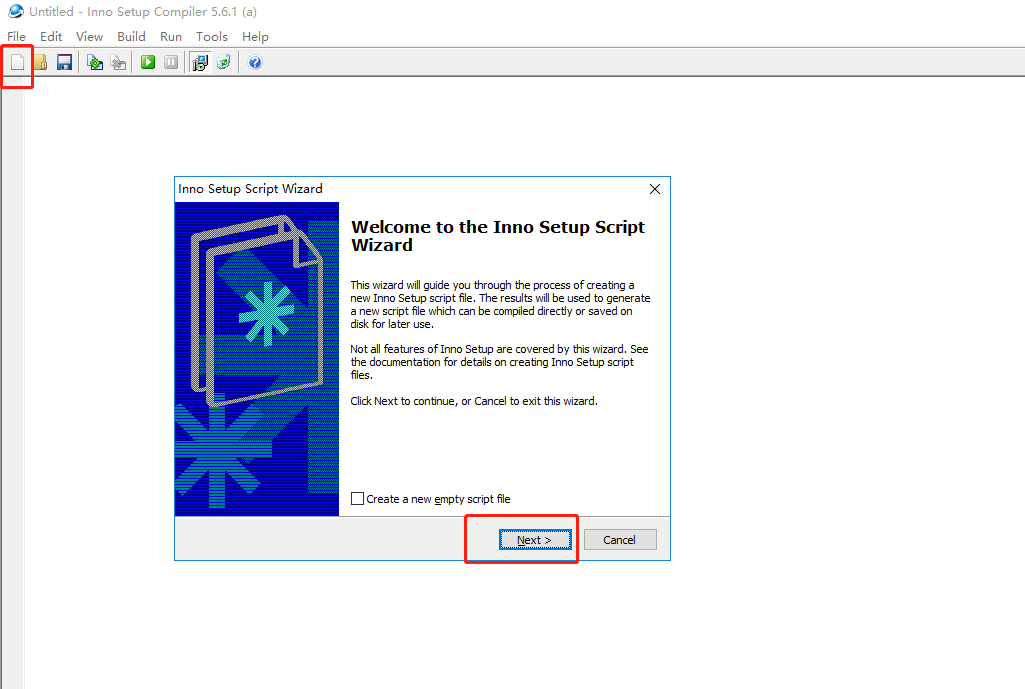
The prepared pyinstaller packaged into exe files installation package
This blog uses inno setup download and install the required software, not the python module (can not use pip install) after installation package generated according to the following steps, the install...

Will be packaged into exe files python
Accidentally discovered an interesting blogPython-- painting a beautiful cherry trees (different species of cherry + Rose + Oh Christmas Tree) Inside python draw with the beautiful images like this: T...
Python files are packaged into exe
Method: use pyinstaller 1): Install: 2): Enter the project path and execute: There is an .exe file in the dist directory, double-click to run...