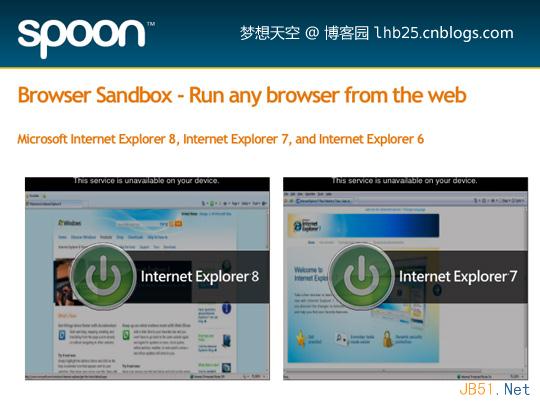
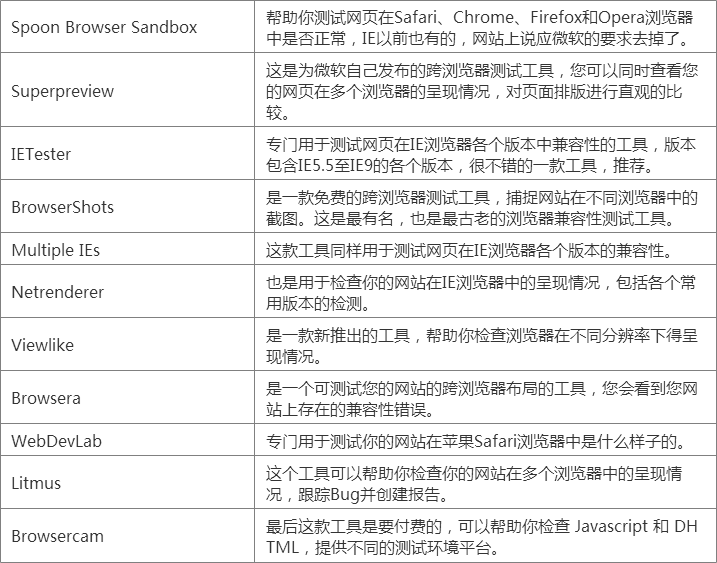
IETesterIs a IE browser multi-version test tool, can be easily switched in IE5.5, ie6, ie7, ie8, ie9, ie10, ie11, just install a software, you can solve the problem of N multi-ie browser, meet Most of the IE browser compatibility tests are tools for testing web pages that appear in different browsers, and have a visual interface for Office 2007. stand by Windows 7,Vista and XP,Windows 8 desktopSystem, and IETester has Chinese, English and other multi-language support.
I. Installation of IETester
(1) IETester download URL:https://ietester.en.softonic.com/
(2) After downloading, open and install
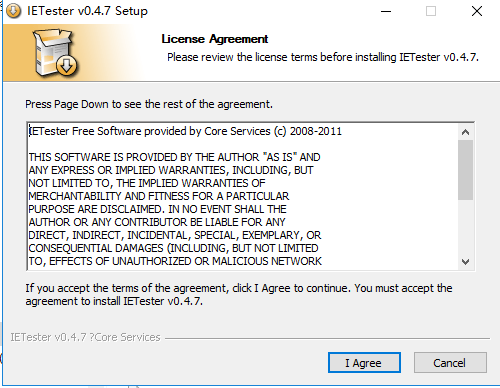
After the installation is successful, the icon will be displayed on the desktop.
II. Use of IETester
1. Introduction to the main interface of the software: After launching the program, you will find that the software is mainly divided into several sections, the homepage (mainly selecting the IE version), the developer option (you can use the DebugBar software to view the results of the webpage and view the website source), and the options. (View Internet properties and basic settings for the software) as shown below:
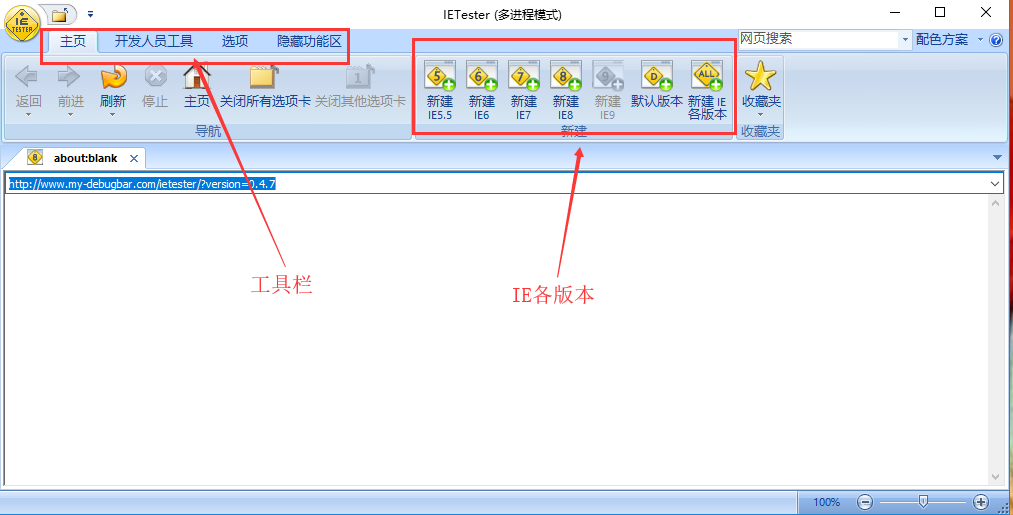
Click on the new ie6 (ie7/ie8) above, you can open a corresponding web page, enter the URL, you can test.