The difference between Pycharm Professional Edition and Community Edition
tags: PyCharm User Guide pycharm ide python
Table of contents
12.1 Student Certification Free Use Professional Edition

PyCharm Community Edition is designed for "pure Python".
PyCharm Professional Edition bundles WebStorm and DataGrip capabilities by default, providing first-class support for front-end technologies and databases, but also supports Python Web frameworks, data science, remote development, and Python analyzers.
1 Supported languages
| PyCharm Pro | PyCharm Community |
|---|---|
| Python and Jython | Python and Jython |
| Cython | |
| Rust 【Support through plug-in】 | Rust【Support through plug-in】 |
| Dart 【Supported via plug-in】 | Dart【Supported through plug-in】 |
| SQL | |
| HTML、XML、JSON、YAML | HTML、XML、JSON、YAML |
| XSL、XPath | XSL、XPath |
| Markdown | Markdown |
| JavaScript、TypeScript | |
| CoffeeScript、ActionScript | |
| CSS、Sass、SCSS、Less、Stylus |
2 Supported frameworks
| PyCharm Pro | PyCharm Community |
|---|---|
| React、React Native | |
| Angular、AngularJS | |
| Node.js | |
| Vue.js [supported through plug-in] | |
| Django、Flask、Pyramid | |
| PyQT | PyQT |
| Jupyter Notebook |
3 Generate tools
| PyCharm Pro | PyCharm Community |
|---|---|
| npm | |
| Webpack | |
| Gulp、Grunt | |
| Virtualenv/Buildout | Virtualenv/Buildout |
4 Integrated Developers
| PyCharm Pro | PyCharm Community |
|---|---|
| Embedded terminal | Embedded terminal |
| Database Tools | |
| HTTP Client |
5 Version control
| PyCharm Pro | PyCharm Community |
|---|---|
| Git、GitHub | Git、GitHub |
| Subversion | Subversion |
| Mercurial | Mercurial |
| Team Basic Server [Supported through Plugin] | Team Basic Server [Supported through Plugin] |
| Perforce |
6 Deployment
| PyCharm Pro | PyCharm Community |
|---|---|
| Docker、Docker Compose | Docker, Docker Compose [supported through plug-in] |
| Kubernetes【Support through plug-in】 | Kubernetes【Support through plug-in】 |
7 Collaboration and teamwork
| PyCharm Pro | PyCharm Community |
|---|---|
| Collaborative development | Collaborative development [Can invite up to 3 visitors, with a maximum session time of 30 minutes] |
| Setting up synchronization with JetBrains account | |
| Space Integration | Space Integration |
| Issue Tracker Integration |
8 Appearance
| PyCharm Pro | PyCharm Community |
|---|---|
| Custom theme [supported through plug-in] | Custom theme [supported through plug-in] |
9 Remote Interpreter
| PyCharm Pro | PyCharm Community |
|---|---|
| SSH | |
| Docker、Docker Compose | |
| WSL | |
| Vagrant |
10 License
| PyCharm Pro | PyCharm Community |
|---|---|
| Commercial | Open source construction |
11 Pricing
| PyCharm Pro | PyCharm Community |
|---|---|
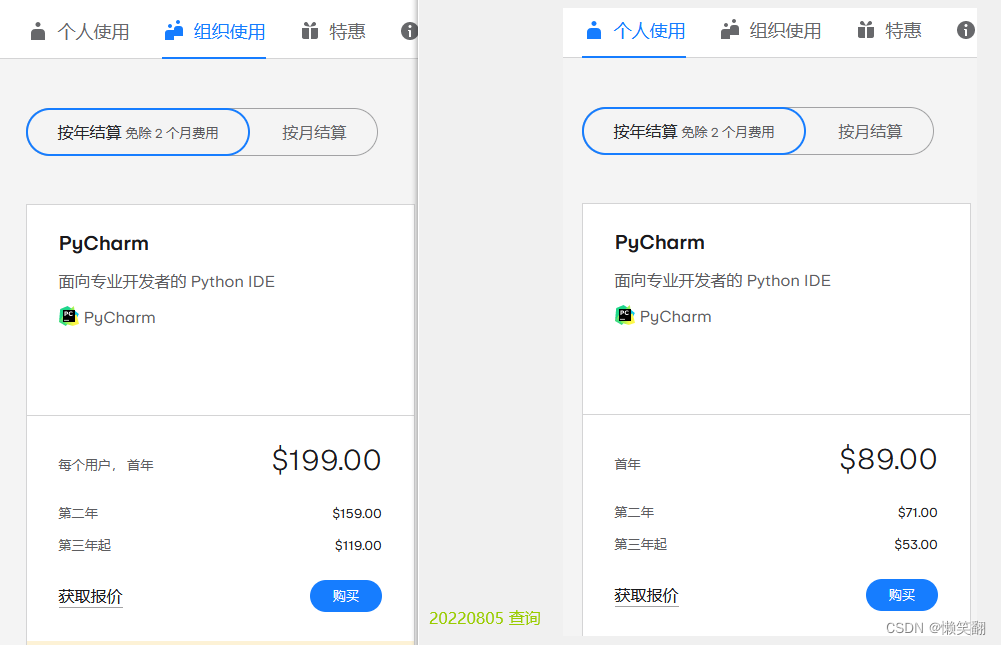
| 30-day free trial | free |
===============================================================
12 How to choose
In fact, if you study in the early stage, the community version is enough, but I personally like that the more functions, the better, the less money you spend, the better, it is best not to have money.
If you are a student, look at the first point
12.1 Student Certification Free Use Professional Edition
JetBrains uses student ID for student certification_Lazy and laughable blog-CSDN blog_jetbrains student certification
JetBrains uses email for student certification_Lazy and laughing blog-CSDN blog
The difference between Pycharm Professional Edition and Community Edition + Student Certification Approach
Intelligent Recommendation
How to install pycharm professional edition
Download the Po sister toolkit link:Extraction code: 3mv7 Go to the official website to find the previous version, if it is before 2020.1.3, I will download 1.2 Then skip Drag Pangjie.zip directly int...
Pycharm Professional Edition configure pytest
foreword I use flask, a lightweight framework of python. If you use flask’s xd like me and don’t know how to test it, I strongly recommend the official flask documentation. You don’t...

Pycharm Professional Edition Registration Tutorial
PyCharmProvide rich framework-oriented support for modern web development frameworks (such as Django, Flask, Google App Engine, Pyramid and web2py). Science ToolsPyCharmIntegrated with IPython Noteboo...
ubuntu16 installation pycharm Community Edition
View the official explanation givenhttp://www.jetbrains.com/pycharm/download/#section=linux Description Displays can execute the following command in ubuntu1604 or later installed pycharm Pro Execute ...
More Recommendation
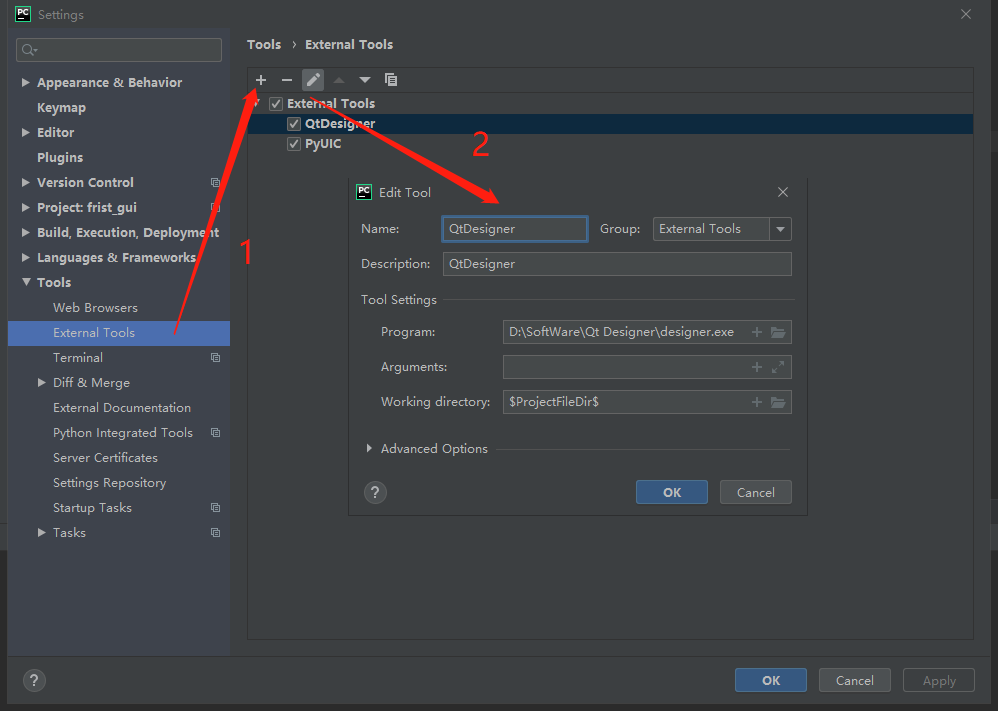
Pycharm Community Edition with QtDesigner and PyUIC
The configuration of QtDesigner and PyUIC is relatively simple, the important thing is that the specific configuration method of parameter configuration is as follows 1. Configure QtDesigner first The...
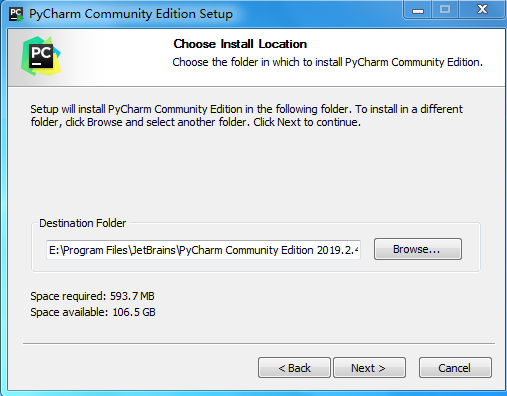
PyCharm Community Edition Installation Tutorial
PyCharm is a powerful Python editor with cross-platformity. In view of the fact that the latest version of PyCharm uses fewer tutorials, in order to save time, let me introduce how PyCharm is installe...
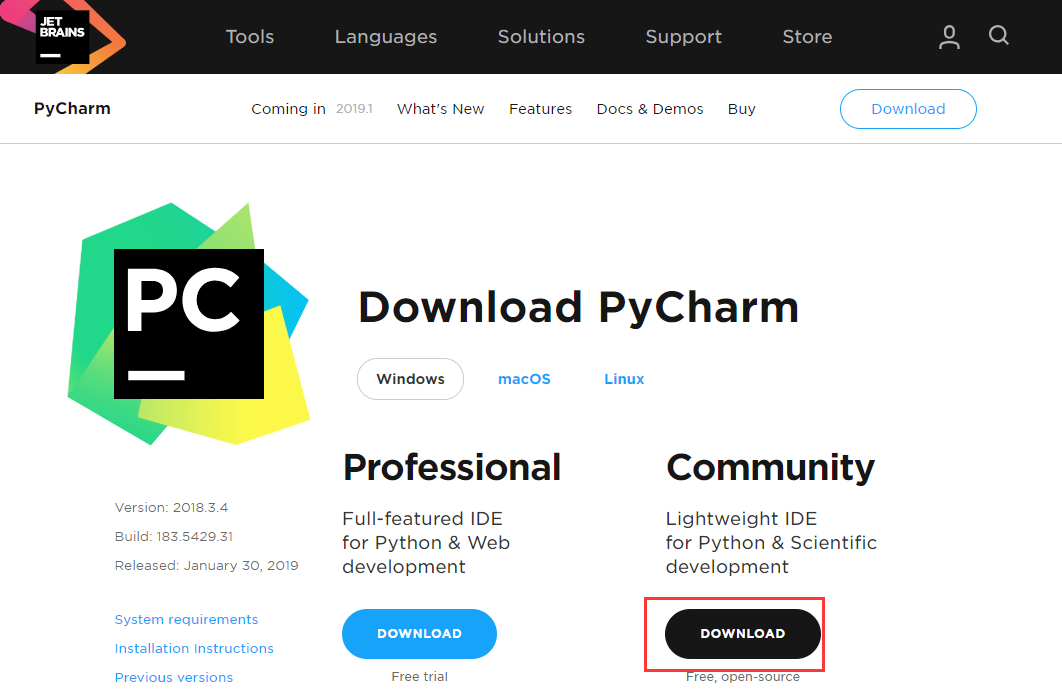
Download and installation of PyCharm Community Edition
Original link:Download and installation of PyCharm Community Edition Download and installation of PyCharm Community Edition Take the PyCharm 2018.3.4 community version as an example: turn on:PyCharm o...
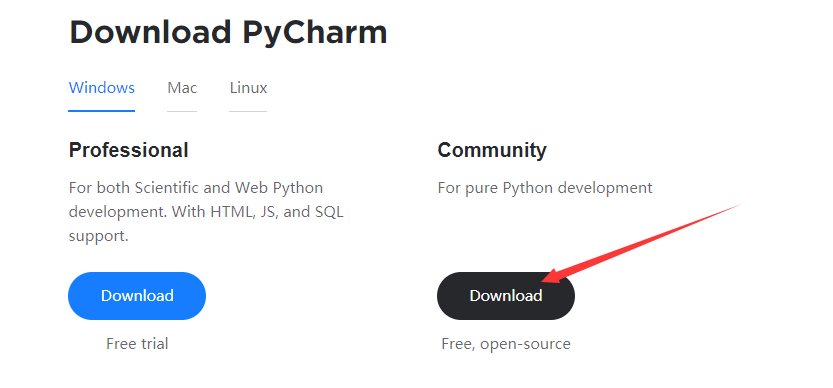
PyCharm Community Edition download and install
download link:https://www.jetbrains.com/pycharm/download/#section=windows Double-click to run, go to the next step, only here need to be checked Open the software and create a new project setting &nbs...

Pycharm Community Edition to connect to the database
How to connect to MySQL in Pycharm Community Edition 1. Open the setting (setting) 2. Click Python Interpreter 3. Click the + sign 4. Search pymysql, click PyMySQL, and then click Install Package So y...