Powerdesigner export existing database design-sample mysql
tags: Practical problems mysql powerdesigner database
1. Install mysqlodbc
https://downloads.mysql.com/archives/c-odbc/
The version number is consistent with the version of the database to be exported and the following figure appears
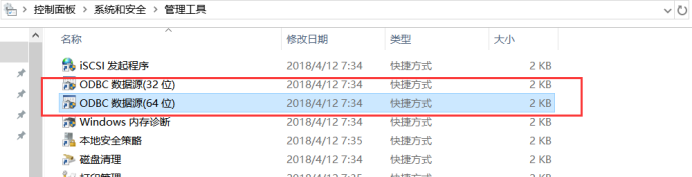
Then configure the odbc data source, configure and test can connect to the next step (if the connection error indicates that the version number is inconsistent with the connection database or the number of digits is inconsistent with powerdesigner)
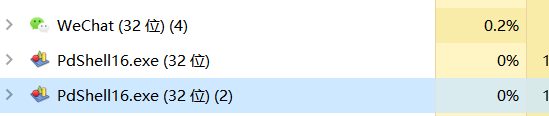
View digits-task manager view
1. Open the management tool under the control panel under windows and find the ODBC data source.

2. Click the [Add] button in the [User DSN] tab, and then select "MySQL ODBC 8.0 Unicode Driver".

[Note]: The difference between "MYSQL ODBC 8.0 ANSI Driver" and "MySQL ODBC 8.0 Unicode Driver" should be explained here:
① MySQL ODBC 8.0 ANSI Driver only targets a limited range of character sets;
② MySQL ODBC 8.0 Unicode Driver provides more character set support, that is, it provides multi-language support.

3. Fill in the configuration information
The first two options can be filled in based on the project function information; then fill in the TCP / IP Server and Port according to the specific situation; then the MySQL user name, password, database name.

【Description】
Data Source Name: Data source name, can be customized (preferably linked to the project function)
Description: Description of this data source, main functions, etc., can be left blank
TCP / IP Server: server name, either machine name or IP address; if it is local, you can fill in "localhost"
Port: The port number of the MySQL service, the default is 3306, or you can set it yourself when installing MySQL
User: User name, default is root, or set by yourself when installing MySQL
Password: Password
Database: database name
After filling in, you can click the [Test] button to test whether the connection is successfully configured! If successful, there will be a success prompt!
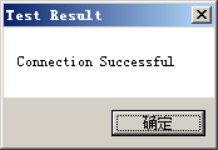
If the test is successful, click the [OK] button again!
4. The newly created ODBC can be viewed at the user DSN.

2. Powerdesigner connects to the database and imports the table as a model diagram


At this time, if 1 can be found in the control panel odbc, then directly enter the user name and password to connect, if not, click 2

Here is the same, choose if you have configured before, if not, go to the next step
Select and confirm


Then wait for ok to finish the data
3. At this time, our table has the same name and code and needs to be converted. We used to build the table before and the comnent means Chinese characters. In fact, the name in the powerdesigner means Chinese characters. comment It is a comment, so it needs to be converted here (here, why not use the method of exporting the data from the database to the data structure and import it into the model, because after that, the table name cannot be imported, so the table has only English names, and Chinese characters cannot appear. The table name needs to be Chinese, you can directly export the database table to sql file without connecting, and then import)
Comment convert name code
Option Explicit
ValidationMode = True
InteractiveMode = im_Batch
Dim mdl 'the current model
'get the current active model
Set mdl = ActiveModel
If (mdl Is Nothing) Then
MsgBox “There is no current Model”
ElseIf Not mdl.IsKindOf(PdPDM.cls_Model) Then
MsgBox “The current model is not an Physical Data model.”
Else
ProcessFolder mdl
End If
'This routine copy name into code for each table, each column and each view
'of the current folder
Private sub ProcessFolder(folder)
Dim Tab 'running table
for each Tab in folder.tables
if not tab.isShortcut then
if len(tab.comment) <> 0 then
tab.name = tab.comment
end if
On Error Resume Next
Dim col 'running column
for each col in tab.columns
if len(col.comment) <>0 then
col.name =col.comment
end if
On Error Resume Next
next
end if
next
end sub
Copy the code, open the code execution window, run

Now it is a table that can be exported


4, Now start to configure the export template, I have configured a
wordTemplate。Rtf


The rest do not care, you can directly default
Double-click the node to edit the Chinese description
Template name – right click – Header / Footer… – custom header and footer
After preparing the template, proceed to the next step
5, generate


Choose the template click here

Once selected, it can be generated, remember to choose the language, simplified Chinese

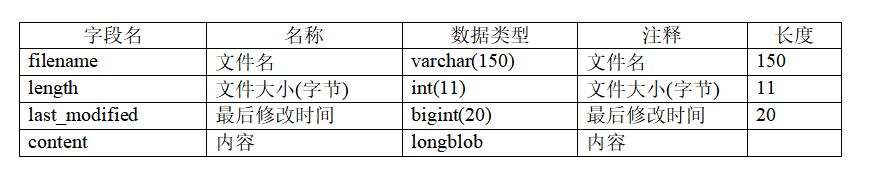
template connection
https://download.csdn.net/download/zdrewq/12363181
Intelligent Recommendation
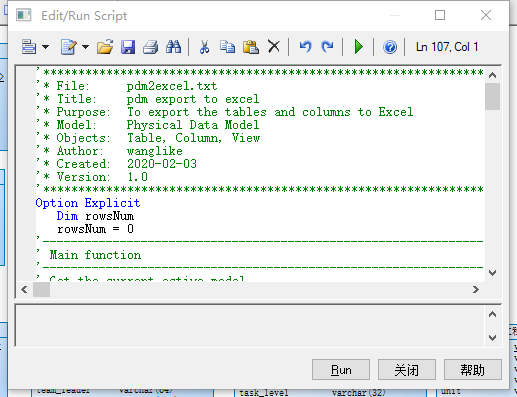
[Checking Leaks and Filling In]-Export of PowerDesigner database design to Excel
demand When using PowerDesigner to design the database, export the table structure to Excel method Execute the prepared script in Tools --> Execute Commands --> Edit/Run Script to export the dat...

Use PowerDesigner to export the table structure of MySql database to generate ER diagram
1. Create a new model in PowerDesigner. File ----New Model, select the Physical Data Model type in the pop-up dialog box, fill in the Model name and click [OK]. 2. Click on "Database" -> ...
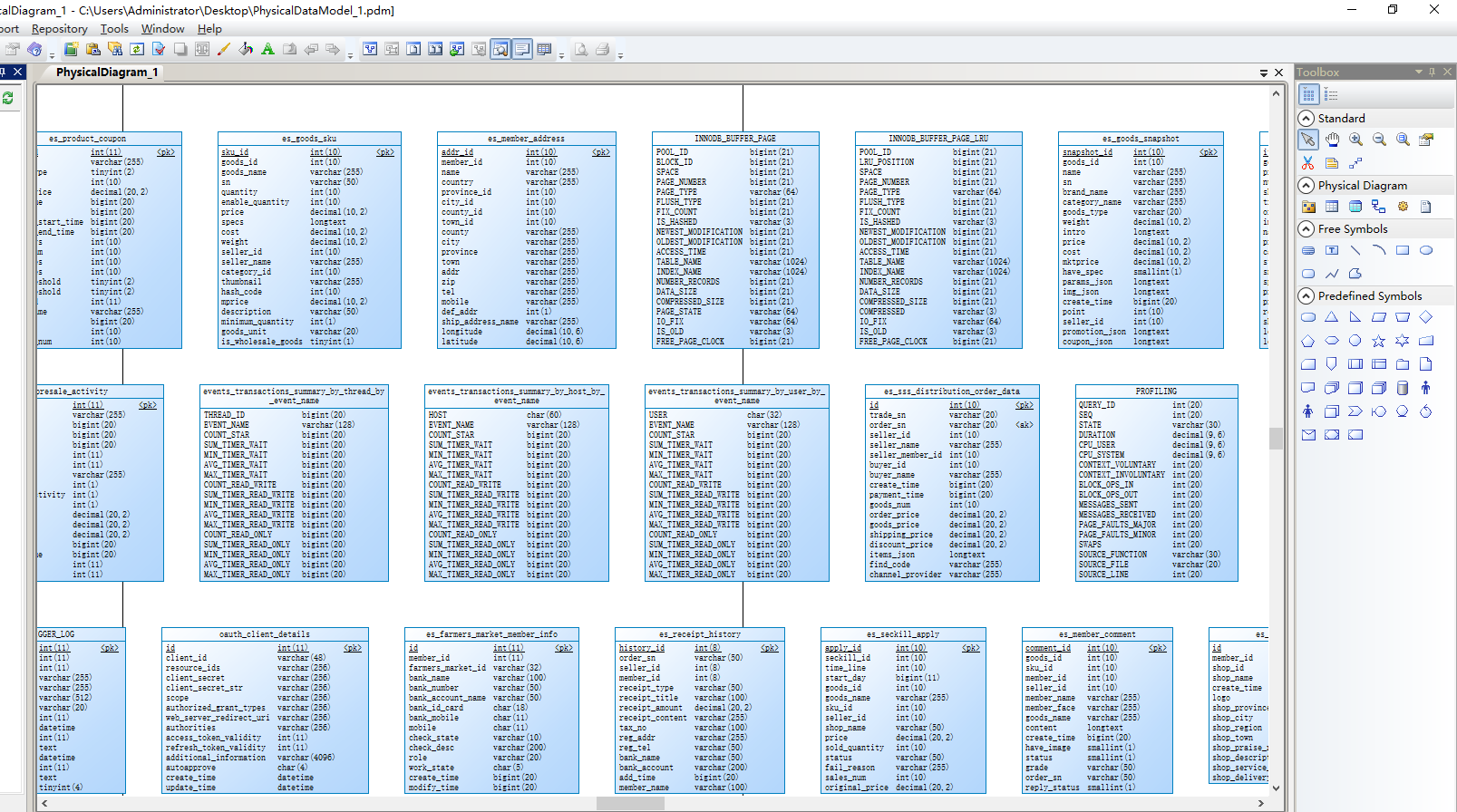
PowerDesigner 165 connect to Mysql database and export PDM file
Install mysql odbc first (note that you must install 32-bit) mysql odbc link:https://dev.mysql.com/downloads/connector/odbc/. PowerDesigner 165 is just one-key fool-style installation. PowerDesigner 1...
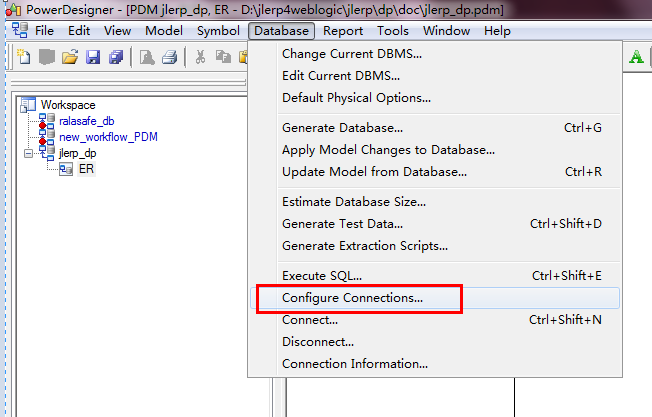
Use PowerDesigner to import tables in an existing DB2 database
Reference link 1. Use PowerDesigner to import tables in an existing DB2 database For reverse guide data, there are many articles on the Internet, but how to generate the dcp file required by DB2, most...
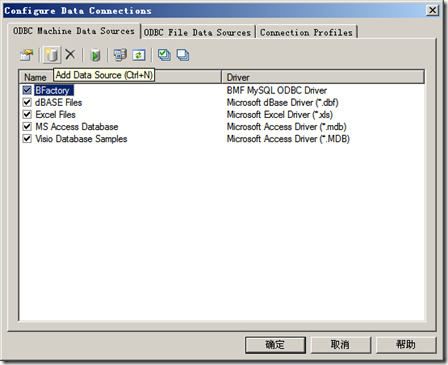
Use PowerDesigner to reverse engineer an existing database
One: Configure the data source 1. Start PD 2. Menu: Database->Congfigure Connections to pop up the Congfigure Data Connections dialog box Click the Add Data source button, and the Create New Data S...
More Recommendation
PowerDesigner usage and database design
Foreword As we all know, the beginning of a project must be designed for database tables, and the design of database tables and relationships depends on PowerDesigner. This chapter describes the use o...

Database design with Visio and PowerDesigner
Step 1: Draw the E-R diagram of the database design in Visio The first question to be faced is, what type of drawing is used? The answer is the block diagram. It should be noted that it is a "blo...
PowerDesigner fast database design
Foreword Recently changed a new company. Then the team is a new component, to start the project from scratch. After getting the business requirements, the essential is the database design. Because I h...
Use PowerDesigner for database design
Here is a preliminary design with PowerDesigner, there may be modifications later. 1. Start PowerDesigner to create a new physical data model 2. Toolbar 3. New table model ...
Database design PowerDesigner
This part mainly uses PowerDesigner for database design, mainly including conceptual model and logical model design. For how to install this software on the winxp virtual machine, please refer to my o...