When vue element ui uses the el-table component, the table will be disordered after the column is fixed
tags: vue el-table fixed Form disorder
After using the fixed attribute, the fixed column and other columns are misaligned. When the fluid height and the left and right columns are fixed at the same time, this problem occurs when you slide to the bottom to turn the page. Google and Firefox are normal. The browser and The 360 browser will be misaligned. It should be that scrollTop does not take effect in the fixed column. I found many methods and doLayout does not work. Then I wrote it myself.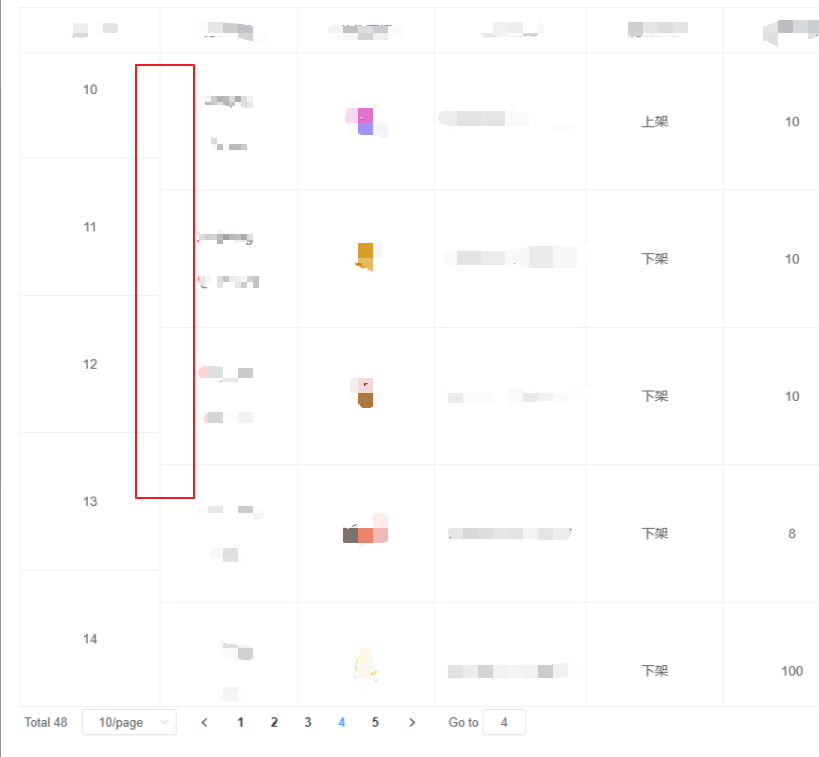
this.$nextTick( ()=> {
    this.$refs.tableRef.bodyWrapper.scrollTop = 5
})//Used when requesting data, which is equivalent to manually sliding the form
Before this, I also used the column setting: key="Math.random()". Although it worked, there were many problems. For example, when my page uses the multi-select box function in el-table, it will report wireless loop. Errors caused the webpage to stay stuck, and when the table was rendered with pictures, the rendered pictures flashed after clicking on the page, and there was no way to copy the text in the table. I tried to re-render the page with doLayout, but it seemed not It works, this is the only way to solve my real project for the time being, so record it, and hope that some great gods can give some pointers
Intelligent Recommendation

Element UI, El-Table fixed column, adaptive height, adaptive width
Element UI, El-Table fixed column, adaptive height, adaptive width Effect Adaptive width style="width:100%" <el-table :...
Solving the Vue Element-UI El-Table component After the page is changed, the selection before the Table data changes is not emptied.
The Element-UI documentation has been very clear. To achieve a page check, it is necessary to sacrifice "the advantages of" data change options " This can only be manually cleared when ...
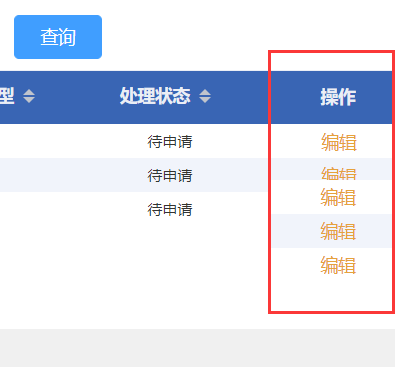
Vue Element table uses FIXED fixed column and switch the menu when switching the menu
During the development of the list of data items, the operation columns need to be fixed, so FIXED = "Right" was added to the operation column. There was no problem at first, but there was a...

Dynamic display column component based on Element-UI el-table
Dynamic display column component based on Element-UI el-table Preface Get started Realize dynamic display column end Preface Because the project to be done by the company wants to dynamically control ...
More Recommendation
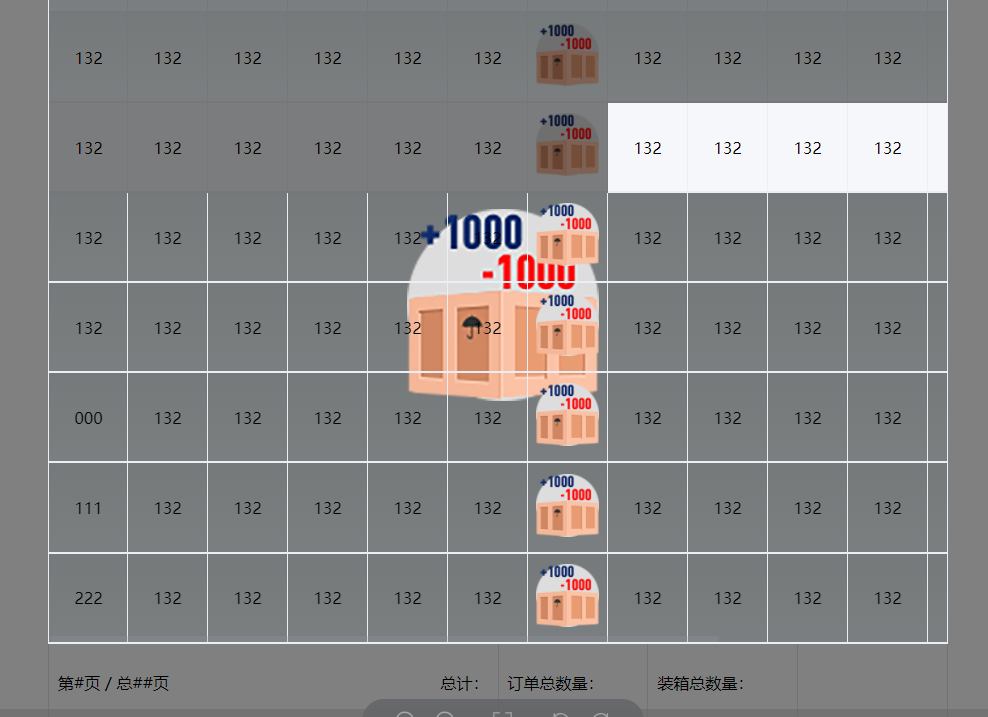
Element-Plus El-Table El-Table-COLUMN component uses a slot to load the El-IMAGE component to preview
Problem reproduction Analyze the reasons It can be found .image-viewer_wrapper The element of the class name is to preview the picture of the picture. The box is set at Z-IDex: 2006 but it is still bl...
After the fixed column in the element-ui table, the height is not correct
When the last column is the fixed attribute, the height will appear not to fill the entire height of the parent element, so a gray line Solution: Add a class = "table-fixed" to the <el-ta...
There is a height confusion problem after the fixed column in the element-ui table
When the last column is the fixed attribute, the height will appear not to occupy the entire height of the parent element, so a gray line will appear Solution: Add a class="table-fixed" to t...
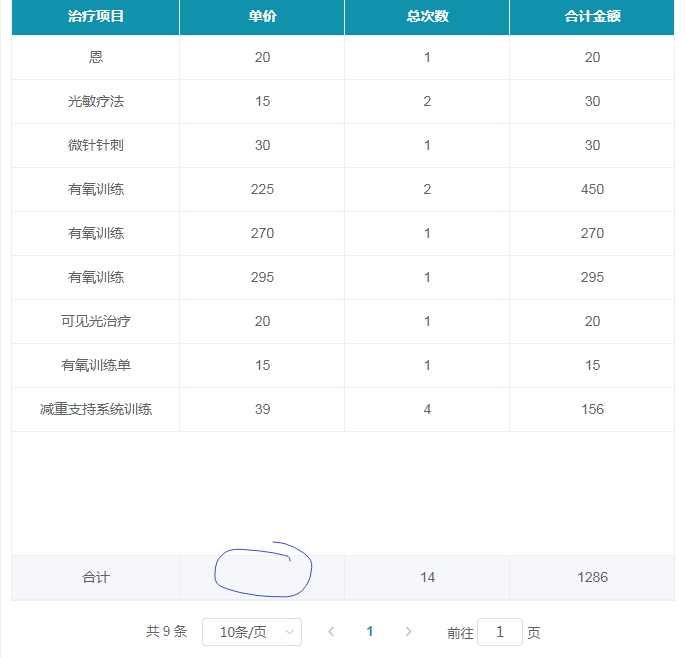
VUE uses the Elementui table EL-TABLE component to specify a column not
VUE uses the Elementui table EL-TABLE component to specify a column not Steps for usage Renderings 1. Add a table customize total API- Show-Summary and Summary-Method The code is as follows (example):...
Element-UI Table Table Fixed Column
Today, a small partner asks me, how to fix those columns in Element, how to fix those columns? In fact, it can make the key in TableData, and Fixed can be placed inside, the code is as follows: ...