Packet Capture frame DPDK

Packet Capture frame DPDK

This article describes how to use the captured frame packet capture DPDK packets DPDK port, for those who wish to learn more about the characteristics thereof capable of monitoring user traffic or control apparatus DPDK reference.
DPDK frame by the packet capture library DPDK The pdump DPDK The pdump tools and composition, is initially introduced in DPDK v16.07.
DPDK pdump libraries and tools pdump
(http://dpdk.org/doc/guides/prog_guide/pdump_lib.html?highlight=librte_pdump)
librte_pdump library service to those who are asked to allow the user initialization packet capture framework to enable or disable packet capture capabilities API. The library is suitable for the client / server model, and is recommended for debug.
"Dpdk-pdump" is based tool librte_pdump library development, operating as DPDK secondary process, and the ability to enable or disable packet capture function on DPDK port. dpdk-pdump tool provides a command-line option, the user can request to enable or disable packet capture function on the port DPDK this option. dpdk-pdump main application tool can only capture the packet with the use of the initialized frame.
Application initialization packet capture framework as a server, enable or disable packet capture application functionality as a client. The Rx and Tx server data packet is sent from the client to DPDK port.
Modified DPDK 'testpmd' packet capture application to initialize the frame, as a server, dpdk-pdump tool as a client. If you want to view testpmd of Rx or Tx packets should first start the application, and then start dpdk-pdump tool. testpmd packet is transmitted to the first pdump tool, and then transmitted from the tool to the pcap pdump PMD apparatus, the apparatus according to the final command line option packet writing pcap file or external interface.
test environment
Figure 1 illustrates the manner dpdk-pdump packet capture tool on DPDK port.

Figure 1: dpdk-pdump tool DPDKPacket capture port
Configuration Steps
The following steps demonstrate how to run the Rx end packet dpdk-pdump tool to capture dpdk_port0 and use tcpdump to monitor.
1. Build DPDK according to the installation file, make sure DPDK meet the following set of configuration options:
CONFIG_RTE_LIBRTE_PMD_PCAP=y
CONFIG_RTE_LIBRTE_PDUMP=y
2. Start testpmd as the main applications:
sudo ./app/testpmd -c 0xf0 -n 4 -- -i --port-topology=chained
3. Start pdump tool according to the following instructions:
sudo ./build/app/dpdk-pdump -- --pdump 'port=0,queue=*,rx-dev=/tmp/capture.pcap'
4. send traffic to flow through the generator dpdk_port0
5. Use the tool can parse pcap file to view the contents capture.pcap, such as tcpdump:
$tcpdump -nr /tmp/capture.pcap
reading from file /tmp/capture.pcap, link-type EN10MB (Ethernet)
11:11:36.891404 IP 4.4.4.4.whois++ > 3.3.3.3.whois++: UDP, length 18
11:11:36.891442 IP 4.4.4.4.whois++ > 3.3.3.3.whois++: UDP, length 18
11:11:36.891445 IP 4.4.4.4.whois++ > 3.3.3.3.whois++: UDP, length 18
in conclusion
In this article, we introduced the DPDK pdump pdump libraries and tools, as well as the flow of how to use them to transport captured on DPDK port.
other information:
For more information on librte_pdump dpdk-pdump libraries and tools, see the following link.
"DPDK Programmer's Guide" (http://dpdk.org/doc/guides-16.07/prog_guide/pdump_lib.html)There are special sections detail the mode of operation librte_pdump library.
"Sample Application User Guide (http://dpdk.org/doc/guides16.07/sample_app_ug/pdump.html)There is a special section describes dpdk-pdump applications.
Use the DPDK pdump feature with open vSwitch*(Https://software.intel.com/en-us/articles/dpdk-pdump-in-open-vswitch-with-dpdk) This article describes the use of dpdk-pdump in OvS-DPDK configuration.
Any questions, please send an email to [email protected] consultation.
This translation from Intel Developer Zone, click on the bottomRead the originalView the original English version ~
About the Author
Reshma Pattan is Intel's networking software engineers, its main areas of work for the development of DPDK data plane libraries. Contribution to DPDK include the addition of a data packet reordering libraries, data packet sequencing sample application, pdump libraries and dpdk-pdump tool.
DPDK open source community
Past Featured
DPDK open source community

Press two-dimensional code Follow us
Intelligent Recommendation
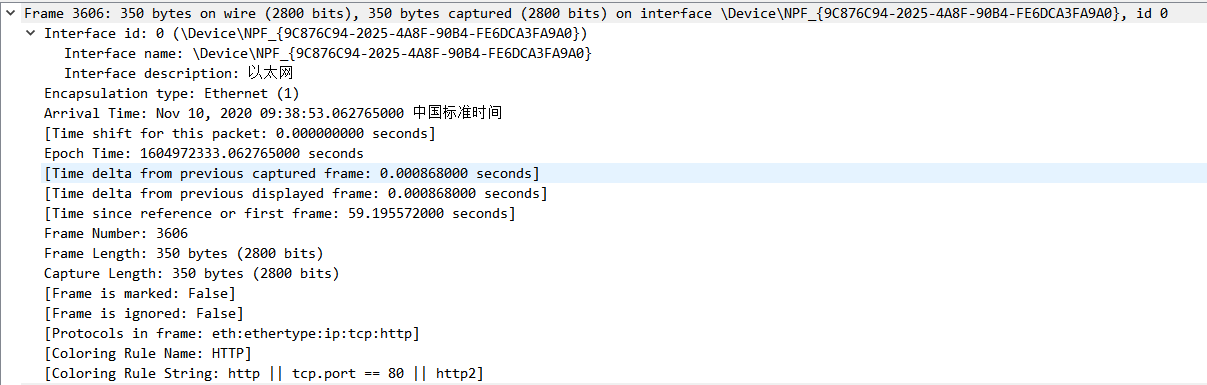
Wirehark packet capture analysis (1) the physical layer Frame
(1) Frame (physical layer): Overview of the data frame of the physical layer (2) Ethernet II (link layer): Data link layer Ethernet frame header information (3) Internet Protocol Version 4 (network la...

Packet capture
This is an Android-based capture tool. We plan to use it to capture the vibrato. First, we have to install two software. (1) Configure the app At this point, the software can be u...
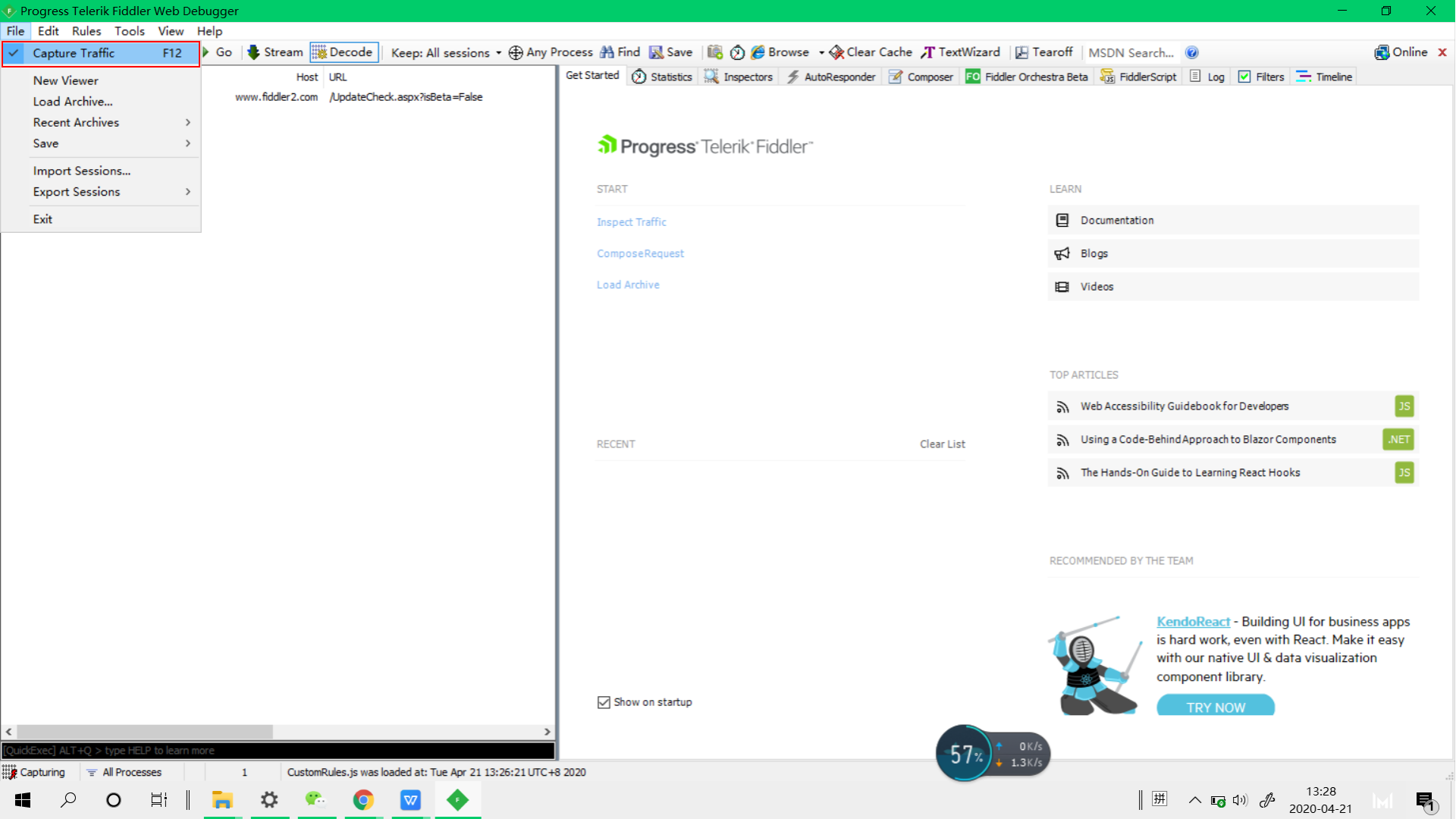
1. Fiddler packet capture-open packet capture and pause packet capture
1. Turn on packet capture: Open Fiddler, click the ‘File’ button, and check the Capture Traffic option (the default is the checked state), as shown in Figure 1.1 2. Pause / close the packe...
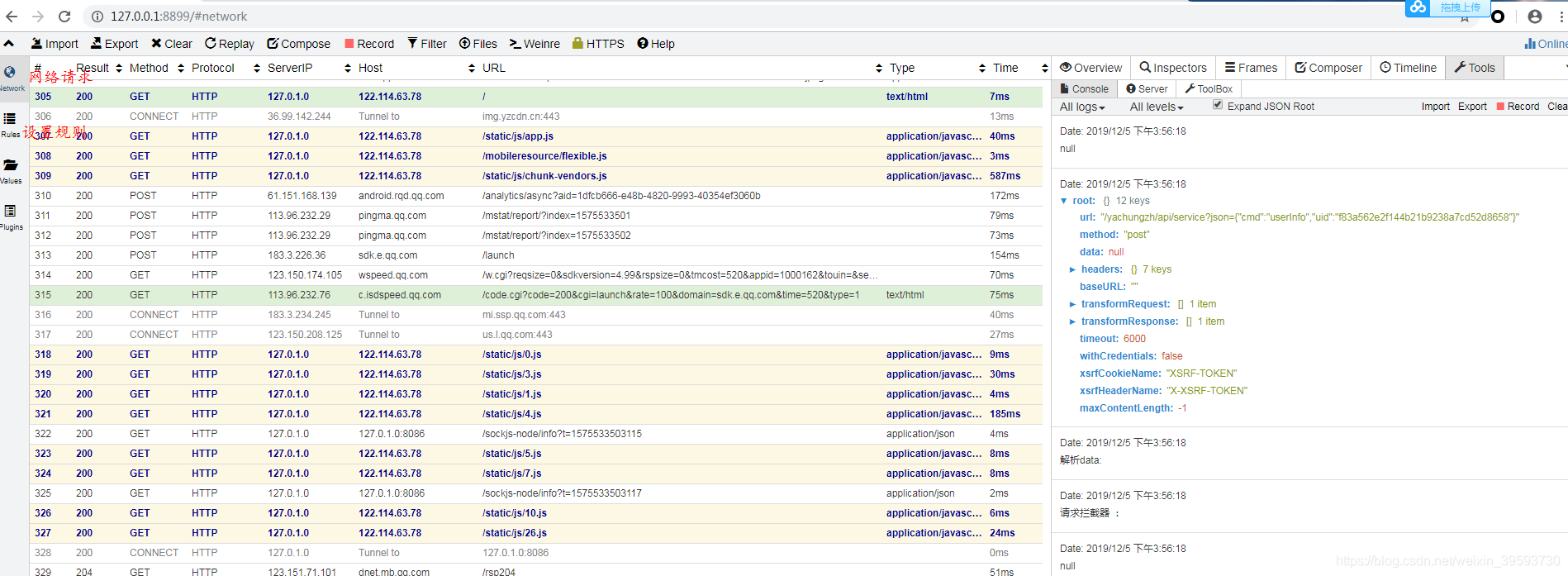
whistle packet capture tool, mobile packet capture, https packet capture
1. Basic configuration ## 1.whistle official websiteClick to jump 2. Installation 3. Start After the startup is complete, open 127.0.0.1:8899 under chorme and you can see the corresponding interface: ...

Explain wpe packet capture, packet
I believe most of my friends are in use WPE, because here there are many good tutorials, we all worked hard! Let us talk about the case of contact with the WPE. Was like in 2011, I did not know the ga...
More Recommendation
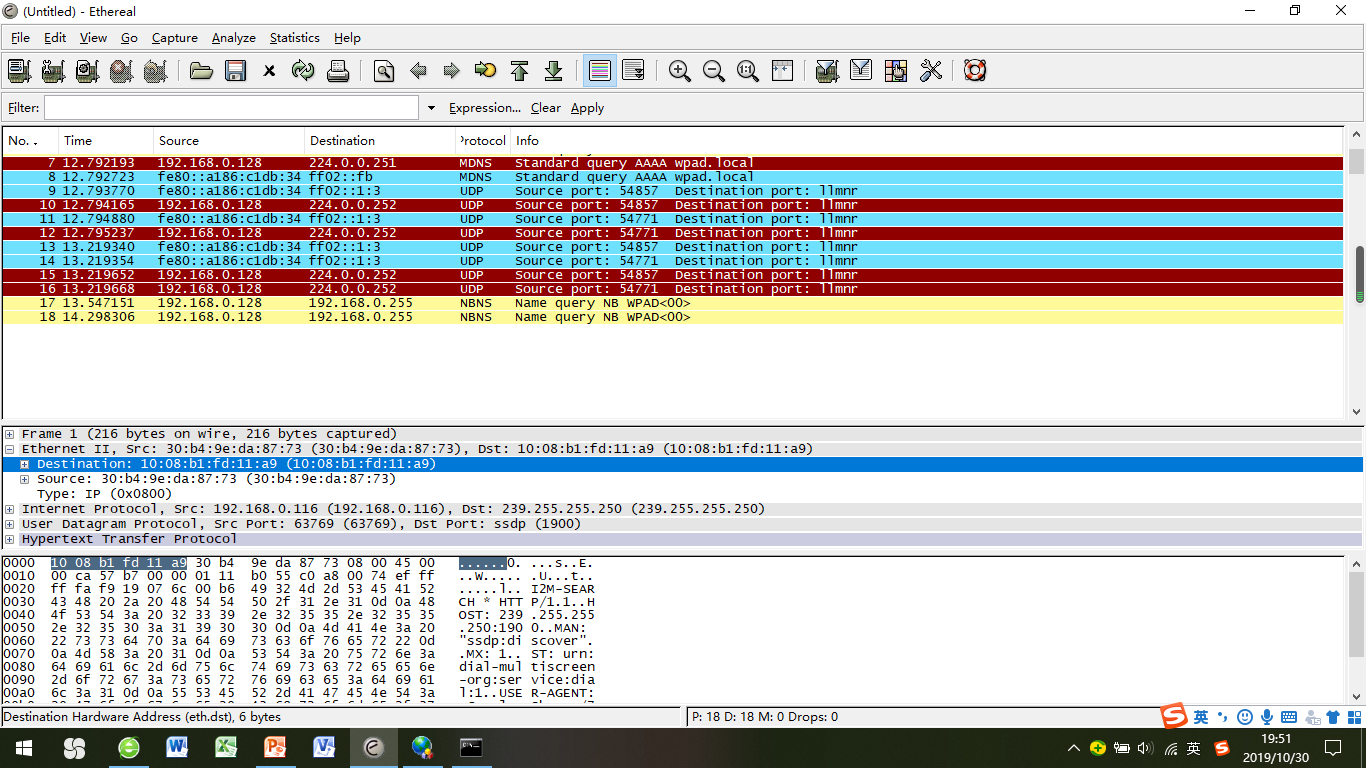
TCP / IP Detailed (2) Data Link Layer Data Frame Format and Packet Capture Test
The transmission of the data frame of the data link layer depends on the transmission of the physical address, so the destination address and the original address here refer to the physical address. F...
Network experiment: wireshark packet capture + screening + data frame and MAC address preliminary understanding
The first packet capture experiment with wireshark Purpose 1. Master the use of the network analysis tool Wireshark 2. Understand the Ethernet data frame format and MAC address. Experimental content a...

Fiddler2 http packet capture and https packet capture
Fiddler2 required configuration 1) Tools -> Options Port 8888, and remember to check to monitor 2) Install the root certificate on the phone In the browser, enterhttp://Computer ip:8888, Clic...

Fiddler packet capture 0-packet capture analysis
working principle working principle Fiddler works in the form of a proxy WEB server. The browser and the server communicate with the HTTP protocol by establishing a TCP connection. The browser ...
Dpdk receiving data packet principle analysis
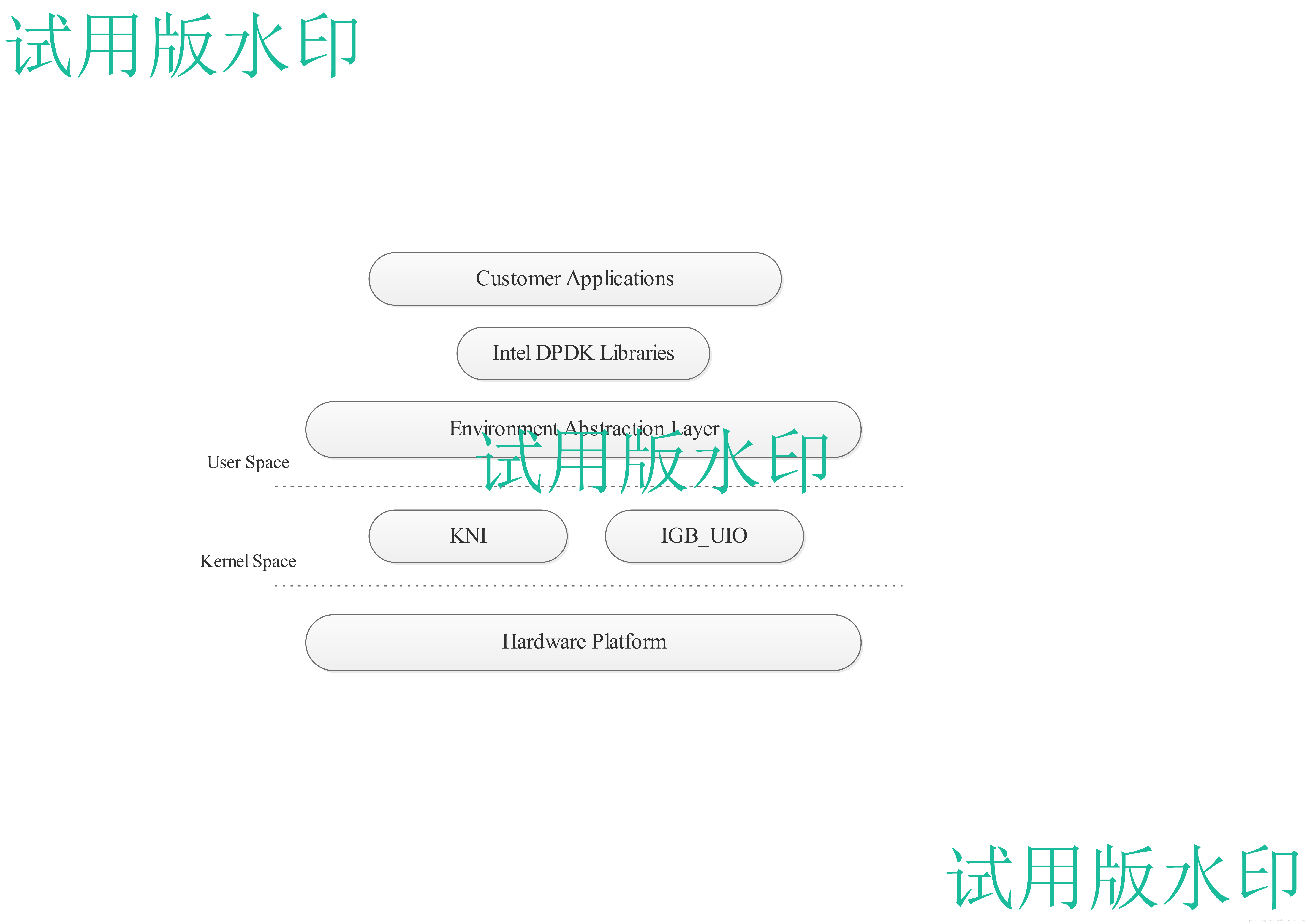
Dpdk receiving data packet principle analysis Summary In this paper, the principle of dpdk packet capture technology is analyzed, and its advantages and disadvantages are introduced. The EAL-based app...