secureCRT connect to mac local terminal
tags: securecrt
First download the secureCrt client
(Baidu cloud disk password extraction: 1haw)
SecureCrt installation and configuration can refer to:
http://bbs.feng.com/read-htm-tid-6939481.html
1. Start the sshd service:
sudo launchctl load -w /System/Library/LaunchDaemons/ssh.plist
How to stop the sshd service:
sudo launchctl unload -w /System/Library/LaunchDaemons/ssh.plist
2. Check whether it is activated:
sudo launchctl list | grep ssh
The following output indicates that it started successfully:

- 0 com.openssh.sshd
3. Connect to mac computer

4. The solution of Chinese garbled characters after login:
(4.1), the secureCRT connection setting encoding is UTF-8 encoding
(4.2), add export LANG=zh_CN.UTF-8 at the end of /etc/profile
(4.3), modify /etc/profile to indicate that the file is read-only. sudo chmod +w /etc/profile
(4.4), execute source /etc/profile
Intelligent Recommendation
Mac terminal starts local service
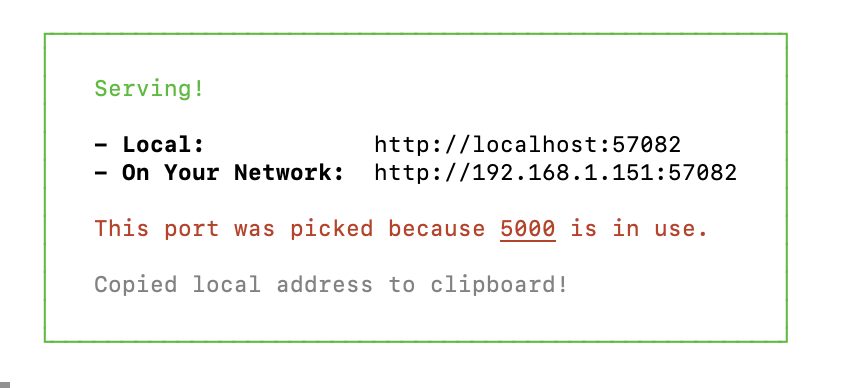
Usage scenario: access to packaged files First you need to install it, just run it directly in the terminal: sudo npm i serve -g --save After the installation is complete, cd to the file you want to a...
Connect SecureCRT
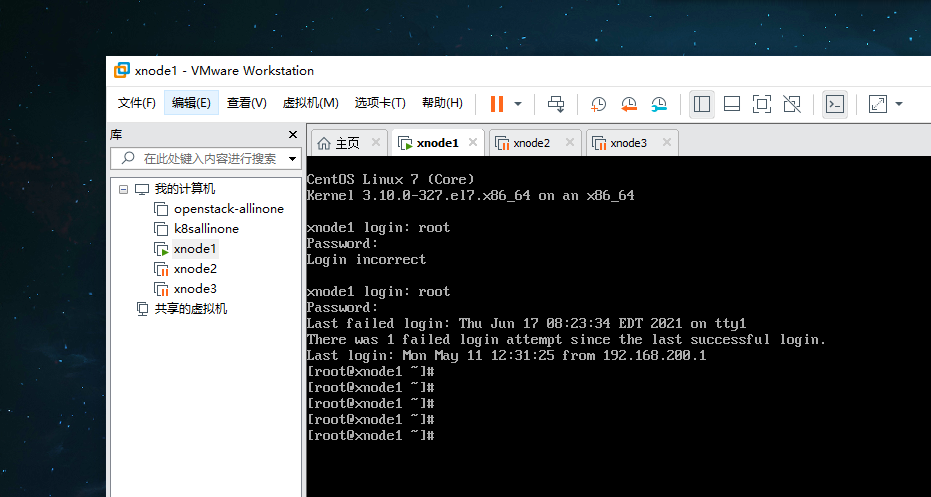
Connect CRT Click to edit Enter the virtual network editor Here I use the second network card VM8 connection CRT Change the subnet IP subnet mask here into the same network segment with the IP address...

SecureCRT failed to connect to CentOS7 - computer is not the same as local ip
Make a note here, I also hope that the small partner who has encountered this problem can see the article successfully resolved. surroundings: CentOS7+secureCRT under Vmware problem: In school crt can...
Use SecureCRT tool in net mode to connect virtual machine and local machine
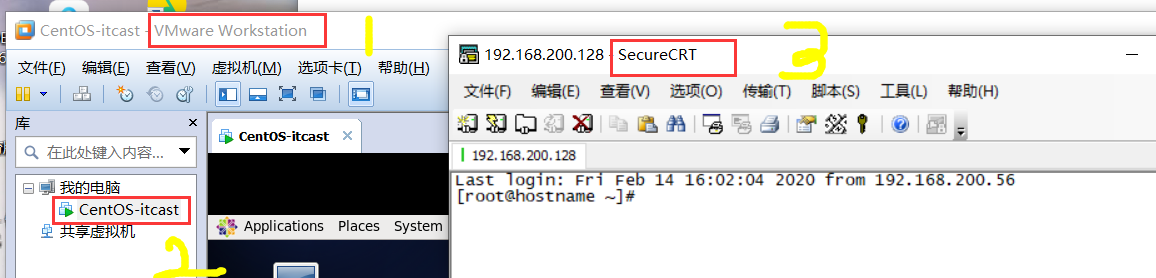
1. First install the following three tools 2. Open the virtual machine-click edit-select net mode 3. Check the virtual machine network mode 4. Set the network IP address of windows First find the netw...
Use SecureCRT to connect to the local virtual machine Linux system
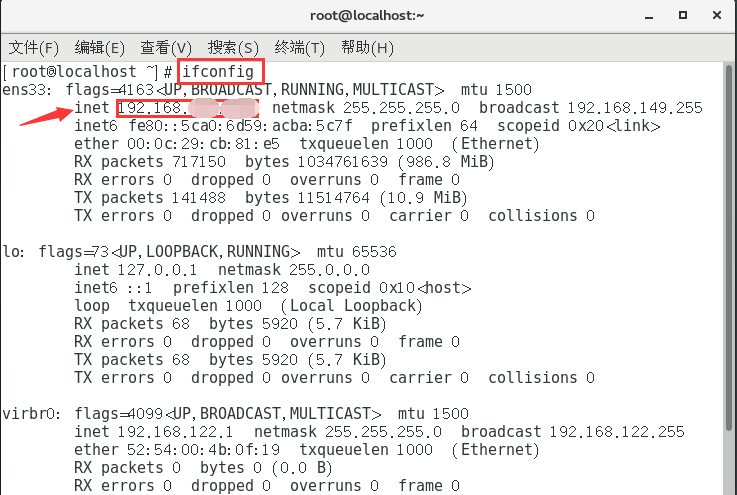
Use SecureCRT to connect to the Linux system in the local virtual machine First, ensure that the virtual machine and the local network are smooth, that is, the Linux system can access the Internet nor...
More Recommendation
MAC secureCRT
...
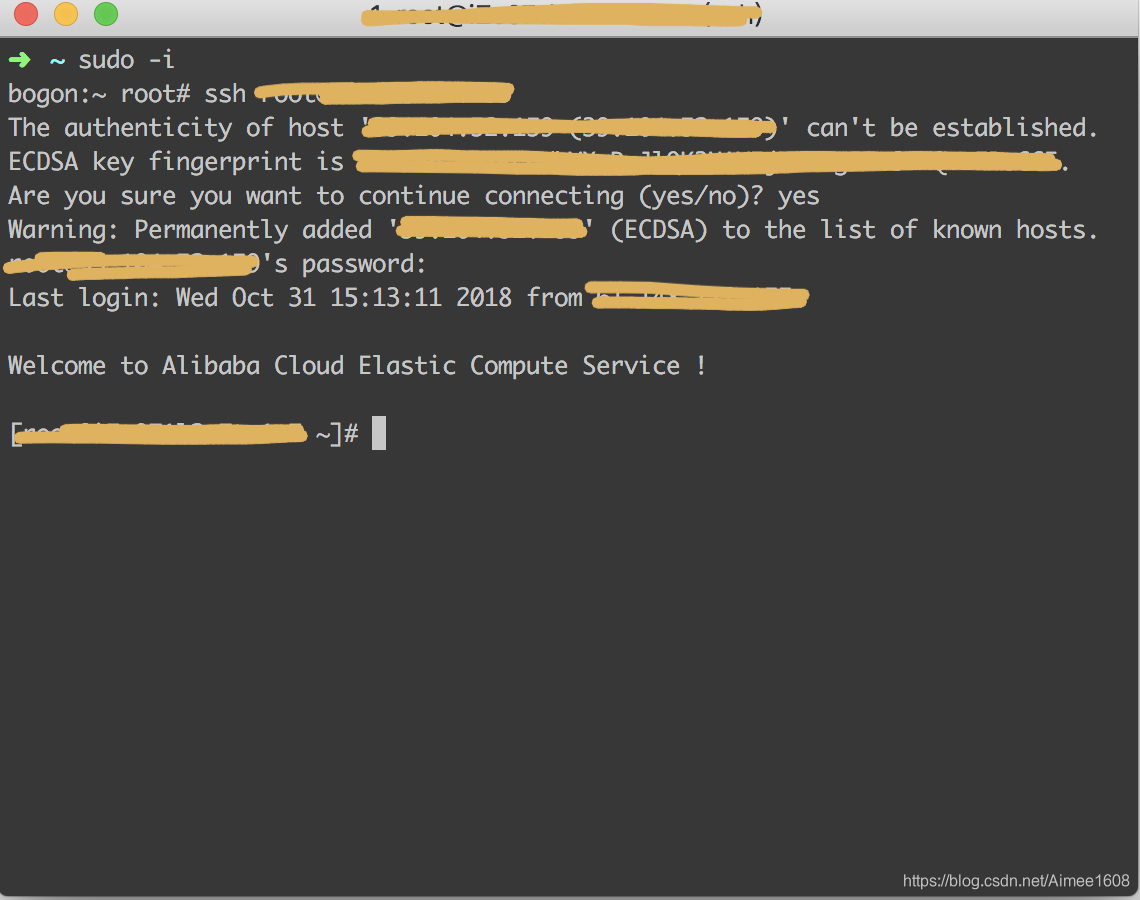
Mac uses the command terminal to connect to the linux server
Open the Mac terminal and switch to root privileges. Connect to the linux server through the ssh command. Then follow the prompts to enter your password to succeed....
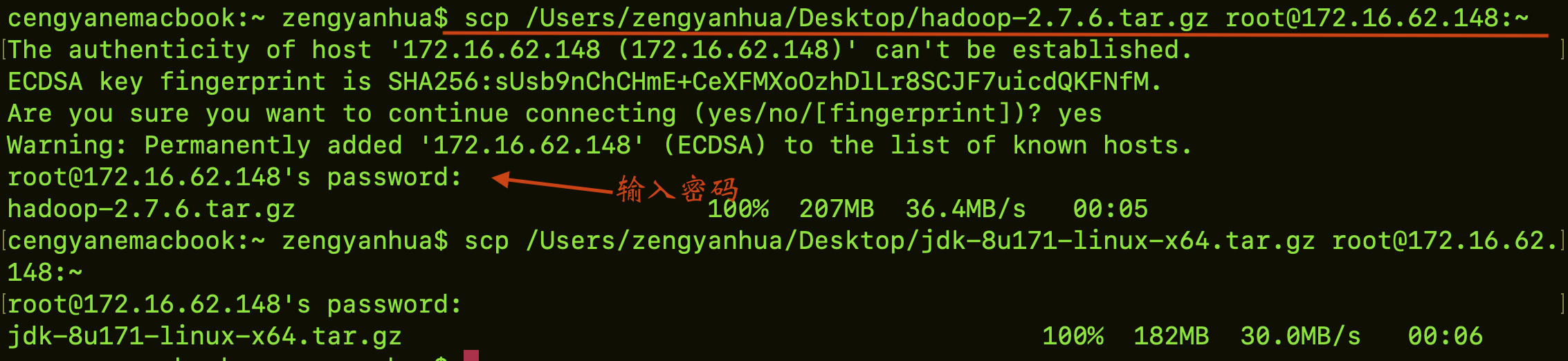
Connect Mac terminal to virtual machine and transfer files
Environment introduction: Macsystem Virtual machine: centos7 Mac terminal to connect to the virtual machine command:ssh -l root+Virtual machine IP address Transfer files from Mac terminal to ce...
Use Mac terminal to connect to Tencent Cloud server
ssh key Log in to Tencent Cloud, open the console, and download the ssh key Execute the following command line in the Mac terminal chmod 400 <The absolute path of the downloaded ssh private key ass...

Connect Ali Cloud Server under Mac Terminal
Under Windows, you can use Xshell to buy Ali Cloud Server After changing the MAC, you can connect directly to the terminal. Open the terminal and enter: After the password is entered, it is OK. Instal...